WiFi 6 makes online gaming steadier in a crowded home, not faster at moving files. It cuts jitter, holds packet loss down and keeps your ping from bouncing when other devices are streaming, but it cannot shorten the physical distance between you and the game server. Getting the honest answer means separating the numbers that decide whether a match feels responsive from the ones that only look good on a speed test.
I have spent enough evenings watching good players lose fights to rubber-banding to be blunt about this: the standard on the router sticker is the least interesting part of your connection. What matters is how steadily your ping holds while you play, and that is where WiFi 6 genuinely earns its place.
Table of Contents
- 1What WiFi 6 Changes for Online Gaming
- 2How WiFi 6 Affects Online Gaming Ping, Latency, and Jitter
- 3How wifi 6 affects online gaming latency, in plain numbers
- 4Why Maximum WiFi Speed Is Not the Same as Gaming Performance
- 5What Changes in a Busy Wireless Network
- 6OFDMA is the feature gamers benefit from most
- 7MU-MIMO, BSS coloring and target wake time explained
- 82.4 GHz, 5 GHz and 6 GHz for gaming
- 9How to Test Whether WiFi 6 Helps Your Gameplay
- 10Run a continuous ping to your own router
- 11Record the numbers in and out of a match
- 12Compare against a wired or older-WiFi baseline
- 13How to Get the Lowest Gaming Latency on WiFi 6
- 14Placement and band selection
- 15Channel width, WMM and firmware
- 16Cut competing load during a match
- 17When Ethernet Is Still the Better Choice
- 18Frequently Asked Questions
- 19Does WiFi 6 reduce lag in online games?
- 20Is WiFi 6 better than WiFi 5 for gaming?
- 21Should I use 2.4 GHz or 5 GHz for online gaming?
- 22Will a WiFi 6 router lower my ping?
- 23Do I need a faster internet plan for WiFi 6 gaming?
- 24Is Ethernet better than WiFi 6 for gaming?
- 25Conclusion
What WiFi 6 Changes for Online Gaming
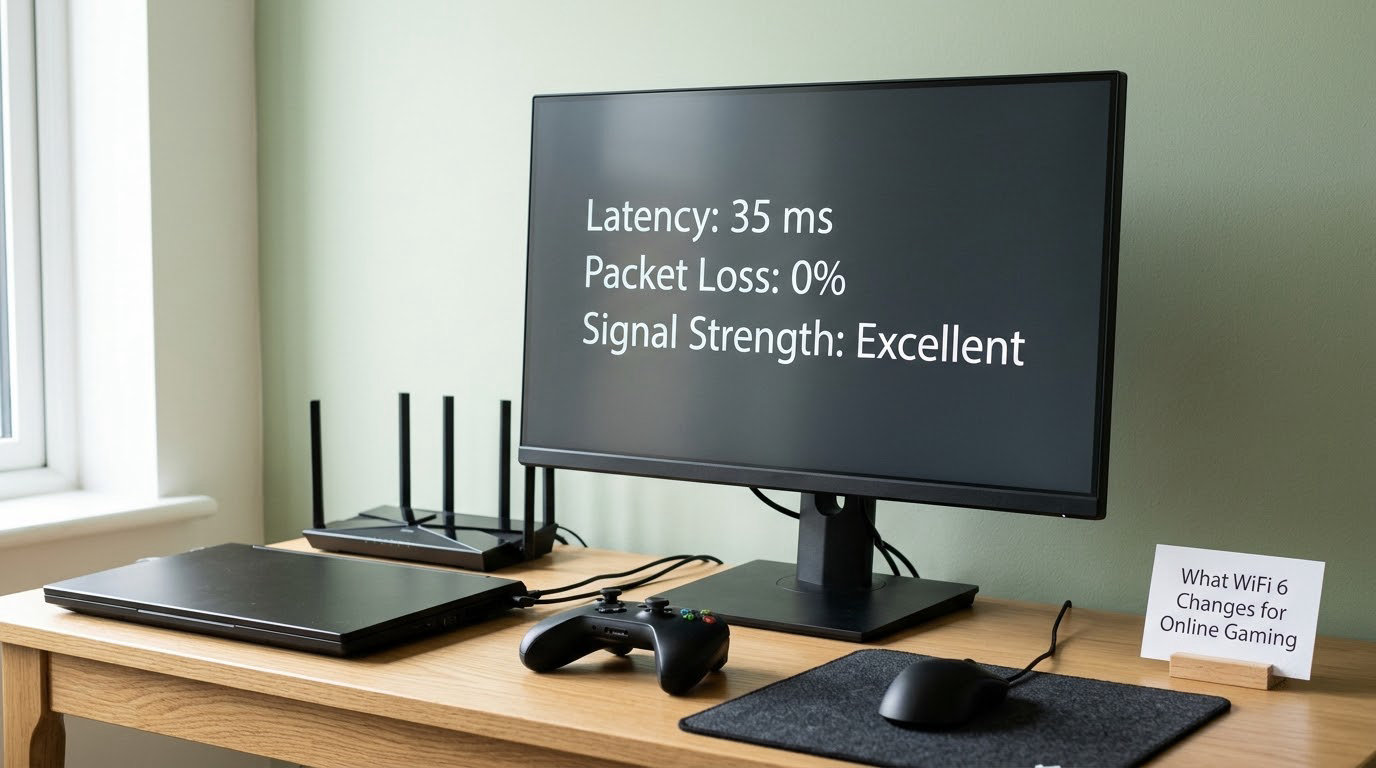
WiFi 6 improves how a wireless network behaves when several devices are active at once, which is why it changes gameplay more than the speed figure suggests. It cannot remove lag caused by distance, interference, a weak signal, a slow upload, or an overloaded game server.
The standard behind the label is 802.11ax, and the practical effect is that a router can serve more devices in fewer airtime slots. In a house with a 4K stream, two consoles and a video call running, that means your game traffic waits less often and arrives more consistently.
What WiFi 6 cannot do is shorten the route your data takes. Your ping has a physical floor set by the distance from your desk to the game server, the ISP in between and any routing decisions they make. No amount of new hardware at your end changes that number.
One vendor test published by Cudy measured roughly 40 percent lower latency and 80 percent lower jitter on a 6 GHz band compared with 5 GHz in the same rooms. That is a real result, and it belongs to one hardware setup, one clean band and one test method. Treat it as a demonstration of what spectrum quality can do rather than a promise for your house.
How WiFi 6 Affects Online Gaming Ping, Latency, and Jitter
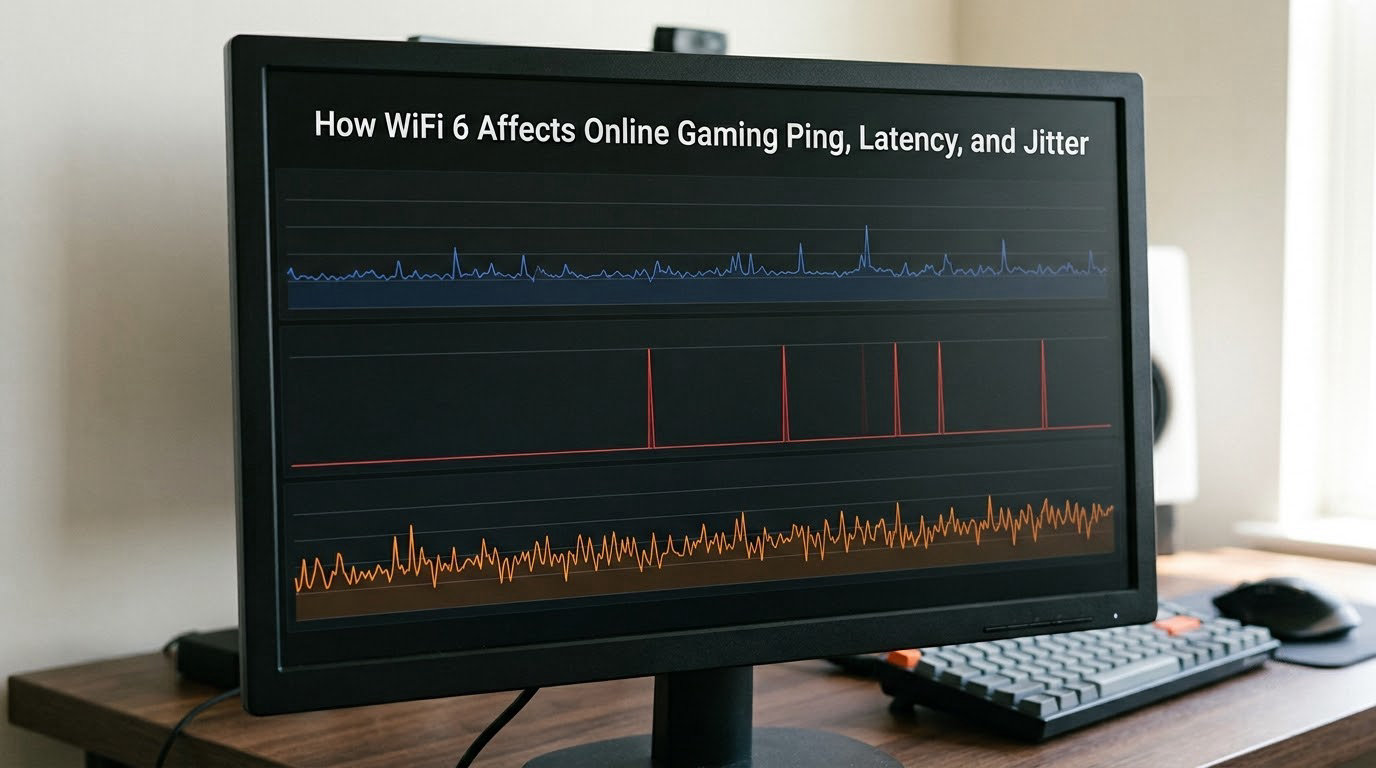
Latency, or ping, is the round-trip delay between your input and the server seeing it. Jitter is how much that delay varies from moment to moment. A connection with 30 ms ping that never moves above 34 ms feels better than one sitting at 22 ms and spiking to 200 ms twice a minute.
Packet loss is data that never arrives at all, and the network retries it. Even a small percentage adds delay, because a lost packet has to be requested again.
Bufferbloat is the one nobody mentions. When your uplink queue fills up, latency for everything else balloons until the queue drains. It is the usual reason a gigabit fibre line still spikes the moment someone starts a large download.
How wifi 6 affects online gaming latency, in plain numbers
Most competitive shooters become noticeably imprecise above 50 ms of average ping, and hit registration suffers first. Fighters are forgiving on ping but punishing on jitter. MMO and survival games tolerate more of both because fights are slower and telegraphed.
| Measurement | Comfortable | Noticeable | Plays badly |
|---|---|---|---|
| Average ping, competitive shooter | Under 30 ms | 30 to 50 ms | Above 50 ms |
| Average ping, MMO or strategy | Under 50 ms | 50 to 90 ms | Above 90 ms |
| Jitter during a match | Under 5 ms variance | 5 to 15 ms | Above 15 ms |
| Packet loss | 0 percent | Under 0.5 percent | Above 1 percent |
Notice how the jitter row is the tightest. That is the whole argument for WiFi 6 in gaming: it is built to hold a connection steady under load, which is the exact failure players describe as lag spikes.
Users on r/Network have linked late hit registration in low-latency shooters to wireless adapter behaviour rather than to their ISP line. If your average ping is fine and the game still feels wrong, look at the spikes.
Why Maximum WiFi Speed Is Not the Same as Gaming Performance
Maximum WiFi speed describes how much data the link can move at once. Gaming performance describes how reliably and how quickly a small amount of data moves. They are related, but only when your link is actually full.
| Factor | What it is | WiFi 6 effect |
|---|---|---|
| Wireless throughput | Peak transfer rate over the air | Rises substantially, especially on 6 GHz |
| Internet speed | What your ISP delivers | No change, your plan sets the ceiling |
| Latency | Round-trip delay to the server | Small improvement from a cleaner, less contended link |
| Jitter | Variation in that delay | The clearest improvement under load |
| Congestion | Contention from other wireless devices | Noticeably better on OFDMA and uplink MU-MIMO hardware |
| Server response time | How long the game server takes to answer | Nothing. A router cannot touch it |
This is why a gigabit WiFi 6 router does not guarantee low ping. A 20 Mbps game download finished instantly at 2 a.m. tells you nothing about how your connection behaves at 9 p.m. when four other devices are awake.
Consensus in r/HomeNetworking puts it plainly: adding bandwidth does not lower latency unless the connection is already maxed out. If your uploads and downloads sit well under your plan’s limits, faster hardware is buying you headroom, not lower ping.
Distance to the server still sets the floor. Players in Pretoria on a 100/100 Mbps line report 28 ms ping, which no router can improve, because that figure is road and routing, not equipment.
What Changes in a Busy Wireless Network
These are the four things WiFi 6 changes, in the order a gamer will notice them: OFDMA, uplink MU-MIMO, BSS coloring, and a scheduling mechanism called target wake time. None of them is magic, and none guarantees a lower ping number on its own.
OFDMA is the feature gamers benefit from most
OFDMA, orthogonal frequency division multiple access, is the technology behind simultaneous transmissions to multiple devices. Older WiFi made every device wait its turn, so one phone downloading a podcast could delay your game packets.
With OFDMA, the router splits one channel into smaller subchannels and serves several devices inside the same transmission window. Fewer waiting games, less contention, and steadier latency when the house is busy. Some routers expose it as a toggle, and the r/linustechtips crowd still argues about whether to turn it on. In most cases, leaving it enabled is fine.
MU-MIMO, BSS coloring and target wake time explained
MU-MIMO was already present in WiFi 5, and WiFi 6 extended it to the uplink so your console or PC can send data while the router receives from other devices. It has a real drawback: earlier MU-MIMO implementations struggled with clients that transmit intermittently, so some older hardware saw worse results. Newer client chipsets largely handle it.
BSS coloring lets neighbouring networks reuse the same channel with a label attached, reducing the retries caused by neighbours. It helps most in apartment buildings and towers.
Target wake time schedules when a device may sleep and when it must listen. It is a battery feature for phones and smart home sensors, and it does almost nothing for a desktop that never sleeps.
Spatial streams and 1024-QAM are throughput tools. The 1024-QAM modulation packs more data into the same airtime at the cost of a stricter signal requirement, so a marginal signal can behave worse rather than better.
2.4 GHz, 5 GHz and 6 GHz for gaming
| Band | Range | Interference | Latency stability | Best gaming use |
|---|---|---|---|---|
| 2.4 GHz | Longest | High, shared with Bluetooth and neighbours | Poor when congested | Backup for very distant rooms |
| 5 GHz | Medium | Low to moderate | Good | Default choice for a gaming desk |
| 6 GHz (WiFi 6E) | Shortest | Very low, clean spectrum | Best | Same room, competitive play, VR |
Answering the 2.4 versus 5 GHz question directly: use 5 GHz. 2.4 GHz travels further but shares spectrum with everything else in the building, and that congestion is exactly what shows up as jitter during a match.
How to Test Whether WiFi 6 Helps Your Gameplay
You can answer this yourself in about ten minutes, and the test is more convincing than any spec sheet. Repeat it in the same spot at the same time of day, because evening congestion changes the result.
Run a continuous ping to your own router
Open a command prompt or terminal and ping your router’s gateway address continuously. On Windows, run ping 192.168.1.1 -t. Your gateway address is usually 192.168.0.1 or 192.168.1.1 unless your ISP router uses something else.
If those numbers stay within a millisecond or two, your local wireless hop is clean and your lag lives somewhere further out. If they swing by 20 ms, no ISP upgrade will help you, and the router, adapter or signal is the place to work.
Record the numbers in and out of a match
Start a continuous ping to the game server or a neutral host, then note your idle readings. Play one full match with the same ping running and note the average, the highest spike and how often spikes happened.
Record three things: average latency, the worst spike, and the gap between idle and in-game. A router that holds steady across both is doing its job. A router that adds 20 ms only under game load has a bufferbloat problem or a weak uplink.
Compare against a wired or older-WiFi baseline
Plug a laptop into Ethernet with a cable, run the same test, then repeat it on the WiFi 5 adapter your machine shipped with if you still have it. The difference between those three sets of numbers is the actual answer to whether upgrading paid off for you.
If your wired run shows 1 to 2 ms of local jitter and your WiFi 6 run shows 8, the wireless hop is your problem. Users on r/wifi routinely report WiFi 6 landing 1 to 2 ms behind gigabit Ethernet for ping, which is the honest size of the gap.
How to Get the Lowest Gaming Latency on WiFi 6
Once the hardware is in, a handful of changes do more for gameplay than any router tier. Menu names vary by brand and by the app you use, so treat these as the settings to look for rather than exact click paths.
Placement and band selection
Put the router in the open, off the floor and away from microwaves, cordless phone bases and metal. Signal strength matters more than band choice, so a 5 GHz network in the right room beats a 6 GHz network behind a wall.
For a desktop, connect on 5 GHz or 6 GHz. Reserve 2.4 GHz for phones, printers and anything roaming the house. If your router has a smart connect or band steering feature that moves devices automatically, pinning the gaming machine manually avoids surprises mid-match.
Channel width, WMM and firmware
On 5 GHz, 80 MHz channels are the sensible default for gaming, and 160 MHz mainly buys throughput. A narrower channel means less congestion in a busy building, which can matter more than the extra width. On 6 GHz, 160 MHz channels are cleaner because that band has far less traffic on it.
Check that WMM, also called QoS or Wi-Fi Multimedia, is enabled. It prioritises delay-sensitive traffic over bulk transfers, which is the single most useful toggle on most gaming routers.
Update the router firmware and your wireless adapter drivers. Outdated drivers are a common cause of erratic spikes that people blame on the ISP for months.
Cut competing load during a match
Pause cloud backups, large console downloads and 4K streams before a session. On a congested uplink, bufferbloat will undo every benefit of the standard, and no setting compensates for a full queue.
One more check: make sure your gaming device is the only one on that band. A smart TV downloading in the background produces the exact symptoms players blame on WiFi 6.
When Ethernet Is Still the Better Choice
Ethernet stays the better choice for competitive shooters, VR streaming and any home with heavy simultaneous traffic. It removes radio contention entirely, which is why wired measurements beat WiFi in nearly every setup.
VR is the clearest case. A user on r/virtualreality measured 20 to 28 ms of latency over a WiFi 6 mesh system while streaming at a 100 Mbps bitrate, and their stream still broke down. Bitrate was not the constraint, jitter was.
That is not an argument against WiFi 6. A living room console a few metres from the router, or a laptop nobody wants to cable, will do fine on a 5 GHz WiFi 6 network.
The practical rule: wire the device you play ranked matches on, and let WiFi 6 handle everything else. Then you get the stability where it counts without pretending the cable is optional for everyone.
Frequently Asked Questions
Does WiFi 6 reduce lag in online games?
It reduces one specific kind of lag: the jitter and packet loss that appear when your wireless network is busy with other devices. It cannot reduce lag caused by distance to the game server, ISP routing or a slow upload. In a crowded home, a WiFi 6 network usually feels steadier. In an empty house, the difference from WiFi 5 is usually small.
Is WiFi 6 better than WiFi 5 for gaming?
For a modern router, yes, mainly because of OFDMA and uplink MU-MIMO, which handle several active devices without making your game wait. On an uncontended network the ping difference is often only a millisecond or two. Upgrade for consistency in a busy house, not for a lower headline number.
Should I use 2.4 GHz or 5 GHz for online gaming?
Use 5 GHz for a gaming desk. It has plenty of bandwidth for online play and far less contention than 2.4 GHz, which is shared with Bluetooth devices and every neighbour in the building. Reserve 2.4 GHz for phones, IoT gear and rooms too distant for 5 GHz to hold a stable signal.
Will a WiFi 6 router lower my ping?
Only a little, and only in some situations. It can cut local delay and stabilise jitter when your wireless network is congested, so a spike-prone connection becomes steadier. Your average ping floor is set by the distance to the server and the route your data takes, and no router changes that. Test a continuous ping to your gateway first to see whether your wireless hop is even the problem.
Do I need a faster internet plan for WiFi 6 gaming?
Usually not. Most online games need a few megabits and care far more about latency than speed. A faster plan helps when your uploads sit near the plan limit, because a full uplink queue causes bufferbloat and latency spikes. Check your upload usage during a normal evening before spending more per month.
Is Ethernet better than WiFi 6 for gaming?
Ethernet is more dependable, and that is why it is still the standard for competitive play and VR streaming. It has no radio contention, no interference and no channel sharing, so its latency is flat. WiFi 6 is the better option when a cable is impractical. If you can run a cable to the machine you play ranked matches on, do that.
Conclusion
Start by measuring, not shopping. Run a continuous ping to your router for a few minutes, note the worst spike rather than the average, and do it at the hour you actually play.
If those numbers hold steady, your wireless hop is fine and no upgrade will help. If they jump, fix the congestion first: correct band, sensible channel width, WMM on, firmware current, and competing downloads paused.
Upgrade to WiFi 6 when the diagnosis points at wireless contention. Wire the machine you play ranked matches on. Either way, judge the result on how steady your ping feels, not on the number printed next to the standard.