Account linking is how one identity gets recognised across several sign-in systems, so a single profile holds your progress instead of a separate save on every console, storefront and device. Understanding how account linking works between platforms comes down to three things: which identity holds your data, which platform is allowed to vouch for you, and what you agreed to share when you approved the connection.
Most players only think about this the day they buy a handheld or start a new game on PC and realise their old character is nowhere to be seen. Here is the whole system, from what a link actually is to what to do when one refuses to work.
Table of Contents
- 1What Is Account Linking?
- 2How Account Linking Works Between Platforms
- 3What Data Can Platforms Share?
- 4Why Game Services Ask You to Link Accounts
- 5Is Account Linking Safe?
- 6What Happens to Privacy and Control?
- 7How to Troubleshoot a Link That Does Not Work
- 8Frequently Asked Questions
- 9Does account linking transfer my game progress?
- 10Do platforms share my password when I link accounts?
- 11Can I use one game account with different platform accounts?
- 12How do I unlink a platform from my game account?
- 13Why does my newly linked account not show my old progress?
- 14What should I do if a platform says my account is already linked?
- 15Conclusion: Start With the Official Link Page
What Is Account Linking?
Account linking connects two or more platform accounts — Steam, PlayStation Network, Xbox, an Epic Games account, or a publisher’s own hub account — to one profile. Once linked, the publisher recognises all of them as the same player and can serve the same unlocks, inventory and eligible purchases no matter which one you sign in with.
The reason services bother is that every platform account is sealed off by default. A console login, a PC storefront login and a publisher login each keep their own walled garden, and none of them can read the others’ records. Linking punches a controlled hole in that wall so a single backend knows you own all three.
It is not the same thing as cross-play. Cross-play is about who you can match with; linking is about whose save you load. Plenty of games have one without the other, and a game can support cross-play while keeping two separate progress tracks that never touch.
When you approve a link, you are agreeing to share a small identifier with the other side, not handing over the keys to your account. What sits in that identifier depends on the service, which is why the permission screen is worth reading before you click.
How Account Linking Works Between Platforms
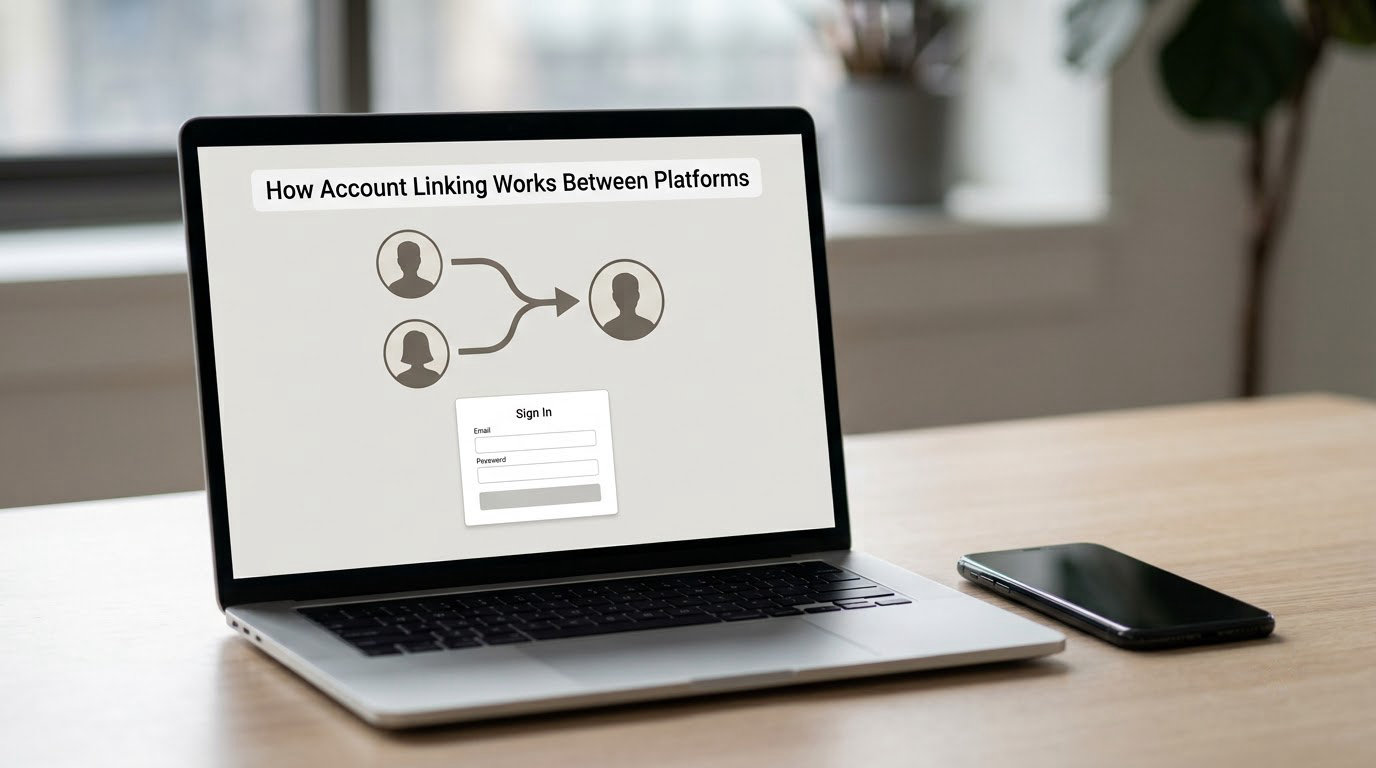
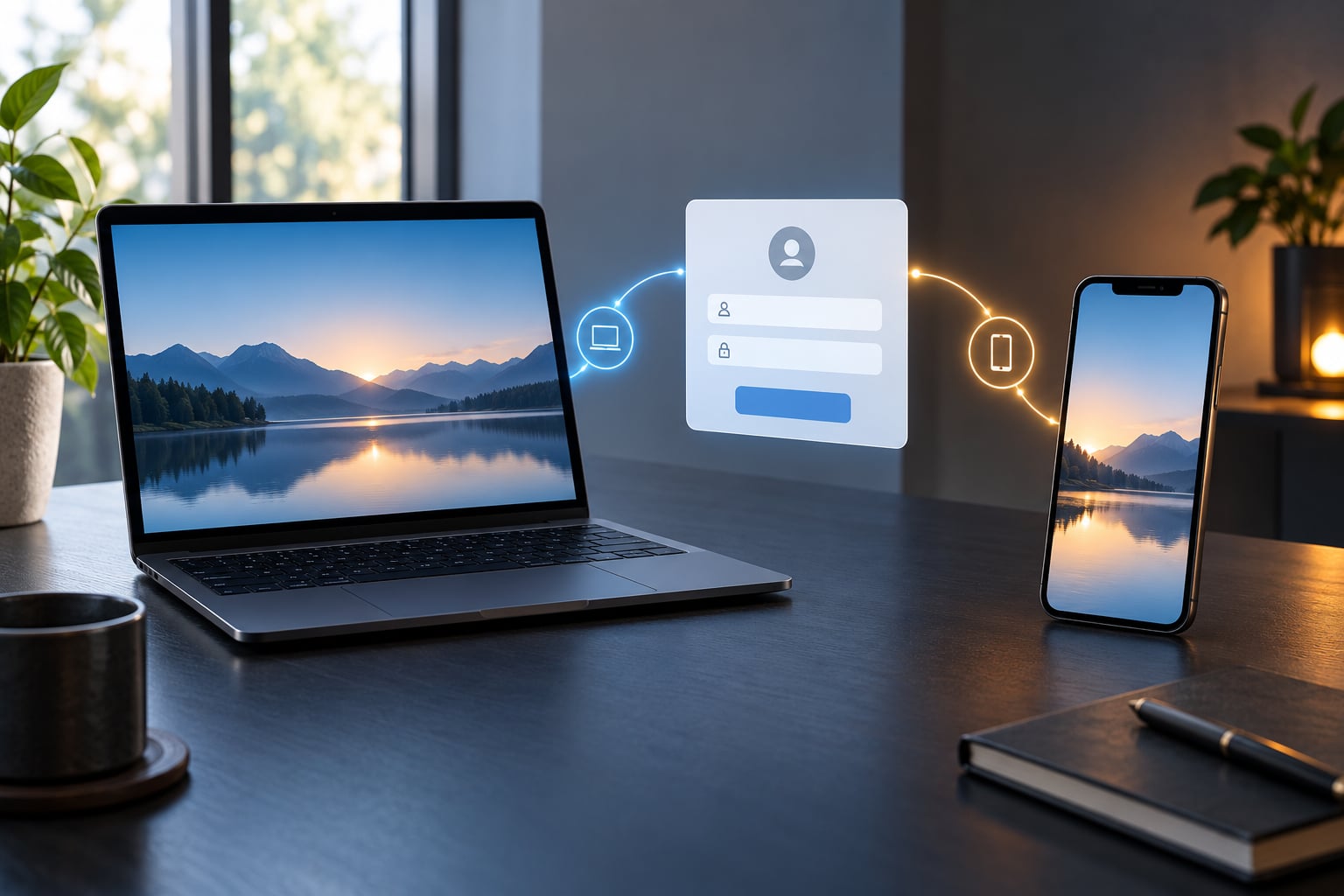
Account linking works by pointing several login systems at one shared identity. You sign in with the account you already use, mark it as the primary identity, authorise a second platform, and the publisher’s backend maps both to the same player record.
- Start from the service or game, not the storefront. Linking usually lives in the game’s own settings, in a section called something like Account, Connections or Linked Accounts, or on the publisher’s account page.
- Sign in with the account that holds your progress. This is the identity that already has the levels, unlocks and inventory you want to keep.
- Designate it as primary. Most systems let one account be the active source of truth, and some impose a waiting period before you can change that choice.
- Authorise the second platform. The other service opens its own sign-in window on its own domain, so you confirm there rather than typing a password into a game’s page.
- Confirm and test. Return to the game, reload, and check that your unlocks are there before you play for long.
If the link works, progress resolves against the primary identity every time you launch. If it doesn’t, your save is still sitting on the other account, unchanged and waiting.
What Data Can Platforms Share?
The shared payload is narrower than most people expect. Usually it is an account identifier, a display name, an avatar and an email address, plus whatever the game needs such as friend lists, recent activity, competitive rank or subscription status.
Permissions vary by service, and that difference matters. Some links are read-only, meaning the other platform can confirm who you are but cannot change anything on the game side. Others are bidirectional and let purchases or unlocks made on one storefront show up on the other, which is where store licensing rules start limiting things.
Free-to-play profiles commonly exchange battle pass tier, premium currency and account level, while competitive titles often deliberately keep rank, leaderboard position and matchmaking pool per platform. Players read that as a bug; it is usually an anti-cheat decision, because a shared ladder would let one region’s players compete on another’s terms.
Why Game Services Ask You to Link Accounts
Publishers push linking hard because it solves real problems for players. Without it, buying a new console or moving to PC means starting again, and years of unlocks stay trapped on hardware you no longer use.
- One login for everything. A single sign-in replaces separate console and PC credentials, and recovery becomes a single account to check rather than three.
- Progress that follows you. Levels, gear, characters and eligible purchased items carry across devices, so a session started on a console can continue on a laptop without a reset.
- Shared inventory and cosmetics. Skins and items earned once are usable on every linked platform, subject to what each storefront licenses.
- Friends and social features. Party invites, cross-platform friends lists and shared events need the accounts to know each other.
- Account recovery. A verified second platform account is often the fastest way to prove you are the owner when support asks for it.
- Platform rewards. Some titles grant items, currency or subscription perks only when accounts are linked, which is how console makers keep players inside their ecosystems.
There is a business motive underneath all of it too. Publishers like the idea of one profile per human, since it keeps a player inside the game across every device they own.
Is Account Linking Safe?
The short answer is yes, provided the flow happens where you expect it to. The long answer is that account linking uses the same authorisation model as any app that talks to another service on your behalf, and the whole safety of that model rests on you noticing where you are when you approve it.
- Check the address bar before you authorise. Legitimate flows move you to the platform’s own domain. A look-alike domain with a stray character or a misspelled brand is the single most common phishing pattern in this whole process.
- Use the game’s own menu. Starting from the publisher’s site or the game itself is far safer than following a link from a forum post or a video comment.
- Read the permission list. A request for your basic profile is normal. A request for contacts, files or payment details is not, and nothing in account linking needs it.
- Never type your platform password into the game. Authorisation happens on the platform’s own page. If a game’s window asks for your console password, stop.
- Turn on two-factor authentication first. Linking two accounts doubles the sign-in surface, so secure the accounts before you connect them.
Nothing you approve gives the other side your password or a copy of your payment details. It grants permission to confirm your identity and, depending on the game, to pass account status information back and forth.
What Happens to Privacy and Control?
You keep the controls, though most players never open them. Every service that links accounts offers some form of disconnect, usually sitting in the same settings panel where you connected in the first place.
Unlinking stops the future flow of information between the two identities. It does not necessarily erase what has already passed between them, and it does not move your progress anywhere. Your save stays on whichever account owns it.
This is the distinction people get wrong most often, so it is worth being blunt about it.
| Action | What it changes | What it does not change |
|---|---|---|
| Revoke or unlink | Stops the connection and future sharing | Progress, purchases and prior records |
| Delete a linked platform account | Removes that login and its platform records | The profile on the publisher’s other account |
| Delete your publisher profile | Removes the profile that holds the linked progress | Anything already earned in a platform wallet |
Retention varies. Some publishers delete the linking record the moment you disconnect. Others keep a note of the link for security investigations, so a support ticket months later can still show which accounts were connected.
Privacy settings inside the game usually control a separate thing: whether your profile, activity status or friend list is visible to other players. That is a display choice, not a linking choice, and the two are often in different menus.
How to Troubleshoot a Link That Does Not Work
Most failures come from the same handful of causes, and the error message usually names one of them. Work down this list in order rather than reinstalling anything.
- Confirm which identity is primary. The most common report is a link that looks successful but shows a fresh account with no progress. Check the primary account setting and make sure it points at the account that holds your unlocks.
- Re-authorise the second platform. Approvals expire or get revoked when a password changes or two-factor settings are updated. Sign out of both services and run the authorisation again.
- Look for a stale sign-in window. Old authorisation tabs held open in your browser can authorise the wrong account. Close every tab for the service and start the flow fresh.
- Check regional restrictions. Some services refuse links between accounts registered in different countries or regions, and the error rarely explains itself.
- Verify you used the correct login provider. Several storefronts offer both a native account and a third-party login. Linking the wrong one creates an empty profile that is genuinely separate from your real one.
- Clear cookies for the game and the platform sites. Stale session data is a common culprit on desktop browsers, and clearing site data resolves it more often than anything else.
- Wait out any cooldown. Games that limit how often you can switch the primary account block immediate changes by design, and the timer is usually shown next to the setting.
- Check for a duplicate account on the other side. If one of your platform accounts is already attached to a different publisher profile, the game may refuse to connect it here.
If the platform account never appears in the linking prompt at all, work backwards. Create or sign into the publisher’s hub account first, link it to the platform accounts one at a time, then pick the account with the most progress as primary. Players on r/deadbydaylight describe that exact order as the fix for accounts that would not connect.
When all of that fails, contact the publisher’s support and give them your platform identifiers, the game, the exact error text and a screenshot of the prompt. Support cannot help with “linking is broken” but they can act on a ticket with a screenshot and an account ID.
One warning about your data before you experiment. Players on r/ARC Raiders have reported wiping their progress while trying to link a Steam account to a PlayStation one, and the game crashing afterwards. Take a note of your current levels and unlocks first, so if anything looks wrong you can prove what the account held before.
Frequently Asked Questions
Does account linking transfer my game progress?
Linking itself moves nothing. Your progress stays on the account that earned it, and the game resolves what to show from whichever account you marked primary. If you pick the account with the most progress as primary, that is the version you see everywhere. Items you already bought stay on the storefront account you bought them on unless the publisher explicitly licenses them elsewhere.
Do platforms share my password when I link accounts?
No. The authorising platform confirms who you are through its own sign-in flow and hands back a token the game can verify. Your password never leaves the platform and is never stored by the game. If a window inside a game asks you to type your console or storefront password directly, close it, because that is not how linking works.
Can I use one game account with different platform accounts?
Yes, and that is the entire point. Once your console account, PC storefront account and publisher account all point at one profile, you can sign in from any of them and reach the same unlocks. The limits come from the publisher rather than the platform, and competitive titles often keep rank, leaderboards or reward tiers separate per platform by design.
How do I unlink a platform from my game account?
Open the account or connections section of the game, find the platform you want to remove, and choose the remove or unlink option. Some games require a waiting period before you can attach a different account to that slot, and some publishers treat a removal as permanent for that game. Your progress does not move or disappear when you disconnect.
Why does my newly linked account not show my old progress?
Almost always because the wrong account is marked as primary, so the game loads the empty profile instead of your real one. Go back into the linking settings and confirm the primary account is the one holding your levels and unlocks. Players report fixing this instantly, including cases where a Steam Deck launch kept showing a level one account until the primary was corrected.
What should I do if a platform says my account is already linked?
It means that platform account is already attached to another profile, usually a publisher hub account you created earlier. Open the linking settings on the other side and check which profile holds it, or unlink it there first before reconnecting through the game. Responders on the EA forums are blunt about this one: separately created accounts cannot be merged, only linked going forward.
Conclusion: Start With the Official Link Page
If you take one thing from this guide, start the flow from the game’s own settings or the publisher’s official account page, not from a link somebody posted. Pick the platform account that already holds your progress, mark it as primary, read the permission list, then confirm the second platform and test the connection before you play.
That order takes about five minutes and it prevents nearly every complaint players bring to support.