A game subscription service is a recurring membership that gives you access to a catalog of games, either by downloading them to your own hardware or by streaming them from a data centre. The main differences between them are catalog size, day-one first-party access, which hardware they run on, what happens to your saves when a game leaves, and how much of the service you can actually use without owning the right console.
The short version: Xbox Game Pass is the strongest pick for PC players and for day-one access to first-party releases, PlayStation Plus is the better fit if your games live on a PlayStation, and Nintendo Switch Online is close to mandatory if you play online on a Switch. Cloud and publisher services add value for a narrower set of players. This guide breaks down how game subscription services compare without pretending the catalogue numbers settle everything.
Two things to keep in mind before you read on. Prices, tier names and included games change several times a year, so verify anything you plan to pay for on the official service pages. And nothing here is a recommendation to buy; you own the decision.
Table of Contents
- 1How Game Subscription Services Compare at a Glance
- 2What Each Game Subscription Service Includes
- 3Recurring access is not ownership
- 4What the tiers actually change
- 5How Game Subscription Services Compare on Game Catalogs
- 6How Game Subscription Services Compare on Price and Value
- 7When buying outright wins
- 8Stacking two cheap plans against one premium tier
- 9How Game Subscription Services Compare Across Platforms
- 10How Game Subscription Services Compare for Online and Browser Players
- 11How Game Subscription Services Compare on Cloud and Device Flexibility
- 12How Game Subscription Services Compare on Cancellations, Sales, and Replay Value
- 13Which Should You Choose?
- 14Frequently Asked Questions
- 15Which game subscription service offers the best value for most players?
- 16Is it cheaper to choose a monthly or annual game subscription plan?
- 17Do game subscription services include free-to-play games?
- 18Do I keep games bought through a subscription if I cancel?
- 19Can a game subscription give me access to MMOs or browser games?
- 20Conclusion
How Game Subscription Services Compare at a Glance
The table below lines up the four services most players actually compare, using relative positions rather than fixed prices.
| Service | Entry cost position | Hardware it runs on | Catalog model | Online multiplayer | Cloud gaming | Best fit |
|---|---|---|---|---|---|---|
| Xbox Game Pass | Mid to high, depending on tier | Xbox consoles, PC, cloud, TV | Large rotating catalog plus day-one first-party titles | Yes, covered by most tiers | Yes, included on higher tiers | PC players and Xbox owners |
| PlayStation Plus | Low entry tier, higher mid tier | PlayStation consoles, TV streaming, PC for a limited set | Back catalog plus a smaller set of recent first-party games | Yes, on every tier | Yes, on the top tier only | PS5 and PS4 owners |
| Nintendo Switch Online | Low, with a family option | Nintendo Switch handhelds and hybrid consoles, TV | Small handpicked catalog plus a retro library | Yes, and this is the main reason to pay | Not a core feature | Switch players who play online |
| Cloud and publisher services | Low to mid, usually standalone | PC, TV, phones, tablets, consoles in some cases | Your own library, or one publisher’s catalog | Varies by service | That is the whole service | Players without a console, or fans of one publisher |
Read across the rows and the pattern is obvious: the console services are built around one hardware ecosystem, and the cloud services are built around a fast internet connection. That single distinction explains most of the differences that follow.
What Each Game Subscription Service Includes
Every service in this guide falls into one of two licensing models. In the download model you install the game locally and play it at full speed, but your access depends on an active subscription and can be revoked if you stop paying. In the streaming model the game runs on someone else’s hardware and arrives as video, so your internet connection and latency matter more than your console does.
The services compared here are the four console ecosystems first, then the cloud and publisher services that sit alongside them: Xbox Game Pass, PlayStation Plus, Nintendo Switch Online, plus streaming options and single-publisher memberships such as EA Play, Ubisoft+ and Humble Choice.
Recurring access is not ownership
This is the distinction most first-time subscribers miss. A subscription rents you access to a catalog that the publisher can change. Buying a game gives you a permanent licence to play that specific title, with no recurring cost and no risk of removal.
Free-to-play games sit outside the model entirely. They need no subscription at all, and the biggest names in that category are already playable by anyone with the right hardware.
What the tiers actually change
Each platform sells the same basic idea at three levels. Xbox splits into Core, Standard and Ultimate. PlayStation uses Essential, Extra and Premium. Nintendo has a base subscription and an Expansion Pack, with a family plan for multi-account households.
The ladder usually adds the same three things as you climb it: the online features that make multiplayer work, a bigger back catalog, and cloud streaming. Introductory pricing on lower tiers is a promotional rate rather than the standing price, so treat it as a trial window.
How Game Subscription Services Compare on Game Catalogs
Game Pass has the widest catalogue by volume, and it is the only one of the big three that regularly puts first-party Xbox games into the service on their release day. That day-one habit is the single biggest reason PC players gravitate to it.
PlayStation Plus holds the strongest position in narrative exclusives and in catalogue curation, but its recent-release portion is a small list that changes. The rest of its value is back catalog, which is deeper and cheaper per title than the newest games.
Nintendo Switch Online does not compete on volume at all. Its catalogue is a short handpicked list, and its differentiator is online multiplayer plus retro libraries covering older Nintendo hardware and, on newer Switch models, GameCube titles.
Headline catalogue counts are misleading in a specific way. A number quoted in the hundreds includes every title the service has ever carried, not what you can start today. The number that matters is how many games in the catalog you would actually want to play this month, and how long each of them stays.
Regional differences add another wrinkle. Availability and prices vary by country, and a game shown in a US store account may not appear in another region at all. Check your own store page rather than a global list.
How Game Subscription Services Compare on Price and Value
Cost follows a predictable shape once you remove the exact numbers: the entry tiers are the cheapest monthly commitments, the mid tiers cost meaningfully more, and the top tiers are the premium tier of their platform.
| Commitment | Typical shape | Who it suits |
|---|---|---|
| Entry tier, billed monthly | Lowest monthly cost, thinnest catalog | Players who mainly need online multiplayer |
| Mid tier, billed monthly | Higher monthly cost, most of the catalog | Players who finish one or two games a month |
| Top tier, billed monthly | Highest monthly cost, everything included | Players who want cloud streaming and day-one titles |
| Any tier, billed annually | Usually cheaper per month than monthly billing | Players who already know they will stay a year |
| Family plan | One payment, several accounts | Households sharing one subscription |
| Single-publisher plan | Low to mid, one studio’s catalog | Players loyal to one franchise |
When buying outright wins
Do the arithmetic honestly. If you play one live-service game all year, a year of the most expensive premium tier costs more than buying that one title outright, and you keep it forever. The same is true if you only finish a game every few months and never go back to anything you already finished.
Subscriptions invert nicely once you are consistently starting more games than you finish, which is common for players who sample a lot and commit to little.
Stacking two cheap plans against one premium tier
Worth naming because no major roundup does it: two entry-level or mid-tier subscriptions can cost less per year than a single premium tier and together give you online multiplayer on two ecosystems plus a mid-sized catalog on each. You trade away day-one first-party access and cloud streaming, and you juggle two renewal dates.
There is also a loyalty discount angle. Long-running members of some services receive periodic discounts on games they have already played or completed, which quietly lowers the cost of keeping old purchases.
How Game Subscription Services Compare Across Platforms
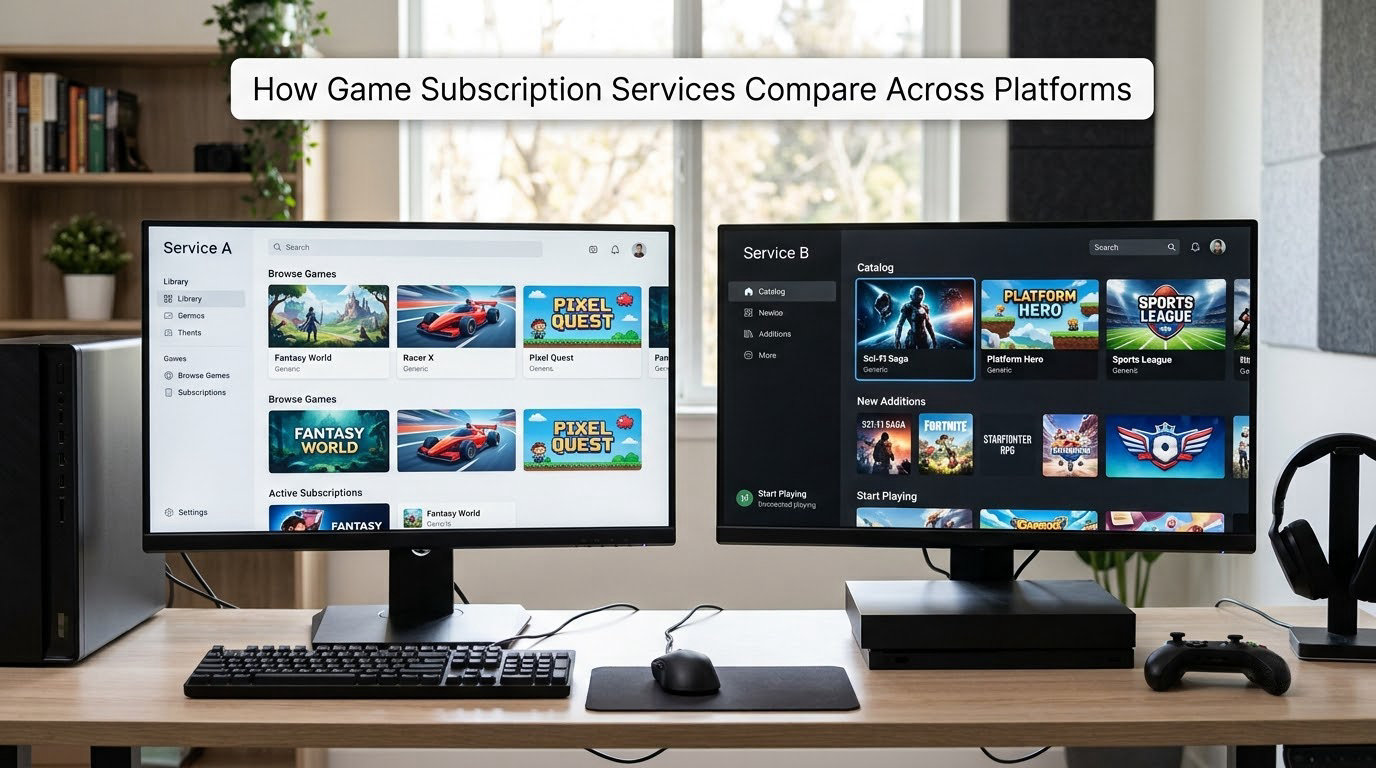
This is where most wrong purchases happen. The console services are not portable to rival hardware. A PlayStation Plus subscription does not give you a catalogue of Xbox games, and a Game Pass subscription does nothing for a PlayStation owner beyond the cloud stream on a supported TV.
PC is the exception that proves the rule. PC Game Pass is the one place where a console subscription delivers a genuinely large non-console library, which is why the PC Game Pass app is the natural choice for anyone without an Xbox console.
Players report the PC Game Pass app as functional but unpolished next to Steam, with slower downloads and a less familiar store layout. If buying is your default habit, the friction matters.
Browsers and smart TVs are usually cloud streaming in disguise, which means a controller and a good connection. Handheld Switch models run some services natively, and Nintendo’s own subscription works across the handheld and hybrid console family without any streaming at all.
How Game Subscription Services Compare for Online and Browser Players
Online multiplayer is the one feature every console owner needs regardless of catalogue size. On PlayStation and Nintendo it is bundled with the subscription you already need, which makes those services feel essential rather than optional for players who game online.
Large multiplayer games are the trap here. A subscription rarely includes the base game of a major MMO, and many live-service games charge their own monthly fee on top. A handful of subscription games also gate their expansions behind a separate purchase, so you can hold the base game and still hit a wall.
Browser play is genuinely separate from cloud streaming. Browsing a service’s site and pressing play streams the game to you, so it needs bandwidth and a controller, and it is not a downloadable client. Anyone planning to play mainly through a browser should test their connection and controller pairing before paying for a year.
Friend discovery is another quiet factor. Services with strong social features make it easier to find people to play with, and cross-save or cross-progression support lets you carry progress between console and PC versions of the same game. Not every title supports this, so check per game rather than per service.
Before you subscribe for a specific title, read that game’s own requirements. Server availability, regional matchmaking and expansion access are all set by the publisher, not the subscription.
How Game Subscription Services Compare on Cloud and Device Flexibility
Cloud streaming, remote play and browser access are three different features and get confused constantly. Cloud streaming runs the game on a rented server. Remote play streams your own console to another device on your network. Browser access is a delivery method for the first one.
The cloud tiers are the most flexible and the most demanding. They run on TVs, phones, tablets and consoles, usually let you link a controller, and cost the most. Latency is the deciding factor: on a wired connection in a region with nearby servers, most people stop noticing, and on congested Wi-Fi in a distant region it becomes obvious.
Streaming services that run your own library work the other way around. You buy games wherever you normally would, then stream them instead of running them locally, which means lower-end hardware can still play demanding titles. The catch is the same internet requirement, plus the fact that a library you do not own is not playable at all.
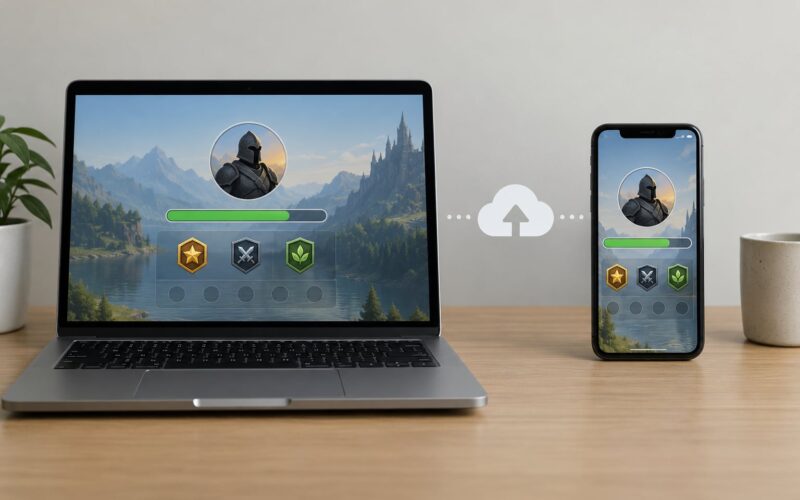
Local saves are worth checking before you commit. Some streamed games push saves to the cloud, some require you to keep playing on the original hardware, and a few do not support either, which can block progress on a single-player game.
How Game Subscription Services Compare on Cancellations, Sales, and Replay Value
Cancellation rules are where these services differ most and where the marketing is thinnest. Most run on auto-renewal, so forgetting to cancel simply charges you again, and annual plans commit you for the year. Turn on a renewal reminder or use a store gift card balance instead.
What you keep after cancelling depends on what you have. Games you bought outright through the store stay yours. Games you downloaded from the catalogue generally lose access, and some are re-purchasable at a discount if you owned them at the time you cancel. Games you played on cloud streaming stay in your library only if you owned them first.
Saves are the part players worry about most, and the honest answer is that it varies. Your cloud save usually survives a cancellation or a removal, but local saves tied to a downloaded copy of a game may not travel with you. The community advice is consistent: play anything you care about on cloud saves while you are still subscribed.
When a game leaves the catalog, the publisher sets a last-play date and warns subscribers ahead of time. Miss it and the game goes back to full price, though some titles return to the service later.
Two habits reduce the waste. Keep a wish list so you can buy a departing title before its deadline, and check the exit dates for the handful of games you actually play rather than scrolling the whole catalogue.
Which Should You Choose?
Start from the games you already play, not from catalogue size. That single rule eliminates most of the wrong answers.
- You are on PC and want the largest library choose Game Pass, and check whether day-one first-party releases matter to you.
- You own a PlayStation choose PlayStation Plus, and pick the entry tier if you only play online, the mid tier for the back catalog, and the top tier only if you want cloud streaming.
- You play on a Switch buy Nintendo Switch Online rather than choosing between the others. The family plan is the cheapest route if more than one person plays.
- You have no console or low-end hardware look at cloud streaming, and test latency before committing to a year.
- You are on a tight budget start with the free tier of a streaming service or buy the two or three games you will actually play.
- You follow one franchise a single-publisher plan can beat a full console subscription, and publishers often bundle their titles into premium tiers as well.
A fast decision path: what hardware do you play on, how many games do you finish in a typical year, and do you need online multiplayer? Those three answers point to exactly one tier per platform, and there is no point paying above it.
Frequently Asked Questions
Which game subscription service offers the best value for most players?
For most players, the platform they already own decides it. Game Pass gives PC players the deepest catalogue and the only regular day-one first-party access. PlayStation Plus fits PlayStation owners, and Nintendo Switch Online is close to mandatory if you play online on a Switch. If you have no strong hardware preference, the mid tier of the platform you use most wins on value.
Is it cheaper to choose a monthly or annual game subscription plan?
Annual billing is normally cheaper per month than paying the same tier monthly, sometimes noticeably so. It only makes sense if you are confident you will stay for the year, because you usually cannot get a partial refund if a game leaves the catalog or a title you hate disappoints. Try one month first, then switch to annual once the service proves itself.
Do game subscription services include free-to-play games?
They do not need to. Free-to-play games are free to everyone with the right hardware and no subscription of any kind, which makes them the cheapest way to play a competitive shooter or a live-service game with a large community. Some subscriptions include in-game benefits or store credit for those titles, but the games themselves do not require a subscription.
Do I keep games bought through a subscription if I cancel?
Games you bought outright from a store stay yours after cancelling. Games you only downloaded from the catalogue usually lose access when your subscription ends, though some are re-purchasable at a discount if you had them at the time. Cloud-streamed games only remain playable if you owned them in the first place. Check each title before you cancel.
Can a game subscription give me access to MMOs or browser games?
Sometimes, but never assume it. A subscription usually covers a base game rather than its expansions, and many major MMOs charge their own separate monthly fee on top. Browser play is generally cloud streaming, which needs a controller and a solid connection rather than a normal browser client. Read each game’s own requirements before subscribing for a specific title.
Conclusion
Game Pass wins for PC players and for anyone who wants first-party Xbox games on release day. PlayStation Plus is the right buy if PlayStation is where you play, and Nintendo Switch Online is the sensible purchase for anyone playing online on a Switch. Cloud and publisher services are worth adding only when your hardware, your connection or your favourite franchise calls for them.
Verify the current catalogue, tiers and terms on the official service pages before you pay, then test the service with a single month. And buy any game you cannot imagine playing again while you are still subscribed, because temporary access is not ownership.