Most people asking how game streaming differs from downloading want the mechanics, so here it is plainly: game streaming runs the game on a remote server and sends you a live video feed, while downloading installs the game files on your own device so your hardware renders everything locally. That single difference decides whether you need a steady, low-latency connection every time you play, or only when you install.
Most players end up doing both. You download the competitive shooter you want zero input lag on, and stream the big open-world game that would eat 150 GB of SSD space. The trick is knowing which category a game falls into for you before you spend an evening troubleshooting the wrong problem.
In 2026, the streaming services have grown up, but the core tradeoff has not changed since cloud gaming arrived. Speed still matters, latency matters more, and neither one fixes a congested Wi-Fi network.
Table of Contents
- 1How Game Streaming Differs From Downloading at a Glance
- 2How Game Streaming and Downloading Deliver the Game
- 3Why game streaming differs from downloading on a bad connection
- 4Internet and Latency Requirements
- 5Storage and Download Size
- 6Graphics, Hardware, and Device Support
- 7Game Ownership, Availability, and Saves
- 8Updates, Maintenance, and Offline Play
- 9Cost, Privacy, and Control
- 10Which Should You Choose?
- 11Frequently Asked Questions
- 12Does cloud gaming require better internet than downloaded games?
- 13Do downloaded games need internet to play?
- 14How much internet speed is needed for cloud gaming?
- 15How many GB of data does one hour of cloud gaming use?
- 16Is 30 Mbps enough for cloud gaming?
- 17Which is better, cloud gaming or downloaded games?
- 18Conclusion
How Game Streaming Differs From Downloading at a Glance
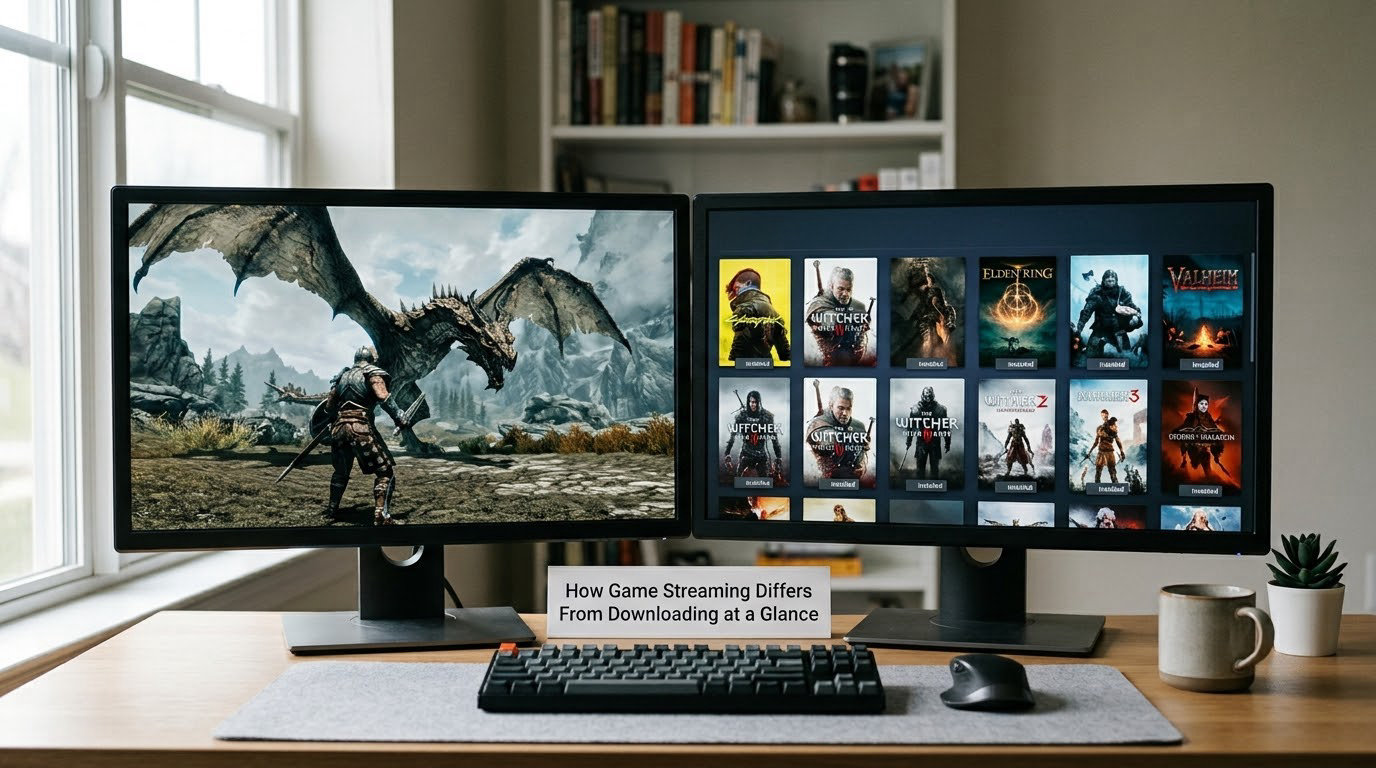
Here is the difference in one table. Streaming sends you video; downloading gives you the game.
| What changes | Game streaming (cloud gaming) | Downloading to your device |
|---|---|---|
| Where the game runs | On a remote server in a data centre | On your console, PC or handheld |
| What travels over the network | Your inputs out, compressed video back, continuously | Game files in, once, then patches occasionally |
| Internet needed | Constant, fast and low-latency for the whole session | Only during install, updates and online features |
| Latency sensitivity | Every millisecond of round trip shows up in your input | Near-zero; your inputs never leave the machine |
| Local storage | Minimal, a few GB of temporary cache at most | Whatever the game needs, often 50 to 150 GB |
| Hardware needed | Almost anything that can decode a video stream | A GPU that meets the game’s own requirements |
| Offline play | Not possible while streaming | Fully offline once installed |
| Ownership | Access through a subscription or licence, no resale value | A permanent licence you keep, including resale rights |
| Image quality | Compression can soften textures at higher resolutions | Native resolution and crisp textures |
One more thing worth knowing: downloading is not an either/or with streaming on most platforms. The same title can often be both, and the service you already pay for may let you download it and run it locally instead.
How Game Streaming and Downloading Deliver the Game
When you download, files land on your storage and your own CPU and GPU take over from there. The install might take twenty minutes or two hours, but play afterwards is your hardware’s problem alone.
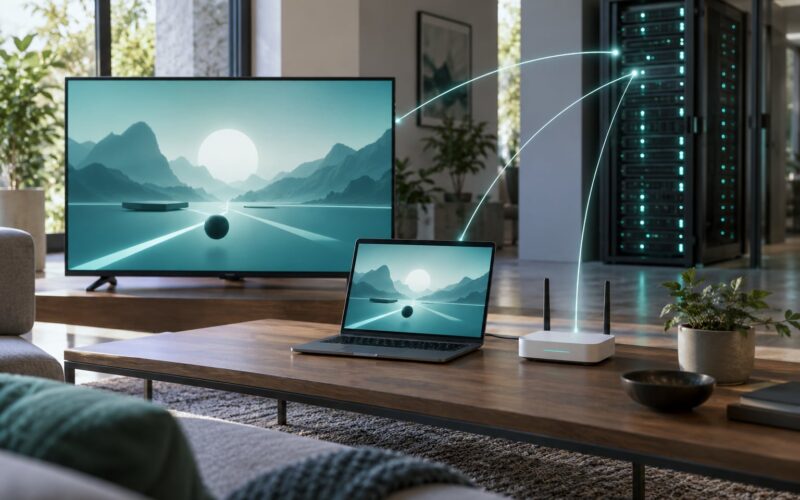
A streamed session goes through six steps instead. First your controller, mouse or keyboard input is sampled on your device. Second, that input is sent to a server, often one hundreds of miles away. Third, the game runs there and the server renders a frame. Fourth, the frame is compressed into a video stream. Fifth, that stream is sent to you and decoded. Sixth, it appears on your screen.
Steps two, three and four are the ones that create lag. The round trip to the server and back is latency, and no amount of local power removes it. Buffering is different: that is the picture stalling because data did not arrive fast enough, which is a bandwidth and stability problem rather than a distance problem.
Why game streaming differs from downloading on a bad connection
Once a game is installed, a downloaded game shrugs off a bad connection completely. Your flight mode can be on and it plays identically, because the only data moving is your controller and, if you are online, small amounts of session traffic.
A streamed game has no offline mode to fall back on. Lose the connection mid-session and the picture freezes, the session usually ends, and in competitive titles that can count as a disconnect.
Internet and Latency Requirements
Streaming needs roughly 15 to 25 Mbps of stable down for 1080p at 60 fps, with headroom for other traffic on the same line. Downloading mostly needs enough speed to finish the install, with no ceiling beyond patience.
| Streaming quality | Download speed to aim for | Ping to the server | Typical experience |
|---|---|---|---|
| 720p30 | 5 to 10 Mbps | Under 60 ms | Playable, noticeably soft, fine for menus |
| 1080p60 | 15 to 25 Mbps | Under 50 ms | The common target for most players |
| 1440p60 | 25 to 40 Mbps | Under 40 ms | Sharper, demanding on the connection |
| 4K60 | 40 to 50 Mbps or more | Under 30 ms | Best case only, usually on wired connections |
This is where most confusion starts. A speed test showing 130 Mbps down says nothing useful about how a cloud session will feel. Players post these numbers in cloud gaming forums and still wonder why aiming feels sluggish, because the problem is ping to the server and Wi-Fi contention, not throughput.
Wired Ethernet is the single biggest upgrade you can make. Congested 5 GHz Wi-Fi in a shared household adds jitter, and jitter feels worse than a steady higher ping. If you cannot run a cable, move the router to an open spot, use 5 GHz rather than 2.4 GHz, and connect to the nearest band your device supports.
Time of day matters too. Evening residential lines are busy, and server congestion on the service’s side can spike when many players log in after work. That is outside your control, and it is a fair reason to download a game you want to play in a ranked match.
Storage and Download Size
Storage is where downloading looks worst. A modern open-world title can run to 100 to 150 GB installed, and patches of several GB arrive every few weeks. On a 1 TB console that fills up quickly, and deleting something to make room for the next purchase is an old and familiar routine.
Streaming avoids the install almost entirely. You still download a small encrypted client and the service may cache a few GB of recently played games locally for faster start times, but nothing close to a full installation.
Note that streaming does not mean zero data. It trades a one-time 100 GB download for a continuous flow, which is why the two methods feel so different on a capped mobile plan.
Graphics, Hardware, and Device Support
Hardware is where streaming wins outright. A ten-year-old laptop, a low-powered mini PC, a TV with a streaming stick, or an entry-level handheld can all display a game that a local install would refuse to run. The graphics card doing the work sits in a data centre, not under your desk.
The catch is compatibility, not capability. A service only streams games in its catalogue, the catalogue changes, and older titles sometimes disappear. Handheld owners weighing cloud against local play hit this constantly: the library is larger, but any title you actually want on a flight may not be there, and performance can shift service to service.
Downloaded games also look better on the same screen. Native resolution, full texture detail, HDR handled locally, no compression artifacts. Console players comparing the same Game Pass title both ways usually land on downloaded for image quality, and that is usually correct.
Game Ownership, Availability, and Saves
Ownership is the difference people care about most and the one least often explained. Downloading a game gives you a licence tied to your account and console, which you keep through account transfers and can often trade or resell. Streaming gives you access, not ownership, and access can end when a subscription lapses or a title leaves the catalogue.
Saves work differently too. Most services keep cloud saves tied to your account, so picking up on another device is easy. Some also sync into your local profile, and some do not, which is worth checking before you sink hours into a stream-only playthrough.
Purchases fall in between. Buy-to-play games can usually be downloaded and run locally even if the service also streams them, while catalogue-only games can only be played while your subscription is active and you are connected.
Updates, Maintenance, and Offline Play
Downloaded games need you to install patches. Usually the console or launcher handles it, but on launch day that queue can be slow and sometimes fails, leaving you stuck at a maintenance screen. Eventually you play on whatever the current build is.
Streaming services patch the game on the server. Everyone who logs in gets the new version, there is no download step, and a broken day-one patch gets fixed without you touching anything.
Offline play is the clean dividing line. A downloaded game needs no connection at all. Streaming needs a working one at all times, which is what kills it on flights, campsites, rural lines, and hotels with unusable Wi-Fi.
Cost, Privacy, and Control
Cost is more than the subscription. Streaming shifts money from hardware to bandwidth: no upgrade to the local GPU, but a monthly fee, and enough bandwidth that it is not worth running on mobile data. Downloading spreads the cost across hardware you may already own plus a one-off purchase per game, plus the electricity to run that hardware for the hours you play.
Control is the quieter cost. Downloading lets you mod, back up, move and resell your files. Streaming hands you access on a service’s terms, with subscription price changes and catalogue removals as a live risk. If a service disappears, a streamed library goes with it.
On privacy, streaming routes your input and video through the service’s servers, and account-based play ties your play history to that account. It is not a major concern for most players, but it is a difference from a console playing a disc or a cartridge locally.
Which Should You Choose?
Download if you play competitively, if you travel, if your connection is slow or capped, or if you want the game to still work in five years. Any of those and the local install is the safer bet.
Stream if your hardware is the weak link, if you are short on disk space, if you want to try a huge game without a large commitment, or if you want to start playing in seconds instead of waiting for an install.
By genre, the split is fairly clear. Single-player story games stream well because nothing punishes delay. Racing and fighting games are playable if your ping is good. Competitive shooters and anything with a ranked ladder are where players most often decide the risk is not worth it.
The hybrid approach is what most regulars actually settle into. Download the multiplayer and story games you will replay, stream the single-player blockbusters, and keep an eye on your data cap so the streaming sessions stay on Wi-Fi.
Frequently Asked Questions
Does cloud gaming require better internet than downloaded games?
It requires different internet rather than more of it. Downloading needs enough bandwidth once, to move tens or hundreds of gigabytes, then works offline forever. Streaming needs a smaller but continuous supply for every hour you play, plus low ping and a steady connection, because your inputs and the picture travel over the network the whole time. A fast but jumpy line will stream badly; a slower but stable line can stream well.
Do downloaded games need internet to play?
No, not for single-player play. Once the files are installed, your console or PC renders everything locally, so the game runs with networking switched off. You will need a connection for the install itself, for patches, for multiplayer and for any cloud save syncing. Online-only titles and games with mandatory day-one updates are the exceptions that do check in.
How much internet speed is needed for cloud gaming?
Aim for 15 to 25 Mbps down for 1080p at 60 fps, roughly 25 to 40 Mbps for 1440p, and 40 Mbps or more for 4K. What matters just as much is ping to the streaming server, ideally under 50 ms, and a connection that does not drop. Wired Ethernet beats congested Wi-Fi every time, and closing background downloads on the same line frees up headroom.
How many GB of data does one hour of cloud gaming use?
Expect roughly 3 to 5 GB per hour at 1080p60, rising to around 7 to 10 GB at higher resolutions. Compare that with a downloaded open-world title that can be 100 GB or more, transferred once, then played with no further data use. Streaming is cheaper on storage and more expensive on bandwidth, which is why capped mobile plans make it a poor choice.
Is 30 Mbps enough for cloud gaming?
Yes for 1080p at 60 fps, provided the connection is stable and your ping is low. Speed and responsiveness are different measurements, so a 30 Mbps line with 20 ms ping usually plays better than a 200 Mbps line with 90 ms ping on congested Wi-Fi. Use wired Ethernet, avoid large uploads at the same time, and close the speed test before you start a session.
Which is better, cloud gaming or downloaded games?
Downloaded games win on input lag, image quality, offline play and long-term ownership. Cloud gaming wins on hardware requirements, storage space, instant access and playing large games on weak devices. Choose downloading for competitive multiplayer and travel, and streaming for single-player blockbusters on hardware that cannot run them locally.
Conclusion
Streaming runs the game somewhere else and streams the picture; downloading puts the game on your machine and lets your own hardware do the work. Everything else follows from that one choice, including latency, storage, offline play and who really owns the game.
Check your connection stability first if you are considering streaming, especially ping and Wi-Fi congestion. If you are leaning towards downloading, check your free storage and whether your hardware meets the game’s requirements. Then split your library the way most players do: local for the games that need it, cloud for the ones that fit your setup.