If your gaming account gets hacked, act in this order: secure the email address the account was registered with, reset the gaming password from the official site, sign out every active session, then turn on two-factor authentication. Most accounts are recoverable within hours of noticing, and almost everything you own is still there.
That first hour is when it matters most. An attacker who still has your session open can change the recovery email, add their own authenticator and spend your money. Every minute you wait is another minute of access.
Do these five things right now, before anything else:
- Secure the email account linked to the gaming profile.
- Change the gaming password from the platform’s official site.
- Sign out of all devices and active sessions.
- Turn on two-factor authentication with an authenticator app.
- Report unauthorized purchases and open a recovery ticket.
Notice what is not on that list. You do not need to reinstall anything yet, and you do not need a paid recovery service. Do those two things later, after your account is back in your hands.
Table of Contents
- 1What You Need
- 2Step-by-Step: What to Do If Your Gaming Account Gets Hacked
- 31. Secure the Email Account First
- 42. Change the Gaming Password from the Official Site
- 53. End Other Active Sessions and Sign Out Everywhere
- 64. Turn On Two-Factor Authentication
- 75. Check In-Game Security, Purchases, and Profile Changes
- 86. Report the Hack and Request a Platform Review
- 97. Monitor for a Second Attack
- 10If Your PC Was the Compromised Device
- 11How Gaming Accounts Actually Get Hacked
- 12Common Mistakes
- 13Frequently Asked Questions
- 14Can I get my hacked gaming account back if the recovery email was changed?
- 15Will the platform refund unauthorized purchases made on my account?
- 16Why was my account hacked even though I had two-factor authentication?
- 17Should I wipe my PC after my gaming account was hacked?
- 18How do I get hackers out of my account for good?
- 19Can I appeal a ban I received because the hacker cheated?
- 20Conclusion
What You Need
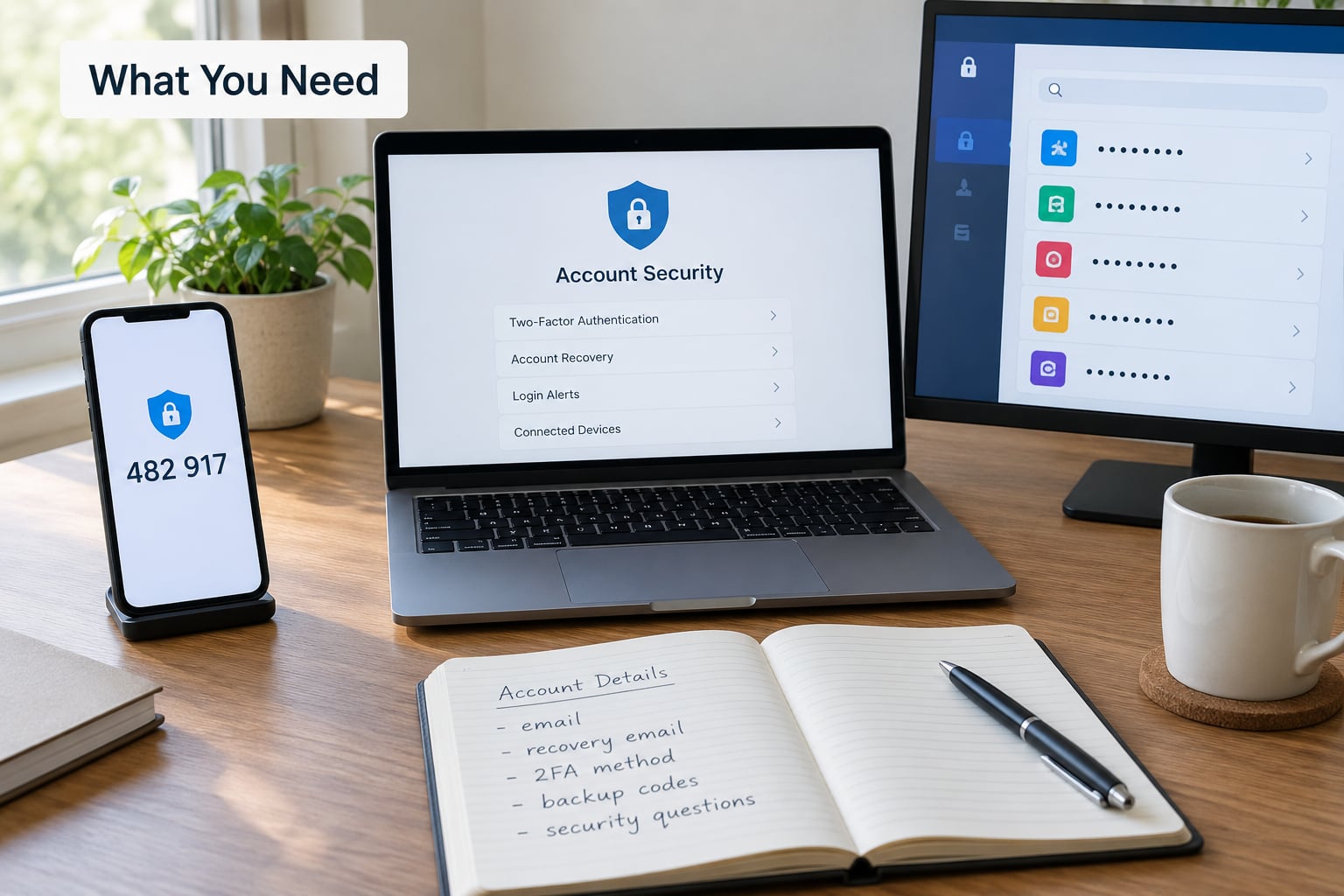
Have these ready before you open any settings. Hunting for details mid-recovery is how people end up locked out for another week.
- A second device. Use your phone while working on the laptop. If your PC is the compromised machine, use the phone alone until you have scanned it.
- A password manager or a way to generate random passwords. Reused passwords are the single biggest reason one leak becomes five lost accounts.
- Your account login name and the original email address you registered with, even if you no longer own that inbox.
- The approximate account creation date. Support agents ask for it because it narrows the search across thousands of accounts.
- Purchase receipts for the platform, plus any saved card or bank statement showing charges you did not make.
- Your console serial number or console ID if this is a PlayStation or Xbox account.
- A screenshot habit. Capture every strange setting before you change it. Support will ask what the recovery email used to be.
If you do not know the original registration email, write down every email address you have used for gaming in the last few years. That short list is often what resolves a locked-out case.
Step-by-Step: What to Do If Your Gaming Account Gets Hacked
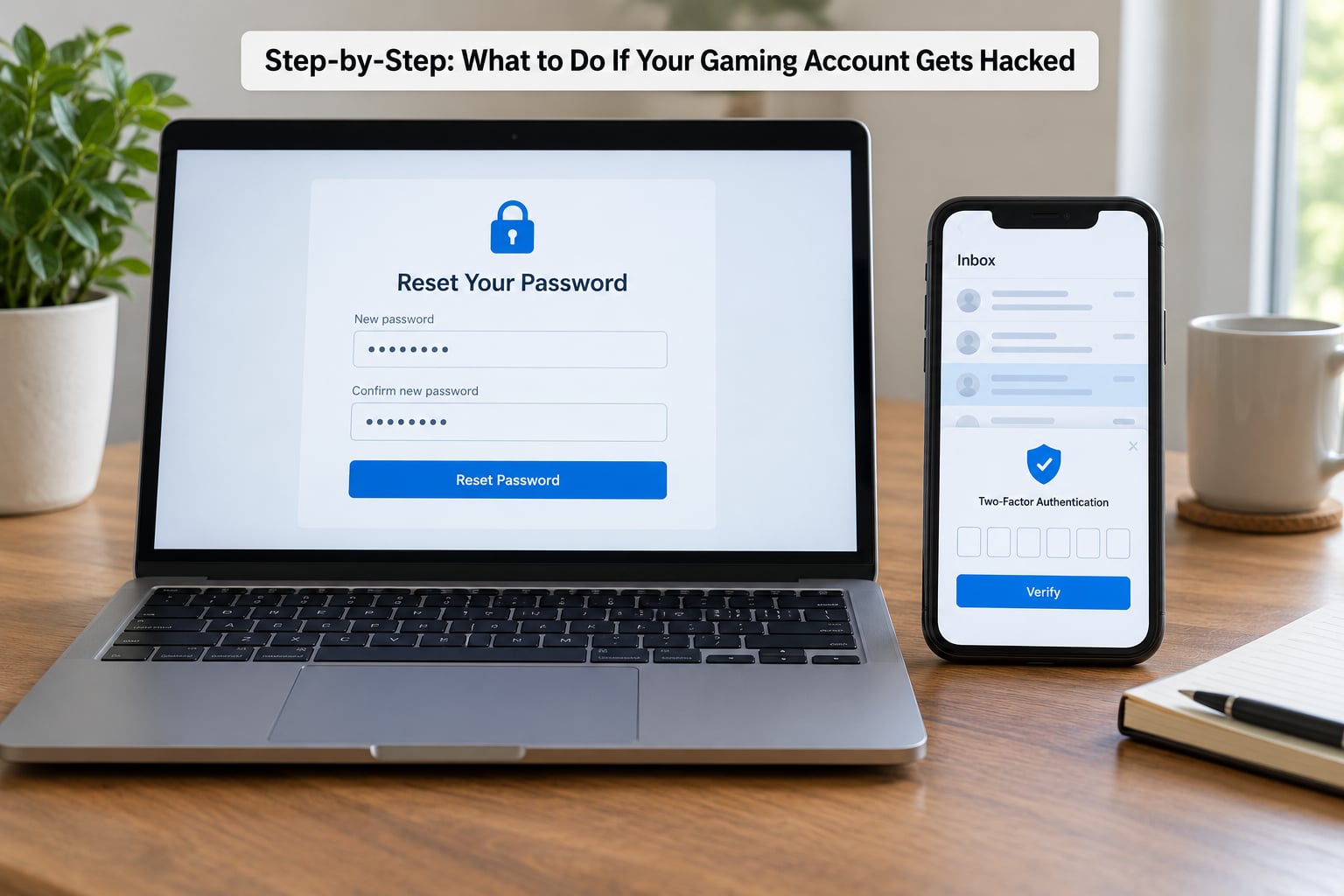
The order below is deliberate. Working out of sequence is the most common reason a recoverable account stays lost.
1. Secure the Email Account First
Your email inbox is the master key. It holds password reset links for the gaming platform, your Discord, your console, and your bank. If the attacker reached your email, resetting the game password accomplishes very little.
Sign in to your email provider through its official app or website, type the address yourself rather than following a link, and change that password to something long and unique. Then sign out of all sessions and devices from the provider’s security settings.
Check the account recovery settings next: confirm the recovery phone number and the backup email are ones you control. Remove any address you do not recognize. If the provider has a forwarding or filter rule section, empty it, because a silent forward is a classic way to keep access after a password change.
2. Change the Gaming Password from the Official Site
Open the platform’s own site by typing the address into the browser or using its official desktop app. Never use a link from an email, a Discord message, or a message in game chat, because those are the most common delivery method for a fake login page.
Generate a new password of at least 16 characters with no reused words. Save it in your password manager before you submit it, not after. Once the change confirms, test the old password in a private window to be sure it no longer works.
If the reset email never arrives, check spam, then check whether the attacker changed the registered address. That is a signal to move straight to official account recovery rather than resetting repeatedly.
3. End Other Active Sessions and Sign Out Everywhere
This is the step most guides skip, and it is the one users on security forums keep circling back to. Changing a password does not end a session that is already open. The attacker’s browser can stay authenticated on their own machine long after your credentials are gone.
Look for a “sign out of all devices,” “manage sessions,” or “active logins” option in your account security settings and use it. On Steam this sits under Account details and Security, next to the Steam Guard and authorized devices controls. Console ecosystems expose a similar device management screen.
Then sign out of the official apps on every phone, console and browser you can reach. If you cannot find a session list, changing your password and signing out everywhere you have ever signed in still works, just more slowly.
4. Turn On Two-Factor Authentication
Turn on the strongest option the platform supports. An authenticator app beats SMS codes, and a hardware security key beats both, because it cannot be phished out of your hands.
- Authenticator app. Codes generate on your own device and work offline. First register it yourself from the official security page, then confirm the code to finish setup.
- Security key. A small USB or NFC key that approves a sign-in by touch. Setup requires a browser and a second device.
- Email or SMS codes. Better than nothing, and both can be defeated if your email is compromised. Use them only as a fallback.
Whichever you pick, save the recovery codes the platform shows you in your password manager, not on a sticky note. After enabling it, sign out and sign back in once to confirm the second factor actually fires.
5. Check In-Game Security, Purchases, and Profile Changes
Now audit what the attacker touched while they were inside. Open the account’s activity or purchase history and read it line by line.
Confirm that the registered email and phone number match your own. Remove any linked account, authenticator or device you do not recognize, including platform accounts, Discord, social logins and cloud saves. Delete saved payment methods and any wallet details the attacker added.
Review the library, inventory, currency and purchase history for items you did not buy, trades you did not make, and gifts sent to strangers. Note the dates and amounts before you delete anything. On Steam, items sent as gifts are usually gone permanently, but the platform still has a separate item restoration process worth filing.
Read the friends list, clan membership and recent chat messages. Attackers often leave their own account linked so they can walk straight back in.
6. Report the Hack and Request a Platform Review
Contact the publisher through the official support form on their website. Support staff will not ask you for your password, and any message claiming to be from support that arrives in your inbox asking for codes is an impostor.
Keep the ticket short and factual: what happened, when you noticed, what the account is worth to you, and what evidence you have. Attach the original registration email, the approximate creation date, receipts, and your console serial if relevant. Forum users who report successful recoveries consistently point to the same evidence list, and it does speed things up.
For money, contact your bank or card issuer separately and report the charges as unauthorized. A platform refund and a bank chargeback are two different processes, and doing only one often leaves you short.
| Platform | Where to start recovery | Proof they will ask for |
|---|---|---|
| Steam | Help site account recovery page, then Steam Support ticket | Original registration email, account login names, Steam Guard details, purchase receipts |
| Epic Games | Epic Games account support form on their official site | Original email, linked platform accounts, order confirmations |
| Xbox / Microsoft | Microsoft account security and recovery, plus Xbox support | Xbox gamertag, console serial, previous email addresses |
| PlayStation Network | PlayStation account support portal | Sign-in ID, PSN number, console serial, transaction history |
| EA / Origin | EA help account security form | Original email, EA legacy ID, order receipts |
| Activision / Battle.net | Activision support, then a ban appeal if the attacker cheated | BattleTag, console platform, purchase history |
| Roblox | Roblox support account recovery | Username, original email, approximate account age |
| Riot Games | Riot support account recovery | Riot ID, original email, linked social account |
| Discord | Discord support, and do this early | Username, phone number, linked accounts |
If your recovery email no longer exists, say so plainly in the ticket and supply everything else you have. Support can work from a console serial and an approximate creation date, and people do get accounts back that way.
7. Monitor for a Second Attack
Recovery is not the finish line. Attackers often return within a day or two, especially if a linked account is still exposed.
Over the next 24 to 72 hours, keep login alerts switched on and read them closely. Watch for password reset emails you did not request, new device logins, changes to your email or phone number, and any unfamiliar transaction on your card.
Recheck every linked account at the end of that window, Discord first since it reconnects other platforms. If a reset email arrives that you did not trigger, repeat the process from step one immediately rather than finishing your coffee.
If Your PC Was the Compromised Device
If you clicked a fake login page or ran a download from a stranger, treat the machine as infected before you sign back in. A keylogger captures whatever you type, including the new password you are about to create.
Run a full offline scan with a reputable antivirus tool, remove anything it flags, and update the operating system. If several accounts were compromised from the same machine, a clean reinstall of Windows is the step some users recommend, because the infection persists through ordinary cleanup.
Until the machine is clean, use your phone to manage the account. Security forum advice is consistent on this: the native app, not the browser.
How Gaming Accounts Actually Get Hacked
Attackers almost never break into the platform. They log in normally with credentials they obtained elsewhere, which is why the prevention advice is short.
- Credential stuffing. A password leaked by one site is replayed against dozens of others. Unique passwords stop this completely.
- Phishing login pages. A link in game chat promising free currency leads to a convincing copy that harvests your login.
- Shared and cheap accounts. The seller keeps the recovery email and reclaims the account whenever they like.
- Stealing session cookies. Malware captures an already-valid login without needing your password at all, which is how some people lose accounts while two-factor authentication is switched on.
Which explains the most common question in forums: if 2FA was on, how did this happen? Usually one of the last two items above.
Common Mistakes
These are the errors that turn a bad afternoon into a lost account. Each one has a simple fix.
Resetting only the game password. If the attacker owns your email, they request a fresh reset link the moment you set a new password. Fix: secure the email account first, every time.
Reusing the same password everywhere. One breach on any site becomes a breach of your Steam, Discord and console together. Fix: generate a unique random password for every service and store it in a password manager.
Leaving sessions alive. The attacker stays logged in after your reset and simply signs back in. Fix: use the sign-out-all-devices control every time, then confirm with a fresh login from your own device.
Trusting a recovery code request. A pop-up asking you to enter a code to “confirm” your identity is the attacker asking you to unlock the door. Fix: close it, open the app yourself, and report the attempt.
Paying someone to recover it. No legitimate service can bypass a platform’s verification process, and the market for paid account recovery is overwhelmingly fraud. Fix: use the platform’s own support channel, which is free.
Deleting evidence too early. Removing items or closing tickets before you have recorded dates and amounts leaves you unable to claim anything. Fix: screenshot everything, report, then clean up.
Recovering from a machine you have not cleaned. If malware is still on the PC, the new password goes straight into a keylogger. Fix: scan offline first, then manage the account from your phone.
Waiting for the perfect moment. People often sit on the discovery for days. Every extra hour gives the attacker time to sell inventory and lock the account behind a new authenticator.
Frequently Asked Questions
Can I get my hacked gaming account back if the recovery email was changed?
Usually yes, even when the attacker changed the email, password and phone number. Contact the platform through its official support form and supply proof that points to you rather than to the account’s current owner: the original registration email, the approximate creation date, your account login name, purchase receipts and, for consoles, the serial number. Steam states outright that recovery is possible even when all three details were changed. Recovery is slower, not impossible, so file the ticket immediately.
Will the platform refund unauthorized purchases made on my account?
It depends, and you should pursue two separate routes. First, open a support ticket with the platform and attach receipts or bank statements showing the charges, because some publishers issue account credit or reverse in-store purchases themselves. Second, contact your bank or card issuer and report the transactions as unauthorized. A card issuer dispute is a financial claim the platform cannot override, and doing both gives you the best odds. Report quickly, since card dispute windows are short.
Why was my account hacked even though I had two-factor authentication?
Most often because a session cookie was stolen by malware rather than because a password leaked. Once an attacker holds a valid session token, they are already signed in and two-factor authentication is never prompted. The other common explanations are a reused password, a fake login page in game chat, or a shared account whose seller kept the recovery email. That is why cleaning the device and signing out of all sessions matter as much as the password reset itself.
Should I wipe my PC after my gaming account was hacked?
Only if the breach came from the machine, meaning you clicked a fake login link or ran a downloaded file. Run a full offline scan and update the system, then manage the account from your phone until you are satisfied. A full Windows reinstall is worth it when several accounts were hit from the same computer, because the malware can survive ordinary cleanup and will capture your new password. If you never opened anything suspicious, a scan is enough.
How do I get hackers out of my account for good?
Change the password, use the sign-out-of-all-devices control, and remove every device and authenticator you do not recognize from the account’s security settings. Then set up an authenticator app or a hardware security key rather than SMS codes, and confirm your registered email and phone are correct. Verify by signing out and logging back in yourself: if a new code prompt appears when you sign in, two-factor authentication is genuinely active. Watch login alerts for a week afterward.
Can I appeal a ban I received because the hacker cheated?
Yes, and you should appeal immediately with your ticket number from the recovery case. Console, Xbox and Activision all run ban appeals, and a support agent who has just verified that your account was hijacked can link the two together. Provide the compromised dates from your ticket so the appeal team knows which matches to review. Keep screenshots of the match history and any unfamiliar purchases. Recovery and appeal are separate processes, so handle both.
Conclusion
Remember four words in this order: email, password, sessions, second factor. Secure the email address the account was registered with, reset the gaming password from the official site, sign out every active session, then turn on two-factor authentication with an authenticator app.
Everything after that is cleanup. Audit your linked accounts and purchases, report unauthorized charges to both the platform and your bank, and keep an eye on login alerts for the next three days. If you suspect the machine itself is infected, scan it before you sign back in.
Platform recovery menus move around, so check the support page for your game before you start. This guide was reviewed in 2026 and follows the same order we would use on our own accounts.