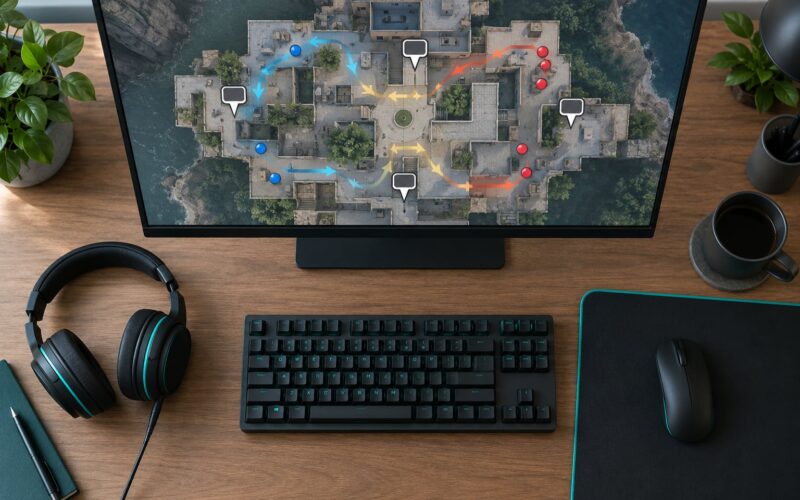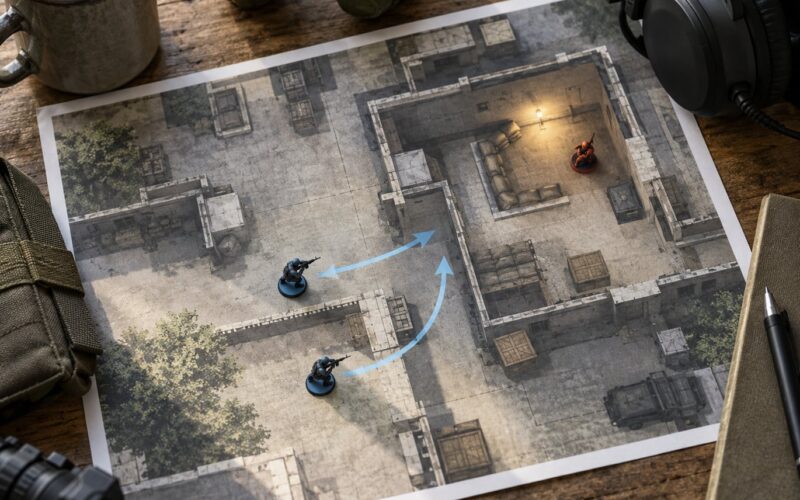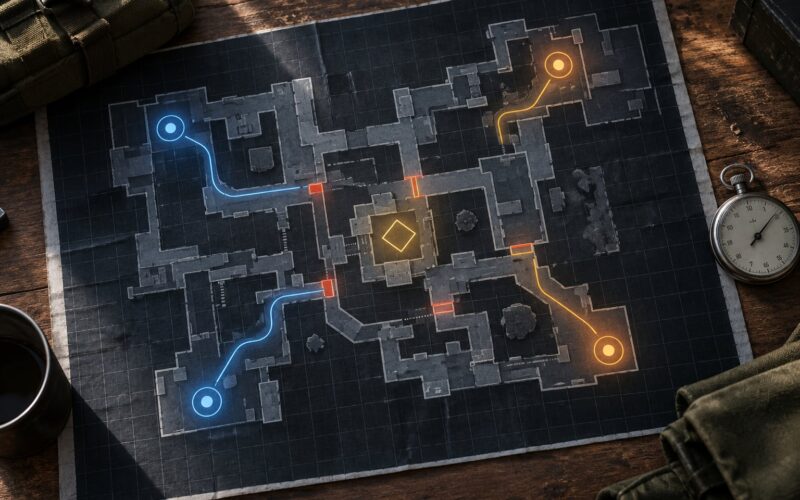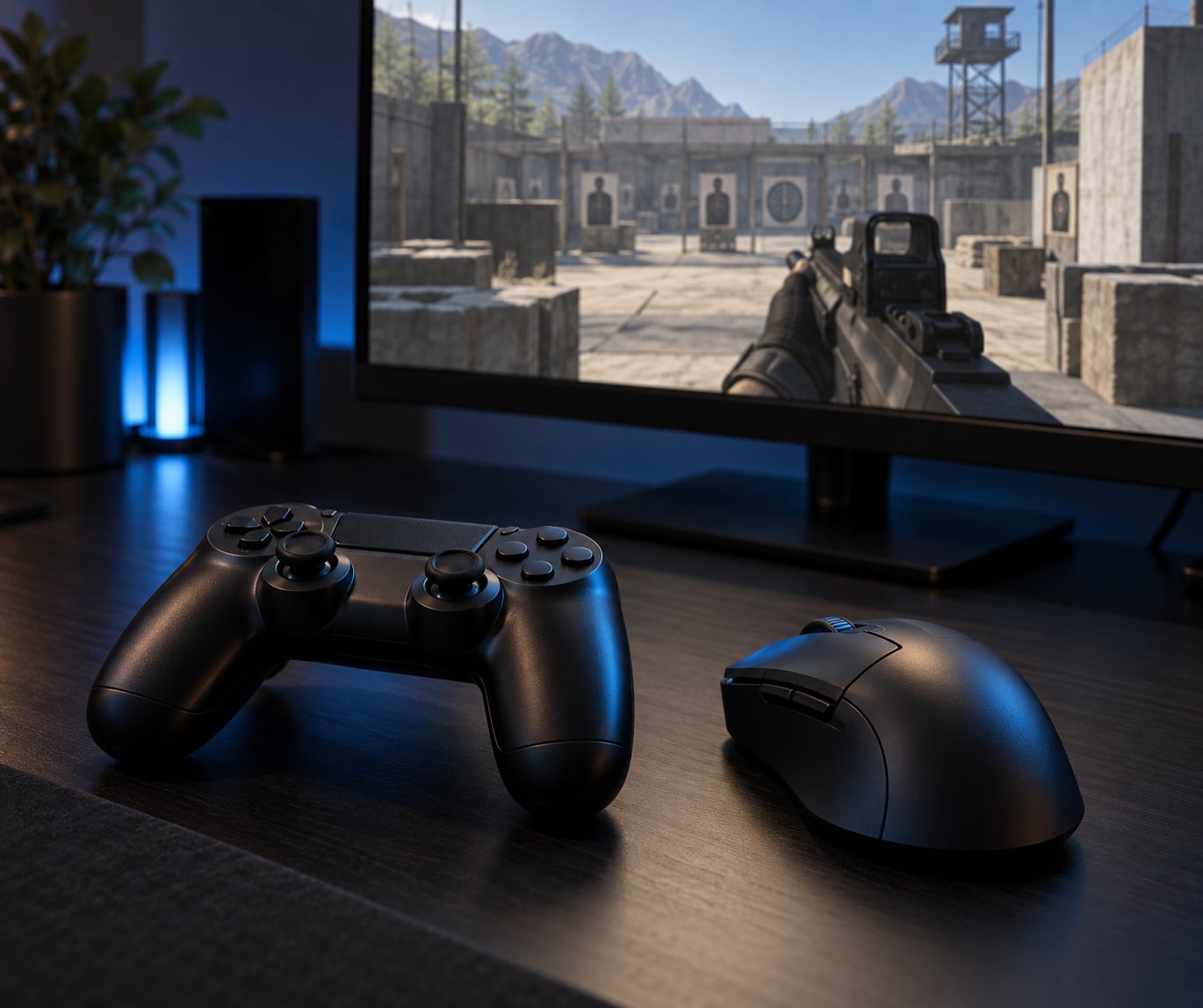
Short answer: yes, you can compete, but not by trying to out-flick a mouse. Mouse and keyboard wins raw precision and instant turning; controller wins turning speed, movement technique and close-range tracking with aim assist. To learn how to play shooters on controller against mouse players, you win with tuned settings, disciplined drills, pre-aiming and positioning. Most of the gap that feels like the input is really settings and habits.
It takes a couple of weeks to feel stable and a season or two to feel genuinely competitive. This guide walks through what to set up first, then the mechanics, drills and mistakes that actually move your rank in a mixed lobby. Everything here works on PlayStation, Xbox, Switch and PC with a pad.
Table of Contents
- 1What You Need
- 2Step-by-Step
- 3Set a Stable Aim-Assist Configuration and Lock It In
- 4Build Reliable Thumb Speed and Accuracy With Short Daily Drills
- 5Use Movement to Make Mouse Tracking Harder
- 6Use Crosshair Placement and Vision to Remove the Flick
- 7Read Audio and Adapt to the Match
- 8Common Mistakes
- 9Frequently Asked Questions
- 10Can controller aim assist make a player better against mouse users?
- 11What is the best sensitivity for playing shooters on controller?
- 12How do controller players beat better mouse players?
- 13Should I use maximum aim assist in a competitive shooter?
- 14Is there aim assist on mouse and keyboard?
What You Need
A pad that does not lie to you. Stick drift is the single most common reason controller players say their aim is bad, and it is usually a hardware problem, not a skill problem. Test it before anything else.
Open the console’s built-in stick calibration, or the controller test mode in your game, and leave the character idle for a minute. Watch the stick icon. If it drifts off centre on its own, your input is being read as movement you never made, and every micro-adjustment you learn will be built on top of noise. Hall effect sticks have largely fixed this, but any pad can wear out.
Next, the grip. Keep the left thumb on the stick tip and let the pad rest against your palms rather than your fingertips. Most players who feel slow are fighting tension in their hands, not a lack of thumb speed. Loosen your grip and the stick returns to centre faster, which is what you need for tracking.
Then the prep side of things: know the game’s training range and how to open it, know how to filter or disable crossplay, and know roughly who is in your lobby. Forum players queueing into PC-inclusive crossplay describe the same thing constantly: they had no idea a third of the lobby was on mouse until someone flicked them from a wall they could not see.
Finally, settle the aim assist question early, because it behaves differently at every range:
- Close quarters, inside about 10 metres: run the strongest aim assist or aim boost you have. Target magnetism helps you land shots while both players are moving.
- Medium range, 10 to 40 metres: standard or strong. Enough help to track a strafing target without dragging the reticle.
- Long range, beyond 40 metres: standard or off. Heavy magnetism pulls the shot onto whatever is nearest, including a shoulder.
Those distances are rough and move with your weapon and the game’s field of view, but the pattern holds: assist helps most where targets move most.
One more piece of prep that gets skipped: the frame rate. Console players regularly point to running at 60 FPS against PC players on 144 or more as a real contributor to the difficulty, not just the input device. Where you can choose a performance mode, choose it, and make sure the game is running on an uncapped or highest-cap setting.
Step-by-Step
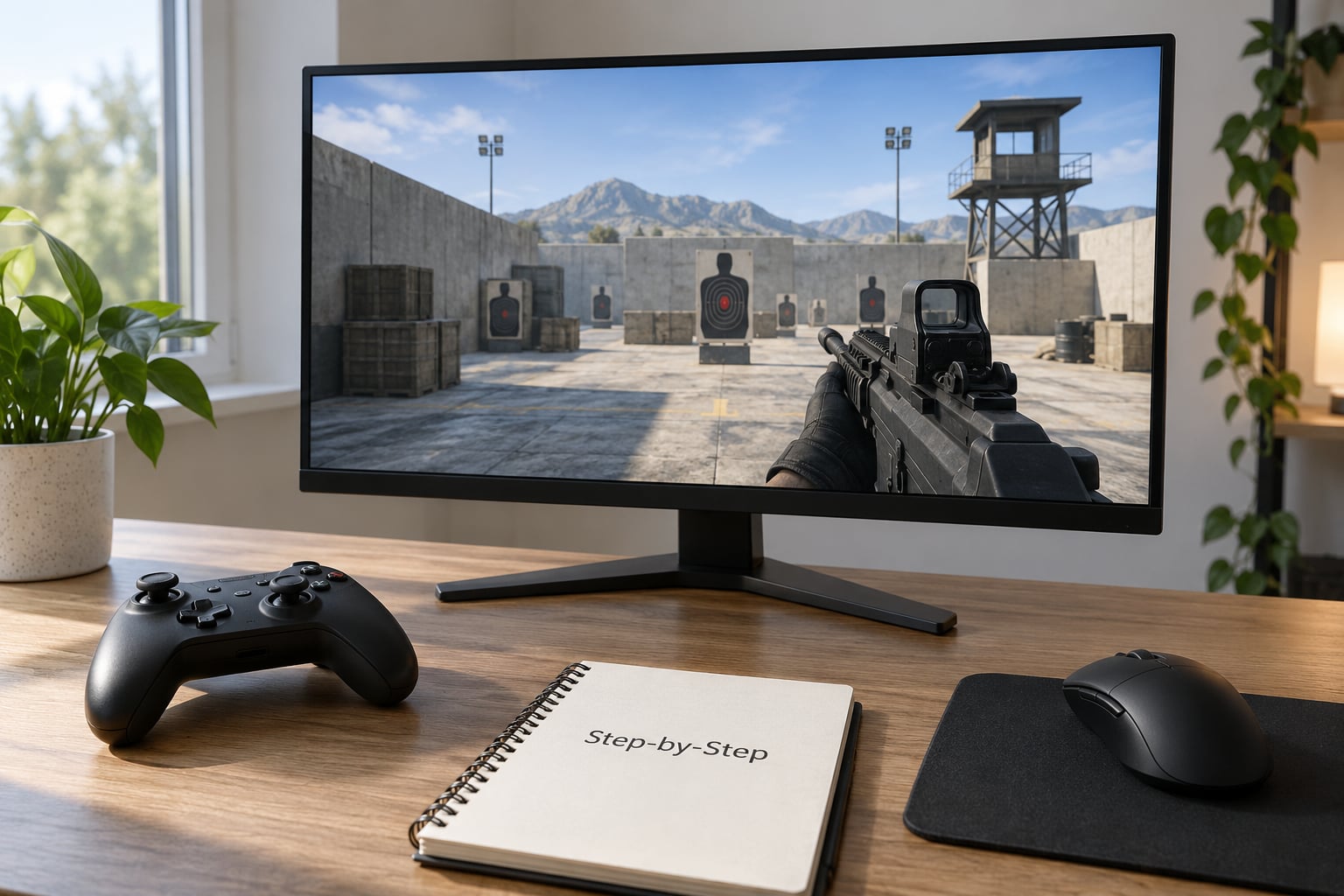
Set a Stable Aim-Assist Configuration and Lock It In
Pick your settings once, write down the numbers, and do not touch them for two to three weeks. This is the advice that repeats most often across controller communities, and almost every complaint about controller aim traces back to breaking it.
Start with a moderate looking sensitivity, somewhere in the 6 to 8 range on a 0 to 10 scale on most console shooters. Then set your aim assist multiplier for aiming down sights to around 70 to 80 percent of your base hipfire sensitivity. That is lower than most players run, and it is the reason their follow-up shots miss.
On deadzone, the numbers players report using most often are an inner deadzone around 5 to 10 percent and an outer deadzone around 10 percent. Inner deadzone removes drift from a resting stick. Outer deadzone stops the aim from creeping at the edge of travel.
For the response curve, pick the linear option if your game offers it. Exponential curves feel heavier at the centre and sharper at the edges, which suits players who want fast flicks. Linear is more forgiving and easier to learn on a pad.
Then go into the training range and check two things. Fire at a stationary target and confirm you can land the first shot without moving the stick much. Then track a moving target and confirm you can stay with it without hitting the edge of the stick travel. If either fails, adjust by one setting only, and re-test before changing anything else.
Build Reliable Thumb Speed and Accuracy With Short Daily Drills
This is the part that almost every guide online skips, and it is where the improvement actually comes from. Ten minutes a day beats two hours on a weekend, because aim is a motor habit and motor habits want frequency, not marathons.
Run three drills. First, slow tracking: track a single moving target in the training range for two minutes without firing, and move your stick in the smallest possible corrections. Second, burst discipline: tap three to five rounds at a medium target, stop, reset, and repeat. Third, target switching: move between three targets in a fixed left, centre, right order on a timer.
Most controller players who plateau are doing flick practice while moving at full speed. Slow the drill down until the motion is clean, then add speed. A shot that only lands at maximum effort will not land in a match where you are also strafing.
Two things to fix while you drill. Reset the stick back to centre deliberately after every flick instead of leaving it parked off-axis. And watch for the instinct to slam the stick to its edge during close fights; that edge is where aim becomes unpredictable and where a lot of controller deaths come from.
Use Movement to Make Mouse Tracking Harder
This is where the mechanical advantage sits, and it is a movement problem before it is an aim problem. A mouse can change direction of aim almost instantly and stop dead. A stick ramps through its travel. So the goal is not to win the stationary aim duel. It is to make your on-screen position hard to hold a reticle on.
Strafing left and right while firing keeps your character moving across the enemy’s screen, which constantly invalidates the line they had lined up. Crouching and jumping both raise and drop your hitbox, which forces the enemy to re-track rather than adjust. Sliding and shoulder-peeking let you take a shot and return to cover before a flick can land.
The habit that pays off most: change your movement direction on a rhythm you choose rather than when a shot happens. Unpredictable movement is hard for anyone to track, and it costs you nothing in accuracy.
The other half of this is reading their movement. Mouse players strafe with a pattern, and a patterned strafe means a predictable position at a predictable moment. Count two or three of their strafe cycles before firing, and you can start your burst slightly before the target arrives instead of after.
Use Crosshair Placement and Vision to Remove the Flick
Crosshair placement is the biggest advantage you have, because it removes the need for a flick entirely. If your reticle is already at head height on the angle a target will appear from, you are not aiming when they show up. You are just pulling the trigger.
Hold your reticle at head level along the lines you expect people to come down, never on the floor. When you clear a corner, move the camera in a small sweep rather than whipping it across. Keep your view centred while strafing instead of swinging your aim around with you. Check the minimap before you enter a space, not after.
Pre-aiming off-angle works the same way. If a building has two entrances, stand where you can see both and hold the reticle on the far one. You convert a 180 degree flick into a ten-degree adjustment, which is a fight you can win on a pad.
Visual settings help here too. Turn on enemy outlines or outlines-at-distance if your game has them, keep the field of view where you can actually see feet at close range, and use a crosshair or reticle colour that stands out against the map.
Pair that with the honest version of the advantage map you are playing against. Every mouse strength has a controller-side answer, and the counters are cheaper than fighting the raw skill:
- Instant 180-degree snaps: pre-aim off-angle and keep cover between you and the angle.
- Fine micro-adjustment on a distant target: close the distance or take the fight in a place with cover.
- Perfect recoil compensation while tracking: tap fire in bursts, use the aim assist to carry the climb, and control recoil in short pulls.
- Instant stopping on a target: strafe through the shot instead of standing still for it.
- Sustained turn rate across a wide field: keep your reticle near where they will be, so you never need the wide turn.
Read Audio and Adapt to the Match
Sound is the cheapest information in the game and most players leave it off or too low. Turn it up enough to place a footstep, and you can fight when you cannot see.
Footsteps tell you a target’s direction of travel and rough distance. Gunfire tells you where a fight already started, which often means you can rotate and take them from behind. Abilities and equipment give away a peek before anyone is visible. Teammate calls cover the rest.
Then adapt as the match goes. If you keep losing to long-range duels, stop taking them and force closer fights. If you keep losing in brawls, slow your approach and hold angles. The game sense layer is where controller players catch up fastest, because it is input-agnostic: mouse players have to work just as hard to read you.
Common Mistakes
Changing settings every session. This is the big one. Every change resets your muscle memory and stops you from ever learning where your aim lives. Set it, write it down, leave it alone for two to three weeks, and only then change one thing.
Running sensitivity too high. Fast stick movement feels responsive while you are learning, then produces wild misses once a target moves. If your shots overshoot in a consistent direction, lower the sensitivity before you blame the aim assist.
Ignoring audio. Half the reason fights feel unfair is that you were still looking at an empty angle when the shots started. Use the sound cue to rotate early instead of holding the angle until you can see them.
Standing still to fight. A stationary target is the easiest thing in the game for a mouse to hit. Move through your shots, strafe, crouch between bursts.
Panicking in close-range fights. Close range is where aim assist helps you most, and the instinct is to yank the stick toward full deflection. Pull the shot short and let assist do the work, then reset the stick to centre.
Assuming aim assist is a slider you max out. Strong assist at long range drags your shot onto the nearest visible body, which is often not the one you meant. Lower assist, or turn it off, when you are taking distant fights.
Ignoring stick drift. If your character moves on its own, every habit you build is fighting noise. Test for drift and fix the pad before you blame your skill.
Frequently Asked Questions
Can controller aim assist make a player better against mouse users?
Aim assist makes tracking and initial target acquisition easier, but it does not replace positioning, timing, movement or awareness. The strongest controller players use it consistently rather than treating it as a crutch, and they turn it down for long-range fights where target magnetism drags the shot onto the wrong body.
What is the best sensitivity for playing shooters on controller?
There is no single best sensitivity for every player or shooter. Start moderate, around 6 to 8 on a 0 to 10 scale, set your aim-down-sight multiplier to roughly 70 to 80 percent of base, and prioritise smooth horizontal tracking over extremely fast turns. Test the configuration in the training range and then leave it alone for two to three weeks.
How do controller players beat better mouse players?
Controller players beat stronger mouse opponents by making every engagement less predictable. Use cover, change direction on your own rhythm, aim for visible head-level space, listen for position cues, and avoid standing still in a firefight. Positioning and timing are input-agnostic, and they are where the gap closes fastest.
Should I use maximum aim assist in a competitive shooter?
Maximum aim assist is not automatically the best choice, because excessive snapping makes precise follow-up shots and target tracking difficult. Select the strongest level that still lets you control where the reticle settles, use it hardest inside about 10 metres, and drop to standard or off for long-range engagements.
Is there aim assist on mouse and keyboard?
There is no aim assist on mouse and keyboard. A mouse gives raw 1-to-1 precision instead, so the trade is different rather than one input being stronger overall. Keep in mind that many competitive PC shooters also run higher frame rates and different feel settings, which changes how fights read even before input is considered.
Start with the first thing to do: check your pad for drift, set a moderate sensitivity with aim assist at standard or strong, and leave it alone for three weeks. Put ten minutes a day into slow tracking and burst discipline in the training range, and hold your reticle at head height on the angles people actually use. Those two habits do more for a mixed lobby than any setting you can change tomorrow.