
Knowing how to spot a game account phishing scam comes down to four checks you can do in about thirty seconds: who the message is really from, where the link actually goes, whether it is pressuring you, and whether it asks for anything a real game company would never request. A gaming account holds purchased games, tradeable skins, wallet balance, and years of friends and reputation, and almost every takeover traces back to one message someone clicked too fast. Here is the process I walk players through, platform by platform.
Game companies do not email you to warn you about a password breach, and support never contacts you first with a link. That single sentence kills a large share of attempts, but the good ones are built to survive it.
Table of Contents
- 1What You Need
- 2Step-by-Step: How to Spot a Game Account Phishing Scam
- 3Step 1: Check Whether the Message Really Comes From the Game
- 4Step 2: Inspect Links Without Clicking Them
- 5Step 3: Treat Pressure and Urgency as a Red Flag
- 6Step 4: Verify the Login Page and Its Destination
- 7Step 5: Refuse Requests for Passwords, Codes, or Payments
- 8Step 6: Check the Request Against Known Scam Patterns
- 9Step 7: Protect the Account If Anything Was Entered
- 10Common Mistakes
- 11Frequently Asked Questions
- 12What are the 7 red flags of a game account phishing scam?
- 13How do I know if a Steam support message is legit?
- 14How do I check if I was phished?
- 15Why is someone asking me to buy a Steam card?
- 16Does Steam use two-factor authentication?
- 17Is the Steam gift card QR code a scam?
- 18Conclusion
What You Need
You do not need any special software. You need four things in place before the next message arrives, because the moment of panic is exactly when none of them will be available.
First, the official website reached the honest way: typed into the address bar yourself, or saved as a bookmark. Never arrive at it from a link in the message you are trying to check. That circular move is the single most common mistake players make, and clicking to see where a link goes is how most accounts get taken.
Second, two-factor authentication already switched on for the account, with an authenticator app rather than email codes where the platform offers the choice. Setting this up takes five minutes. Turning it on while a phishing page is open in the other tab does not.
Third, control of the recovery email address on the account. If an attacker changes that first, every later recovery request becomes an argument with a stranger about whether you own the account. Add a second recovery route where the platform allows it.
Fourth, a second device. Changing a password while signed in on the compromised machine often fails, because the session overrides the change. Your phone is enough for this.
Step-by-Step: How to Spot a Game Account Phishing Scam
Step 1: Check Whether the Message Really Comes From the Game
Look at the actual sender, not the display name. Anyone can set their name to Steam Support in a chat window or an email; what you cannot fake is the address or domain the message was sent from.
Read the domain right to left and break it into pieces. A convincing fake such as a support-looking name sitting on a domain nobody recognises is the whole trick. So is a lookalike domain that swaps a letter for a digit, or tacks a word like verify or rewards onto the real name.
Also check how the message reached you. Support arrives through the official help pages you visit yourself. It does not arrive as a Discord DM from a profile created that morning, and it does not arrive through in-game chat, because players and moderators are not the same thing as the platform.
Community consensus on player forums has been consistent for years: real support will never contact you through Steam chat or any in-game chat, no matter what the message claims. A compromised friend account is the most effective delivery vector precisely because you trust the sender.
Step 2: Inspect Links Without Clicking Them
On desktop, hover over the link and read the preview in the status bar without pressing anything. On mobile, press and hold to preview, then dismiss the menu. Either way the destination should be the exact official domain you already know.
Discard any URL shortener. A shortened link hides its destination by design, and no legitimate company conceals the address of its own login page from you.
Watch the domain’s age as well as its spelling. Scam domains are frequently a few hours old, which means no browser blocker has flagged them yet. A clean padlock next to a domain registered yesterday tells you the connection is encrypted and nothing about whether the site is a thief.
How it works: you already know the correct address, so open it by typing or bookmarking. If the message claims there is a problem with your account, check it from the official site. That ten seconds is cheaper than any recovery process.
Step 3: Treat Pressure and Urgency as a Red Flag
Real systems give you time. Scam scripts do not, because hesitation kills the attempt.
The pressure usually arrives in one of a few shapes. Your account will be permanently banned unless you verify today. Your items are about to be transferred to someone else. Your reward expires in ten minutes. Someone is using your account right now and you must confirm it was you.
Each of these is checkable independently, and each one resolves the same way: open the official site yourself and look at the actual account status. A genuine ban notice exists in your account. A genuine unrecognised login appears in your recent activity list.
Threats with deadlines are the clearest tell, because no legitimate company loses your access permanently because you did not act within fifteen minutes.
Step 4: Verify the Login Page and Its Destination
If you do end up on a login page, check the address before typing anything. Then check something older advice forgot: whether the page is running inside a window that the real browser drew.
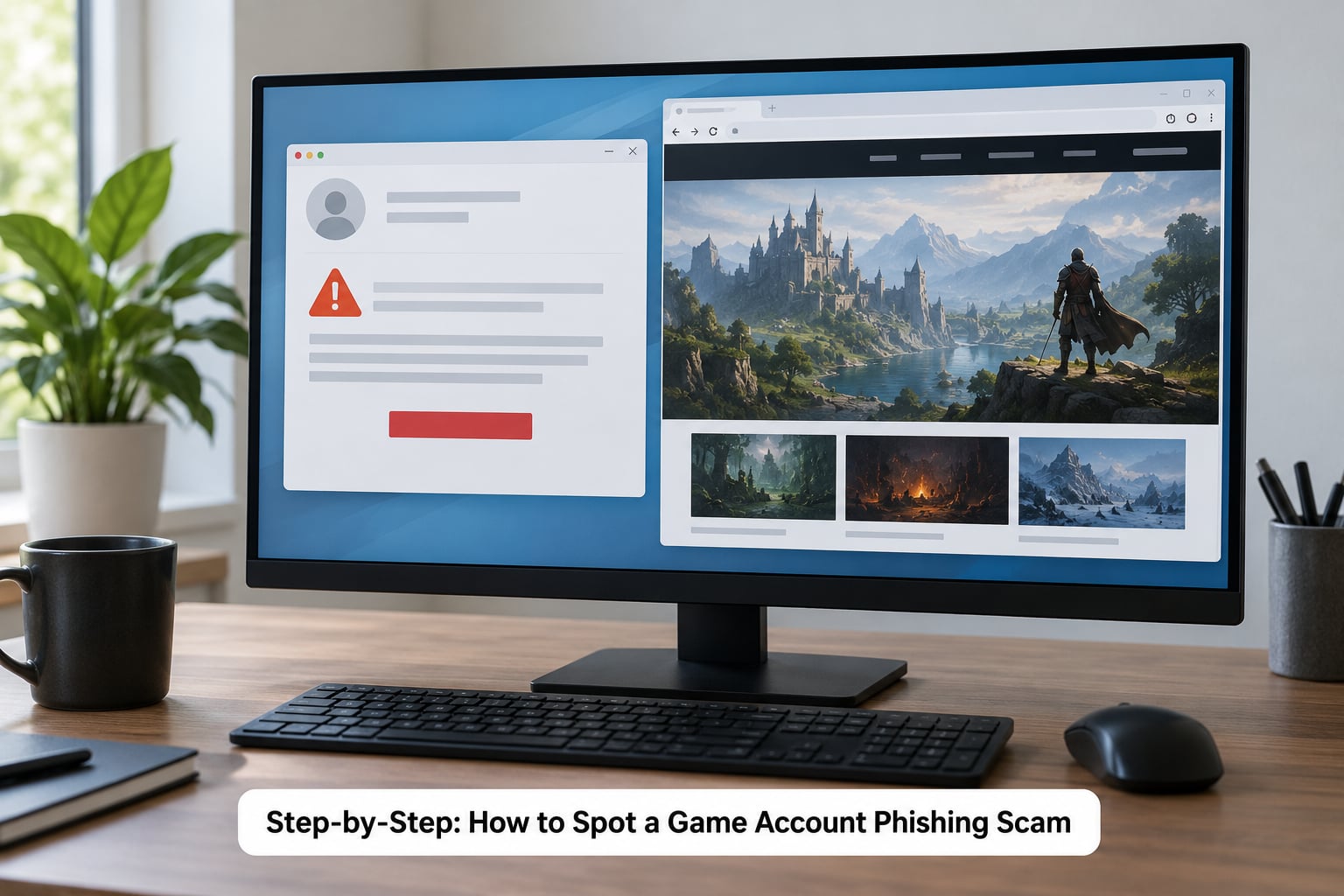
Browser-in-the-browser attacks render a fake address bar inside the page, complete with a padlock and a believable domain, floating over the real browser chrome. Players have documented pixel-perfect versions of this, including fakes built specifically to imitate the Steam login prompt. If a login window appears without a tab bar, without a window frame, or looks like it is hovering above the page rather than inside it, close the whole browser. Do not press Escape, do not close the inner box, do not type in it.
Other tells: the domain differs by a single character from the real one, the page asks you to sign in through a provider you have never used, the sign-in flow opens in a new tab unexpectedly, or the page has two copyright years on it because one was copied and never updated. A blurry or pixelated QR code is not a security measure, it is a funnel to a sign-in button you cannot inspect.
Step 5: Refuse Requests for Passwords, Codes, or Payments
No legitimate game support asks for your password, your two-factor or Steam Guard code, your recovery phrase, or a payment made through chat. Not once, not for any reason.
The verification-code request is the one that catches experienced players. The fake page frames it as proof you are not a cheater or a smurf account, or as a step to protect your items, and it looks like a reasonable extra step because the first part of the page was already convincing. Handing over that code is what turns a partial compromise into a full takeover, including the trade-hold bypass that lets an attacker move your inventory immediately.
Gift cards are the same idea with a different delivery method. Whoever asks you to buy a Steam card or any other gift code and read them the numbers is running a scam, every time, without exception. They are untraceable and unrecoverable, which is the entire appeal. The same applies to cryptocurrency, wire transfers, and third-party payment links.
For genuine purchases, the only safe route is the in-game store you reach through the official client or site.
Step 6: Check the Request Against Known Scam Patterns
Most gaming phishing is not improvised. It runs on a short list of patterns, and recognising one stops you mid-scroll. Knowing those patterns is the fastest half of learning how to spot a game account phishing scam.
The fake giveaway promises free skins, free currency, or double experience points, usually with a countdown and a comment section full of people claiming to have won. The lures work because the item genuinely exists in your inventory and the value is real, which makes the promise feel plausible rather than absurd.
The fake support chat appears when you just searched a help topic, so the timing feels like a coincidence. The verification page pretends a competitive service needs you to confirm your identity, then shows you a login window. The rank boost sale posts in forums and marketplaces, and platform policy already treats boosting sales as fraudulent.
The trade confirmation swap works later, after you have already lost the account: a bot with a stolen API key cancels your real trade offer and sends an identical-looking counter-offer. The QR login flow shows a code, you scan it with your phone, and your session is handed over.
Account recovery scams invert the trick, threatening to suspend or delete an account unless you prove ownership right now, which is exactly what an attacker types to you after taking an account. The message is part of the theft, not the warning.
Step 7: Protect the Account If Anything Was Entered
If you typed your password or a code into anything on that page, work through this in order. Speed matters more than completeness.
Close the page and the browser. From your phone or another device, open the official site yourself and change the password to something you have never used on any other service. Then revoke active sessions and deauthorise devices, because a signed-in session survives a password change.
Turn on two-factor authentication with an authenticator app if it was not already running. Check recent activity and account details for changes you did not make, and restore the original recovery email address if it was swapped.
On Steam specifically, go to Settings, then Account, and look at the Web API Key. An unfamiliar key there means the account was already compromised, that key survives a password change, and it is what lets a bot cancel and replace your trade offers. Deauthorise it.
Contact support through the official help pages, and expect the process to be slow. Many players report waiting weeks. Speed up the odds by keeping proof of ownership: the original purchase receipts, the old email address, the previous username, and the date the account was created.
Common Mistakes
Trusting the display name is the most common one. Anyone can name themselves Steam Support, Admin, or Moderator. Read the address behind the name, and remember that no platform employee messages you in chat. That impulse is what makes a game account phishing scam hardest to catch, because it fires within a second of the message arriving.
Treating HTTPS as proof of safety is next. The padlock only means the connection is encrypted. Scam sites obtain certificates the same afternoon they register a domain.
Clicking a link to see where it goes defeats the entire purpose. Opening it loads the tracker, the script, and often the fake window itself. Read the destination without loading the page, or open the official site by typing it.
Sharing a verification code is the costly one. The code is the second factor, and the fake page asking for it is the entire point of the page. No support agent will ask.
Reusing one password across a platform and an email account extends the damage sideways, because a stolen list from one breach gets replayed against the other. A password manager fixes this without you memorising anything.
Ignoring the recovery email is quieter and slower. Once an attacker changes it, you are arguing about identity rather than about a password.
Prevention is mostly boring. Unique passwords, an authenticator app instead of email codes, login alerts turned on, recovery codes stored offline where someone else cannot read them, a recovery email you still control, and family sharing or parental controls on any account a child can use. Trade holds help too, since a newly traded item cannot move out immediately.
Frequently Asked Questions
What are the 7 red flags of a game account phishing scam?
The clearest ones are an unexpected link from a trusted friend, a sender domain that is not the official one, urgency about bans or expiring rewards, a lookalike login domain, a login window that appears without real browser chrome, any request for a two-factor or Steam Guard code, and any payment by gift card or cryptocurrency. Two of these together is enough to stop and verify independently.
How do I know if a Steam support message is legit?
Real support never initiates contact with you. It does not send you a link, does not message you through Steam chat, and never asks for your password or a Steam Guard code. If a message claiming to be support reaches you, ignore it and open the Steam Support pages yourself, then check your account status from inside the client. Any approach that asks you to arrive somewhere to fix a problem you did not look up is a scam.
How do I check if I was phished?
Start at Settings, then Account, then Recent Activity in the Steam client and look for logins from locations or devices you do not recognise. Then open Settings, Account, Web API Key and check whether a key exists that you did not create, since that key survives a password change. Finally, confirm the recovery email on the account is still yours and that two-factor authentication is enabled. Any one of these findings means treat the account as compromised.
Why is someone asking me to buy a Steam card?
Because they want money that cannot be traced back to them. Gift card numbers are read out in chat, redeemed by the scammer immediately, and never refunded because there is no buyer to refund. This pattern appears in fake giveaways, fake tournament winnings, fake support chats, and account recovery threats, and it has no legitimate version in any circumstance. Legitimate purchases only happen inside the official client or site.
Does Steam use two-factor authentication?
Yes, and it has for years. Steam Guard can deliver codes by email or through the Steam Mobile App, and the mobile app is the stronger option because codes do not pass through your inbox where a phished session could read them. Enabling Steam Guard also places a trade hold on newly acquired items, which gives you time to notice unauthorised activity before anything can be moved out.
Is the Steam gift card QR code a scam?
If a QR code appeared in a message offering free currency, items, or a reward, treat it as a scam without inspecting it. The code itself may scan to a harmless page, because its real purpose is to move you onto a sign-in screen you cannot check. Legitimate platforms do not distribute rewards through QR codes in private messages, and no login prompt should ever be reached by scanning one.
Conclusion
Do not click, do not reply, and do not scan anything in the message. Open the game’s official website yourself, type the address in, and look at the real account status there. If a password or a verification code went into that page, change the password from the official site, revoke your active sessions, remove any unfamiliar Web API key, and contact support immediately. Last updated for 2026.