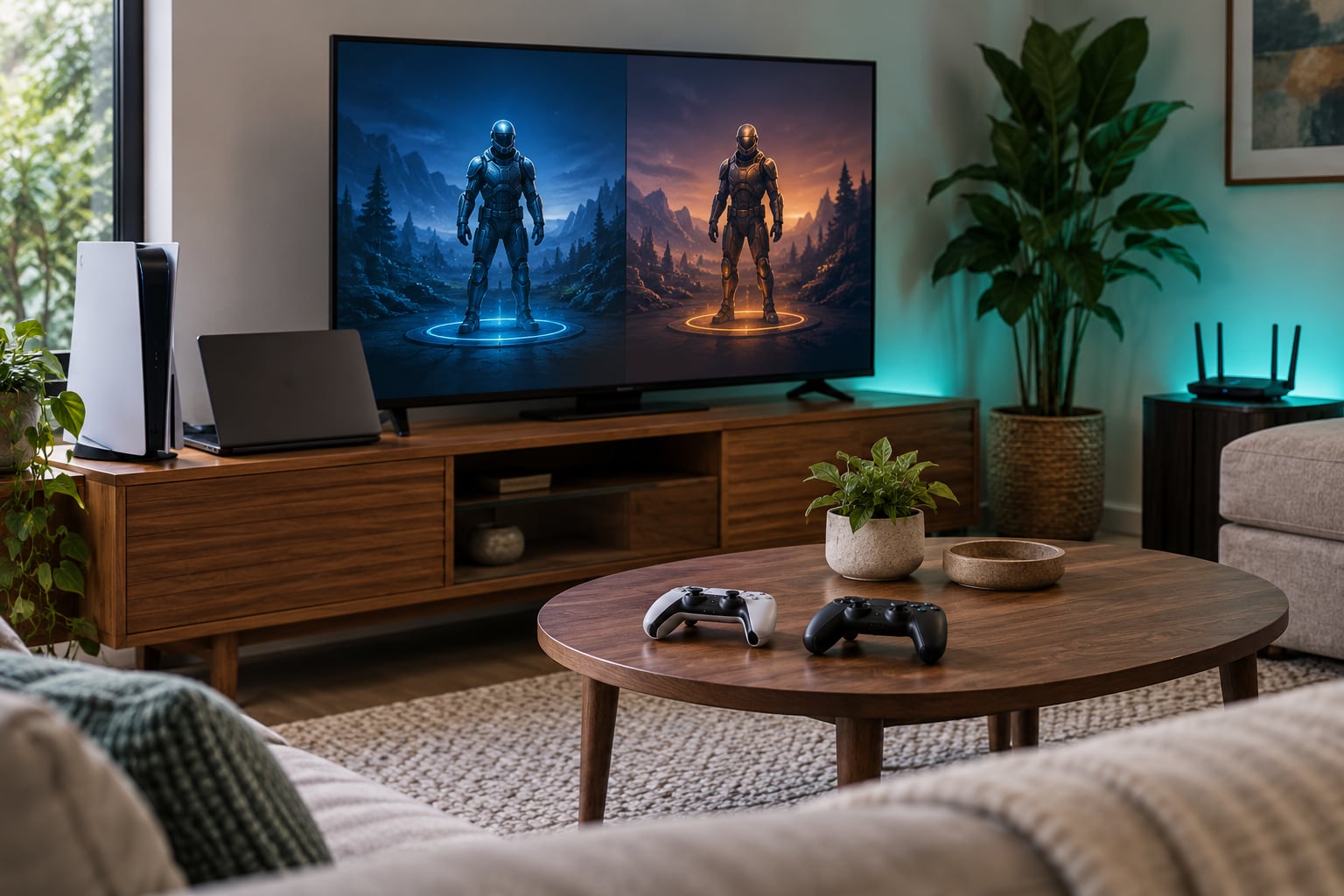
To play co op games with friends on different platforms, you need one thing above all else: a game that supports cross-play between your two devices. Start by checking the store page for a crossplay label, link your console or PC account to the publisher account the game uses, turn the crossplay toggle on, then add your friend in the game’s own friends list and send a party invite. Ten minutes of setup covers most cases, and the fixes at the bottom handle the rest.
Here is the short version of what crossplay actually is. Cross-play (also called cross-platform play or cross-platform multiplayer) is a feature that lets players on different gaming platforms join the same online session in real time. Each player buys the game on their own platform, signs in to the same publisher account, and the game’s servers place everyone in one lobby.
Before you touch a single setting, three things have to line up. Everyone needs the same game. Everyone needs permission to be invited, which lives in the platform account’s privacy settings and not in the game. And the game needs a friend system that can see people on other platforms. Miss any one of those and the invite button just sits there greyed out.
Table of Contents
- 1What You Need to Play Co Op Games With Friends on Different Platforms
- 2Step-by-Step
- 31. Confirm the game supports cross-play
- 42. Sign in to the required platform accounts
- 53. Choose the connection method
- 64. Create or join a cooperative session
- 75. Test and troubleshoot the connection
- 8Common Mistakes
- 9Frequently Asked Questions
- 10Can you play co-op games with friends on a different console?
- 11Why can I not invite my friend who is on a different platform?
- 12Why is there no crossplay option in my game?
- 13Do crossplay games share progress and saves?
- 14How do I play co-op if only one of us owns the game?
- 15Why can I not hear my friend during crossplay?
What You Need to Play Co Op Games With Friends on Different Platforms
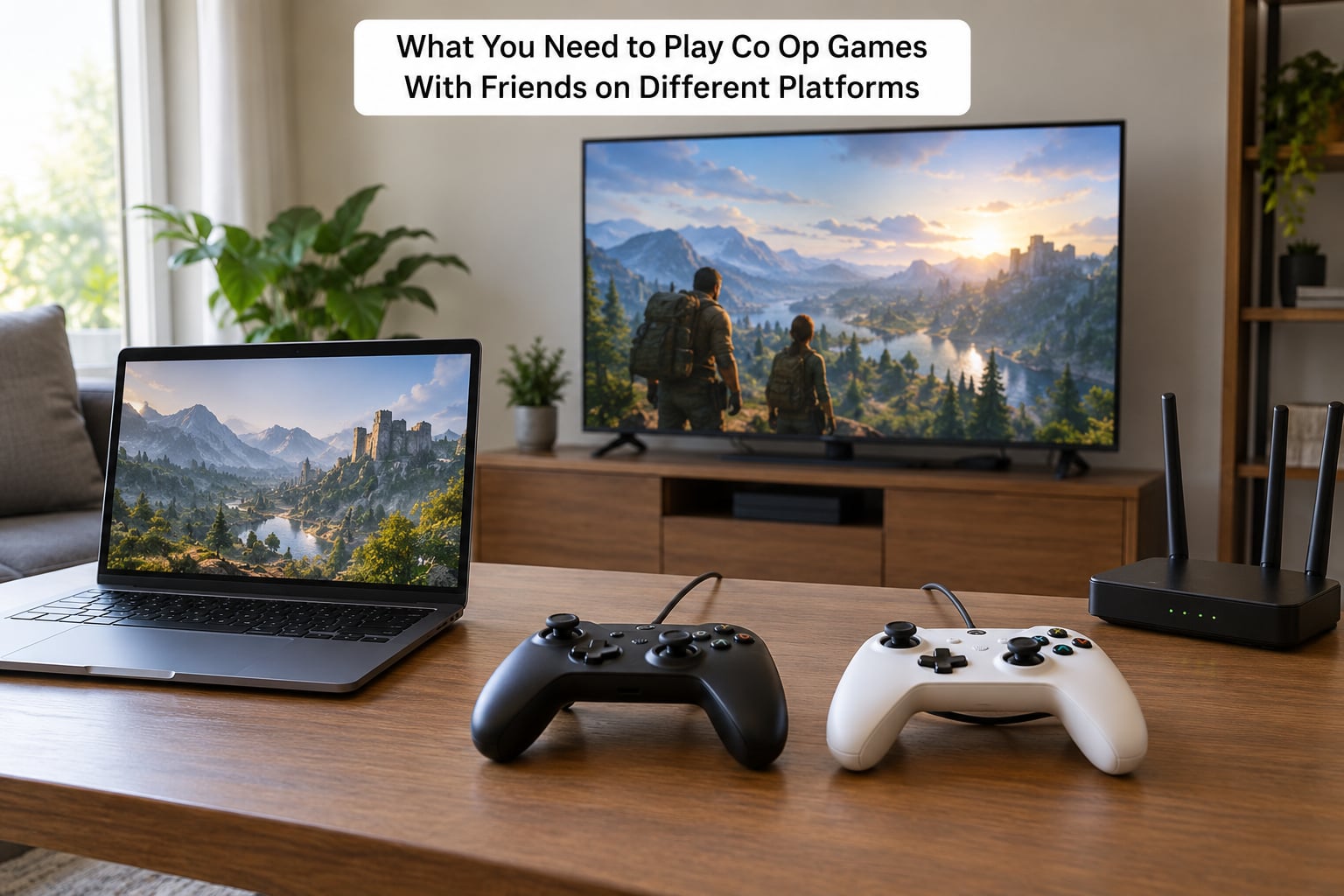
You need very little hardware. The real prerequisites are accounts and permissions.
- The same game on both devices. Buying it on PlayStation does not give you a copy on PC or Switch.
- A platform account on each side. A PSN ID on PS5, a Microsoft account with a Gamertag on Xbox, a Nintendo Account with a paid Nintendo Switch Online subscription on Switch, and a publisher account on PC (Epic Games, Steam, Battle.net, Riot, or whatever the developer uses).
- The privacy setting opened. On PlayStation Network this is Allow Communication. On Xbox it is the multiplayer and game chat options in Privacy & Security.
- A controller on each device. PC players without a controller can sometimes join, but menus built for a gamepad are miserable with a mouse.
- A stable wired or 5 GHz connection. Co-op drops frames and desyncs badly on congested Wi-Fi.
- Somewhere to talk. In-game voice works when everyone is on the same platform. For a mixed console squad, a separate voice app like Discord is usually the only option.
There are three genuinely different ways to cross a platform gap, and mixing them up wastes an evening.
Native cross-play means the developers built the feature in. Your PS5 player and their Xbox player join the same lobby directly, with no extra hardware or software. This is the default and the best option whenever the game supports it.
Cloud gaming means the game runs on a server in a data centre and streams video to your device. Your friend does not need a compatible console at all, just a browser, a TV app, or a decent connection. It also sidesteps PC performance problems, since your hardware is not doing the work. The catch is input lag and the fact that some libraries are huge while others are thin.
Remote play and remote desktop mean your friend owns the game on their machine and you play it by streaming from their setup. It works with any title, including the ones with no crossplay at all, but the person streaming has to keep their console awake and their upload bandwidth free. This is the fallback people usually try last, though for two players on one PlayStation or one Xbox it is often the easiest route.
Step-by-Step
1. Confirm the game supports cross-play
Look at the store page or the game’s official site before you buy. Most publishers now print the exact platforms next to the crossplay icon, and the in-game multiplayer menu usually repeats it. Search for “crossplay” in the settings too: on PS5 that is Settings > Network > Cross-Play, and on Xbox Series X|S it is Settings > General > Multiplayer > Cross-play.
If those menu paths are missing entirely, the game does not support cross-play on your version. That happens with regional releases, pre-release builds, and older last-gen copies. Some titles also ship with crossplay but no cross-progression, meaning you can share a session while sitting on separate save tracks.
2. Sign in to the required platform accounts
This is the step people rush, and it is where most failures start. On PlayStation, open Settings > Account > Account Management > Linked Accounts and connect the publisher account. On Xbox, use Settings > Account > Your info and then add the account inside the game’s own sign-in screen. On Switch, you must sign in with the Nintendo Account that actually owns the game, and Nintendo Switch Online has to be active.
Then set the privacy side. On PlayStation, Settings > Network > Communication Settings > Allow Communication needs to be on At least Friends of Friends. On Xbox, Privacy & Security > Communication & Privacy needs game chat and multiplayer permissions opened beyond Friends Only.
One warning about older accounts. If you once had a PlayStation or Xbox account you stopped using, the new account may be blocked as a secondary. Link the new one, unlink it, sign out and back in, and it usually becomes the primary. That unlink-relink dance has solved more account problems than any other trick in this guide.
3. Choose the connection method
Pick native crossplay when the game supports your exact pairing. Pick cloud gaming when your friend’s device is not in the supported list, or when their PC is too weak. Pick remote play or remote desktop when the game is console-locked with no crossplay and you two can share a screen or sit in the same room.
Check latency before committing. Native crossplay on wired or 5 GHz usually sits well under 50 ms. Cloud streaming adds frame delay you feel most in aiming and driving. Remote play from across the country adds the whole upload path of both homes, and a shared upload of 50 Mbps or so is the floor for a playable image.
4. Create or join a cooperative session
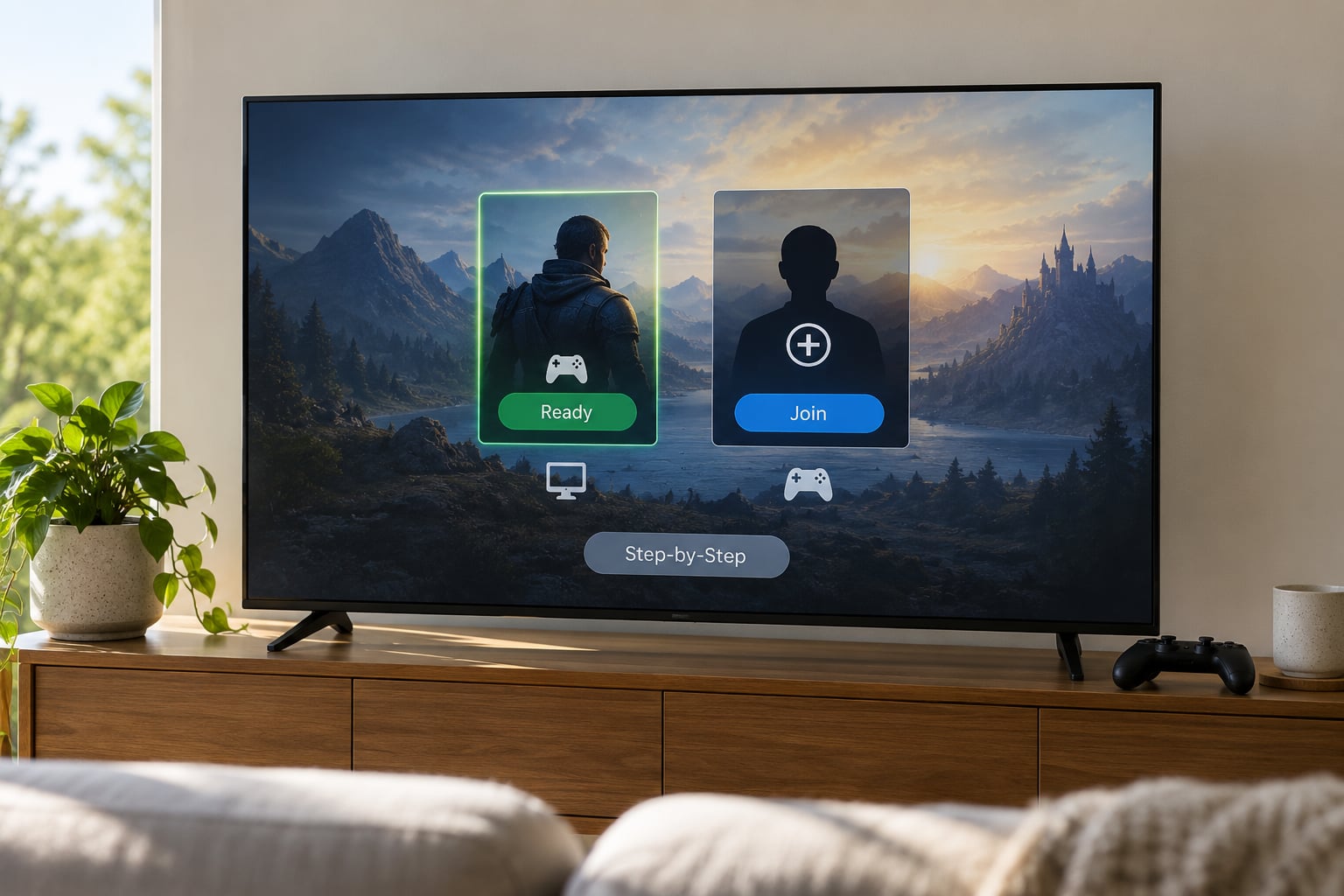
Start the game on both sides and open the multiplayer menu. One player hosts: create a lobby or party, pick co-op, then open the friends or party panel. Find your friend by their platform ID, not just by display name, and send the invite.
The other player accepts on their own device, picks the open character or player slot, and marks ready. If the host leaves, the session usually closes for everyone, so agree on who starts it.
Here is the distinction that trips people up: platform friend lists and in-game friend lists are separate systems. Being friends on PSN or on a Microsoft account does not put you in the game’s own roster. Games like Apex Legends, Overwatch 2, Marvel Rivals, Borderlands and most shooters ship an in-game friends list, and cross-platform invites have to come from there. Games built on the platform’s own party system work from the console dashboard instead. Press the wrong list and the other player simply will not appear.
5. Test and troubleshoot the connection
Before a long campaign night, run a five-minute check. Confirm both players see each other with full bars and a platform tag, not a “joining” spinner. Test voice, because silence is usually a permission problem rather than a microphone problem. Have each player move, attack and open a menu while the other watches for rubber-banding or delayed hits.
On PC, connection failures are often the network rather than the game. A strict NAT type or a firewall can block the session outright, so allow the game through Windows Defender Firewall or your antivirus, and put the console and PC on the same router when testing. If you are behind carrier-grade NAT, a wired connection or a router with a manual port-forward usually solves it.
Common Mistakes
The invite option is greyed out. Almost always the privacy setting on the receiving side, not the sender’s. On PlayStation, set Allow Communication to At least Friends of Friends. On Xbox, open Privacy & Security and let friends and friends-of-friends join your games.
Your friend does not appear in the in-game friends list. Two people who are friends on the console account can still be strangers to the game. Add them from inside the game’s own social menu using their platform ID.
A PC player cannot invite a console friend. Steam does not send friend invites to console players at all. This is a structural limit, not a bug. Send the invite from the console side, or from the in-game list if the game provides one.
There is no crossplay option at all. Usually a version, region, or last-gen copy of the game. Check whether you are on a last-gen PS4 or Xbox One version, since those often form separate pools. Some titles genuinely ship without it, and only the store page will tell you.
The player cap is the problem. Wild Hearts holds three players, Rocket League holds eight in a standard match, and plenty of co-op campaigns stop at four. Build the group around the cap, not the other way round.
Your friend can hear nothing. Check the in-game voice permission first, then your controller’s mute button, then the platform mixer. Cross-platform squad members who cannot share in-game chat usually end up on a separate voice app.
Invites worked yesterday and stopped today. A patch can switch off crossplay or matchmaking server-side with nothing on your end to change. If both players have correct settings and nothing else changed, that is what happened. Check the game’s official channels and wait for a fix rather than reinstalling anything.
Some combinations simply do not exist. Helldivers 2 is PS5 and PC only, with no Xbox version. Minecraft Java Edition has no crossplay; Bedrock Edition is the crossplay build. Dead by Daylight on mobile only plays with other mobile players. EA Sports FC 26 on Switch 2 has no crossplay. And a few crossplay games want no third-party account at all, which players on the PSNProfiles forums confirmed when they ran a session on PS5 with two PC friends and never touched an Epic account.
Two habits save the most grief. Check the platform support list before anyone buys anything, and use a voice app you both already have rather than relying on in-game chat. Also remember that a shared save is a separate question from a shared session, so decide early whether anyone expects progress to carry over.
Frequently Asked Questions
Can you play co-op games with friends on a different console?
Yes, as long as the specific game supports cross-play between your two devices. Most major multiplayer titles now connect PS5, Xbox Series X|S, Switch and PC players in one lobby, though some are limited to particular platforms. Check the store page or the game’s own menu for a crossplay label before buying. If the game is console-locked with no crossplay, remote play from the other person’s console still works as a fallback.
Why can I not invite my friend who is on a different platform?
It is nearly always a privacy setting or the wrong friends list. On PlayStation, set Allow Communication to At least Friends of Friends. On Xbox, open Privacy u0026amp; Security and let friends join your games. Then send the invite from the game’s in-game social menu rather than the console dashboard, because those two lists do not sync automatically. PC players on Steam also cannot send invites to console players at all.
Why is there no crossplay option in my game?
The common causes are a last-gen version of the game, a regional release, a pre-release or beta build, or a title that simply never shipped the feature. Crossplay menus are usually under Network settings on PlayStation and under General then Multiplayer on Xbox. If the entry is missing there and the store page shows no crossplay label, the game does not support it on that version, and no setting change will add it.
Do crossplay games share progress and saves?
Sometimes, but not automatically. Cross-play means you share a session; cross-progression means you share saves, unlocks and inventory. Many titles offer one without the other, so players can fight together while sitting on completely separate progress tracks. Check the store listing for cross-save or cross-progression wording, and ask before you start a long campaign if trading items or carrying unlocks matters to either of you.
How do I play co-op if only one of us owns the game?
Look for drop-in co-op games that ship a friends pass, where the second player borrows the game from the owner’s account instead of buying it. If the pass is supported on your platforms, the guest joins from their own console or PC with no purchase. Otherwise, couch co-op and split-screen on the same screen still work, and remote play lets the non-owner stream straight from the owner’s machine.
Why can I not hear my friend during crossplay?
Work down the layers: the in-game voice permission, then your controller or headset mute switch, then the console audio mixer where a channel can be turned down independently, then the platform privacy setting that blocks game chat. Cross-platform parties often cannot share one game’s voice system, so if the settings all check out, move the conversation to a standalone voice app and leave the game chat alone.
Start with the store page. If the game lists both your platforms under crossplay, link the publisher account, open the communication privacy setting on both sides, then send the invite from inside the game rather than from the console dashboard. Those four things fix the large majority of failed sessions, and everything else in this guide is for the leftovers.