SSD speed affects game load times in one huge step and then almost flat. Moving a game off a hard drive onto any SSD cuts loading dramatically. Going from that SSD to a PCIe 4.0 or PCIe 5.0 NVMe drive usually saves a couple of seconds, because games read thousands of small files at low queue depth rather than streaming one long file at the advertised speed.
The short answer: the storage type matters enormously once, and the storage speed matters very little after that. Most of the benefit you will ever feel from a drive upgrade happens on the day you stop using a hard drive.
Table of Contents
- 1What SSD Speed Means for Game Loading
- 2Sequential read speed
- 3Random read speed and queue depth
- 4Sustained speed
- 5How SSD Speeds Affect Game Load Times
- 6Which SSD Specifications Matter Most?
- 7How Much Faster Is a Modern NVMe SSD?
- 8Why SSD Speed Matters Less Than Players Expect
- 9How to Test Your Current Game Load Times
- 10How to Choose an SSD for Faster Gaming
- 11Which SSD Speed Should You Actually Buy?
- 12Frequently Asked Questions
- 13Does an SSD make games load faster?
- 14Will a faster SSD improve FPS?
- 15What is a good SSD speed for gaming?
- 16Is 4TB SSD overkill for gaming?
- 17Why are my load times still long on a fast SSD?
- 18Conclusion: Start With the Bottleneck
What SSD Speed Means for Game Loading
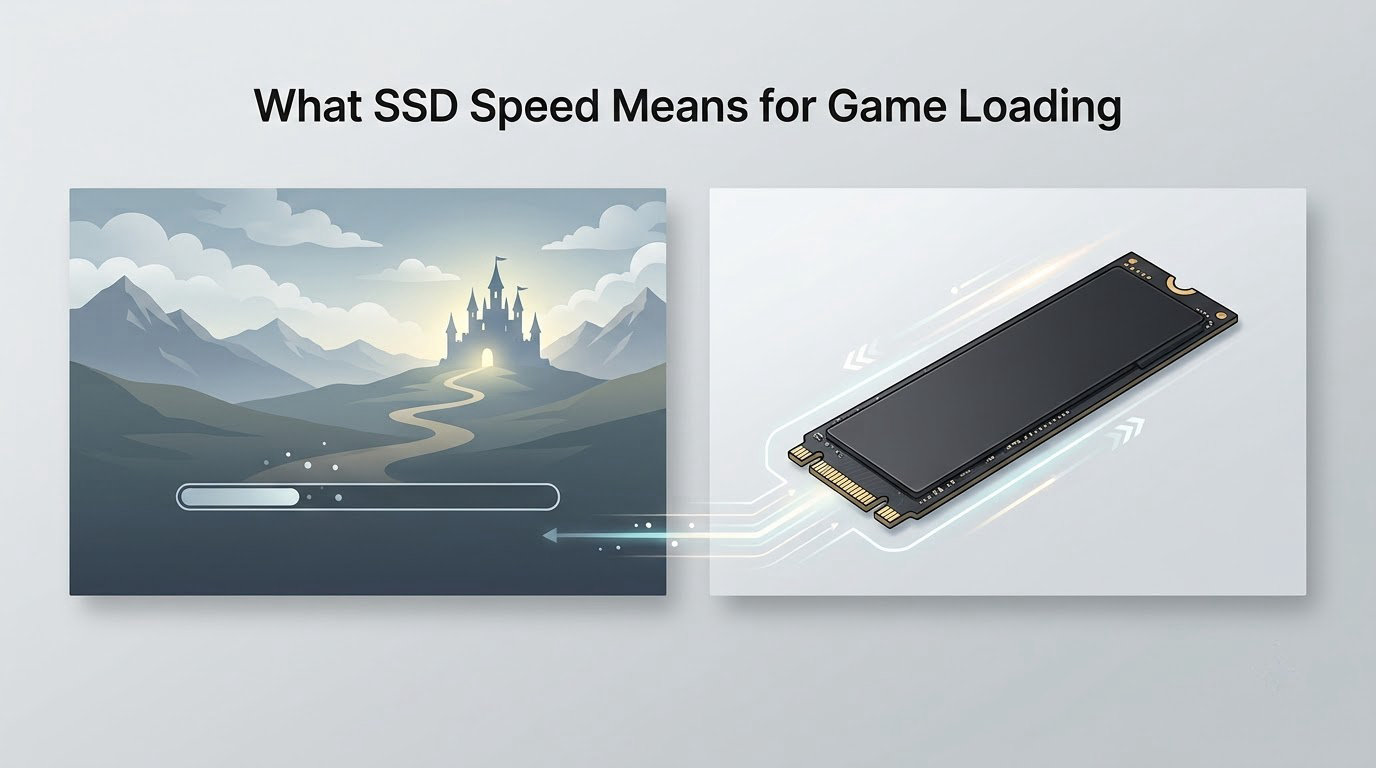
A hard drive has to spin a platter to the right spot and move an arm to find each file. That seek and rotational delay, measured in milliseconds, is why a hard drive can take a minute to reach a level and an SSD reaches it in seconds. An SSD answers electronically, with no moving parts and no seek time at all.
After that, the interesting number stops being the one on the box. Three terms decide how a game actually feels your drive.
Sequential read speed
This is the headline figure, the GB/s on the packaging. It describes copying one long file in one direction. Big installers and patch downloads benefit, and that is genuinely useful, but a loading screen rarely reads a file that way.
Random read speed and queue depth
Game loading pulls thousands of small assets at once, which is random access rather than a single stream. Queue depth means how many requests are in flight; a depth of one is one file at a time, which is what most loading code asks for. Rating points to random read performance at low queue depth, not to the sequential maximum.
Sustained speed
Advertised speed is a burst figure measured over a few seconds. Sustained speed is what the drive holds after several minutes of heavy work, and a drive that runs hot can drop well below its rating. For a 150GB install being copied or for shader compilation, sustained speed matters more than the sticker.
How SSD Speeds Affect Game Load Times
Drive speed changes four separate things, and only some of them respond well to a faster drive. Launch to playable and level transitions shrink the most. Texture streaming during play improves a little on a hard drive and then flattens. Save operations barely change on any SSD, because they write a few megabytes and the bottleneck is the CPU.
Start a game from a hard drive and you wait for the executable, the engine, the shader library, then a long index of assets. On an SSD that sequence is fast enough that most players never notice it as a separate step.
Traveling between open-world areas is where the difference stays obvious. Games with huge continuous worlds, city builders and survival crafting games read a lot of streamed data per transition, and hard drives stall badly during them.
What about frame rate? Almost nothing. Average FPS is set by the CPU and GPU, and once a game is cached in system RAM the disk is not involved in the frame at all.
Which SSD Specifications Matter Most?
Ranked by what actually changes your gaming experience, not by what the spec sheet celebrates.
| Specification | What it really controls | Importance for gaming |
|---|---|---|
| Random read at low queue depth | Loading screens and asset streaming | High |
| Sustained read speed | Long loading screens and large installs | Medium to high |
| PCIe generation | Ceiling on throughput, rarely reached by games | Medium, and only on older platforms |
| Capacity | Room for large installs and updates | High |
| DRAM cache or Host Memory Buffer | Write handling and heavy multitasking | Low |
| TLC versus QLC NAND | Endurance and sustained write speed | Low for games, high for heavy writing |
| Heatsink and thermals | Whether the drive holds its rating under load | Medium in laptops and small cases |
TLC before QLC and DRAM before DRAM-less is sound general advice for a system drive that does a lot of writing. It is not a load-time story. The TechSpot fourteen-drive test separated those specifications and found none of them changed game loading.
How Much Faster Is a Modern NVMe SSD?
The honest answer is that the jump from hard drive to SSD is dramatic and the jump from SSD to faster SSD is small. Tom’s Hardware ran eleven titles in August 2026 across SATA through PCIe 5.0 and found only two, Forspoken and Ratchet and Clank: Rift Apart, with a measurable difference between SATA and PCIe. TechSpot’s October 2020 fourteen-drive test found Outer Worlds loading more than twice as fast on an SSD than on a hard drive, with SATA and NVMe results sitting close together.
That gap has closed further since 2020. DirectStorage titles push far more data per second than the engines that came before, so the ceiling matters more now than it used to, and a top-tier drive is still the cheapest place to future-proof a new build. For load times alone, the numbers people quote from the box rarely show up in the loading screen.
If you want to see this for yourself rather than trust my summary, run the same title on two drives and time it. That takes twenty minutes and settles the question on your own machine.
Why SSD Speed Matters Less Than Players Expect
Four things get in the way of a bigger gain, roughly in the order they bite.
- Low queue depth. Loading code often waits on one asset at a time. A drive rated at 7000 MB/s delivers a small fraction of that when only one request is pending, which is why the SATA and PCIe results cluster together.
- CPU decompression. Assets ship compressed to fit on the disc. Your processor unpacks them, and that work is CPU-bound, not storage-bound. TechSpot identified this as the real limiter in its testing.
- System RAM caching. Once you have played a level, its assets sit in memory. Loading it again pulls from RAM, so the drive barely registers.
- Everything else. Shader compilation on first launch, decompression stalls on a game server, a background Windows update writing to the same disk. None of these improve with a faster drive.
The forum consensus matches this. In r/buildapc, the recurring line is that a cheap SATA SSD and the most expensive PCIe 5.0 drive make no practical difference to game or OS loading, and r/pcmasterrace users report barely noticing the gap between NVMe and SATA. One r/Maplestory thread went further, with a user finding a CPU upgrade shortened load times more than a top-tier NVMe drive did.
How to Test Your Current Game Load Times
This works on Windows 10 and 11, and it costs nothing.
- Set a baseline. Close background apps, let the machine sit for a few minutes, and disable your launcher from auto-updating during the test.
- Take three runs. Load the game from cold, time launch to playable, then fast travel twice in the same world. Averages beat single readings.
- Watch the disk column. Open Task Manager, switch to the Performance tab and run the game. The disk graph shows active time and read speed in real time, and sustained 100 percent activity means the drive is involved.
- Check the frame data. CapFrameX and MSI Afterburner record 1 percent lows, the slowest frames in a run. If the drive were the problem, frame times would break in visible spikes rather than drop evenly.
- Use HWiNFO for detail. It logs disk throughput and temperatures, so you can see whether a drive is throttling under sustained load.
- Only then change hardware. Record the numbers before and after, on the same scene, with the same settings. Without a baseline, an upgrade always seems like it worked.
CrystalDiskMark tells you your drive’s theoretical ceiling. It is useful for spotting a drive performing below its rating, and useless for predicting a loading screen.
How to Choose an SSD for Faster Gaming
Which SSD Speed Should You Actually Buy?
Match the drive to what the machine can run, then stop climbing the ladder.
| Drive class | Typical read speed | Load-time benefit | Who it suits |
|---|---|---|---|
| Hard drive | 80 to 160 MB/s | Baseline, and the reason for the jump | Nobody, if a SATA SSD fits |
| SATA SSD | 500 to 550 MB/s | Dramatic against a hard drive | Older PCs and laptops with no M.2 slot |
| NVMe PCIe 3.0 | 2000 to 3500 MB/s | Small, often unmeasurable | The value pick on any modern board |
| NVMe PCIe 4.0 | 5000 to 7000 MB/s | Marginal, but useful for DirectStorage titles | New builds on current platforms |
| NVMe PCIe 5.0 | 10000 MB/s and up | Almost never visible in a loading screen | High-end builds that need the headroom |
Check the interface before anything else. An M.2 slot is not automatically NVMe, and a PCIe 4.0 drive in a PCIe 3.0 slot runs at PCIe 3.0 speeds. In laptops, the M.2 slot may be soldered and may share bandwidth with the graphics, which throttles the drive when you are gaming.
Spend on capacity next. Modern installs run large, and a nearly full drive loses its SLC cache and slows down far more than any generation gap between drives. Keeping 15 to 20 percent free protects sustained speed.
Thermally, drives with a heatsink or a case with airflow hold their ratings during a 150GB install. Sustained write speed decides how long patching a game takes, which is a more felt improvement than shaving two seconds off a loading screen.
On consoles, the answer is simpler. A PlayStation 5 or Xbox Series X with an NVMe SSD sees shorter loading screens and less texture pop-in. A PlayStation 4 with a SATA SSD sees a much bigger gain, because it shipped with a hard drive. If you want the console specifics, our gaming guides section covers the settings that usually matter more.
Frequently Asked Questions
Does an SSD make games load faster?
Yes, and this is where the real gain is. Moving a game from a hard drive to any SSD can cut launch and level loading by more than half, because there is no seek time and no rotational delay. The improvement is largest on big open-world and simulation games. Once you are already on an SSD, going faster changes very little.
Will a faster SSD improve FPS?
Usually not. Average frame rate is set by your CPU and GPU, and once a game is cached in RAM the drive is not involved in drawing frames. The exception is texture streaming: on a hard drive, streaming textures mid-play causes visible hitching and pop-in, which some players read as lost frames. An SSD smooths those hitches without raising the frame counter.
What is a good SSD speed for gaming?
Any NVMe drive rated at 2000 MB/s or 3500 MB/s is more than enough. Those are PCIe 3.0 speeds and they cover almost every game load without a visible gap to a PCIe 4.0 drive. Judge the drive by sustained read speed and free space rather than the peak number on the box.
Is 4TB SSD overkill for gaming?
No, and it is rarely a waste. A single large install can pass 150GB, and a library grows fast with patches and DLC. Four terabytes costs more per gigabyte than one or two, so if your budget is fixed, a two-terabyte drive plus a spinning hard drive for archives is a cheaper route to the same storage.
Why are my load times still long on a fast SSD?
Because storage stopped being the bottleneck. The game is decompressing assets on the CPU, compiling shaders on first launch, or waiting on a game server. Fast-travel waits inside an already-loaded world usually mean nothing was read from disk at all. Checking the Task Manager disk column during a load tells you in seconds whether the drive is even involved.
Conclusion: Start With the Bottleneck
Check four things before you spend anything: whether the drive interface matches your platform, whether you have 15 to 20 percent free space, whether your current loads are storage-bound at all, and whether the same wait also shows up in first-run shader compilation. If the answer is that you are on a hard drive, any SSD is a large win. If you are already on a decent NVMe drive, put the money into capacity or a different component instead.