Getting more value from a game subscription comes down to three habits: claim every monthly drop before it disappears, pay for the tier that matches how you actually play, and track your hours so you know when the fee stops earning its keep. Most subscribers use a fraction of what they pay for.
That gap is not about playing more games. It is about the small number of deliberate habits that recover the fee without adding a single extra session. This guide covers all ten, in the order they tend to pay off fastest. Updated for 2026.
Table of Contents
- 1How to Get More Value From a Game Subscription at a Glance
- 2How to get more value from a game subscription
- 31. Choose the Right Subscription Tier
- 42. Claim Every Monthly Reward on Time
- 53. Build a Weekly Play Schedule
- 64. Tie Your Goals to Paid Benefits
- 75. Use Free and Paid Benefits Together
- 86. Invite Friends and Test Group Perks
- 97. Redeem Rewards Before They Expire
- 108. Review Your Spending and Usage
- 119. Time Purchases Around Real Bonuses
- 1210. Cancel or Downgrade Without Wasting Benefits
- 13Frequently Asked Questions
- 14Is a more expensive game subscription worth it?
- 15Should I subscribe only during a free trial?
- 16How can I remember to claim monthly game rewards?
- 17Can I pause or downgrade a game subscription without losing everything?
- 18Is it better to buy a game or use a subscription?
- 19How often should I review whether my game subscription is worth it?
- 20Start With One Unused Benefit
How to Get More Value From a Game Subscription at a Glance
Here is how to get more value from a game subscription in one table: each strategy, the benefit it returns, the player it suits, and the number that tells you whether it worked.
| Strategy | Best benefit | Ideal player | How to measure it worked |
|---|---|---|---|
| 1. Right tier first | Stops paying for perks you never open | Anyone unsure which plan they need | List of tier perks you actually used last month |
| 2. Claim monthly rewards | Keeps included content from expiring | Busy players who forget the reset date | Claim day logged in the calendar, every month |
| 3. Weekly play schedule | Turns a rotating catalogue into finished games | People who browse endlessly and finish little | Games finished per month, not per year |
| 4. Goals tied to paid benefits | Extra currency, storage or boosts actually get spent | Players with a backlog and a wish list | Progress bar checked weekly |
| 5. Combine free and paid play | Free titles fund the paid tier instead of competing with it | Players who rotate between free-to-play and owned | Free hours logged alongside paid hours |
| 6. Invite friends and test group perks | Referral bonuses and squad sessions | Multiplayer players on a shared subscription | Bonus features actually activated |
| 7. Redeem before expiry | Stops credits and cosmetics being discarded | Anyone with a rewards tab they rarely open | Zero rewards expired this month |
| 8. Review spending and usage | A clear cost-per-hour number | Players who suspect they are overpaying | Fee divided by hours played |
| 9. Time purchases around bonuses | Discounts stack with included titles | Players who plan to buy anything this year | Purchase price versus the same game elsewhere |
| 10. Cancel or downgrade cleanly | No wasted benefits, no surprise renewal | Anyone whose audit came out weak | Benefits used before the renewal date |
How to get more value from a game subscription
Read the table as a filter, not a checklist. Mark the three rows that describe your actual week, work only on those, and leave the rest for later.
The most common finding is that the biggest single leak is unclaimed content. If you only fix one thing this month, fix the claim date.
1. Choose the Right Subscription Tier
Pick the tier by recurring benefits and usage patterns, not by the size of the badge at the top of the page. A cheaper tier is the better buy when you play on one device, rarely need online multiplayer, and never touch cloud streaming.
Look at three things on any plan: the catalogue you can access, whether online multiplayer is included, and whether streaming to a TV or phone is part of the package. Those three account for nearly all of the difference between tiers in practice.
Worked example. Sam plays on a console at home, logs maybe one online session a week, and has no interest in playing on a television away from the console. The mid tier covers both the catalogue and multiplayer. The top tier adds cloud streaming and partner benefits Sam has never opened once in four months, so the upgrade costs money for unused features.
Set an upgrade trigger so the decision is not made in a good mood. A fair trigger is three straight months where you hit the limits of your current tier, or a specific game arriving that requires the higher plan.
2. Claim Every Monthly Reward on Time
Put the claim date in your calendar the day the subscription renews, and treat it like a bill. Monthly cosmetics, currency, boosts and access passes usually expire at the end of a claim window that is far shorter than people assume.
A single reminder is enough. Many phones support recurring events, so a monthly alert titled with the service name and the word claim gives you a five-second job twice a month.
The payoff is easy to miss until you count it. A monthly credit left unclaimed twice in a row is money you already spent and never got back, and it is the single most common complaint in the Reddit threads where players ask whether Game Pass is still worth the monthly fee.
3. Build a Weekly Play Schedule
A rotating catalogue punishes aimless browsing. Block a fixed number of sessions each week and give each one a named game, and you will finish more titles in a month than in a year of scrolling through the library.
Example week for someone with 40 minutes on weekday evenings: Monday a roguelike run from the shortlist, Wednesday two sessions on a story game, Saturday a longer block for anything with online play. That is four sessions and three games touched, all chosen before the week starts.
Keep the blocks small enough that a bad week does not break the habit. A schedule you follow for four months outranks an ambitious one you abandon in three weeks.
4. Tie Your Goals to Paid Benefits
Paid features only pay off when they are pointed at something specific. Bonus currency, experience boosts, extra storage and reward multipliers do nothing on their own, so decide in advance what each one is for.
Three examples that work. Assign bonus currency to a single upgrade path in the game you are currently playing instead of letting it scatter across a character sheet. Assign the experience boost to the game you are willing to abandon if it does not hook you in two sessions. Assign extra storage to the game with the largest install so you stop deleting things to make room.
Verification is the part people skip. Open the rewards screen on the same day each week and write down the number you are working toward. If the number has not moved in four weeks, the feature is not helping you and should not be counted as value in your audit.
5. Use Free and Paid Benefits Together
Free-to-play games, free weekend promotions and subscription titles work better side by side than against each other. The paid tier covers the expensive, story-heavy or catalogue games; the free games cover the daily routine sessions.
A practical split: reserve paid hours for games that would cost you money otherwise, and keep the grindy repeat-play titles in the free category where the loop is the point. Spending a subscription session on something you could have played free is the quietest way to waste a plan.
This split also makes the monthly audit fairer. Hours spent on free games should not count toward the cost-per-hour figure in section 8, or your number will look better than the subscription really is.
6. Invite Friends and Test Group Perks
Referral bonuses, party features and squad subscriptions all follow the same rule: they are worth real money only when the people you invite actually play. Add one friend to a shared plan or squad tier, run a session together, and you have turned a feature into a shared activity.
Before paying for any group feature, list which benefits you would use in a normal month. If squad chat and shared cloud saves are the only two on the list and you live alone, a personal plan is the cheaper answer.
The long-running forum debates about whether PlayStation Plus is good value tend to land in the same place: the service earns its keep for people who buy several games a year and consistently claim the monthly drops. Shared plans work best for people who already play regularly with the same small group.
7. Redeem Rewards Before They Expire
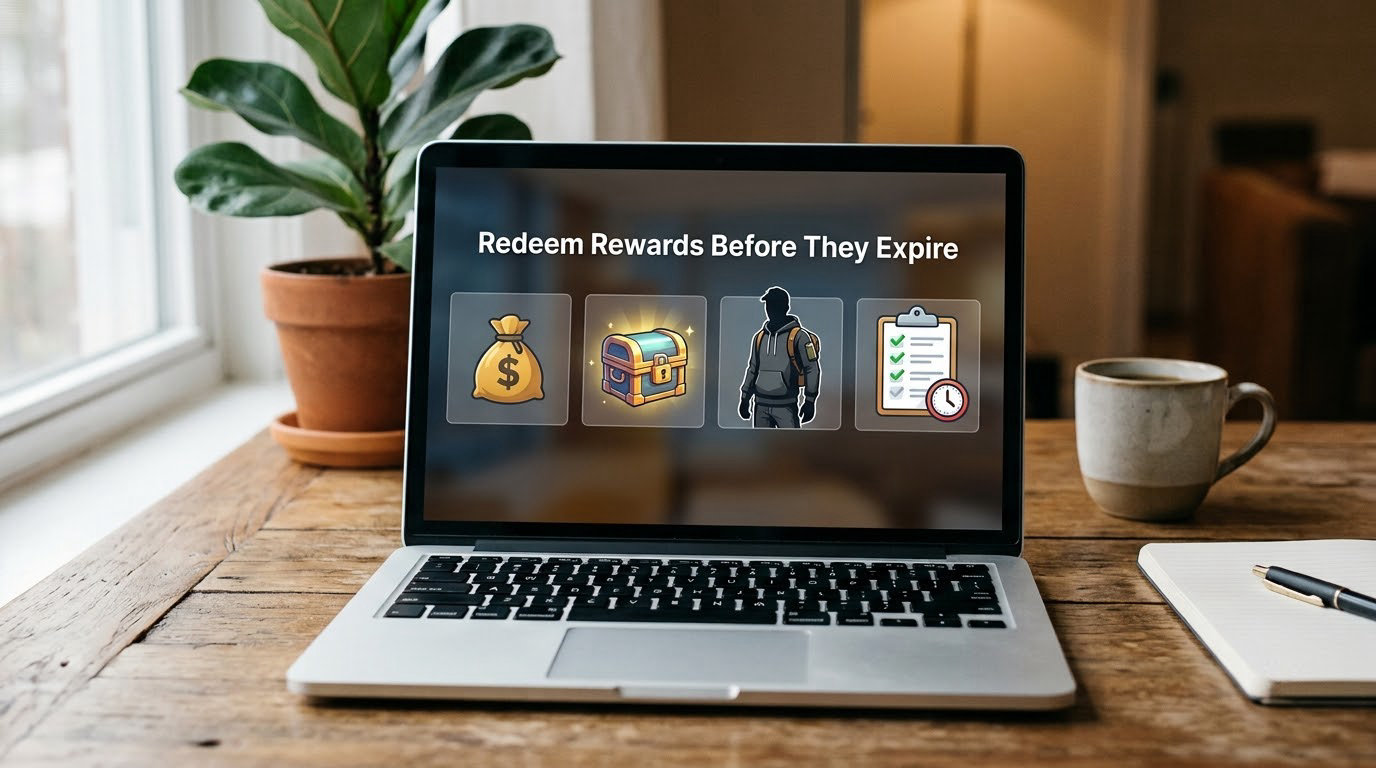
Open the rewards or perks tab once a month and work top to bottom. Check expiry dates on limited cosmetics, event tokens and monthly credits, and use anything within its final week even if you have no plan for it.
A simple routine is enough. Screenshot the rewards screen, sort by expiry where the service allows it, redeem everything inside seven days, and screenshot again. Two screenshots a month is the whole system.
Unredeemed cosmetic items usually cost nothing to hold, but currency and credits frequently do. Treat anything with a date on it as expiring, because on every major service some type of reward quietly rolls into the next season.
8. Review Your Spending and Usage
Measure your subscription the way you would measure anything else: divide the fee you pay each month by the number of hours you actually played, then compare that result with what you would spend to buy those hours another way.
Worked method. Track total paid hours for the month, then multiply by your realistic number of months per year. Divide your annual fee by that figure. If the answer sits near the cost of the two or three games you would buy in the same window anyway, the subscription is comfortably earning its place. If it comes out higher, the section 10 downgrade or cancel path applies.
Run the same audit with a narrower question: which perks did you open this month? Cloud streaming on a television, a monthly game, a rewards points balance, a partner discount. Any line you cannot name goes on the cancel list, and that list is what makes the next decision easy.
People report that buying a game at a discount after trying it on the subscription is a common way to close the loop, and it shows up clearly in the audit: the subscription did its job as a preview, and the purchase was a choice rather than a reflex.
9. Time Purchases Around Real Bonuses
Before buying anything full price, check whether it is already included in your catalogue, whether a subscription discount applies to your tier, and whether it is scheduled to leave the service soon. If it is, the discount is often about to be much larger.
The pattern that gets the most out of a plan: play the game through the subscription, decide it is the one, and buy it during a sale window. You avoid the full-price purchase on something you might not finish, and you usually pay less for the ones you keep.
Watch the leaving-date notices rather than waiting for the game to vanish. The version you own permanently is what matters after it goes, and a sale before departure is the cheapest moment to secure it.
10. Cancel or Downgrade Without Wasting Benefits
Some subscriptions should be cancelled, and that is a legitimate result of the audit rather than a failure. If your hours have dropped for two months running and your perk list keeps coming back empty, optimising is just spending effort on a plan you do not need.
Before the renewal date, work through a short list. Claim the remaining monthly rewards, redeem anything with an expiry date, use or gift any shared-plan slots, and check whether anything you bought or downloaded has an export or activation option you want.
Then decide between downgrading and cancelling. A downgrade keeps the catalogue and drops the extras you never used, which suits people who still play a few titles a month. Cancelling suits people who now play mostly free-to-play, where free rotation and free weekends cover the habit at no recurring cost.
Check the renewal terms before you click anything. Annual plans and third-party bundles sold through mobile carriers or prepaid cards often renew at a higher rate than the price you signed up for, and that gap is the most common billing surprise in these services.
Frequently Asked Questions
Is a more expensive game subscription worth it?
Only when you will use the extras it adds. Compare your tier with the next one up and list what changes: catalogue access, online multiplayer, cloud streaming, partner benefits. If nothing on that list gets used in a normal month, the upgrade costs money for features you never open. Set a trigger, such as three months of hitting a tier limit, so you upgrade on evidence.
Should I subscribe only during a free trial?
Free trials suit one specific purpose: testing whether a catalogue holds your attention before you commit. They are a poor substitute for a subscription, because trials usually exclude the newest titles, the loyalty rewards and the partner benefits that make up much of the value. Treat a trial as a scouting trip, note the games you finished, and decide from that rather than from the first twenty minutes.
How can I remember to claim monthly game rewards?
Add a recurring calendar event on your renewal day with the service name and the word claim in the title. Two alerts a month is usually enough, and some services let you set a claim date that matches your billing cycle. Keep the screenshot habit too, so you always have a record of what was available when you looked. It takes five seconds and returns the most value.
Can I pause or downgrade a game subscription without losing everything?
Most services offer a lower tier rather than a pause, and a downgrade keeps your account and any progress you have made while dropping the perks you never used. Before you switch, claim the remaining monthly rewards and redeem anything with an expiry date, since those are usually lost on the day the plan changes. If you cancel, you keep anything you bought or unlocked permanently.
Is it better to buy a game or use a subscription?
Use the subscription first for anything already in the catalogue, especially a game with a long story or a multiplayer mode you would not commit to cold. Buy it outright when you know you will play it for a long time, or when it is about to leave the service and a sale is coming. Regular buyers of several new games a year often get more value buying selectively than paying a recurring fee.
How often should I review whether my game subscription is worth it?
Once a month, on the same day as your claim reminder, it takes about fifteen minutes. Divide the monthly fee by your paid hours, list the perks you actually opened, and note the games you finished. Do a bigger review every three months to decide about upgrades or downgrades. Annual plans and carrier bundles deserve a closer look at renewal terms.
Start With One Unused Benefit
Pick the least-used paid feature you have, schedule the time to use it, write down the result, and look again in 30 days. One habit is enough to start, and it tells you faster than any amount of browsing will.
If that audit still looks thin after a month, the honest answer is a downgrade or a cancellation rather than more optimisation. That is a fine outcome too, and it costs less than another year of paying for things you never open.