There is no formula that makes a gaming clip blow up. What works is a repeatable workflow: catch a moment that earns attention, cut it so it reads in seconds, give people a reason to share it, then read the numbers and do it again. Learn how to get gaming clips to go viral by building that loop.
Short-form platforms test every upload with a small audience first. If the clip holds attention and gets shared, it travels to people who have never seen your channel. That is how a creator with 300 followers ends up on a feed seen by 30,000 people.
The tools are cheap and mostly free. A capture setup, an instant replay buffer, one editor, and an hour of consistent posting beat expensive gear every time. I have watched small creators win on a phone recording and a free editor, so skip the shopping phase for now.
Table of Contents
- 1What You Need
- 2Step-by-Step: How to Get Gaming Clips to Go Viral
- 3Choose a moment that earns attention
- 4Capture clean gameplay footage
- 5Edit the moment for fast viewing
- 6Build a hook and a reason to share
- 7How to get gaming clips to go viral on the right platform
- 8Measure performance and improve the next clip
- 9Common Mistakes
- 10Frequently Asked Questions
- 11How long should a gaming clip be on TikTok?
- 12Is 300 views in one hour good on TikTok?
- 13What is the 3 second rule on TikTok?
- 14Should I post the same gaming clip on TikTok and YouTube Shorts?
- 15Do gaming clips get more views on TikTok or YouTube Shorts?
- 16How do I caption gaming clips for retention?
- 17Conclusion
What You Need
Five things, and you probably already own three of them.
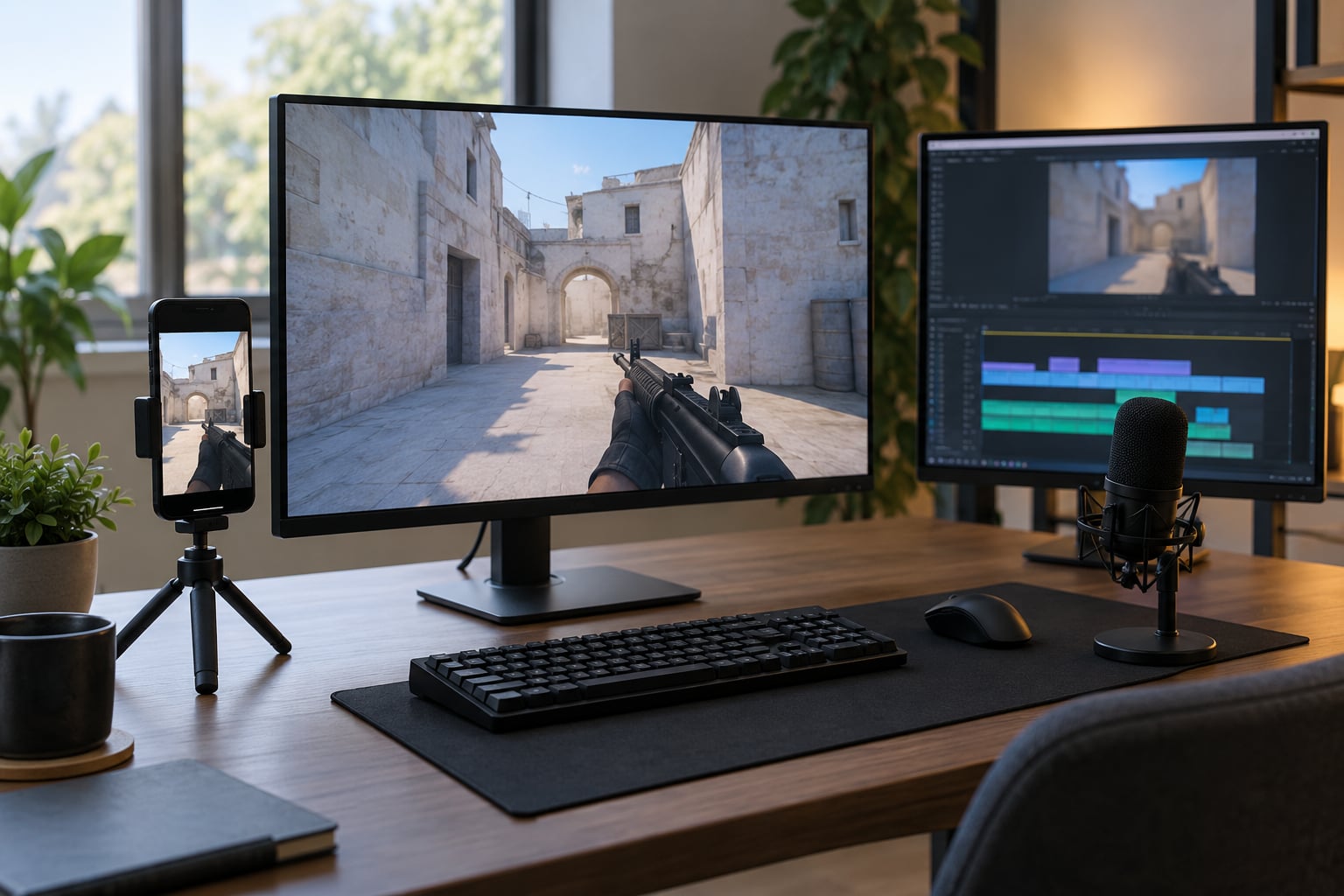
- A capture setup. A console capture card, a screen recorder, or your console’s own built-in recording on a current console generation. Anything that produces a clean video file works.
- An instant replay buffer. Your capture software should keep the last several minutes rolling so you can save a moment seconds after it happens. Without this you lose the good stuff to the save menu.
- An editor. A free desktop editor handles everything in this guide: trimming, reframing to vertical, captions, and audio. You do not need a subscription.
- A caption tool. Word-by-word burned-in captions come free with most editors. Most viewers watch with sound off.
- A scheduler and an analytics view. The scheduler is optional but it keeps you from losing a clip to your own sleep schedule. The analytics view is not optional. It is where the learning happens.
That is the whole kit. Add a decent microphone later if you talk over gameplay, and only once your posting habit is solid.
Step-by-Step: How to Get Gaming Clips to Go Viral
Choose a moment that earns attention
Most gameplay has no reason to exist as a clip. A few moments do, and they fall into a short list: sudden action, a narrow escape, genuine surprise, a funny failure, a clean skill shot, or a result the viewer has a stake in.
You can learn to spot them. Watch for the frame where your own reaction changes, or where the audio spikes. A teammate screaming, an item that should not exist, a health bar hitting zero at the wrong moment. Those beats are your start points.
Save them while they happen. Nobody finishes a raid in real time, so clip it during play and sort later.
Capture clean gameplay footage
Record at a frame rate that matches the game and keep the frame rate and resolution identical in every clip, or your edits will stutter when you stitch them. 60 frames per second is the usual choice and holds up on a phone screen where fine motion matters.
Close anything you do not need before you start. A browser tab, a chat window, a notification banner, all of it ends up burned into the top of the frame.
Keep your game audio. It carries half the emotion, and viewers with sound off still read the caption and stay for the visual.
Edit the moment for fast viewing
Work through this list in order, and it takes about ten minutes per clip:
- Cut the dead time. Remove the walking, the loading, the looting. Start a beat or two later than feels natural to you.
- Reframe to 9:16 vertical. Horizontal gameplay with black bars in the middle of a phone screen loses half the image. Centre the action and crop in.
- Keep the payoff. Keep the setup and the hit, drop the middle.
- Burn in captions. One or two words at a time, high on the frame, readable in sunlight.
- Add a sound. Trending audio is fine, but silence with clean game audio often beats a mismatched music bed.
- Zoom and punch. One cut-in on the payoff frame keeps attention through the whole clip.
- Loop the ending. If the clip ends on a result, cut so the last frame flows back into the first.
Test it once on your own phone, sound off, before you export. That single check catches most editing problems.
Build a hook and a reason to share
The first one to two seconds decide everything. Creators on r/youtubegaming and r/KickStreaming keep landing on the same pattern: show the payoff first, then back up to the build-up. A chronological cut buries the interesting part behind setup.
A curiosity gap does the rest. On-screen text that names a stake works better than a generic label: “one HP left against a full team” beats “clutch moment”.
Keep the caption short and give the reason to share. People forward a clip when it is funny, surprising, useful, or a clean story with a beginning and an end. Your caption should tell them which one it is.
One warning: curiosity that the clip never pays off is the fastest way to lose a viewer and tank your retention curve.
How to get gaming clips to go viral on the right platform
Each platform tests clips differently, so match the format to where your audience already is.
- TikTok gives you the fastest discovery for new accounts and the shortest window. A thumb pauses in roughly the first second.
- YouTube Shorts rewards a slightly longer hook, closer to one and a half to two seconds, and ties back to your channel where a subscriber counts for more.
- Instagram Reels leans on polished editing and captions, and tends to travel through shares rather than the For You feed.
- Twitch and Kick are good for community clips and for the traffic between platforms, but neither is where discovery starts cold.
Write the searchable text in the caption: game name, the mode, the thing that happened. People search game clips more than they scroll past them.
Pick a thumbnail frame that shows the reaction or the impossible outcome rather than a map screenshot. Post at a consistent time so the same people see you repeatedly, and keep an eye on your first hour, which is where most of the distribution happens.
Posting the identical clip to TikTok, Shorts, and Reels is normal practice and does not hurt reach. Just export a clean version for each rather than uploading a copy carrying another platform’s watermark.
Measure performance and improve the next clip
Views alone tell you nothing. Watch the retention graph instead.
Here is the diagnostic path, in the order I use it:
- Sharp drop before one second. The opening frame is static, the hook text arrives too late, or the first thing you see is your own face blinking. Fix the first frame.
- Steady slide through the middle. The clip is too long or the middle has nothing in it. Cut harder.
- Good retention, no shares. The moment was good but not worth forwarding. Add context so a viewer can send it to a friend.
- Strong watch time, no reach. The signal was good but the post had no searchable text, no sound, and no reason to leave the feed.
Compare every clip against your own average, not against someone with a hundred times your followers. Write down what each clip did, keep the versions that held attention, and build the next one from them.
Common Mistakes
Almost every flat clip traces back to one of these.
- Starting in the middle of the action. The viewer has no idea what just happened. Start on the payoff and rewind.
- Leaving horizontal video in a vertical frame. Reframe before you export, every time.
- Long lead-in. If the interesting frame arrives after three seconds, most of the audience has gone.
- No captions. A large share of viewers watch muted. Word-by-word captions fix that for free.
- Unclear audio. Muted music or a clipped mic does more damage than having no sound at all.
- Spoiling the payoff in the caption. Do not describe the ending. Name the stakes and let the clip deliver.
- Posting two clips a month and quitting. Volume is the actual mechanism. One good week out of forty beats one perfect clip a year.
- Ignoring comments. The questions under a decent clip tell you what to make next.
Two more worth naming: cloning another creator’s clip and hoping it carries your channel, which carries real copyright risk, and uploading a version with another platform’s watermark still burned in. Clip your own gameplay. If you want to build on someone else’s clip, ask first.
Frequently Asked Questions
How long should a gaming clip be on TikTok?
Most gaming clips that travel well sit between 8 and 20 seconds. Shorter clips under 5 seconds work for a clean single moment, like a rare drop or a one-shot play, because there is nothing to trim. Longer clips need a hook in the first second and a new reason to stay every few seconds. If your clip runs past 30 seconds and nothing changes, cut it in half.
Is 300 views in one hour good on TikTok?
For a small account, 300 views in the first hour is a healthy signal, especially if it is several times your follower count. The number that matters more is velocity: a clip hitting a few thousand views per hour has real momentum, while a slow climb usually stalls. Judge it against your own last ten clips, not against an established creator.
What is the 3 second rule on TikTok?
The 3 second rule says a viewer decides whether to keep watching within about three seconds, and on TikTok that decision often lands closer to one second. If your payoff, your hook text, or your first interesting frame has not appeared by then, most of the audience is gone. Put the best frame first and use the first second for a curiosity gap.
Should I post the same gaming clip on TikTok and YouTube Shorts?
Yes, cross-posting the same clip is standard practice and does not reduce reach on either platform. Export a separate clean file for each destination and remove any watermark from the other site before uploading. Give each version a caption that fits the platform rather than pasting identical text everywhere.
Do gaming clips get more views on TikTok or YouTube Shorts?
For a brand new account with no followers, TikTok usually gives a first clip more of a shot, because it tests posts with strangers rather than gating reach behind subscribers. Shorts tends to reward a slightly longer hook and gives more weight to turning a viewer into a subscriber. Many creators post the same moment to both and let the numbers decide.
How do I caption gaming clips for retention?
Burn in captions word by word, high on the frame, in a large readable font. Use them to deliver context the visuals cannot: names, scores, stakes, or what was about to go wrong. Keep each caption fragment to a few words so the eye can track it while the action continues underneath.
Conclusion
Start with one action: open a stream tonight with the replay buffer running, save four moments that made you react, and edit just one of them down to fifteen seconds with captions and a vertical reframe. Post it, then check the retention graph the next morning and write down where people dropped.
Virality cannot be promised to anyone. What you can control is the volume of attempts and whether each one teaches you something, and that compounds faster than any hook formula ever will.