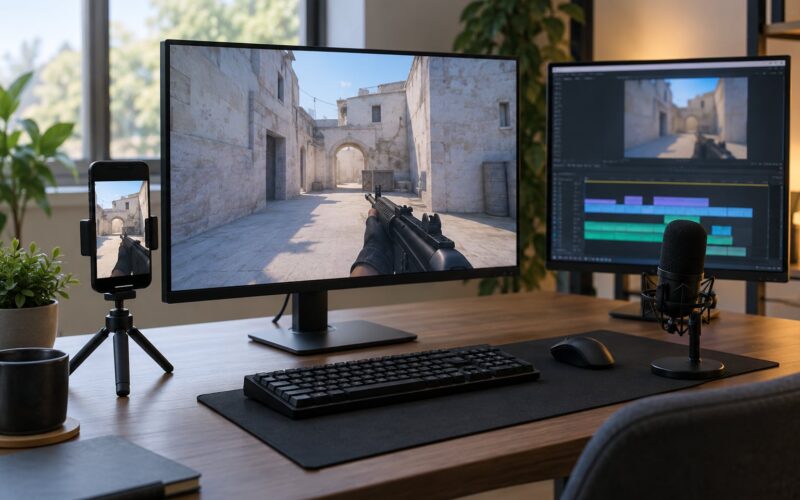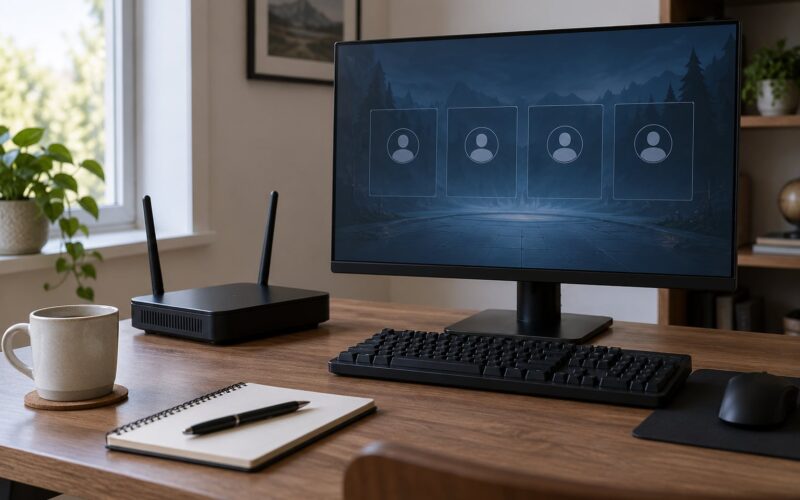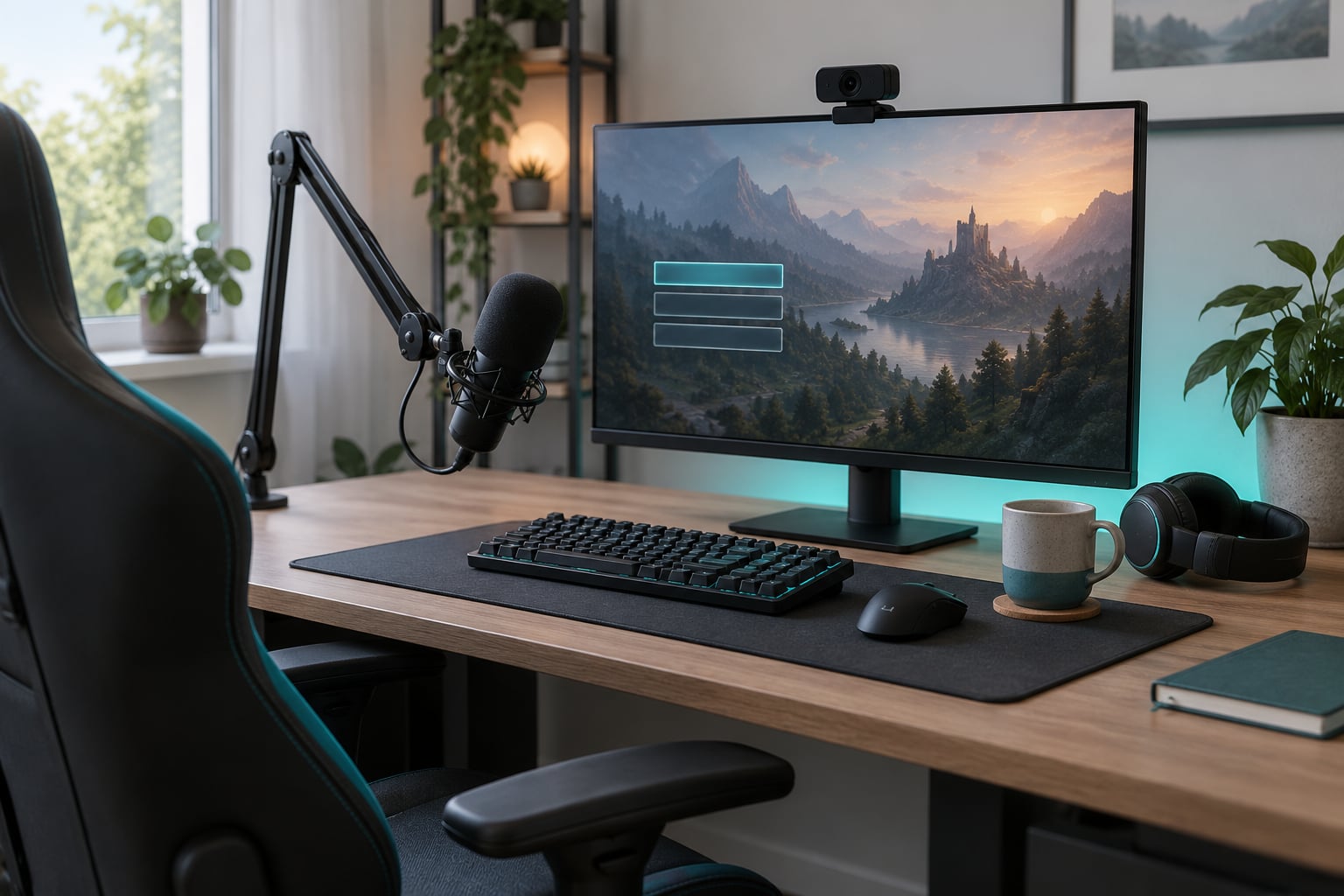
How to grow a small gaming stream comes down to four habits: pick a game and format people can find, stream on a schedule you can actually keep, talk to chat like the room is full, and review one number a week so changes are deliberate. Most growth for a channel sitting under 50 average viewers comes from those four habits, not from new gear.
This guide is for people streaming with zero to a few dozen viewers, usually around a day job. It assumes you already have a channel and a stream that technically works. If you have not gone live yet, fix that first: a broadcast-ready setup, a starting-soon screen, and one 90-minute stream count as starting.
Before the steps, a quick action list you can run this month:
- Open your Creator Dashboard analytics and check the viewer-to-channel ratio for two games you already enjoy
- Write down two fixed stream days and times, then treat them like appointments
- Build one overlay with a starting-soon screen, a live goal and a new-follower alert
- Give every returning chat member their name out loud, every stream
- Save ten minutes after each stream to write three numbers and one change
Table of Contents
- 1What You Need
- 2Step-by-Step: How to Grow a Small Gaming Stream
- 31. Choose a focused streaming niche — a game, a format and an audience
- 42. Create a recognizable stream package
- 53. Publish a realistic schedule
- 64. Improve discoverability with useful titles
- 75. Turn viewers into regulars
- 86. Review meaningful stream metrics
- 97. Scale gradually without losing consistency
- 10Common Mistakes
- 11Frequently Asked Questions
- 12How long does it take to grow a small gaming stream?
- 13How can I get more viewers on Twitch if I’m a small streamer?
- 14Do small streams actually make money?
- 15Can Twitch detect fake viewers and bought followers?
- 16Should a small streamer post on TikTok and YouTube Shorts?
- 17What should I do if my channel has plateaued?
What You Need
A small channel needs a short, boring list. Everything below is either free or something you probably already own.
Broadcasting software. OBS Studio is the free default and covers every source you need at this level. Capture cards and dedicated streaming hardware only matter once you add a second machine, a camera or a capture card, and none of that fixes a weak upload connection.
A service account and a stable connection. Upload speed matters more than any other technical setting, because a dropped frame or a stutter sends viewers away faster than a plain overlay. Run a speed test on the connection you actually stream from, not the one in the same room as your router.
Audio that does not crackle. Viewers forgive a soft camera and they do not forgive hissing, echo or a keyboard that drowns out your voice. A clip-on mic or a basic USB mic costs less than a GPU upgrade and does more for retention.
A face, if you are willing to use one. Camera work is not mandatory, but a channel with a visible person competes differently than a screen-only channel, and viewers who get used to your voice tend to come back sooner.
Thirty minutes a week of planning. Title, category, tags, goal and any community plan, written before you go live. Streamers who prepare ten minutes tend to look prepared for hours.
Nothing on that list requires a new computer, a second monitor or an expensive camera. Free overlays, free alert tools and free clip editing cover a small channel completely. Paid upgrades pay off later, and only after the schedule holds for a few months.
Step-by-Step: How to Grow a Small Gaming Stream
Seven steps, in the order that actually compounds. The early ones decide whether the later ones work, so skipping ahead usually wastes a month.
1. Choose a focused streaming niche — a game, a format and an audience
Choose one game plus one format plus one audience, and hold the combination for at least six weeks. Narrow choices are easier to be found in because a viewer who likes your specific version of the game has nowhere else to go.
Formats that work well for small channels include beginner-friendly survival runs, cooperative strategy sessions, and retro game challenge streams. Each one has a clear promise attached, which is the thing most small channels never communicate.
You can check demand instead of guessing. In the Twitch Creator Dashboard, open Analytics, then the Research tab, and search a game you want to play. The chart shows a viewer-to-channel ratio by day and time. Where the average line sits high, plenty of people are watching while few channels are live, which is exactly the gap a small channel can fill. Where the line sits low, the category is crowded and you will be one of hundreds of thumbnails.
How do you tell it worked? After three streams in the same category, a larger share of your viewers arrive from browsing rather than from your friends, and at least one person says in chat how they found you.
2. Create a recognizable stream package
Give your channel one visual identity and repeat it exactly: same overlay layout, same starting-soon screen, same alerts, same thumbnail style, same naming pattern for streams.
What a viewer should take away in three seconds is the subject of the stream, your name, and what kind of night it is. A busy overlay with ten panels fights that; a clean layout with a face cam, one goal line and one panel of context reads faster.
Add a starting-soon screen with a countdown, a clear stream title, and the next scheduled time. Most new viewers arrive mid-session or from a browse page, and a starting-soon screen gives the ones who arrived early something to do and gives the ones who just landed a reason to stay five more minutes.
How do you tell it worked? A returning viewer can describe your stream setup without being told, and new arrivals stop asking basic questions in chat.
3. Publish a realistic schedule
Publish two or three sessions a week at fixed times and keep that pattern for months. Two solid streams beat five that get cancelled, because people plan their evening around you only after the third or fourth predictable week.
Announce the schedule where your viewers already are, keep it on your channel page, and protect the times like appointments. If something comes up, shorten the session rather than skipping it. A 60-minute stream on schedule is a better record than a four-hour stream that got cut in half.
Streaming around a full-time job works fine at two to four hours, three days a week. That profile is common among channels that eventually break out, and it is far more durable than streaming daily until you resent it. One widely described failure case: 46 consecutive days of daily streaming produced 20 followers and ended in quitting. The hours were not the problem; the burnout was.
How do you tell it worked? Your returning-viewer count climbs on scheduled days and your chat knows what to expect. If people start showing up on the wrong days, your schedule has drifted.
4. Improve discoverability with useful titles
Write stream titles that say what happens, who the stream is for, and why someone should stay: the task, the stakes, and the format.
“Trying the hardest puzzle in the game until I beat it” tells a viewer more than “playing some games tonight.” “Beginner run, no spoilers, chat picks the loadout” gives a returning viewer a reason to click tonight instead of next week. “First impressions” works when you are new to a game, “community night” works when you let chat drive the session, and “challenge” works when there is a real condition attached.
Three mechanics do the rest. Set the correct category and the matching subcategory, since browse pages filter on both. Use a handful of tags that describe the game and the format rather than a keyword list. And put the same core words in your title that a viewer would actually type into search.
How do you tell it worked? Browse-page and search referrals appear in your stream summary and keep climbing after a few weeks of consistent titling.
5. Turn viewers into regulars
Talk to chat like there are fifty people in it, even when there are three. A small channel’s advantage is that every viewer can be greeted by name, and almost nobody else on the platform can offer that.
Concrete habits help. Use someone’s name in your first sentence when they arrive. Ask for input on something real, then take it seriously. Give regulars a role, like picking the next game or calling the next goal. Remember details people told you last week and reference them out loud.
Move the conversation somewhere that survives the stream. A small Discord with a rules channel, a chat-lounge voice channel and a weekly community night gives people a reason to come back when they would otherwise drift off. Keep it small; a Discord with rules nobody enforces is worse than no Discord.
The friends problem is worth naming. Very common is a first stream packed with people who came out of kindness, followed by a quiet second stream. The fix is to give them a reason to return that does not depend on you begging: a recurring community night, a small goal they can watch you attempt, a shared list you update each week.
How do you tell it worked? Chat has running jokes, the same usernames appear every session, and people show up before you announce the start.
6. Review meaningful stream metrics
Watch average concurrent viewers rather than the peak number, because peak is the number other people quote at you and average is the one that describes your channel.
The useful signals are average concurrent viewers, average watch time, chat messages per stream, new followers, returning viewers, and click-throughs on your clips. Check the stream summary within a day or two, not while the stream is running.
Change one thing at a time. If you change the game, the length, the schedule and the overlay together, nothing tells you which change did the work. Write down what you changed and what happened, even when the honest answer is nothing happened.
How do you tell it worked? Over eight weeks you can point to a change that reliably produced a higher average, and you have stopped reacting to single bad streams.
7. Scale gradually without losing consistency
Add one new thing at a time and log the result, which is how you grow a small gaming stream without burning out or losing the audience you already have.
Order the expansions like this: a second session day, then clips that feed back to your channel, then a collaboration with a channel slightly smaller than yours, then better gear, then a longer schedule. Testing them in that order keeps your foundation intact.
Expand when the current routine feels boring rather than tiring. Boredom means you are ready. Tiredness means you need a shorter week, not more hours. One collaborator who plays your kind of game and streams to a similar size is worth more than a slot with a much larger channel, because the people who come from that slot tend to stay.
How do you tell it worked? Your schedule is unchanged after the change, and the new element has a clear line in your metrics that traces back to it.
Common Mistakes
These come up over and over in small-streamer communities, and each has a short fix.
Buying equipment before the schedule holds. Fix: keep the current setup for eight weeks first. Tip: write down what each purchase would improve. If the answer is “nothing measurable,” skip it.
Changing the game every week. Fix: commit to one category for six weeks minimum. Tip: switching games is fine at the end of a run, never mid-run.
Relying on one platform with no clip pipeline. Fix: pull two or three short clips a week from each stream and add a line pointing people back to your channel. Tip: clips that make sense on their own rarely bring anyone to a live stream; clips that show a reaction or a near-miss do.
Going silent when chat is slow. Fix: keep talking through dead air; it is the moment most viewers decide to leave. Tip: prepare three questions you can ask chat regardless of how many answers you get.
Over-promoting and spamming raids. Fix: raid only channels you have actually watched, and keep the raid count low. Tip: sit in chat for a few minutes before raiding so the channel knows you are a person, not a bot.
Copying a competitor exactly. Fix: borrow the mechanics, not the personality. Tip: if your stream could be mistaken for someone else’s during a thumbnail test, change the format or the game.
Buying followers, using viewer bots, or chasing hours. Fix: do none of these. Bought followers do not watch, they do not chat, and they drag down the very ratios you are trying to improve. Tip: if you want faster reach, spend the time on clips and collaborations instead, both of which bring real viewers.
Frequently Asked Questions
How long does it take to grow a small gaming stream?
Most channels that keep a consistent three-day schedule see their first steady regulars within two to three months and a slow climb after that. Fast early jumps are common and misleading: one streamer gained 650 followers in six months and then around 100 more over the following year and a half. Judge progress by average concurrent viewers and returning viewers, not by follower totals, and give any change at least eight weeks before deciding it failed.
How can I get more viewers on Twitch if I’m a small streamer?
Pick a category with a high viewer-to-channel ratio in your Creator Dashboard Research tab, stream at fixed times so people can plan around you, and greet every arrival by name. Small channels compete on familiarity rather than production value, so retention work matters as much as discovery work. Clips and collaborations with similar-sized channels bring in more people than posting the same highlight everywhere.
Do small streams actually make money?
At the level most channels are working at, treat income as a side effect rather than a plan. Affiliate and partner eligibility on Twitch is tied to follower, viewership and streaming-hour thresholds, and the payments that follow depend heavily on subscriptions, bits and how much of that comes from real repeat viewers. A channel with strong regulars earns more at the same viewer count than one with passing traffic, which is why retention pays better than reach.
Can Twitch detect fake viewers and bought followers?
Yes. Purchased followers and view bots show patterns that do not match real behaviour: accounts that appear and vanish, viewers who never chat or return, and spikes that do not correlate with anything you did. Those sessions hurt the metrics you are trying to improve, and some of the accounts involved belong to people who will not watch your channel. Growing a small gaming stream on fake traffic sets the channel back rather than forward.
Should a small streamer post on TikTok and YouTube Shorts?
It helps, but only if the clip is adapted. Twitch is a live, interactive, long-form platform, and posting a raw highlight expecting automatic traffic rarely works because the content was made for a different context. Pull short moments with a reaction, a near-miss or a clear question, and let the video itself invite people to watch the full session live. Two or three clips a week is enough to start.
What should I do if my channel has plateaued?
Check whether the schedule or the category is the problem, because those two cause most plateaus. If you are streaming a saturated game, test a lower-competition category for six weeks. If your schedule has slipped, fix the schedule first and hold it for two months. If both are fine and the average has not moved, change one variable at a time: stream length, start time, or format. Do not buy followers, and do not quit before the change has had time to show up in the numbers.
Start with one change: pick a game and format, check the Research tab, and put two fixed sessions a week on your channel page. Then keep those two sessions for eight weeks while greeting every viewer by name and writing down your average concurrent viewers each time. How to grow a small gaming stream comes down to that repetition, not to a better camera.