
Useful feedback to a game developer is short, specific, and reproducible. If your report names the game version, lists the exact steps that trigger the problem, states what you expected instead, and attaches one screenshot, a designer or QA lead can recreate it in minutes instead of guessing.
That is the whole trick. A published game hits edge cases the team never could test internally, and your report is often the only signal that something breaks on one controller model, only for players on a low-end machine, or only in the second hour of play. Writing that report takes about ten minutes, and most of that time is spent gathering the version number.
Below is the process I would follow, in the order that matters: pick the channel the team monitors, describe the problem in one sentence, write reproduction steps, attach evidence, separate what you saw from what you feel, explain the impact, offer a fix if you have one, re-read before you send, and follow up without chasing.
Table of Contents
- 1What You Need
- 2Step-by-Step: How to Give Useful Feedback to Game Developers
- 31. Choose the right feedback channel
- 42. Describe the problem in one clear sentence
- 53. Record the exact reproduction steps
- 64. Include evidence that confirms the issue
- 75. Separate observed facts from opinions
- 86. Explain the impact on players
- 97. Suggest a solution only when it helps
- 108. Check the report before submitting
- 119. Follow up constructively
- 12Common Mistakes
- 13Frequently Asked Questions
- 14Where should I send feedback to a game developer?
- 15What information should I include in a game bug report?
- 16Should I send feature suggestions to game developers?
- 17How do I make a bug report easy to reproduce?
- 18Is it okay to be critical when giving feedback to developers?
- 19What should I do if my feedback is ignored?
What You Need
Gather these before you start typing. Almost every frustrating “the devs never read my report” story traces back to one missing field.
- Game version or build number. Found on the main menu, the title screen, or in the launcher. In Early Access and closed beta the build number changes constantly, so a report without it is out of date within hours.
- Platform and store. Steam, Epic, PlayStation, Xbox, Switch, mobile, and each have their own bug trackers. Say which one, and note whether you installed the official launch build or a mod.
- Hardware and input device. CPU, GPU, RAM, resolution, and whether you played on a controller or keyboard. Crashes and frame-rate problems are almost always hardware-specific.
- Reproduction steps. The shortest sequence of actions that reliably produces the issue, written as a numbered list.
- Evidence. Screenshots, a short clip, a crash log, or a snippet of audio. One good file beats five vague ones.
- Expected result. What the game should have done, in one line. This is the field teams read first alongside the reproduction rate.
- Frequency. Every time, roughly one in five attempts, or once in a full session. A developer decides priority from how often something happens and how many players it hits.
Two things to leave out: your email address unless you want a reply, and any personal details that appear in screenshots, like a real name in a chat log or a licence key.
Step-by-Step: How to Give Useful Feedback to Game Developers
The nine steps below turn a reaction into something a team can act on. Each one is quick on its own, and together they take less time than most people spend writing the angry version and deleting it.
1. Choose the right feedback channel
Start with the official channel: the in-game feedback tool, the studio’s support portal, the Steam Community Hub discussions, or the bug tracker linked in the game’s main menu. Those reports are usually filtered, tagged, and assigned to someone, which is exactly what a post on a general social account is not.
Discord and community forums are good for talking through an idea or asking whether a bug is already known. They are worse for anything that needs tracking, because a message scrolls away. Some studios have said publicly that they read reports submitted through an in-game feedback tool far faster than the same reports posted on Discord, and that a short title gets prioritised over a long greeting.
Before you write anything, search the tracker for the problem. If a thread already exists, add your platform, version, and frequency to it. Duplicate reports from different players are one of the main reasons a thread turns into noise and gets closed.
2. Describe the problem in one clear sentence
Lead with a single sentence that names what happened, where it happened, and what you expected. Something like: “The inventory icon disappeared after I opened the map and then re-entered the lobby; it should still be there when I come back.”
One sentence forces you to strip out everything that is not the problem. If you cannot write it in one line, that usually means two different issues are tangled together, and they belong in two reports.
3. Record the exact reproduction steps
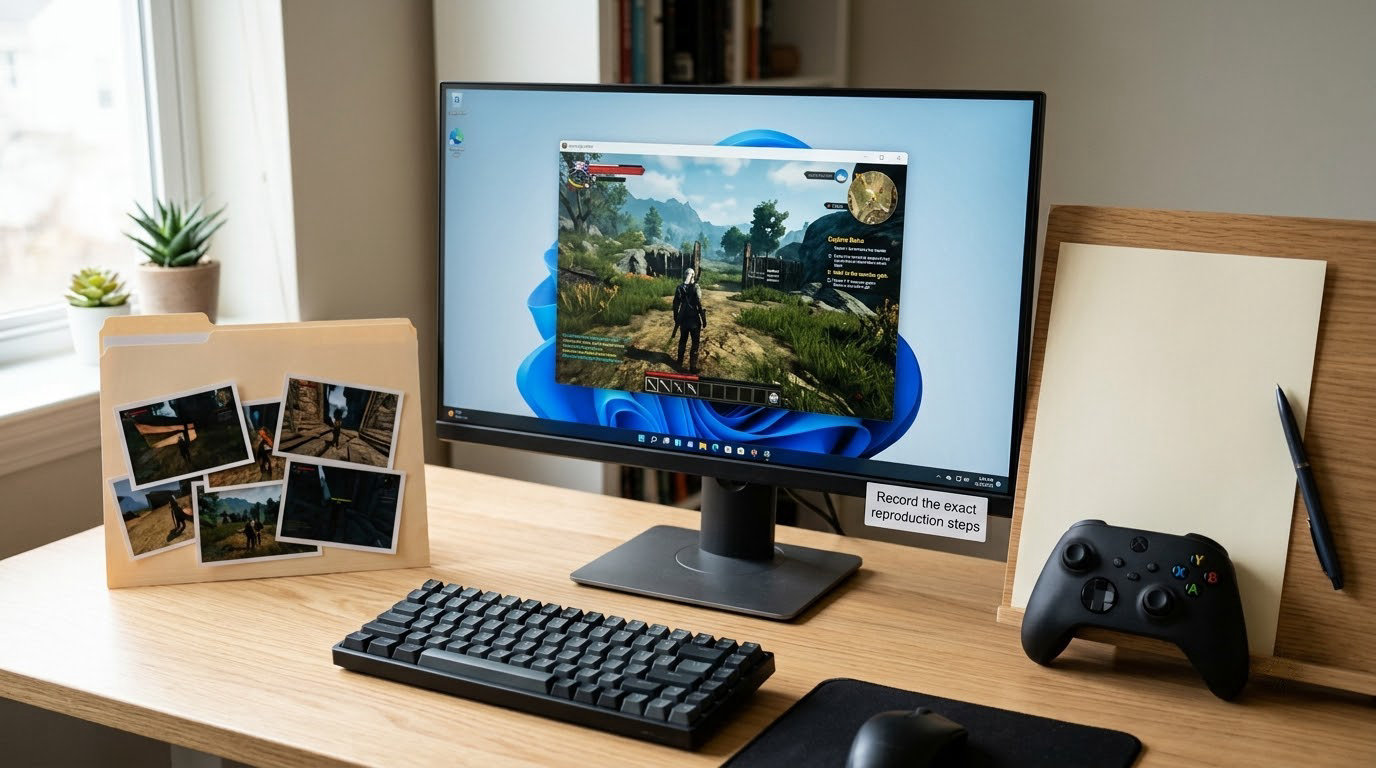
Write the smallest sequence of actions that reliably produces the issue, as a numbered list, in the second person. Include the controls you pressed, the menu you were on, the character or loadout state, and the timing when it matters, such as “wait about ten seconds on the loading screen”.
Good steps let a tester who has never seen the bug reproduce it without asking you a question. Player-facing help centres from survival and strategy games put it simply: be specific, be constructive, provide context, share examples, and you get actionable insights instead of a shrug.
4. Include evidence that confirms the issue
Match the file to the claim. A screenshot of the missing icon, a fifteen-second clip of the audio cutting out, a crash log for a crash, the diagnostic info box the game printed on screen. Label the files so the team can match them, for example “01-icon-missing-after-map.png”.
Take evidence shots wide enough to show where you are, and crop out unrelated windows and private messages. A screenshot taken too close, too dark, or trimmed to hide the menu bar often costs a QA lead another round of questions.
5. Separate observed facts from opinions
Facts are what the game did: “the boss health bar dropped to zero and the fight did not end”. Opinions are how that landed: “the fight felt unfair”. Both are welcome, but they play different roles, so do not mix them in the same line.
Design opinions deserve the same treatment as bugs. Say “the parry window feels too tight for a weapon with a 1.2 second recovery” rather than “the combat is bad”. The first gives a designer something to tune and test; the second gives them nothing to act on.
6. Explain the impact on players
Say what the problem costs. Does it block progress, cause confusion, create an unfair match, burn battery, or just make a feature hard to find? Severity and player impact are two of the three things a team weighs, alongside how often it happens.
Keep it factual. “Three of my five matches ended with an enemy spawning behind the wall, and I lost all three” carries more weight than “this game is completely broken and the devs clearly do not care”.
7. Suggest a solution only when it helps
If you have worked out a workaround, or you can see the fix, offer it. A note that says “adding a hold-to-scrub on the map zoom seems to stop it” saves a designer an afternoon.
Frame it as an option, not a demand. The studio owns the design decision, and they may have a different technical or design reason for the current behaviour that your one playthrough never revealed. Developers say the same thing from the other side of the table: they want honest reports, not a scorecard of demands.
8. Check the report before submitting
Read it back once as if you were the person receiving it. Check that the version, platform, and hardware are in there, that the steps are numbered, that expected and actual are stated, that the files are attached, and that nothing insulting slipped in. Search once more for duplicates, then send.
Here is a block you can copy and fill in. It works for bugs and adapts for suggestions:
Title: [short, specific - what broke, where]
Game version / build: [from main menu]
Platform: [Steam / PlayStation / Xbox / Switch / mobile]
Hardware + input: [CPU/GPU/RAM, resolution, controller or keyboard]
Reproduction rate: [every time / 1 in 5 / once per session]
Reproduction steps:
1. [action]
2. [action]
3. [action]
Expected result: [one line]
Actual result: [one line]
Impact on players: [what it costs]
Evidence: [file names]
Workaround or suggestion: [optional]
9. Follow up constructively
Check whether the report was acknowledged. If a developer asks for more information, answer it once, with the new detail. If you find a second way to trigger the same issue, add it to the original thread rather than starting again.
Do not chase a closed report or bump the same post daily. A fast, honest report usually gets read; a repeated one gets filtered. And accept that a well-written report can still be deprioritised. Forum threads on strategy and wargame titles repeat the same line often enough: the feedback is not personal, a small studio has limited time, and your report was still counted.
Common Mistakes
Most feedback that gets ignored fails in one of seven predictable ways. Each has a straight fix.
- Vague one-liners. “The game is bad, fix it” gives a team nothing to search for. Fix: add the version, the location, and the outcome.
- No reproduction steps. If a tester cannot recreate it in a few minutes, it goes to the back of the queue. Fix: number every action, including the waits.
- Bundling five issues into one post. One report gets closed or marked resolved and the other four vanish with it. Fix: one issue per report, and link the others as duplicates if needed.
- Insults and motive-reading. “The devs are lazy and clearly don’t play their own game” ends the conversation instantly. Fix: describe the problem and the impact, drop the accusation.
- Screenshots that prove nothing. A dark, cropped image of a normal-looking screen is worse than no image. Fix: widen the shot, show the UI, name the file.
- Assumptions presented as facts. “This is a memory leak” on something that is actually a slow level load changes how your report gets read. Fix: state what you observed, and let the team name the cause.
- Repeating a known issue. Ten players opening ten threads for one bug fragments the signal. Fix: search first, then add your platform and frequency to the existing thread.
Feature requests deserve their own note. A request reads as useful when it names the problem you are trying to solve, not only the feature you pictured. “I lose track of where crafting materials are because the inventory has no search filter” is a design problem. “Please add a search filter to the inventory” is a solution, and a good one, but it closes the conversation early.
The table below takes five lines players actually send and rewrites them. The right-hand column is not longer by much, but it is searchable, reproducible, and actionable.
- “Game is unplayable on console” becomes: after the third fight the targeting line disappears and inputs stop registering on the pad; expected the lock-on to persist until the enemy dies.
- “Controls feel bad” becomes: on the default scheme, sprint and dodge share a binding, so dodging during a sprint does nothing; expected dodge to override sprint.
- “Too hard” becomes: two of four bosses killed me more than twenty times without a clear learnable pattern; I could not tell what changed between attempts.
- “Nice game, want a co-op mode” becomes: my group of three cannot play together without one person leaving; we would use it weekly if we could.
- “Crashes when I open settings” becomes: opening Settings from the pause menu crashes to the desktop within about two seconds, roughly one in four attempts, on a mid-range Windows PC.
Three habits cover most of it. Send one issue per report. Write the version number first, because it is the field most often omitted. And separate what you saw from what you would have preferred, so the useful part survives the edit.
Frequently Asked Questions
Where should I send feedback to a game developer?
Send it to the official channel first: the in-game feedback tool, the studio support portal, the Steam Community Hub, or the bug tracker in the main menu. Those reports get tagged and assigned, so they are easier to follow up on. Use Discord or a forum for discussion and quick questions, and add your details to an existing thread when someone has already reported the same problem.
What information should I include in a game bug report?
Include the game version or build number, your platform and store, hardware and input device, a one-sentence description, numbered reproduction steps, how often it happens, what you expected, what actually happened, and the impact on your session. Add a screenshot or short clip when it helps. That is roughly ten minutes of work and it is the difference between a report someone triages and one they set aside.
Should I send feature suggestions to game developers?
Yes, but frame them around the problem rather than the solution. Naming the friction you hit, who hit it, and how often gives a designer room to solve it their own way. Many studios read suggestions and still ship something different, so treat it as a conversation rather than a request. Bugs and suggestions usually go to different queues, so send each to the right place.
How do I make a bug report easy to reproduce?
Write the shortest sequence of actions that reliably triggers the issue, and number every step, including menus, inputs, and how long you waited. State the reproduction rate, such as every time or one in five attempts, and say what you were carrying or what your character state was. Then test your own steps on a fresh save before you send them.
Is it okay to be critical when giving feedback to developers?
Critical feedback is welcome and often more useful than praise. What changes the outcome is the target: aim at the mechanic, the balance, or the interface rather than at the people who built it. Developers on player feedback panels regularly say they would rather hear that a game is not working than a polite note that says nothing.
What should I do if my feedback is ignored?
Check that you used the official channel and included the version number, then search the tracker for duplicates and add your platform details to the existing thread. Silence often means the report was deprioritised, not that nobody read it. Avoid reposting or bumping daily, which usually gets a report filtered. Keep sending structured reports; quality compounds even when individual notes do not get actioned.
Start with one problem, not a list. Write the one-sentence summary, add the version number and the numbered steps, and send it to the channel the team actually monitors. That is the whole job, and it is how to give useful feedback to game developers that survives triage.