You can’t switch spoilers off completely, but you can cut your exposure to almost nothing by layering four things: a keyword block list built for the specific game you’re playing, the built-in filters on X, Reddit and YouTube, one or two spoiler-blocking browser extensions, and a rule for when you read big reveals. Set that up once per playthrough and you can keep up with patch notes, release dates, events and server changes without absorbing a single plot beat.
That’s the honest version of how to follow gaming news without getting spoiled. No filter catches everything, because most gaming spoilers arrive as a thumbnail with no text at all, or as three words in a Discord channel from a friend who forgot. But the gap between an unprotected feed and a filtered one is enormous, and it takes about thirty minutes to close most of it.
Gaming news is denser with spoilers than film news, which is the part almost every general guide misses. Datamining exposes unfinished story beats weeks before release. Trophy and achievement lists telegraph exactly which characters survive. NPC barks in trailers hint at twists. And the moment a game launches, breakdown and reaction videos with spoilers in the title start filling your recommended sidebar.
Table of Contents
- 1What You Need
- 2Step-by-Step
- 31. Choose Your Essential News Sources
- 42. Turn On Spoiler Controls Before Opening Feeds
- 53. Restrict Social Media and Video Recommendations
- 64. Use Alerts That Avoid Plot and Story Details
- 75. Create a Spoiler Buffer for Major Reveals
- 86. Check News Without Opening Dangerous Links
- 9Common Mistakes When You Follow Gaming News Without Getting Spoiled
- 10Frequently Asked Questions
- 11Can I follow gaming news without muting every social media account?
- 12Should I avoid all gaming trailers if I do not want spoilers?
- 13How do I catch up on gaming news after a long break?
- 14What is the best way to avoid spoilers in group chats?
- 15Is there a way to block spoilers completely?
- 16How do I stop game hints and spoilers on my console?
- 17Conclusion
What You Need
You need four things, and only one of them costs money or time. Start with a block list document. Then switch on native platform filters. Then add a browser extension. Then decide on an alert setup.
A block list is the foundation of everything else. Open a plain note and build it in three groups. First, the identifiers: the game’s title, the subtitle, common misspellings, the sequel name. Second, the names: every character you already know, every boss, every location. Third, the words that signal a reveal: ending, death, dies, killed, twist, finale, DLC, expansion, datamine, datamined, leak, leaked, footage, ending explained, full story.
Update that list as you play. A new character name added in chapter four is worth adding to the list in chapter four, before the leak accounts post about it.
Platform controls come next, and they are free. X has muted words with an exact menu path. Reddit has blocked terms plus a card view that strips back the previews that spoil you. YouTube has autoplay and recommendation settings worth changing. Each of these takes about two minutes.
One browser extension is the piece most guides insist on. Extensions filter text on the page itself, so they catch things your platform’s own filter misses, like an article headline on a site you follow. Pick one that runs in your browser, works on the sites you actually read, and can be paused in one click when you want normal browsing back.
Finally, an alert setup. You want to be told about patches, events, maintenance windows and release date shifts without being told about story. That means narrow alerts rather than general ones, which I cover in step four.
Step-by-Step
1. Choose Your Essential News Sources
Build an allowlist, not a blocklist, for your daily reading. Official developer channels, the game’s own site, its official Discord announcement channel and one or two outlets you trust for patch and release reporting are your core. Everything else is optional and can wait until you finish.
Reviews are the hardest call. A review that only scores the game and discusses mechanics is usually safe. A review that walks through story beats, side missions or the ending is not, no matter how carefully it is worded. Check the headline and the first paragraph for words from your block list before you open anything.
Follow the developers, not the aggregators. A quote-tweet account that reposts leaks will reach you faster than a publisher’s site posts an article. Forum threads on Reddit, Steam Community and NeoGAF are where the community regularly discusses blackout setups and spoiler posts, but they are also where leaks land first, so treat them as an event to time rather than a feed to scroll.
Write your allowlist down. Ten sources you trust beats four hundred accounts you are filtering, and it makes your next playthrough setup fast.
2. Turn On Spoiler Controls Before Opening Feeds
Filters do nothing if they are off when you open the app. Set them before you open anything, and verify them once with a test post.
On X, the path is Settings and privacy, then Notifications, then Muted words. From there you can add individual words and phrases, decide whether the filter applies to your home timeline, and choose a duration: forever, 24 hours, 7 days or 30 days. For a game with a long story, pick a duration that matches your remaining playtime rather than picking forever. The time-limited mute is the single most useful option here, because it reopens your feed automatically when you finish the campaign.
On Reddit, use the profile menu to reach Settings, then open the content you want filtered. Blocked accounts and blocked words are separate fields, so add both. Reddit also offers a post view preference that shows posts as cards rather than in the compact list, which removes the inline image preview that spoils people who never click. Community members report that switch as a partial defence worth having, and they are right about the limitation: it does not hide the title text, and a title alone is often enough to ruin an unplayed act.
On YouTube, turn autoplay off. The path is the profile picture, then Settings, then General, then Playback and performance, then Autoplay. Leave it off permanently if you can, because a three-second autoplayed clip is how most people get spoiled without reading a word.
To verify, search for a term from your block list on each platform. Every result should be blurred, hidden, or marked with a content warning. If something still renders in full, your filter is not covering that surface.
3. Restrict Social Media and Video Recommendations
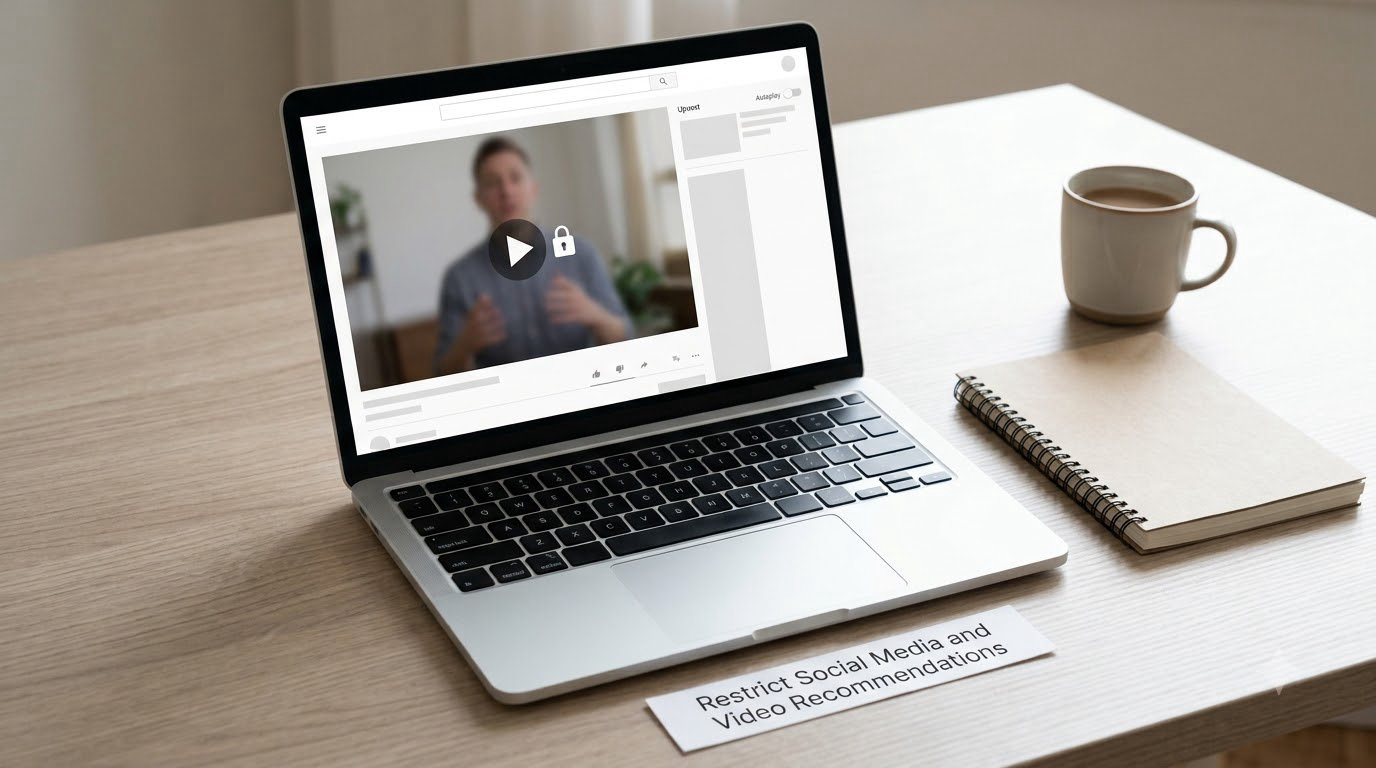
Recommendations are the leak you did not ask for. You never follow a breakdown channel, but the algorithm serves one anyway because you watched ten minutes of a gameplay video at two in the morning. That is the single most common way people get spoiled in 2026, and it happens before any setting can save you if autoplay is still on.
On YouTube, disable autoplay first, then stop treating search as safe. Searching a game’s name brings up walkthroughs, endings explained, secret boss guides and speedrun videos with spoiler content in the title. Search specific topics instead, like patch notes or update size, which return useful videos and almost nothing dangerous.
Unfollow accounts that post unlabelled story content. Mute is better than unfollow because it is reversible and specific to the game. If an account spoils you once, mute the account and add the game’s name to your muted words list so the posts stop appearing in your timeline at all.
On TikTok and Instagram there is no real keyword filter. Your options are muting individual creators, unfollowing hashtags you follow, snoozing, and using the platform’s content controls where they exist. Be honest about the gap: those platforms only give you account-level control, not word-level control, which is why your block list work happens on X, Reddit and your browser.
Manage your own posts too. Turn off comment controls or restrict them on anything story related, because strangers replying to your screenshots will happily describe what happens next.
4. Use Alerts That Avoid Plot and Story Details
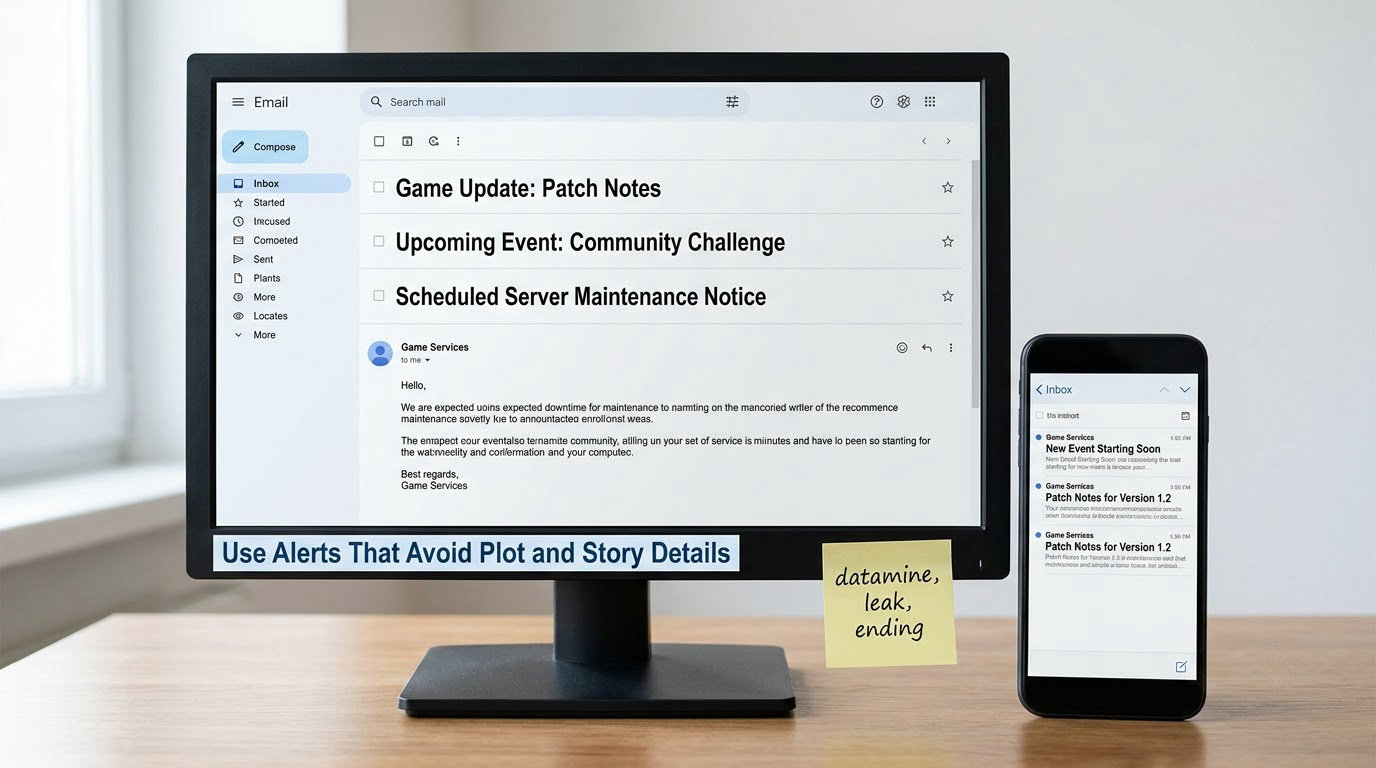
Alerts are where most people go wrong, because they subscribe to a game’s name and then receive everything, including theory videos and leak reposts. Make your alerts specific enough that they only fire on operational news.
For patch notes and server news, the official sources are better than any alert. The game’s own news feed, its official Discord announcements channel and its status page post update notes without interpretation. Bookmark those three and you can ignore social media for maintenance news entirely.
For everything else, build alerts around the specific terms you want. A Google Alert for the game title plus terms like patch, update, event, maintenance, release date or server gives you the operational coverage. Add the negative terms datamine, leak, ending, theory and story so the theory content never enters your inbox in the first place.
Newsletter rules matter more than most people realise. Unsubscribe from any gaming newsletter that includes roundups of reaction videos or leak roundups, even if the rest of it is useful. Roundups are where spoiler damage concentrates, because one bad link exposes you to a headline, a thumbnail and an opening paragraph in three seconds.
If you want a second channel, pick one that publishes at a fixed cadence, like a weekly roundup you read on your own schedule. A scheduled read is easier to control than a live feed, because you decide when the exposure window opens.
5. Create a Spoiler Buffer for Major Reveals
Filters cannot help with something you deliberately open. So decide in advance when you are allowed to read the big stuff, and write the rule down before you are tempted.
The buffer is progress based, not date based. Do not read reveals for act three while you are in act one, even if the whole internet has moved on. A simple version: do not open a trailer, leak, ending discussion or reaction video until you have finished the section of the game it refers to. When you finish, your curiosity usually peaks anyway, so timing it costs you very little.
For major releases, add a launch window. The first 48 to 72 hours after a story game launches is when reaction and breakdown content peaks, and none of it is filtered out of recommended feeds. Treat that window as blackout by choice rather than blackout by discipline.
Reviews are usually safer earlier than most people assume. Embargo timing means reviews land shortly before launch, and mechanical reviews published in that window rarely carry story details. Read the score, skip the sections that discuss plot.
Multiplayer and live-service games rarely need this whole system. A competitive game’s patch notes and balance changes are the news, and story spoilers barely exist in the format. Save the effort for story-driven single-player, open-world RPGs and survival horror, where the payoff is narrative.
6. Check News Without Opening Dangerous Links
Most of the time you do not need the article. You need to know whether the article is safe. Scanning headlines first cuts your exposure to a fraction of what clicking everything gives you.
Read the headline and subheading, nothing else. Your block list was built for this: if the headline contains a character name, a location or a word like ending, you have your answer before any paragraph renders. Add the site’s article titles to your extension’s filter list and the browser will blur them for you before you have finished reading.
Use reader mode or a text-only preview when you want the body of an article without the recommendation widgets, comment sections and sidebar videos that surround it. Reader mode also strips the autoplaying embeds that are half the problem on news sites.
Open anything you have decided to read in a tab you close afterwards, not a tab you keep. The habit is small and it works, because most accidental exposure happens in a feed where six other tabs are already open.
When you are unsure, ask a spoiler-free friend what a reveal contains rather than reading about it. Forum users describe this as the underrated option, and it works because a friend who is also avoiding spoilers will tell you the category of the reveal without the detail.
Common Mistakes When You Follow Gaming News Without Getting Spoiled
Blocking the game title and nothing else. You will filter out news you wanted and still get spoiled, because leaks frequently avoid the title. Fix: add character, boss and location names plus leak vocabulary, and add them as you meet new ones.
Assuming a spoiler tag is protection. Reddit spoiler formatting still shows the title, and a title can carry the whole twist. Fix: pair the tag with card view and your own block list, and treat any titled post as unopened until you have checked it.
Leaving autoplay on. This is the most common failure and the easiest fix. Autoplay costs you about three seconds of attention and can cost you a game’s entire narrative payoff.
Subscribing to roundups and leak channels. A leak roundup is a curated index of every spoiler in the game. Fix: unfollow leak accounts rather than filtering them, since they change names and topics constantly.
Treating search as safe. Walkthrough and ending-explained videos dominate search results for a game’s name. Fix: search for the specific topic you want, like patch notes, rather than the game itself.
Letting friends spoil you in group chat. Filters do not apply to a conversation. Agree on labels in advance, and use a delay for major reveals so nobody has to perform avoidance in the moment.
Setting it up once and never revisiting. Names change, platforms move their menus, and a new DLC creates a whole new set of terms. Block lists work best with a fifteen-minute review at the start of each new chapter or season.
Frequently Asked Questions
Can I follow gaming news without muting every social media account?
Yes. Mute words for the specific game you are playing rather than accounts, turn off autoplay, and follow only official channels for release dates, patches, events and server changes. Account-level muting is a last resort for sources that post unlabelled story content, and most people never need more than two or three.
Should I avoid all gaming trailers if I do not want spoilers?
Not entirely. Watch trailers published before release and labelled spoiler-free, and skip anything that names characters, shows new areas or mentions upcoming expansions. Trailers are the safest gaming news format, while post-launch reaction and breakdown videos are the most dangerous, so filter by format rather than by type.
How do I catch up on gaming news after a long break?
Start with a spoiler-free weekly roundup and the official patch notes for the version you are about to play. Search only for that version number, its events and its release date. Avoid retrospective articles, theory videos and story recaps, since those assume you already know how the game ends.
What is the best way to avoid spoilers in group chats?
Agree on labels before you need them, such as no spoilers, minor spoilers and major spoilers, and set a delay for major reveals so nobody has to be the one holding back. Say the threshold out loud, because most accidental spoilers come from a disagreement about how big a reveal is.
Is there a way to block spoilers completely?
No system blocks everything. Thumbnails, images and short clips carry spoilers with no text for a keyword filter to catch, and a friend in a private message defeats any tool you install. Layered filtering plus a progress-based reading rule gets you close, but not to a guarantee.
How do I stop game hints and spoilers on my console?
Most consoles will not stop news spoilers, but they do control in-game help. On PlayStation, open Settings, then Accessibility, then Enable Hint Blockers, and turn on the categories you want blocked. Turn off trophy and achievement notifications as well, since those lists spoil story outcomes for newer players.
Conclusion
Start with two things today. Build your block list for the game you are playing right now, adding names as you meet them. Then turn off YouTube autoplay and set a timed mute on X for the game’s title plus the word leak. Those three actions close most of the gap in about fifteen minutes.
Everything after that is refinement: the extension, the alerts, the reading buffer for big reveals. Add each one when something gets through, because chasing perfect protection is how people end up not reading the news at all, and patch notes are worth knowing about even if you never touch the story.