No single scan can prove a mod is harmless. To know how to tell if a mod is malicious, you combine four things: trust in the download source, the author’s track record, a look inside the file, and a test run where damage is reversible. Ten quiet minutes of checking is usually enough to catch everything that matters.
Mods run with your full user account privileges, so a bad file can reach browser data, saved sessions and chat tokens. Here is the process I use before anything touches my main game library.
Table of Contents
- 1What You Need
- 2Step-by-Step: How to Tell If a Mod Is Malicious
- 3Step 1: Verify the Download Source
- 4Step 2: Check the Mod’s Reputation and Reviews
- 5Step 3: Inspect the Archive Before Extracting It
- 6Step 4: Scan the Files With Security Software
- 7Step 5: Review Permissions, Scripts and Installation Behavior
- 8Step 6: Check the Code or Configuration for Red Flags
- 9Step 7: Test the Mod in a Controlled Environment
- 10Step 8: Remove It and Recover If a Mod Is Malicious
- 11Common Mistakes
- 12Frequently Asked Questions
- 13Can antivirus software prove that a mod is not malicious?
- 14Are unsigned mods always dangerous?
- 15How can I check a mod script without running it?
- 16What should I do after installing a suspicious mod?
- 17Can I trust a mod from a small community creator?
What You Need
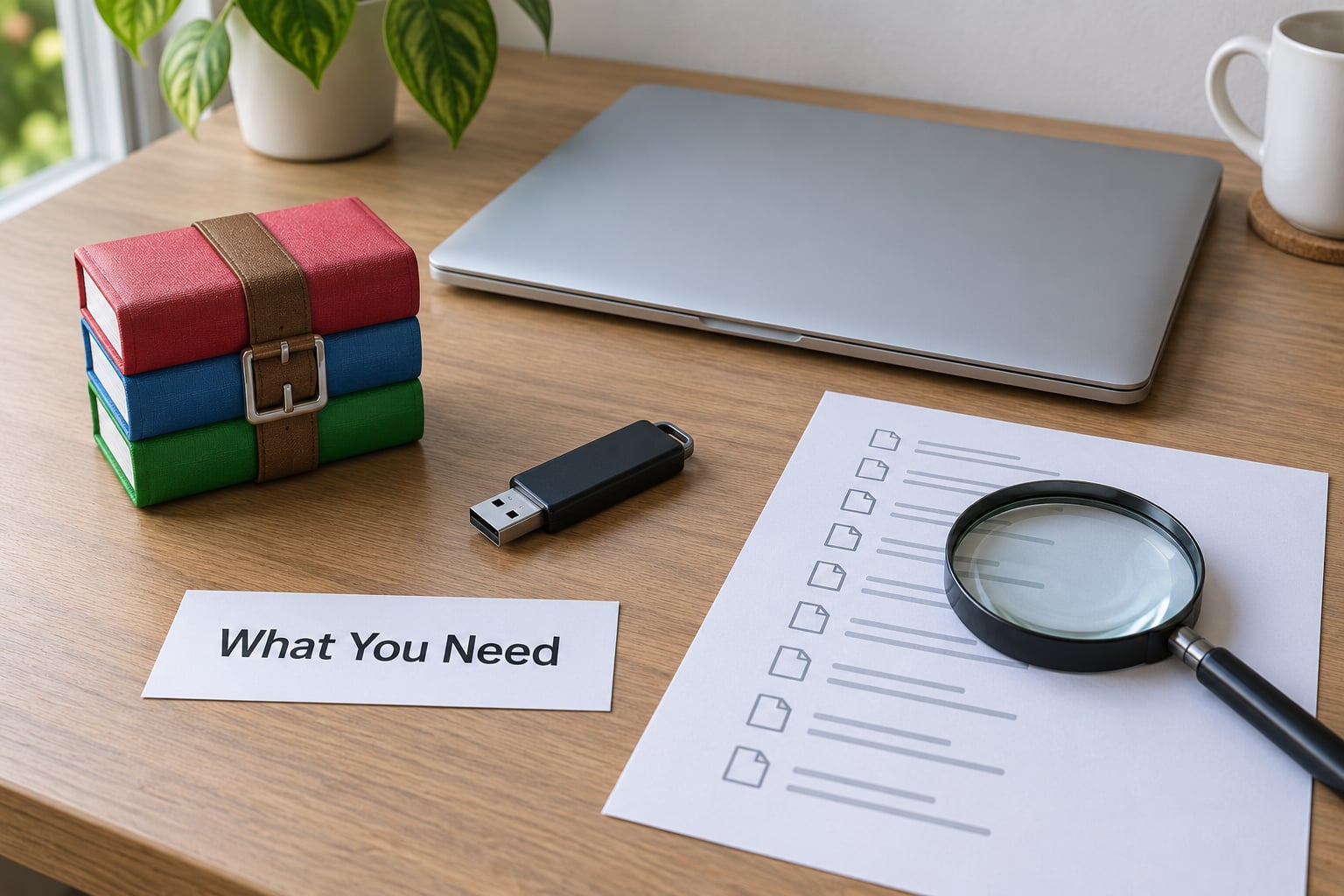
You do not need anything exotic. You need the original archive, a way to look inside it, an up-to-date security tool, and somewhere safe to test the mod that is not your daily machine.
- The original mod file, downloaded once, not re-downloaded through a second link.
- A reputable source — the author’s official page, Nexus Mods, CurseForge, Modrinth, or the Steam Workshop — plus a way to confirm the domain before you click.
- An up-to-date security tool, with real-time scanning left switched on.
- File details: extension, size, and the full list of contents before anything runs.
- A clean test environment: a throwaway Windows user account, a virtual machine, Windows Sandbox, or a system snapshot you can roll back.
One rule before you start: never download an unknown mod purely so you can inspect it. If you cannot learn what a file contains without running it, that is your answer. A “skin pack” or “texture fix” that arrives as an .exe, .bat, .scr, .cmd or .msi has no reason to exist, and no amount of scanning makes it normal.
Different sources carry different levels of built-in protection. Mod managers such as Vortex, MO2 and Prism Launcher download from curated repositories and run their own checks, which removes a whole category of fake-download pages.
Step-by-Step: How to Tell If a Mod Is Malicious
Work through these in order and stop the moment one of them exposes something odd. Unnecessary permissions, obfuscated code, an unknown publisher or alarming system behaviour are all reasons to delete the file rather than investigate further.
Step 1: Verify the Download Source
Start with where the file came from, because this eliminates most bad files before they exist on your disk. Read the domain character by character before you click. Legitimate client and launcher downloads are a persistent target for SEO poisoning, where a fake site outranks the real one in search results and serves a trojanised copy.
On the mod’s own page, compare the file name, version number, upload date and uploader name against what you are about to download. A file that claims to be version 4.2 and is 40 MB larger than every previous release has been tampered with or replaced.
Avoid anything that arrives through a shortened link, a redirect chain, an unsolicited direct message, or a “free premium currency” offer. Those are not mod distribution, they are funnel.
Step 2: Check the Mod’s Reputation and Reviews
Look for independent feedback rather than testimonials on the download page. On Nexus Mods, a file with millions of downloads, hundreds of thousands of endorsements and years on the platform is very unlikely to be malicious. That is a heuristic, not a guarantee — which is exactly why reputation alone is not enough.
Bitdefender’s research on the Fractureiser campaign showed infected files arriving through auto-updates from a legitimate, long-standing author whose account had been compromised. Popularity and a clean history did not protect anybody. Users on r/antivirus also report the reverse problem constantly: a hugely downloaded mod gets flagged, and nobody knows whether to trust the warning or the file.
Warning signs in the review section include reports of credential theft, hidden installers, unexplained network traffic, or reviews that read like the same sentence rewritten. A mod with three hundred downloads and no comments is not proven bad, but it is unproven.
Step 3: Inspect the Archive Before Extracting It
Open the archive in a file manager or archive viewer and look at the contents before you extract anything. A legitimate mod is a small, predictable collection: scripts, configuration files, textures, models, metadata.
Treat these as investigation triggers: an executable inside a texture pack, a DLL with no purpose you can explain, files that belong outside the mod folder, and anything that launches on its own. A Java archive containing a nested archive plus a file that references a remote address is a loader, not a mod.
Check that the file type matches the description. Bitdefender documented attackers stripping the META-INF signing certificate from a JAR file as an infection fingerprint, and code-signing removal is a strong hint that the original was repackaged.
Step 4: Scan the Files With Security Software
Run the archive itself, before extraction, through reputable and current security software. Scan the extracted contents afterwards as well, since archive scanning can miss payloads that only appear once unpacked.
A clean result reduces risk. It does not prove safety, and it proves less for a file that is new, unofficial, or heavily obfuscated, because no scanner has ever seen a sample before its first submission.
When you upload a file to VirusTotal to check it, remember the trade: the file is shared with security vendors, so check the SHA-256 hash first if you have one rather than uploading anything private. Read the ratio carefully. Zero detections out of dozens of engines is a strong signal. A handful of generic detections from low-reputation engines on a game mod is a well-known false positive pattern, and r/antivirus treats that combination as ordinary rather than alarming.
Step 5: Review Permissions, Scripts and Installation Behavior
Legitimate mod permissions look boring: reading game files, writing to the mod directory, loading a script at launch. Anything outside that shape deserves a hard stop.
Red flags include requests touching unrelated folders, access to saved passwords or browser profiles, cryptocurrency wallet directories, adding a startup entry, opening a remote shell, changing system-wide settings, or asking you to add a Windows Defender exclusion or switch protection off before installing. A mod that needs antivirus disabled to run is malware by definition.
Watch the installer, not just the archive. Mod managers like Vortex and MO2 surface their own security warnings, and those warnings are hard to interpret — treat an unexplained quarantine notice as a reason to investigate the file rather than to restore it automatically.
Step 6: Check the Code or Configuration for Red Flags
If the mod is text-based, you can read it without running it. That is the single strongest check available to a non-programmer, and it costs nothing.
Look for encoded or unreadable blocks that decode at runtime, commands that download and execute a file from a remote address, references to credential stores, wallet paths or session files, and attempts to terminate security tools or add Defender exclusions. Rescana’s analysis of the Weedhack campaign describes exactly this shape: obfuscated loaders, registry run keys and scheduled tasks used for persistence.
Binary or heavily obfuscated code should be treated as opaque. You cannot verify what you cannot read, so avoid it unless someone independent has.
Step 7: Test the Mod in a Controlled Environment
Run an unverified mod in Windows Sandbox, a virtual machine, a throwaway local account or a system snapshot first. This is the step almost nobody takes, and it is the one that turns a bad afternoon into a five-minute reset.
During the test, watch for network requests the game never made, new startup entries in Task Manager, CPU or disk use that sits near 100 percent for no reason, files appearing outside the game directory, and any prompt asking for a password, an email or a two-factor code. A single unexpected outbound connection from a cosmetic mod is enough to stop and delete.
Keep sandboxing in proportion to risk. A performance overhaul from a known author rarely needs a VM. A cheat client from a link someone sent you absolutely does.
Step 8: Remove It and Recover If a Mod Is Malicious
If something already ran and behaved badly, work in this order. It matters: each step assumes the previous one held.
- Close the game and any launcher immediately.
- Disconnect from the network if you saw credential prompts, unknown traffic or files you did not create.
- Uninstall the mod through your manager, then delete its folder manually so nothing is left behind.
- Restore the backup or system point you made before installing.
- Run a full scan with current security software, then a second opinion scanner if one is available to you.
- Change important passwords from a clean device, and revoke active sessions rather than only changing the password.
- Audit every other mod, including anything a modpack pulled in that you never chose yourself.
Users on r/cybersecurity_help describe receiving an infected modpack from a friend whose account had been taken over. The file looked entirely ordinary, which is why step one and step two exist.
Common Mistakes
Most people who get hurt did not ignore the basics, they skipped one of them. These are the six patterns I see repeatedly.
Trusting a familiar-looking site. A copied layout and a padlock icon mean nothing. Check the domain letter by letter, and search for the mod’s official page yourself instead of following the link in the ad.
Installing from a direct-download ad. Ads promising a launcher, a crack or a free skin pack are the delivery mechanism for the Weedhack-style campaigns. Type the address yourself or use a mod manager.
Ignoring unusual permissions. If a mod wants browser data, wallet files, startup persistence or a Defender exclusion, delete it. There is no legitimate reason for a game modification to need any of those.
Assuming antivirus proves safety. A clean scan is evidence, not proof, and a flagged scan is not automatically a death sentence. Read the detection ratio and the author’s history before deciding.
Skipping updates and running old versions. Mod authors patch problems, and mod platforms remove compromised files. Running a two-year-old version means running a version nobody is watching any more.
Sharing mods through unverified links. A modpack sent by a friend, a Discord contact or a reply in a comment thread inherits none of that person’s security. Verify it yourself, every time.
Verify first, isolate second, install last. If any step cannot be completed, that is the answer, not an obstacle.
Frequently Asked Questions
Can antivirus software prove that a mod is not malicious?
No. Antivirus gives you evidence, not proof. A clean scan means no engine in your current set has a signature for that sample, which is expected for brand-new and heavily obfuscated files. Combine scanning with source verification, file inspection and a sandbox run before you trust a mod.
Are unsigned mods always dangerous?
No. Many legitimate mods ship without a signature, especially scripts and texture packs. Missing signing is a reason to look closer, especially in an executable or archive, but on its own it is not a verdict. Check the author account age, download history and file contents instead.
How can I check a mod script without running it?
Open the archive in a file manager and read the script or configuration in a plain text editor before extracting anything. You are looking for encoded blocks, commands that fetch and run remote files, references to credential or wallet paths, and attempts to disable security tools. Binary or unreadable code is opaque, so skip it.
What should I do after installing a suspicious mod?
Close the game, disconnect from the network if you saw odd traffic or a credential prompt, uninstall the mod and delete its folder, then restore a backup or system point. Run a full scan, change important passwords from a clean device, revoke active sessions, and audit every other mod including modpack dependencies.
Can I trust a mod from a small community creator?
Small creators publish plenty of good work, and popularity is not a safety guarantee anyway. What matters is an established account with a visible history, clear version notes, files that match the description, and independent discussion elsewhere. For anything executable or cheat-related, sandbox it first regardless of the author’s reputation.
To sum it up: confirm the source before you download, inspect the archive before you extract, scan before you install, and test somewhere reversible before you trust it. None of those steps takes more than a few minutes, and together they are what separates a good mod from a bad one.