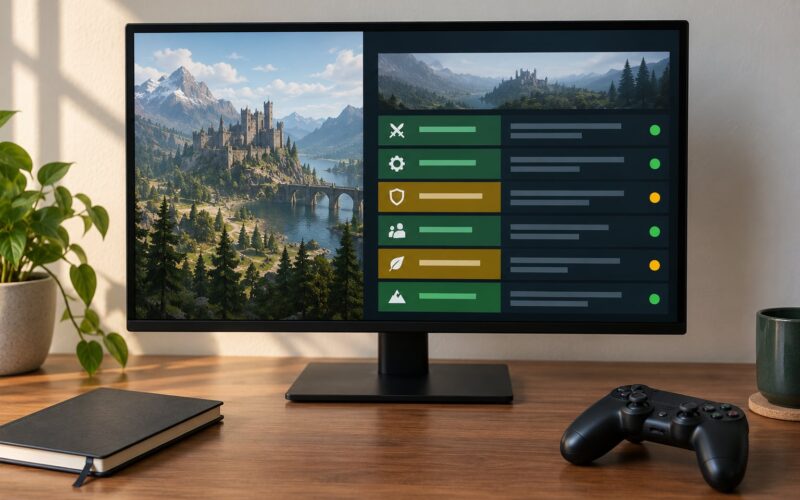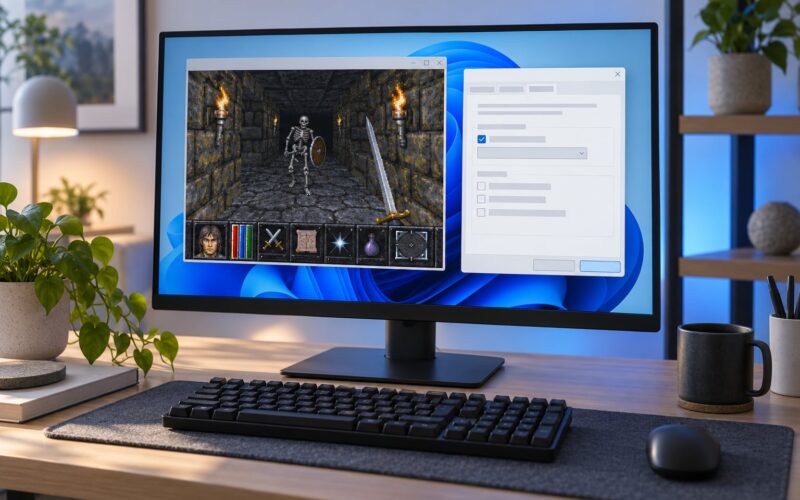
Game modding works because a game is not one sealed file. It is a folder of assets, scripts and settings that the engine reads while the game runs, and if you can change those inputs, you change what appears on screen. Most mods do exactly that: they replace a texture, rewrite a number in a config file, or hand a new script to an official modding tool.
Some go much further. A total conversion rebuilds an entire game inside another one’s engine. A multiplayer scene started as a Half-Life mod and became Counter-Strike. So the honest answer is that modding is a spectrum, and understanding how game modding works means understanding the whole pipeline, not just copying a file into a folder.
This guide walks through that pipeline end to end: what a mod actually is at the file level, where mods live on your PC, how managers and loaders differ, how load order breaks things, and how to build and share something of your own without wrecking your save. New to it? The first mod you install takes about twenty minutes. The first mod you publish takes considerably longer, but it is the interesting one.
Table of Contents
- 1What Is Game Modding?
- 2How Game Modding Works: The Basic Workflow
- 31. Identify the game and its format
- 42. Choose a tool
- 53. Edit or create assets
- 64. Install it
- 75. Test it
- 86. Share it
- 9What Does a Mod Change?
- 10A Short History of Mods That Turned Into Games
- 11Which Games Are Easiest to Mod?
- 12What Tools Do Game Modders Use?
- 13How Do You Install a Mod?
- 14Check the requirements before anything else
- 15Back up your saves
- 16Locate the correct game directory
- 17Install, enable, restart
- 18Confirm it loaded
- 19Mod Manager vs Mod Loader vs Script Extender
- 20How Do You Create Your First Mod?
- 21Route one: change a configuration value
- 22Route two: replace a texture
- 23Route three: add scripted behaviour
- 24Load Order and Mod Conflicts
- 25Why Do Mods Fail?
- 26How Do You Troubleshoot a Broken Mod?
- 27How Much Performance Do Mods Cost?
- 28Can You Mod Games on Xbox and PlayStation?
- 29Is Modding Games Legal?
- 30How Do You Share and Manage Mods Responsibly?
- 31Modding Terms, Explained
- 32Frequently Asked Questions
- 33Is modding games illegal?
- 34How do I start modding as a complete beginner?
- 35What is the difference between a mod manager and a mod loader?
- 36Why do my mods conflict with each other?
- 37Do mods make games run slower?
- 38How does modding work in Minecraft?
- 39Conclusion
What Is Game Modding?
Game modding is the practice of altering a video game’s files, assets, or code so it looks, plays, or behaves differently from the version the developer shipped. The change can be as small as a higher shadow setting or as large as a new campaign with its own map, dialogue and rules.
It is not the same as turning on a setting in the options menu. A built-in setting was designed, tested and supported by the developer. A mod is content the studio never wrote, bolted onto the game by somebody else, and it can stop working the day a patch lands.
Almost every mod falls into one of three technical buckets:
- Asset replacement. The mod ships a file with the same name and format as one the game already loads, such as a texture, a model or a sound. The engine reads the mod’s copy instead. This is the oldest and most portable method, and it works on games that expose nothing else.
- Script or data injection. The game has a scripting layer, such as Lua or Papyrus, or an exposed plugin API, and the mod adds logic that runs during play. This is how new quests, companions and mechanics get in.
- Runtime hooking. A script extender loads a library into the running process and intercepts specific engine calls, patching memory at a known address so it can redirect a function or read a value the game never intended to expose. This is the most powerful method and the most fragile.
Worth noting that the modding community split mirrors how developers think about their own tools. Official editors and SDKs, community managers and loaders, and script extenders each handle a different layer, and confusing them is the single most common reason beginners get stuck.
How Game Modding Works: The Basic Workflow
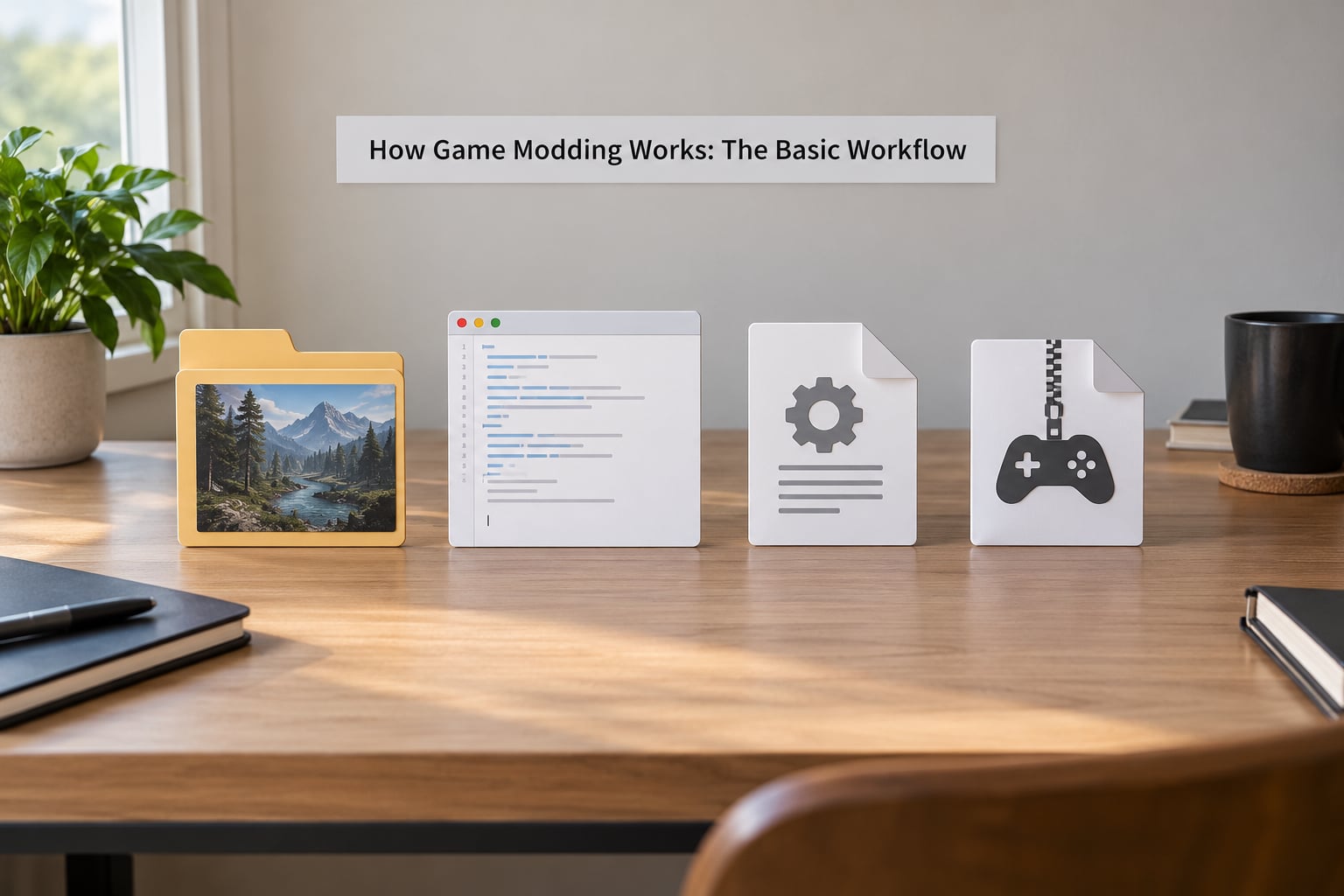
Every mod project, from a one-line tweak to a full conversion, runs through the same six stages. Knowing which stage you are in tells you which problem you are actually solving.
1. Identify the game and its format
Find out what engine the game uses and how its files are packaged. If a developer released an official editor or SDK, start there, because official tools produce mods that other players can actually install. If the game was built on an engine with a modding scene, someone has probably already documented the file formats.
2. Choose a tool
Your tool depends on the game. Official creation kits handle content: characters, quests, levels. Text and configuration editors handle balance and settings. Image editors handle textures. 3D software handles models. Scripting environments handle behaviour. Packaging utilities compress the result into something other people can install cleanly.
3. Edit or create assets
This is the actual work. Replace a file, adjust a value, write a script, build a level. Keep a copy of the original somewhere outside the game folder, because you will want to undo it.
4. Install it
Copy the files to the right place, or let a manager or loader do it for you. This is the stage where most beginner errors happen, almost always a path problem.
5. Test it
Launch the game and confirm the change did what you intended. Then check for side effects, such as stuttering, broken references in the log, or a save that no longer loads.
6. Share it
Package the files, write instructions that name the exact paths, list dependencies, note which game version you built against, and say whether you are replacing or adding files. A well-documented mod gets installed successfully; a badly documented one generates forum threads.
What Does a Mod Change?
Mods fall into a handful of recognisable categories. The categories matter because a texture pack needs almost no skill and no risk of breaking a save, while a total conversion is a multi-year project with its own combat system.
| Category | What it changes | Example | Skill level |
|---|---|---|---|
| Visual or texture | Textures, models, lighting presets | A higher-resolution texture pack for an open-world RPG, or a shader preset that changes how water and fog render | Beginner |
| Gameplay tweak | Numbers, rules, item stats | Editing one config value so ammunition carries more, or a rebalance that halves enemy damage | Beginner |
| Interface overhaul | Menus, HUD, fonts, icons | A redesigned skill tree with more readable tooltips | Beginner to intermediate |
| Quest or content pack | New dialogue, characters, items, scripts | A new companion with their own questline built in the official creation kit | Intermediate |
| New level or area | Maps, dungeons, custom multiplayer maps | A hand-built arena map published on a community mod site | Intermediate |
| Overhaul | Many systems at once, usually alongside new assets | A full visual and audio rework of an RPG’s towns, weather and ambient sound | Advanced |
| Total conversion | The whole game, often with new story, world and rules | A survival RPG built on an older engine that replaces its progression system entirely | Expert, usually team-based |
Accessibility mods sit across all of these. Larger text, colourblind-safe palettes and remappable controls are visual or interface mods that happen to carry enormous value for a specific player, and they are one of the clearest cases of modding filling a gap a developer left.
A Short History of Mods That Turned Into Games
Modding predates most commercial games in a useful way. Spacewar! in 1962 was built by students who wanted a spaceship game on a machine that had none, and modding followed as soon as machines had copyable software. The genre convention that a mod should add to a game rather than replace it dates from the same era.
Doom in 1993 made the idea mainstream. Players discovered that the game read its levels, textures and monsters from data files with known extensions, and the WAD file became the first widely shared mod format. Because the data was separate from the executable, editing it needed no programming at all.
Half-Life in 1998 pushed the idea further by releasing an SDK, and its GoldSrc engine became the base for Counter-Strike, Team Fortress, Day of Defeat and others. That lineage explains why so many competitive shooters are built on modified predecessors rather than designed from scratch.
Steam Workshop, launched in 2008, moved distribution in-house. Instead of uploading files to a separate site, players subscribe to each other’s content and the platform updates it. For beginners it remains the shortest path from download to playing, and it is why many people first meet modding through a Steam game rather than a mod site.
That history explains the recurring question about whether a particular popular shooter is a mod. It is not. PlayerUnknown’s Battlegrounds shipped as a standalone game from PUBG Studios, and its roots are in the military simulation modding scene rather than in any one mod. What it did inherit from that scene is the structure of the genre: a persistent server, a shrinking play area, and no respawns.
Which Games Are Easiest to Mod?
The easiest games to mod share four traits: an official tool, an exposed data format, a scripting layer, and a community big enough to document the gaps. A game with all four is genuinely beginner-friendly. A game with none is technically possible and practically miserable.
- Official support. When a developer ships a creation kit and keeps it updated, you get a proper editor with the game’s own asset formats built in. Several long-running RPG series do this, and their mod scenes are large because the tools keep working across patches.
- Open or simple file formats. Text-based config files and uncompressed data are easy to read, diff and undo. Binary archives with custom compression are much harder.
- A scripting language. Lua, Pawn, Papyrus and similar embedded languages let a modder add behaviour without touching machine code.
- No aggressive anti-cheat in single-player. Many anti-cheat systems scan process memory and flag any injected library, which kills script extenders even in a game with no multiplayer component. Check before you plan an ambitious setup.
Older and smaller games often beat newer ones here. A game released years ago with a stable engine version will not have its format changed under you by a season update. A modern live-service title ships new engines, new renderers and new anti-cheat constantly, and a mod that worked last month can break with a patch that never mentioned modding.
Sandbox games with official or widely used loaders sit at the other end of this. They tend to expose almost everything, publish documentation, and update their modding interface separately from the game itself.
What Tools Do Game Modders Use?
Beginners get overwhelmed because “modding tools” sounds like one product category. It is really seven, and you will only ever need two or three of them at the start.
- Official editors and SDKs. Level and quest editors released by the developer, plus any scripting console they expose. Use these whenever they exist.
- Text and configuration editors. A plain text editor with syntax highlighting for editing config files, scripts and load order lists. Anything with find-and-replace across a folder earns its keep fast.
- Mod managers. Applications that download, install, enable, disable and update mods, and keep track of which files each one owns. They also let you roll back.
- Image and audio tools. Image editors for textures and normal maps, plus audio tools for sound replacements. Both have free options that handle the formats modders actually use.
- 3D software. For model swaps, custom props and animated assets. Heavier to learn, but the barrier is skill rather than tooling.
- Scripting environments. Editors for the game’s scripting language, sometimes with an attached debugger or an in-game console for testing changes live.
- Version control. Git for anything larger than a single file. Modding a save-breaking overhaul is a poor excuse to lose three weeks of work to a mistyped command.
Longtime members of r/Modding and the r/skyrimmods community tend to say the same thing: start with the manager your game’s community actually uses, not the one with the nicest interface. Documentation, compatibility data and support are all concentrated around one or two choices per game.
How Do You Install a Mod?
Installing a mod takes the same shape whether it is one file or two hundred. Read the page first, then follow the order below.
Check the requirements before anything else
Read the description page from top to bottom. You are looking for the base game version it was built against, required libraries or framework mods, a script extender version if one is involved, and any file it expects you to delete or move first. Roughly half of all failed installs are skipped requirements.
Back up your saves
Copy the save folder somewhere outside the game directory and give it a date in the name. This is the advice veteran modders repeat most often, and it is the one that saves you when a quest mod removes a character you had spent a hundred hours with.
Locate the correct game directory
Modern games usually store their files in more than one place, so the “mod folder” on the page is often only part of the picture.
| Installation method | Where the files land on Windows | Notes |
|---|---|---|
| Manual install | The game’s own install folder, sometimes a nested Data or Mods directory | Simplest, least repeatable. Keep your own notes |
| Mod manager with virtual file system | Mods are staged in the manager’s own storage; the game folder is left almost untouched | Cleanest for large setups and the easiest to undo |
| Mod manager in deployment mode | Files are hard-linked or copied into the real game folder | Works fine with older tools, but the folder gets busy |
| Platform workshop | A hidden content folder inside the platform’s own directory | Updates automatically; some games restrict what is permitted |
| Curated list installer | Whatever the list author configured, usually a managed profile | Fast, but you inherit someone else’s choices |
Install, enable, restart
Copy the files or let the manager do it, enable the mod and any dependency, then start the game fully rather than alt-tabbing back into a running process. Loaders read their configuration at launch, so a mod toggled mid-session often does nothing until you relaunch.
Confirm it loaded
Check for the mod’s content in game, open the log file if there is one, and only then install the next mod. Installing ten at once and finding the broken one is a worse afternoon than installing ten one at a time.
Mod Manager vs Mod Loader vs Script Extender
This is the distinction that trips up almost every beginner, because the three names get used interchangeably in forum posts. They operate at different layers and are not substitutes for each other.
| Tool type | What it does | Typical examples | Required? |
|---|---|---|---|
| Mod manager | Downloads, installs, enables, updates and removes mods; tracks which files each mod owns | Vortex, Mod Organizer 2 | Optional, but almost always worth having |
| Mod loader | Watches for added or changed content and asks the game to load it at runtime, so a new mod does not need a restart | Framework loaders built into many sandbox and indie titles | Usually yes for those games |
| Script extender | Injects a library into the running game and exposes engine functions that mods can call, far beyond what the base game allows | SKSE for Skyrim, F4SE for Fallout 4 | Only for mods built on it |
A useful mental model: the manager handles files, the loader handles content appearing, the extender handles new capabilities. If a mod page lists a script extender as a requirement, no amount of manager skill will substitute for installing it.
How Do You Create Your First Mod?
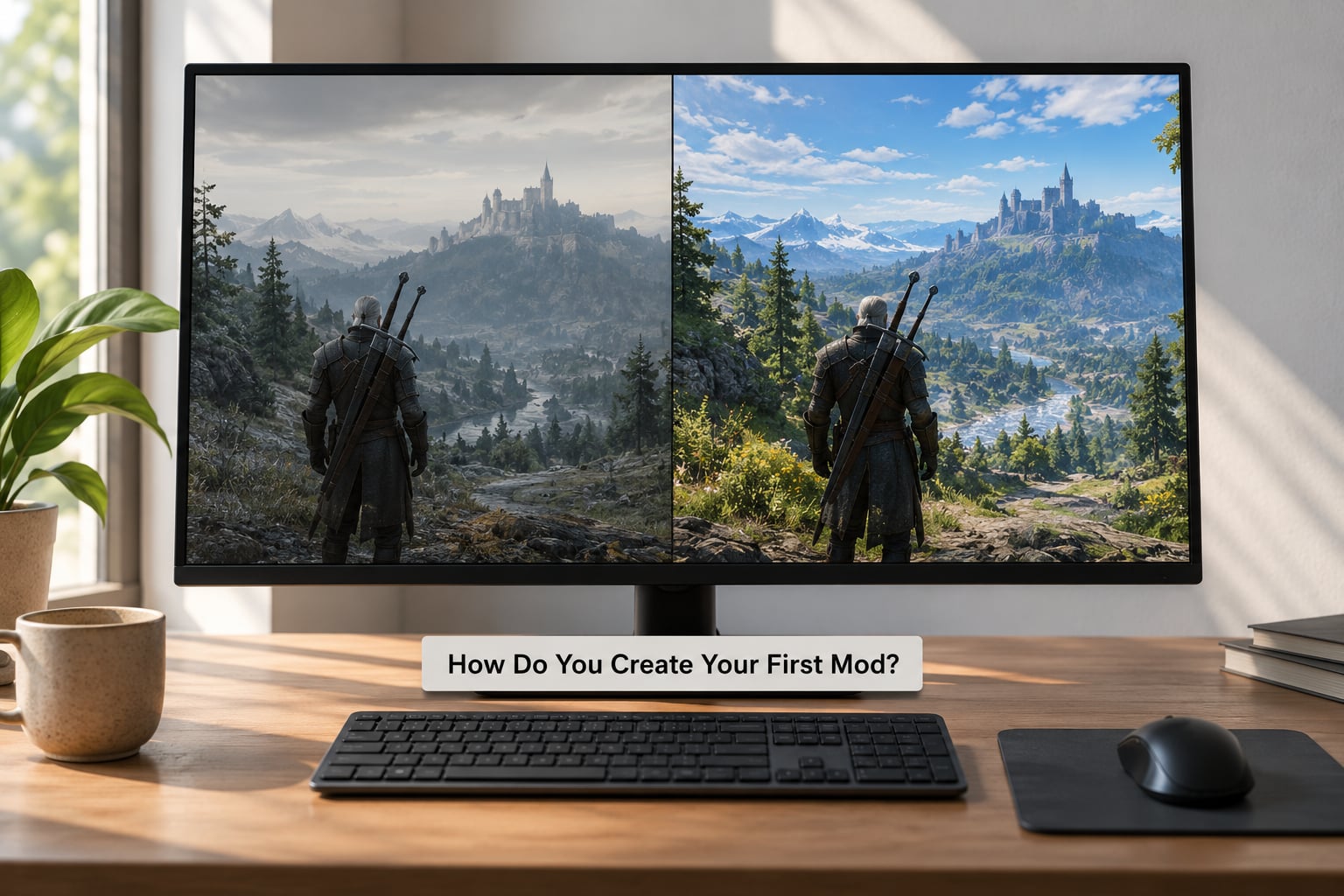
Pick the smallest possible project first. You want one change, one test, and an easy undo. Three routes work well for a beginner.
Route one: change a configuration value
Open the game’s configuration file in a text editor, change one number, save, and relaunch. Raising the draw distance, shortening travel time or lowering a difficulty multiplier takes five minutes and teaches you where the game’s settings live.
Copy the original file to your desktop before you touch it, and change only one line per attempt. If nothing happens, you have almost certainly edited the wrong file, because games routinely keep several with similar names for different profiles.
Route two: replace a texture
Find a texture file the game loads, open it in an image editor, make a small visible change such as a different colour on one material, and export in the exact format and dimensions the original used. Name the new file identically and put it in the same relative path.
Format mismatch is the classic failure here, so confirm the file extension and the dimensions match the original exactly. A one-to-one pixel change is enough to prove the pipeline works.
Route three: add scripted behaviour
Use the game’s official editor or script console. Write a script that fires once when the player enters a location and prints a line to the log, run the game, then check the log. Seeing your own line appear proves the script environment is talking to the game.
Once that works, change the log line into something visible on screen, such as adding a new item to the player’s inventory. That is your first real mod.
Document as you go. Keep a plain text file next to your project recording what you changed, which file, and what happened. Future you will not remember, and anyone you share it with will ask.
Load Order and Mod Conflicts
Load order matters because most engines resolve file names by priority. If two mods contain a file with the same path, the engine can only load one of them, so something has to decide which wins. That list of decisions is the load order.
Conflicts come up constantly in games that use plugins, because each mod records which base game records it edits and the tool has to merge those edits rather than overwrite the file.
The pattern of conflicts is predictable:
- Texture and asset conflicts. Two mods replace the same texture. One wins, and usually the wrong one. The fix is to remove the losing replacement or use a patch that combines both, and texture resolution tools exist for the main games that suffer from this.
- Record conflicts. Two mods edit the same item, NPC or quest. The fix is a conflict resolution tool that lets you choose per-field, which is fiddly but mechanical.
- Script conflicts. Two mods patch the same function. There is no merge; one must be patched to work with the other, which is why these resolve in mod order and why authors declare dependencies.
Automated load order tools exist for the major games and experienced modders treat them as required equipment. They read each mod’s declared requirements and dependencies and produce a working order in seconds. They do not fix script conflicts, though, because that still requires a human decision.
The rule of thumb from the forums at forums.nexusmods.com: install dependencies before dependents, keep a known-good order, and change one thing at a time. A working setup you can reproduce is worth far more than a clever setup you cannot rebuild.
Why Do Mods Fail?
Almost every mod failure comes down to one of a small number of causes, and each has a straightforward fix once you recognise it.
| Symptom | Likely cause | Fix |
|---|---|---|
| Nothing changes at all | Files went to the wrong path or the wrong profile folder | Confirm the exact path relative to the game root, and check whether the game uses multiple profile folders |
| Game crashes on launch | Missing dependency or wrong framework version | Re-read the requirements list and install every listed dependency in order |
| Worked yesterday, broken today | A game patch changed formats, addresses or validation | Check the mod’s changelog for a game-update note; wait for an author update or roll the game back if the tool supports it |
| Mods missing after another install | A manager deployment overwrote the folder | Use a manager with a virtual file system, or reinstall in the correct order |
| Menu looks wrong or items vanish | Load order conflict between plugins | Run the automated load order tool, then resolve any remaining records by hand |
| Severe stutter or low frame rate | Too many high-resolution textures, or script-heavy content | Check texture memory usage first, then cut the largest packs and retest |
| Installer appears to do nothing | Archive extracted with wrong structure or a corrupted download | Re-extract manually and check the folder nesting matches the instructions |
| Save refuses to load | A mod removed or renamed something the save depended on | Restore the backup you made before installing, and check the mod’s known issues section for save compatibility |
How Do You Troubleshoot a Broken Mod?
Work through this in order. It is the sequence that isolates problems fastest, because each step removes one variable at a time.
- Reproduce it. Do not guess at the cause. Trigger the crash or the failure on purpose and note exactly what you did and what happened.
- Read the log. Most games write a log file, and loaders and script extenders usually keep their own. The last error line is often the whole answer, pointing at a specific file, record or function.
- Disable everything else. Turn off all other mods and run with just the one failing. If it works alone, you have an interaction, and the next step tells you which kind.
- Verify paths and dependencies. Confirm each file sits at the documented location and that every listed dependency is present at the right version. This clears the largest share of problems.
- Check the load order. If the mod uses plugins, run the automatic tool and compare its result to what you have set.
- Test on a clean save. Some failures only appear on existing saves that reference content the mod changes. A fresh save separates a content bug from a save-compatibility bug.
- Restore the backup and isolate the smallest change. Put your game back to the working state, then add the change back in the smallest piece possible so you know which part broke.
Two rules keep this fast. Never troubleshoot with a large list of mods enabled, and never troubleshoot without a log. The forum advice that comes up again and again on r/Modding is to bisect: halve your list, test, halve again.
How Much Performance Do Mods Cost?
Mods cost performance in four measurable places, and only one of them is frame rate. Knowing which one is being hit tells you what to cut.
| Resource | What drives it | How to check |
|---|---|---|
| Video memory (VRAM) | Texture resolution, number of high-resolution textures, post-processing stacks | Overlay monitoring software, or your GPU control panel |
| System RAM | Large asset counts, script engines, many loaded plugins | Task manager while the game is running |
| CPU | Scripts running every frame, physics changes, pathfinding mods | Frame-time overlay during the heaviest scene |
| Storage and load time | Loose files and archives growing without bound | Folder size and the game’s first-load time |
The most common surprise for new modders is texture memory. High-resolution texture packs look cheap to install and then quietly exhaust video memory in dense areas, producing stutter rather than a lower average frame rate, which makes it easy to misdiagnose.
A frame-time overlay is worth learning early, because it separates a slow frame from an uneven one. If the average is fine and the spikes are not, you are looking at stutter, and texture memory or disk access is the usual culprit.
Can You Mod Games on Xbox and PlayStation?
Console modding is possible but heavily constrained, and the constraints are commercial rather than technical. Consoles run signed software on locked hardware, so the game cannot be convinced to load files it did not ship with.
Most sanctioned console modding takes one of two forms. Some games support a curated store of approved mods that toggle features such as new outfits, weapons or maps, selected by the publisher and delivered through the platform’s own update system. One publisher has gone further and sells a subscription that unlocks a wider mod library on older titles from its catalogue, which is the first real console-native mod platform rather than a set of switches.
Offline mods work in a smaller way on some consoles, but the hardware and file system limits cap texture resolution and total install size, so a large overhaul that runs well on a PC will not transfer. Nothing stops a determined user from modifying a console, but doing so voids the warranty, can trip the console’s tamper detection, and cuts against the platform terms of service. I would not recommend it as a way to learn.
If you want to mod, the practical answer is to do it on PC, where the tooling and the community documentation actually exist.
Is Modding Games Legal?
Modding is legal in most places for personal use, with three real caveats worth understanding rather than ignoring.
First, the end user licence. Almost every game you buy includes a clause about modifying the software, and a mod that stays on your own machine is very unlikely to ever be tested against it. Mods that redistribute the game’s own files, or that let players play a multiplayer game with content the developer’s anti-cheat does not recognise, can be a different matter.
Second, copyright. A mod that uses only assets you created yourself is yours. A mod that repackages a developer’s art or music is a derivative work, and what happens next depends on how the publisher responds. The pattern is usually a takedown request first and legal action only if it is ignored. Some studios have gone after mod projects directly, and treating that as routine or rare is a mistake.
Third, multiplayer rules. If a game has anti-cheat software, injected libraries are flagged regardless of whether they cheat. In competitive online play this means bans, so keep modding out of online games unless the developer explicitly permits it.
Modding also has an economic argument that publishers find hard to dismiss: some of the largest competitive games and entire genres grew out of mod scenes, and those communities supplied players, publicity and talent. That is part of why official mod support keeps spreading.
One more thing worth naming: distribute only what you are entitled to distribute. Never upload a game’s original assets inside your mod package, and credit every author whose work you build on.
How Do You Share and Manage Mods Responsibly?
Publishing turns a personal change into something other people depend on, and the difference is mostly documentation.
Package the mod so the install is unambiguous. Prefer adding or patching files over overwriting originals, because a player who already has an unrelated texture in the same slot should not have their setup destroyed. Include a written installation guide that names exact paths rather than saying “place in the game folder”.
List every dependency with a version number, state which game patch you built against, and say plainly whether the mod is safe with existing saves. If it is not, say so on the page rather than in a reply three months later.
Publish a changelog every time you update, and keep old versions available rather than replacing the only download. Half of all mod support questions are “which version do I need”, and answering that on the page saves everyone time.
As a matter of practice, keep your setup in version control and save an export of your load order. Most long-running setups are a dozen small decisions made over months, and an export is what lets you rebuild after a disk failure or a new patch.
Finally, look after other people’s work. Credit authors and the original mod authors whose assets you used, respect the licences those assets came under, and check a community’s rules before posting in it. Mod scenes run on reputation, and that is worth more than any single download number.
Modding Terms, Explained
- Vanilla
- The unmodified game as the developer shipped it.
- Load order
- The sequence in which the game resolves mods that affect the same file or record.
- Loose file
- A file sitting loose in the game folder rather than packed into an archive or registered by a plugin.
- Archive
- A container file the game reads assets from, such as a WAD or BSA file.
- Plugin
- A file that registers mod content with the game rather than replacing assets directly.
- Dependency
- Another mod that must be installed first because yours relies on it.
- Overhaul
- A mod that reworks a broad slice of the game’s content at once rather than one element.
- Total conversion
- A mod that replaces the game in practice, with its own world, story and rules.
- Script extender
- A library injected into the running game to expose engine functions mods can call.
- Framework
- A base mod that other mods are built on top of, providing shared versions and capabilities.
- Crash on start
- The game failing to launch at all, usually a missing dependency or conflicting files.
- Nexus Mods
- A long-running mod hosting site with per-game file tracking, required-file checks and mod manager integration.
Frequently Asked Questions
Is modding games illegal?
Modding a game you own is legal in most places for personal use. The complications are the licence terms, which usually cover redistribution rather than your own machine, and copyright, since a mod built from the developer’s own art is a derivative work. Online multiplayer games add their own rules, because anti-cheat software flags injected libraries and bans follow.
How do I start modding as a complete beginner?
Pick a game with an official creation kit and an active community, install the editor, and make one tiny change such as a single config value or a recoloured texture. Reload, confirm the change landed, then undo it. That first round trip teaches you the game folder layout and the reload cycle faster than reading documentation does.
What is the difference between a mod manager and a mod loader?
A mod manager handles files: it downloads, installs, enables, updates and removes mods, and tracks which files each one owns so conflicts can be spotted. A mod loader handles content appearing at runtime, watching for new or changed files and asking the game to read them without a restart. Most people need a manager first and a loader only if their game ships one.
Why do my mods conflict with each other?
Two mods usually conflict when they affect the same thing: the same texture file, the same item or NPC record, or the same scripted function. Since the engine can only load one of two files with an identical path, a priority order decides the winner. Automated load order tools fix most ordering issues, but script conflicts need a human decision or an author patch.
Do mods make games run slower?
They can, but not always where you would expect. High-resolution texture packs mostly consume video memory, which shows up as stutter in dense areas rather than a lower average frame rate. CPU-heavy script mods cost frame time, and large setups cost storage and loading time. An overlay that shows frame time makes the difference obvious within a minute of testing.
How does modding work in Minecraft?
Minecraft mods arrive as jar files, which is Java’s packaged format, and a loader such as Fabric or Forge makes the game read them at launch. Install the loader matching your game version, drop the jars into the mods folder, and start the game. Load order matters when mods depend on each other, so the loader’s dependency order decides what runs first.
Conclusion
The whole system reduces to one idea: a game is a set of files read by an engine, and a mod changes what the engine reads. Replace a file and you change the look. Add data or a script and you change what happens. Inject a library and you change what the engine can do at all.
So start small and concrete. Pick one game with real tool support, install its official editor or the community’s standard manager, make a single reversible change, and test it before anything else goes in. Keep a backup of your saves and a note of exactly what you touched, because that habit alone prevents most of the disasters beginners run into.
Once the first change works, you already understand how game modding works. Everything after that is the same loop with a larger payload.