To run a community tournament well, you need seven things sorted before anyone plays: a defined goal, a format, a written ruleset, a registration and scoring system, a small event team, a promotion plan, and a dispute process. A first event with 8 to 16 entrants takes roughly six weeks of prep and two or three evenings of matches, which is far less work than most organizers expect.
The part that matters most is the boring part. Players forgive a rough bracket; they do not forgive rules that changed mid-event, a score nobody recorded, or a result nobody explained.
Table of Contents
- 1What You Need
- 2Tools
- 3Roles
- 4Materials
- 5Player information
- 6Step-by-Step
- 71. Define the Tournament Goal and Audience
- 82. Choose a Fair Tournament Format
- 93. Create Clear Rules and Eligibility Conditions
- 104. Set Up Registration and Match Tracking
- 115. Build an Organized Event Team
- 126. Promote the Tournament and Set Expectations
- 137. Run Matches and Resolve Problems Fairly
- 148. Publish Results and Close the Event
- 15Common Mistakes
- 16Frequently Asked Questions
- 17How long should a community tournament take?
- 18What is the best tournament format for a small online gaming community?
- 19How many people should be in charge of running a tournament?
- 20How do you keep an online tournament fair?
- 21What should an organizer do if a player disputes a match result?
- 22How do you handle players who are late or do not show up?
- 23Conclusion
What You Need
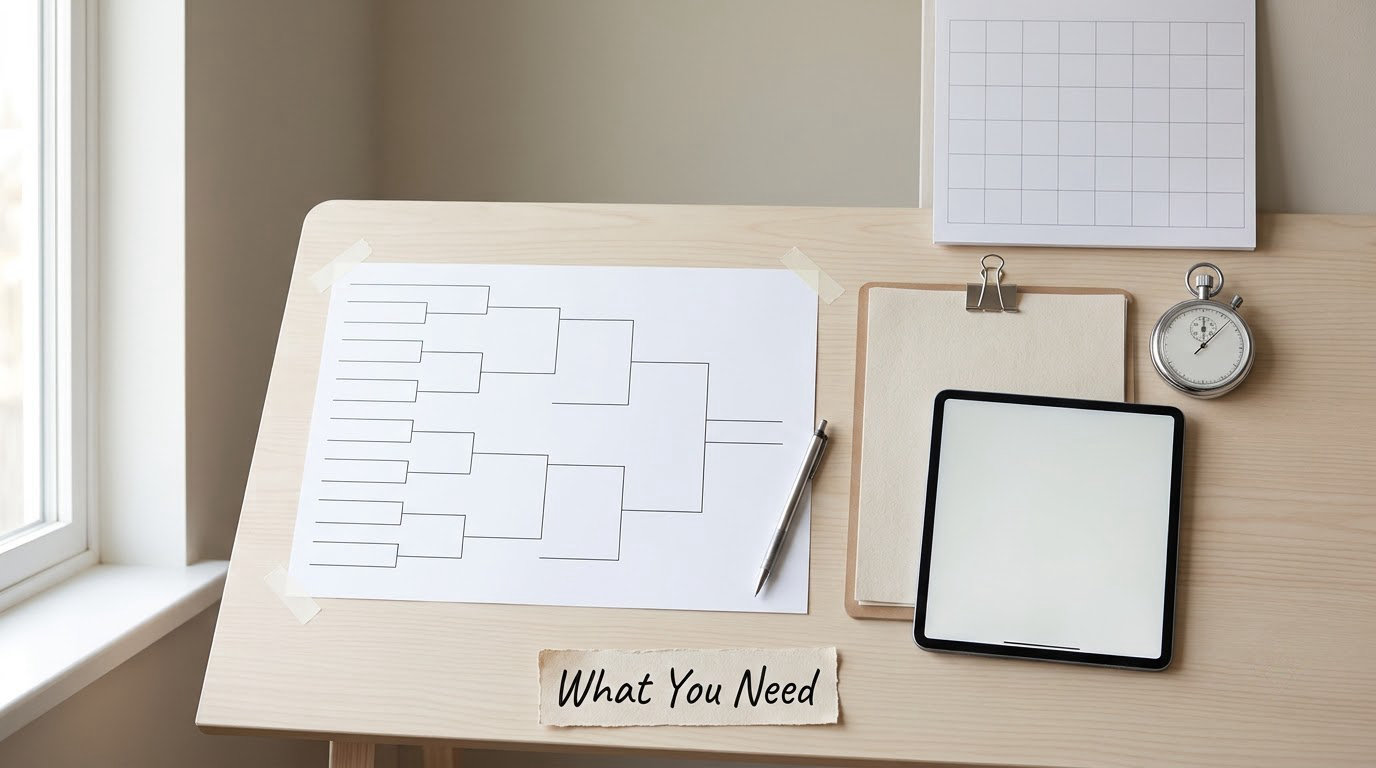
You need four things before sign-ups open: somewhere to run the bracket, a written ruleset, a score-tracking system, and two or three people who will actually be online on the night.
Tools
Free tournament platforms handle registration, seeding and bracket updates in one place, and most have a free tier sized for community events. If your community already lives in Discord, a tournament bot can post matches, collect results and update the bracket in the channel where people are standing anyway.
A spreadsheet is a fine backup for anything custom, and a stopwatch is genuinely useful for timing check-in windows and disputes. Whatever you pick, use one system of record. Two organizers tracking matches in two spreadsheets is how a bracket ends up wrong.
Roles
Naming roles early prevents the classic solo-organizer burnout. You need a tournament director who owns decisions, one or two match admins who run check-in and score reporting, and one moderator whose only job is enforcing the code of conduct. Four people is a comfortable crew for a small online event.
Materials
Prepare three documents and keep them in one pinned channel: the ruleset, the code of conduct, and a short “what to expect” post covering warm-up time, match length and where results get reported. That last one comes straight from local-tourney advice threads, where first-timers almost always say the pre-event briefing is what made them comfortable showing up.
Player information
Collect the minimum: in-game name, Discord handle, team name if relevant, and the time zone or the two evenings a player can commit to. Ask about availability at registration, not after the bracket is published, because one player in the wrong time zone reshuffles everyone else’s night.
Step-by-Step
Run the tournament in this order and nothing gets skipped: set the goal, pick the format, write the rules, build registration and tracking, staff the event, promote it, run and referee the matches, then publish and close. Each step feeds the next, and skipping one is what produces the arguments organizers complain about on r/leagueoflegends threads.
1. Define the Tournament Goal and Audience
Decide what the event is for before you decide how it runs. A first community tournament usually aims at three things: giving newer players a shot at winning something, giving regulars a reason to queue together, and producing clips and recaps that keep the server active afterward.
Then pick your ceiling. For a first event, 8 to 16 entrants is the sweet spot — big enough to feel like a tournament, small enough to finish in one evening without you losing track of four open matches at once. State the skill level plainly too, whether that is open, beginners-only, or one open division plus one rookie division.
2. Choose a Fair Tournament Format
Single elimination is the right default for a small community event, and the table below shows why. Each format trades match count against how forgiving it is when players are uneven in skill.
| Format | Matches for 16 entrants | Typical length | Skill gap tolerated | Best for |
|---|---|---|---|---|
| Single elimination | 15 | One evening | Low, one bad loss ends a run | First events, tight time limits |
| Double elimination | 30-31 | Two evenings | Medium, players get two chances | Regulars who will return next month |
| Round robin | 120 | Several weeks | Very high | Small groups of 6 or fewer |
| Swiss | Rounds x 8 | Fixed number of rounds | High, nobody is knocked out early | Big fields where everyone wants to play |
Double elimination splits players into a winners bracket and a losers bracket, and only eliminates someone after two losses. It is fairer and it roughly doubles your workload, so save it for round two. Round robin means every player meets every other player, which is nice for six people and impossible for sixteen.
Match length matters as much as format. Best-of-1 keeps a 32-player field moving; best-of-3 suits a finals bracket; best-of-5 is a special occasion. Once you know how to run a community tournament end to end, you can test different combinations of format and series length in your second event rather than your first.
3. Create Clear Rules and Eligibility Conditions
Write the ruleset down and post it before sign-ups open. Players need to know the game version, allowed modes and any bans, team size, seeding method, match length, how results get reported and what happens when someone disputes them. Copy this block and fill in the blanks:
- Eligibility: open to all server members; one account per player; roster locked after the first match.
- Format: single elimination, best-of-3, seeded by [rank or random].
- Schedule: matches start at [time] on [dates]; bracket published [time] the day before.
- Check-in: both players join the match channel within 10 minutes of the call. Past that, it is a forfeit.
- Reporting: the winner posts the score in the results channel within 15 minutes, with a screenshot. No post, no advancement.
- Disputes: a contested result gets a 30-minute window and a decision from the tournament director, based on the screenshot and match logs.
- Conduct: no harassment, no smurfing, no sharing match codes outside the tournament. Breaches mean removal from the event and a cooldown.
- Prizes: distributed within [timeframe] after the final. Ties in placement are broken by head-to-head record, then by most round wins.
Punch the no-show policy in particular. A 10 to 15 minute grace period, stated up front, removes the awkward judgment calls that otherwise happen in public chat.
4. Set Up Registration and Match Tracking
Registration should take under a minute: name, handle, availability. Cap sign-ups at the number your format handles cleanly and close it early if you hit the cap, because announcing a full bracket is better than trimming one later.
Odd entrant counts come up constantly, so plan for them. With 12 entrants in a single-elimination event, you need 4 rounds and 11 total matches; the cleanest fix is a 16-slot bracket with four byes, which gives the top four seeds a free first round and puts everyone on equal footing. Beyond 16, round up to the next power of two and give byes to your highest seeds.
For tracking, use your platform’s automatic bracket if it has one. If you run it manually, keep one row per match with columns for the pair, both scores, the reporter, the timestamp and a decision note. Confirm the rule works by checking a single round end to end before the whole bracket depends on it.
5. Build an Organized Event Team
Three to five people is enough for a small online cup, and they do not all need to be online the whole time. Assign a tournament director, one or two match admins and a moderator, then write down what each role owns.
The director makes calls on disputes and disqualifications. Match admins run check-in, hand out match channels and record results. The moderator handles conduct issues and silences the loudest thread when an argument starts. Give each role a written one-paragraph job description before the event and you will not need to ask anyone mid-match what they are supposed to be doing.
6. Promote the Tournament and Set Expectations
Announce in the channels your community already reads, and post the same message more than once. A three-week runway beats a single blast: first post announces the event and the format, second post opens registration, third post reminds people and posts the rules link again.
Say what “good” looks like in the announcement itself. How many entrants, how long each evening runs, whether it is free to enter, what the prizes are, and whether beginners can compete. A fee kills community sign-ups, so most events should be free or near-zero cost with in-game or cosmetic prizes.
For timing, a fixed weekday evening start beats a weekend date for a regular series. Recurring community tournaments on r/Smite use exactly that model, a small team size and one locked start time, and the comment threads show the same thing: people commit to a night they already know, not to a one-off.
7. Run Matches and Resolve Problems Fairly
Use the same repeatable procedure for every match. Call the pair, open the match channel, start the 10-minute check-in clock, hand over the code, stop the clock at the final score, and record the result immediately. Consistency is what makes a bracket trustworthy.
When something goes wrong, apply the written rule rather than improvising in chat:
- No-show: wait out the grace period, post the forfeit in the match channel so both players can see it, advance the opponent, and log it.
- Disputed score: ask the losing player to post a screenshot or match log within 30 minutes. No evidence, no change.
- Disconnect mid-series: play the round over unless the disconnect came from the winner’s side and they did not pause. Decide it on the spot and state the reason out loud.
- Suspected cheating: pause the event, collect the logs, and rule from evidence. Accusations without logs get no action, and you should say that publicly.
- Running behind: cap remaining matches at best-of-1 and move unfinished rounds to the next evening rather than stretching the night.
Starting on time is the one complaint that comes up most often from first-time organizers, so hold the start even if it means starting with fewer players. A late start cascades into every match after it.
8. Publish Results and Close the Event
Verify the final standings by reading your score records back against the bracket before you announce anything, then post the champion, the podium and the full final bracket image.
Thank participants by name, distribute prizes, and publish a short recap with the standout match and one clip. Then ask one question in the recap: who wants the next one, and when. Recurring tournaments live or die on that second event, and the recap is the only announcement most of your entrants will actually read.
Common Mistakes
Rules that stay in your head. Publish them before sign-ups open. Fix: paste the template above into a pinned post.
Too many entrants for the night. Overloading an evening is the number one cause of a dragged-out event. Fix: cap at 16 for a first run and publish a realistic finish time.
Teams that do not show up. Fix: publish check-in windows with a grace period, and treat a no-show as a forfeit you announce rather than a debate you host.
Tracking the bracket in two places. Fix: one system of record, one person who can edit it, backups who can read but not change it.
Moderating inconsistently. Applying a rule to one player and not another is worse than having no rule. Fix: write the penalty into the ruleset, then apply it the same way every time.
One event and no follow-up. Fix: announce the next date in the recap, carry the top placements forward as seeds, and keep rivalries intact by running a seasonal series.
Frequently Asked Questions
How long should a community tournament take?
For a first online event with 8 to 16 entrants, allow about six weeks of preparation and two or three evenings of matches. Single elimination with best-of-3 series usually finishes in three to five hours on a single evening. Double elimination needs roughly twice the matches, so plan two evenings or a longer night with a break between rounds.
What is the best tournament format for a small online gaming community?
Single elimination. It uses the fewest matches, finishes in one evening and is easy for new players to follow. Round robin works only for six people or fewer, since sixteen players would need 120 matches. Double elimination is fairer but roughly doubles your workload, so it suits a second event with returning players rather than a first one.
How many people should be in charge of running a tournament?
Three to five people is plenty for a small community cup: one tournament director, one or two match admins and a moderator. The director handles disputes and disqualifications, match admins run check-in and record results, and the moderator handles conduct. Write each role’s job down before the event so nobody has to ask mid-match what they own.
How do you keep an online tournament fair?
Fairness comes from written rules applied the same way every time. Publish the ruleset before sign-ups open, state a check-in grace period and a result-reporting deadline up front, require screenshots with reported scores, and set a fixed window for disputes. When a cheating accusation appears, pause the event, collect logs and rule from evidence rather than from arguments in chat.
What should an organizer do if a player disputes a match result?
Ask the disputing player to post a screenshot or match log within a set window, usually 30 minutes. If evidence supports them, correct the score and log the decision. If no evidence arrives, the original result stands. Announce the outcome and the reason in the match channel so the whole bracket sees that the process was followed.
How do you handle players who are late or do not show up?
Publish a check-in policy before the event: join the match channel within 10 minutes of the call or forfeit the match. When it happens, wait out the grace period, post the forfeit publicly in the match channel, advance the opponent and record it. Repeat no-shows during a tournament usually mean removal from the event and a short cooldown.
Conclusion
Start with four actions in this order: pick single elimination with best-of-3 matches and a 16-person cap, write the ruleset from the template above and post it publicly, set up registration and one score-tracking sheet, then recruit two helpers and announce the date. Run the whole thing as one evening, publish the bracket and recap afterward, and put round two on the calendar before the first event ends.