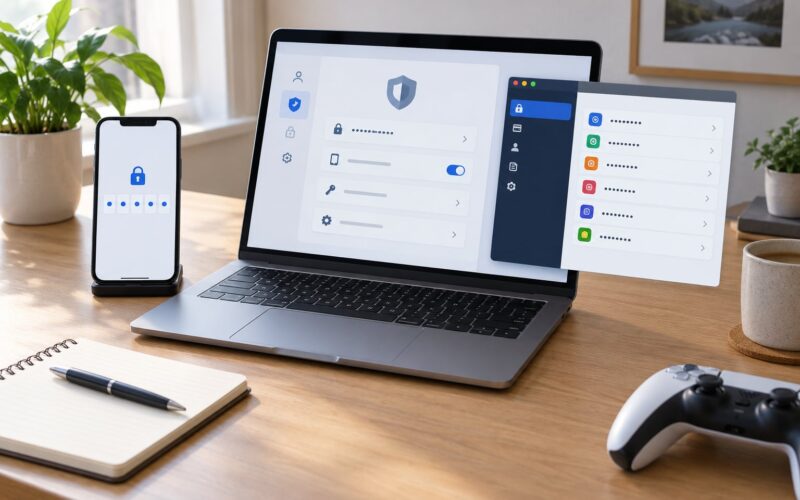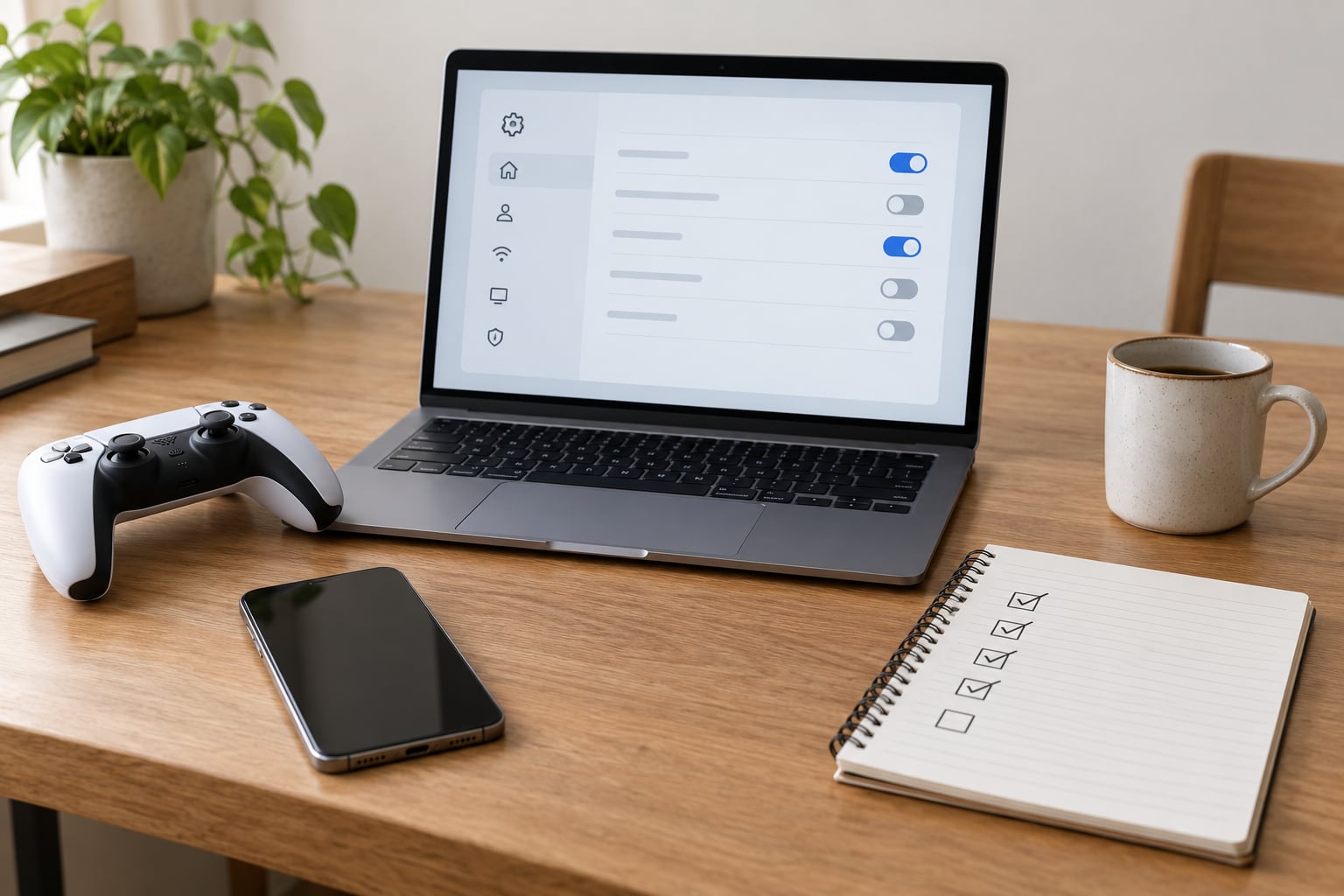
Learning how to introduce your kids to online multiplayer safely comes down to two questions: who is allowed to talk to them, and who is allowed to spend their money. Start with a game your child can finish alone, then a lobby that contains only real-life friends, and open it up slowly — with chat, purchases and friend requests locked down before the first session rather than after something goes wrong. The whole setup takes about an hour.
Multiplayer genuinely teaches something. Kids practice negotiating with people who cannot be charmed, leading a team, losing without melting down and reading a room they cannot see. My own two are completely different online: the oldest runs a co-op group with kids she has never met in person, the youngest plays a private world with two school friends and nobody else.
That range is the reason most guides here go wrong. They treat online play as either dangerous or fine. The real variable is the setting, not the game.
Table of Contents
- 1What You Need
- 2Step-by-Step: How to Introduce Your Kids to Online Multiplayer Safely
- 31. Set clear age and readiness limits
- 42. Choose games with safer communication by default
- 53. Create a parent-managed account
- 64. Configure privacy, chat and spending controls
- 75. Learn the game before the first session
- 86. Agree on rules and practice the first match
- 97. Review, adjust and keep talking
- 10Common Mistakes
- 11Frequently Asked Questions
- 12At what age should a child start playing online multiplayer games?
- 13How do I introduce my kids to online multiplayer safely without banning voice chat?
- 14Are private or friends-only multiplayer servers safer for children?
- 15How can I stop my child from making purchases in online games?
- 16What should I do if my child encounters harassment or an online scam?
- 17Conclusion
What You Need
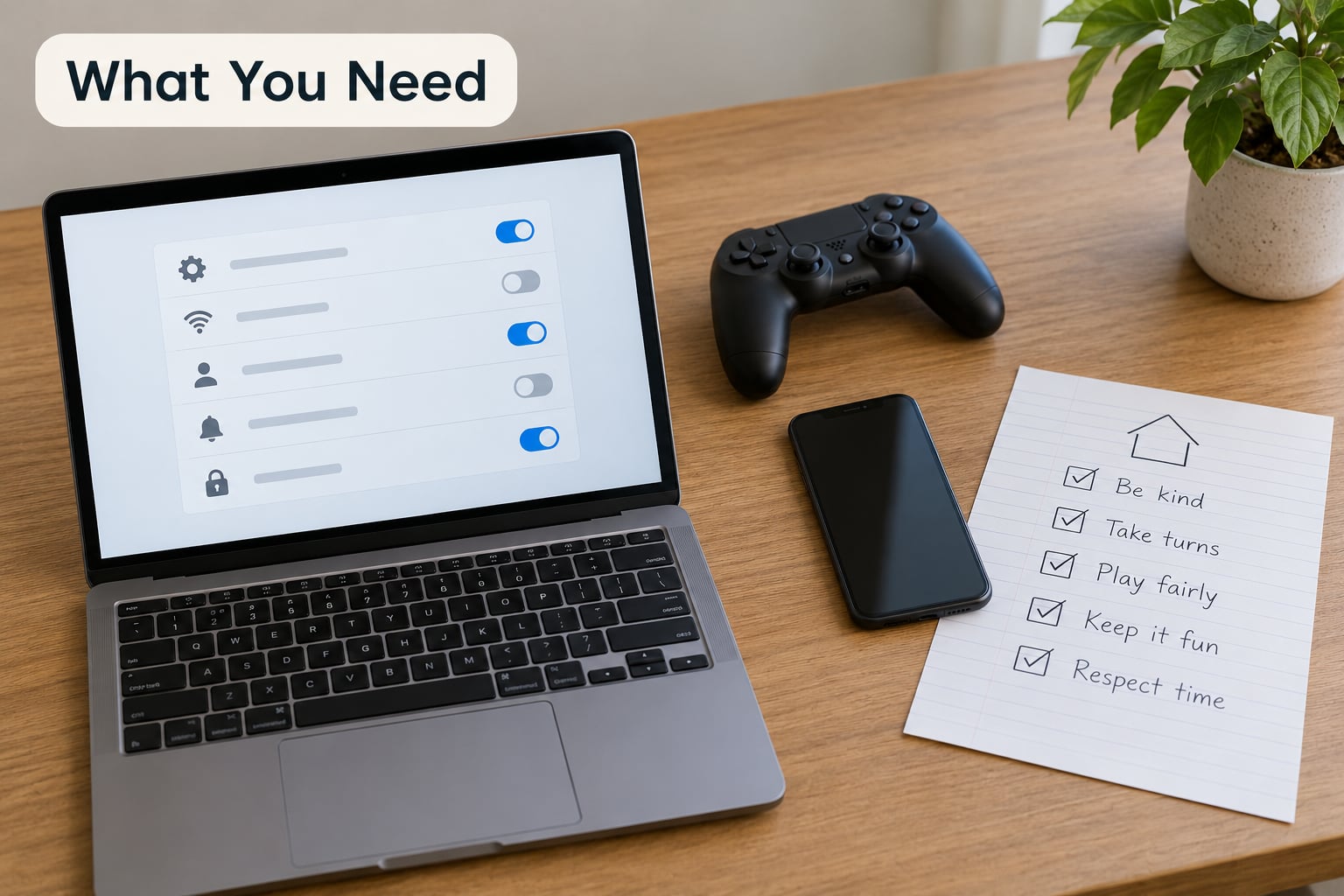
Five things, and you can assemble all of them in a single sitting.
A game that suits your child, checked against the official age rating from the ESRB or its equivalent outside the US. A rating is one input, not a guarantee — read the content descriptors too. A parent-managed account with its own login, so your child is never using your credentials. Updated parental controls on the console, the platform account and inside the game itself, because those are three separate layers and most families only set the first one.
Then a private way to reach each other. In-game voice is not it. If your child can be pulled into a platform outside the game, you need a channel they will answer that you control. Mine is a family group chat and a code word for “I need to log off now.”
Finally, a written family agreement. Keep it to one page. Rules that the child helped write get followed; rules that appear without warning get argued with.
One clarification before you start: purchases, in-game items and real-money spending are three different things. Currency bought with your money, currency earned by playing, and items a developer may remove entirely behave differently. What you can actually block depends on your device, your platform and the game, and those rules change, so work from the current console, app and game instructions rather than an old guide.
Step-by-Step: How to Introduce Your Kids to Online Multiplayer Safely
Menu names shift with every platform update, so treat the paths below as landmarks rather than exact clicks. What matters is the setting each one controls.
1. Set clear age and readiness limits
Age is a starting point; readiness is the decision. Before you pick a game, watch your child for a week or two.
Can they lose without treating it as a personal emergency? Do they ask for help when they are stuck, or do they quit? Will they stop mid-session when the timer says so? Do they tell you when something in a game made them uncomfortable, or do they laugh it off? These four behaviours tell you more than any birthdate.
Use the age rating as one input among several. Then match three things to their level: how communication works in the game, how long a session can realistically run, and how much competitive pressure sits on a losing team. A game with open mic and ranked leaderboards asks a lot of a seven-year-old. A cooperative builder with friends-only chat asks much less.
2. Choose games with safer communication by default
Look for a private friend list, chat filtered by who you have approved, a working report button, a block function and real moderation behind it. Then check the open-world question — can your child be walked somewhere by a stranger, or can any player open a portal into their world?
Start with no open text or voice chat at all. That sounds harsh for a ten-year-old whose friends are all talking in a Discord server, and it is the single change most parents resist. It is also the one that removes most of the risk surface, because voice leaves no record and you cannot moderate a conversation you cannot hear.
Before you commit, confirm that turning chat off does not break the game. Plenty of story and puzzle content works fine with communication disabled. Third-party comms apps sit outside the game’s settings entirely, so if the group uses one, treat that as its own decision with its own rules.
3. Create a parent-managed account
Give your child their own profile with a name that does not include a surname, school, neighbourhood or birth year. Use a unique password they can type but that you could still find in your password manager, set their age range accurately inside the parental controls, and turn on two-factor authentication wherever the platform offers it.
Never let a child use an adult’s login. Not yours, not an older sibling’s. It puts the account in your name, the content history in a place they may one day own, and any dispute about what was said into your inbox. It also makes account recovery harder after a takeover.
Record who owns the account, which recovery email or phone is attached, and where the purchase PIN lives. Note it in a place only adults can reach. When a fifteen-year-old loses interest in a game next year, whoever sorted the email out is the difference between a two-minute reset and a week of lockouts.
4. Configure privacy, chat and spending controls
Work through this list in the account dashboard first, then inside the game’s own settings, because games override the platform on some settings and not others.
Friend requests: who can send one without approval. Profile visibility: what other players see. Voice and text chat: who may speak to your child, or whether anyone can. Location sharing: off. Direct messages: from strangers, from server members, from anyone. Purchases: which require a PIN or adult approval. Downloadable content: whether anything can be added without you.
Now the safety controls most guides skip. Restrict who can invite your child into a group or a server. Block join links that arrive in chat, because those are the path from a friendly lobby to a server you never approved. Set a session time limit while you still want one — the setting is much easier to change at eight than at fifteen.
Menus differ by console, by platform and by game version, and platforms rename these settings often. Use the current instructions for your own device and account, and check back after major system updates.
5. Learn the game before the first session
Spend twenty minutes with the game before your child does. Watch an official trailer so nothing arrives as a surprise. Read the rating and its content descriptors. Read the chat and conduct rules, which most players skip and moderators enforce anyway. Watch one tutorial so you know what the game looks like when it is working normally.
Then find the report and block buttons yourself, before you need them at speed. Learn whether the game keeps any record of reports. Find out whether players can meet outside the game, and whether the community shares user-made content. That last one changes the question from “who is talking” to “what is being published.”
6. Agree on rules and practice the first match
Write the agreement together. Cover the hours they can play, which games are on the list, what the chat and voice policy is, what happens with purchases, what personal information never goes into a game — full name, school, address, phone number, photos of the family — and what to do when something feels wrong. Add two rules that protect you both: losing is not a reason to keep playing past the agreed time, and reporting is never punished.
That last one matters more than it looks. If a child believes reporting means losing access to friends, they will sit on a harassment problem rather than tell you about it. Say plainly that you would rather hear about a bad report than not.
Start with a tutorial or a cooperative mode rather than a ranked match, stay in the room for the first session, and let your child talk while you listen to what is being said around them. You will hear the tone within a few minutes, and that tone tells you whether stage two is a month away or a year.
7. Review, adjust and keep talking
Settings are not a one-time setup. Recheck them when your child moves up a school year, when the game ships a major update, or when the friend group changes. Each time, look at the friends list, the recent purchases, the playtime and any in-game reports your child received or filed.
New communication features arrive constantly, often enabled by default. A patch that adds voice chat to a game that had none is a good reason to revisit your settings the same week.
Keep the conversation running without turning it into an interrogation. Ask what was funny this week, not only what was strange. Then leave the door open for the awkward version: if a stranger asks them to move to another app, asks them to keep it a secret, offers gifts or currency, or pressures them for anything at all, that is a conversation to have the same day rather than a rule to add to a list.
Strangers steer children to other platforms because the game is where they were approved. The move to a phone number or a direct-message account is the moment most parents miss. Agree in advance on what your child does if that happens: tell a parent, block, leave the session. Make it a plan they already know, not a decision they have to make alone.
Common Mistakes
Treating the age rating as a safety promise. It describes content, not conduct. Fix: read the descriptors, then set the chat policy yourself.
Handing over open chat too early because friends are already using it. Fix: run a friends-only lobby now, add open chat as a reward after a stretch of good sessions.
Letting a child use an adult’s login. Fix: separate profile, unique password, two-factor authentication, recorded recovery details.
Enabling purchases without a limit. Fix: require approval for every purchase, remove stored card details from the console, and set one small monthly ceiling for currency rather than an open wallet.
Ignoring private servers when one is available. A private world or friends-only party is free risk reduction and most families never switch it on.
Treating every online interaction as harmless because most are. Most conversations are fine. The planning happens quietly, which is why your attention belongs on the unusual requests, not the ordinary play.
And not responding when a child suddenly stops playing. Withdrawal after something happened is worth taking seriously, and worth asking about calmly rather than banning the console on sight.
On supervision, three habits carry most of the weight. Sit in the room for the first few sessions. Check the friends list occasionally without announcing it as an inspection. And keep the short weekly chat that has nothing to do with safety, so the safety chat still gets an answer when it matters.
Frequently Asked Questions
At what age should a child start playing online multiplayer games?
There is no single safe age, because readiness varies more than birthdays. Most families begin with friends-only, no-voice play around seven or eight, and open voice chat later, often around twelve or thirteen, if the child handles conflict well offline. Watch how they lose, whether they ask for help, and whether they tell you when something feels wrong before you look at any age band.
How do I introduce my kids to online multiplayer safely without banning voice chat?
You do not have to ban it outright. Start with voice restricted to an approved friends list, turn text chat off or set it to friends-only, and keep the game out of public lobbies. Check in during the first sessions so you learn the tone of the group. Once your child can handle conflict and comes to you when something goes wrong, widen the list deliberately rather than all at once.
Are private or friends-only multiplayer servers safer for children?
They are meaningfully safer, because they cut the number of unknown people who can reach your child from hundreds to a handful you chose. A private world or a friends-only party also stops strangers sending join links into chat, which is one of the most common routes to an unapproved server. They are not risk-free: the people on the list can still misbehave, so keep reporting and blocking switched on.
How can I stop my child from making purchases in online games?
Require an adult PIN or approval for every purchase, then remove stored card details from the console or platform account so a purchase cannot complete unattended. Set a small monthly ceiling for currency instead of an open balance, and check recent transactions in the account dashboard once a week. Give the money as a gift card or a fixed allowance rather than a card they can tap at any moment.
What should I do if my child encounters harassment or an online scam?
Stay calm and let your child finish describing it before you react, then ask whether screenshots were saved and whether the account still works. Block the player, report inside the game, and report to the platform as well. If a stranger moved the conversation to another app, save that evidence too and secure the accounts involved. Most importantly, thank your child for telling you, even if they waited weeks.
Conclusion
Here is the whole plan on one card. Pick a game that suits your child and check the rating. Create their own account with a unique password and two-factor authentication. Set chat to friends-only, turn off open invites and location sharing, and require approval for purchases. Write the family agreement together, including a rule that reporting is never punished. Play one supervised session in a tutorial or co-op mode, in the room, listening to the tone. Then check the friends list and settings again in a month.
Keep doing the small talk. The settings handle strangers; the relationship is what gets your child to tell you when the settings did not catch something.
For general guidance on media use, development and online safety in children, follow the current recommendations from the American Academy of Pediatrics rather than any single platform’s marketing.