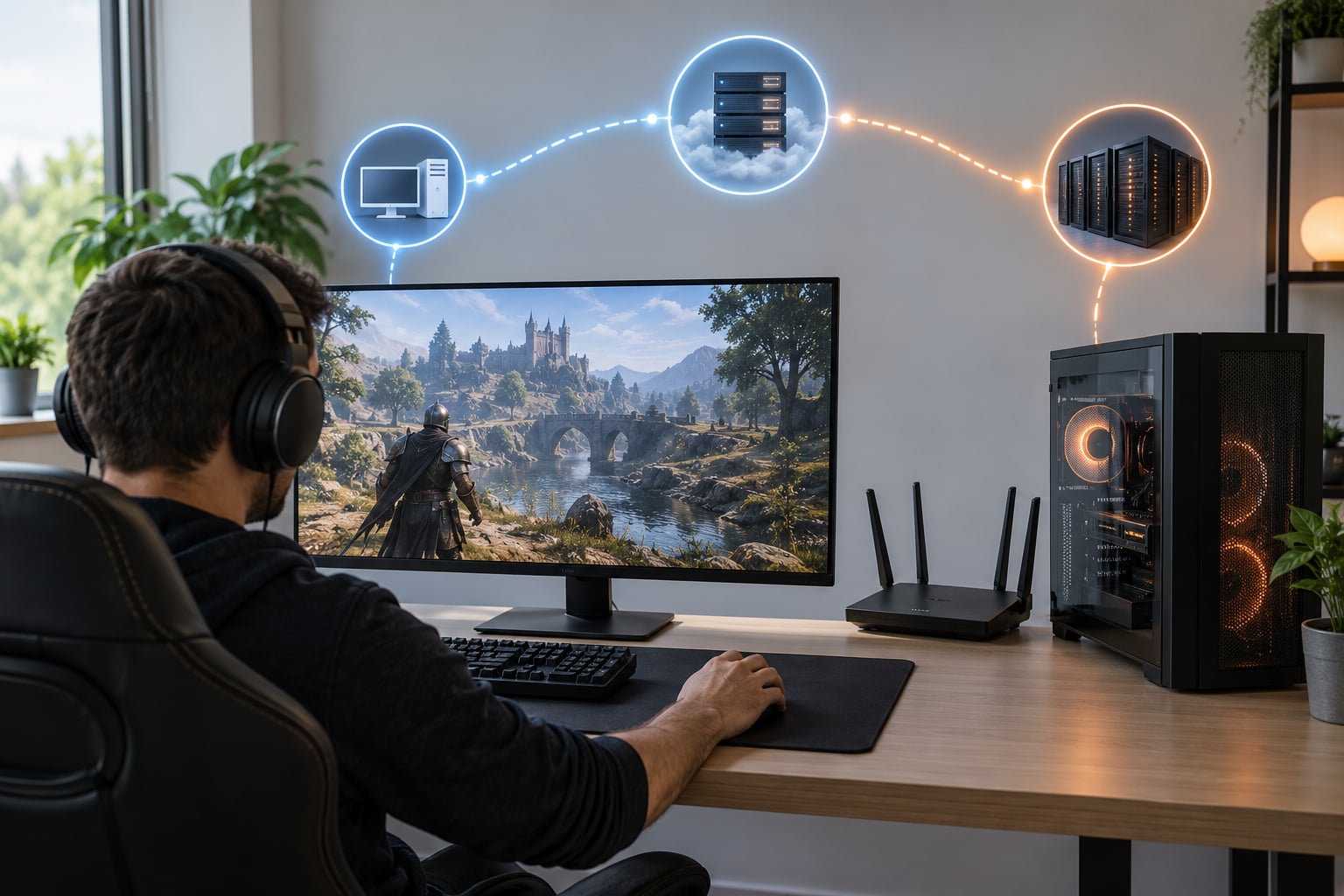
A VPN changes the route your game traffic takes to the server, and nothing else. On a badly routed or throttled connection that detour can cut your ping dramatically, and on a clean fibre line the same detour usually adds latency you did not have before. That is the whole honest answer to why VPNs can help or hurt gaming: the tool changes your path, so the result depends entirely on how good your existing path was.
The mistake most players make is treating ping as a fixed number a VPN can fix. Ping is one measurement of a moving route, and the route can change at 9pm when your neighbourhood gets busy. Before spending anything, it helps to understand what actually moves when you connect.
Table of Contents
- 1What Does a VPN Change During Online Gaming?
- 2How Can VPNs Help or Hurt Gaming?
- 3Where a VPN genuinely helps
- 4Where a VPN genuinely hurts
- 5Does a VPN make you laggy for other players?
- 6Can a VPN Reduce Ping and Improve Matchmaking?
- 7How Do VPN Speeds and Protocols Affect Gaming?
- 8Will a VPN Stop DDoS Attacks?
- 9Can a VPN Change My Region or Bypass Game Restrictions?
- 10How Do You Test Whether a VPN Helps Your Gaming?
- 11Which VPN Features Matter Most for Online Gaming?
- 12Frequently Asked Questions
- 13Does a VPN improve gaming?
- 14Does a VPN lower ping?
- 15Is it illegal to use a VPN for gaming?
- 16Does a VPN make you laggy for other players?
- 17Is a VPN worth it if I have fibre?
- 18Can I use a VPN on PS5 or Xbox?
- 19Conclusion
What Does a VPN Change During Online Gaming?
When you connect, your game packets are encrypted and sent to a VPN server you choose. From there they travel on to the game server, so the path gains an extra hop. The game server also sees the VPN server’s address instead of yours.
Three things change as a result: the route, the IP address other players and servers see, and the traffic type in transit. Three things never change: how much bandwidth your line has, your frame rate, and the other person’s connection.
| Term | What it measures | What it looks like in play |
|---|---|---|
| Ping | Round-trip time to the game server, in milliseconds | The number in the corner of your HUD |
| Latency | The time one packet takes to travel, measured both ways | Delay between your input and the game reacting |
| Jitter | How much that delay varies between packets | A steady 55ms that feels fine, a swinging 30 to 120ms that does not |
| Packet loss | Percentage of packets that never arrive | Rubber-banding, hit registration failures, desync in PvP |
Jitter is the one most articles skip. A VPN can genuinely lower your average ping while making the game feel worse if it adds variance to the route.
How Can VPNs Help or Hurt Gaming?
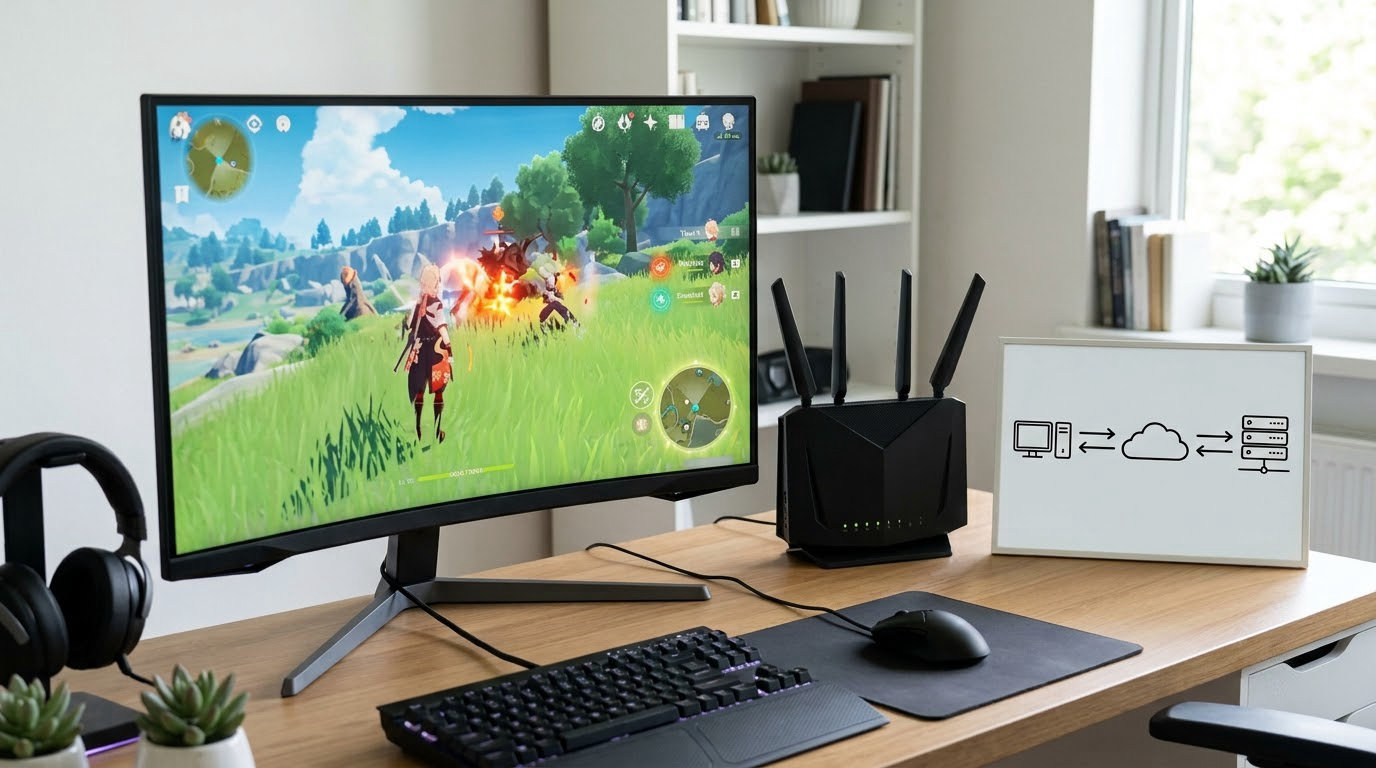
Both sides of the ledger are real, and which one you get depends on your ISP’s route to that particular game server.
| What you are seeing | Worth trying a VPN? | Why |
|---|---|---|
| Random spikes to 200ms or more on a wired connection | Yes | Usually a bad ISP route or bufferbloat, and a detour can dodge it |
| Worse during evening peak hours only | Yes | Consistent with congestion or shaping on your line |
| You get targeted or flooded in competitive lobbies | Yes | Hiding your IP removes the target |
| Gaming on hotel, campus or shared Wi-Fi | Yes | Someone else on that network cannot read your traffic |
| Stable fibre, steady 20 to 30ms, no spikes | Probably not | There is no broken route to fix, so you are only adding distance |
| You rely on LAN play or local discovery | Carefully | Tunnelling can break finding friends on the same network |
Where a VPN genuinely helps
- Rerouting a bad path. One player on r/fellowshipgame described ping spiking to almost 300ms unless a VPN was connected. That is the clearest help case there is: the direct route was genuinely broken and an alternative path fixed it.
- Getting around throttling. Some ISPs shape traffic or deprioritise it during busy hours. Encrypted traffic is harder to classify, and shaping often loosens. Players on r/Overwatch put it plainly, noting a VPN will more than likely only add to your ping but can help get around possible ISP throttling.
- Masking your address. Your home IP is not visible to other players or to anyone aiming a flood at you.
- Untrusted networks. On a café or campus connection, a tunnel means the network operator cannot see or alter what you send.
- Reaching a different server region. Useful when travelling, with real consequences for queues and latency.
Where a VPN genuinely hurts
- The extra hop. Distance is not negotiable. A server 100ms away adds at least 100ms, and often more once routing is counted.
- Encryption overhead. Every packet is wrapped, processed and re-sent. On a saturated connection this shows up as throughput loss.
- Jitter and packet loss on busy servers. A cheap or oversubscribed VPN server can be worse than your own congested ISP.
- Matchmaking penalties. Connecting through a different region can drop you into a smaller or emptier queue, which is a complaint players raise constantly and no vendor page mentions.
- Broken local discovery. LAN parties, local broadcasts and split-screen find each other through your local network. A tunnel removes you from that network. Players on forum.mikrotik.com point out exactly this for games using local discovery.
- Launcher, voice chat and anti-cheat friction. An r/bladeandsoul user found a VPN removed stuttering but added noticeable lag on some nights, which is the trade-off in one sentence.
Does a VPN make you laggy for other players?
Yes, it can, and this is the question almost every ranking page skips. Your added latency sits on the packets the server must wait for before relaying your actions to everyone else in the match. On a peer-to-peer title where your machine hosts the session for others, your delay becomes their delay directly. It also does not fix lag that originates on the other side, which players on r/EASportsUFC run into constantly. If your friends are jumping through hoops over your ping, a short note in your profile explaining the tunnel saves the argument.
Can a VPN Reduce Ping and Improve Matchmaking?
It can lower ping when a nearby VPN server happens to sit on a cleaner route to the game server than your ISP does. It cannot shorten physical distance, and a distant VPN server always makes this worse. What it can change is matchmaking, often for the worse.
| Ping | How it feels |
|---|---|
| Under 20ms | Instant, and the only band where fighting games are genuinely competitive |
| 20 to 50ms | Unnoticeable in shooters and MMO raids |
| 50 to 100ms | Fine for most play, noticeable in twitch aiming |
| 100 to 150ms | You learn to lead your shots and hold corners earlier |
| 150ms and above | Constant prediction, frequent rubber-banding, unfun in ranked play |
Matchmaking usually assigns you by your IP’s region, so a tunnel in another country can put you in a lobby with a fraction of the players. Longer queue, weaker opposition, or an empty queue entirely. And a lower average can still feel worse. If your direct line sits at a boring 50ms and the VPN swings between 30ms and 130ms, you traded a small delay for unpredictability, and unpredictability is what players actually complain about.
How Do VPN Speeds and Protocols Affect Gaming?
Protocol choice matters less than headline speed numbers suggest, and stability matters more. What breaks a match is jitter, packet loss and a connection that drops, not a modest difference in raw throughput.
| Protocol | Overhead | Best for gaming when |
|---|---|---|
| WireGuard and its variants | Lowest | Almost always, if your provider offers it |
| IKEv2 | Low | You game on mobile or need stable reconnects |
| OpenVPN over UDP | Moderate | It is the only option left |
| OpenVPN over TCP | Highest | Almost never, for real-time play |
OpenVPN over TCP is the one to avoid. It retransmits lost packets in order, which is correct for downloading a file and wrong for a game, since a late packet is worse than a missing one. Also useful to remember that a VPN cannot add bandwidth. If your line tops out at 50Mbps at 9pm, the tunnel caps out around the same number.
Will a VPN Stop DDoS Attacks?
Partly, and the limits matter. A flood aimed at your home address has to reach your home address, and with a tunnel in front it hits the VPN provider’s larger network instead, where it is usually filtered or absorbed. That protects the connection itself.
What a VPN does nothing about is a compromised account, a malicious server someone else runs, an exploit inside the game, or an attack originating from your own machine. Nor does it touch the other player who is genuinely lagging. If someone is already inside your session, hiding your IP buys you nothing.
Can a VPN Change My Region or Bypass Game Restrictions?
Yes, it can, and this is where the rules matter. A different VPN location changes your matchmaking region, which servers you can reach, whether a broadcast shows, and in some cases whether downloadable content is offered. Travelling players rely on this constantly.
What you are doing is presenting an address from somewhere you are not. Some publishers explicitly forbid it, and a few competitive titles have been known to action accounts for it. On r/DotA2 the consensus is reassuring: players report you will not get a VAC ban for a VPN, since VAC looks for cheating signatures rather than connection methods. On r/Steam the habit is to read the EULA first and treat it as fair game when nothing is spelled out. That is the right approach. A VPN is legal almost everywhere, but a terms of service is a separate document with its own rules.
How Do You Test Whether a VPN Helps Your Gaming?
Ten minutes of measuring beats an hour of reading feature pages. Test the same game, on the same server, in the same evening window, with the tunnel off and then on.
- Note your baseline ping to the game server, plus jitter and packet loss from a network tool.
- Run a traceroute to the game server and look for where the route wanders or repeats.
- Connect to the nearest VPN server, then the one in the region your ISP routes badly.
- Repeat the same measurements. Compare averages, then compare the worst spikes.
- Play a full match. Count rubber-bands and missed hit registrations, not just the ping number.
- Check that your launcher, voice chat and any local party features still work.
- Watch your queue times before and after, since region changes affect them.
Two details people miss. Compare at the same time of day, because routes change with load. And watch the spikes rather than the average, because a stable 45ms beats a spiky 30ms in almost every shooter.
| Platform | What a VPN can do | The catch |
|---|---|---|
| PC | App, system-wide tunnel, or split tunnelling of just the launcher | Split tunnelling needs the right configuration |
| PS5 | No native app; run it on your router or share a PC connection | Router-level tunnels cover the whole house |
| Xbox Series X and S | Same as PS5, router or shared connection | Console games need ports forwarded correctly |
| Nintendo Switch | Router-level only | Weak local wireless support complicates it |
| Mobile | Native apps, and useful over cellular during travel | Battery drain and background data use |
Before you pay for anything, fix the cheap stuff. Use Ethernet instead of Wi-Fi, since a congested 2.4GHz channel adds tens of milliseconds on its own. Enable QoS on the router and give your console or PC priority. Close downloads running on the same line, and check whether the router firmware is old. Most people who feel 200ms spikes on a wired connection are looking at bufferbloat or a bad route, both of which a VPN can route around but neither of which the router settings can fully repair.
Which VPN Features Matter Most for Online Gaming?
Ranked by how much they actually change your match, most of what VPN pages advertise does very little.
- Server locations near you and near the game servers. This is the feature that moves ping. Everything else is secondary.
- A modern low-overhead protocol. WireGuard first, then IKEv2, then OpenVPN over UDP.
- Stable packet delivery. Look for servers with real port capacity rather than a huge server count that means oversubscription.
- Modern encryption. AES-256 keeps the overhead low enough to be irrelevant.
- A kill switch. If the tunnel drops mid-match, traffic should stop rather than leak unencrypted.
- Transparent logging. You need to know whether the provider can see what you are connected to.
Split tunnelling deserves its own note. It lets you send only the launcher, voice chat or update traffic through the tunnel while the game itself stays on a direct connection. That gives you the privacy benefit without paying it in latency, and on a PC it is the compromise most people land on eventually.
Free VPNs are a poor trade here. You cannot audit a service you do not pay for, and the business model often involves selling your data or routing traffic through shared infrastructure. Some players on r/MobileLegendsGame report that a VPN changed their perceived ping and lobby behaviour, but with inconsistent results that match that uncertainty.
Frequently Asked Questions
Does a VPN improve gaming?
Sometimes, and only in one specific way: it changes the route your traffic takes. If your ISP sends your packets badly, a tunnel through a cleaner path can cut ping and smooth out spikes. If your route is already good, the extra hop makes things worse. It will never raise your frame rate or add bandwidth.
Does a VPN lower ping?
It can, by rerouting around a congested or badly routed part of the ISP network, and it cannot shorten the physical distance between you and the game server. A distant VPN server always adds latency. Test the same game at the same time of day with the tunnel off and on before you believe any provider’s ping claim.
Is it illegal to use a VPN for gaming?
In most countries, using a VPN itself is legal. Individual publishers can still forbid it in their terms of service, and some action accounts for violating those terms. Anti-cheat systems such as VAC generally look for cheating signatures rather than connection methods, so a VPN rarely triggers one on its own. Read the EULA for the specific title.
Does a VPN make you laggy for other players?
It can. Your added latency delays packets the server must relay to everyone else in the match, and on peer-to-peer titles your machine hosts the session, so your delay becomes theirs. A VPN also cannot repair lag caused by the other player. A quick note in your profile explaining the tunnel saves the arguments.
Is a VPN worth it if I have fibre?
Usually not for performance. Fibre with a steady 25ms and no spikes gives a VPN nothing to fix, so the tunnel only adds distance. Fibre is still worth connecting for on hotel, campus and shared networks, for hiding your IP, and for DDoS protection in competitive lobbies.
Can I use a VPN on PS5 or Xbox?
Not natively, since neither console has a built-in VPN app. You run the tunnel on your router, which covers every device on the house, or share a VPN-enabled PC connection with the console over Ethernet. Router-level setups are the most common approach and work well, but console games need the right ports forwarded.
Conclusion
Start with the cheapest test. Run a traceroute to your game server, play one match on your direct connection and write down the ping, the spikes and the queue time. Then connect to the nearest VPN server, play the same match at the same hour, and compare. If the numbers are steadier, keep the tunnel. If they are worse, disconnect and keep saving the subscription.
A VPN is a route tool, not a speed tool. Players with a broken ISP path get a real fix from it, and everyone else pays distance for nothing.