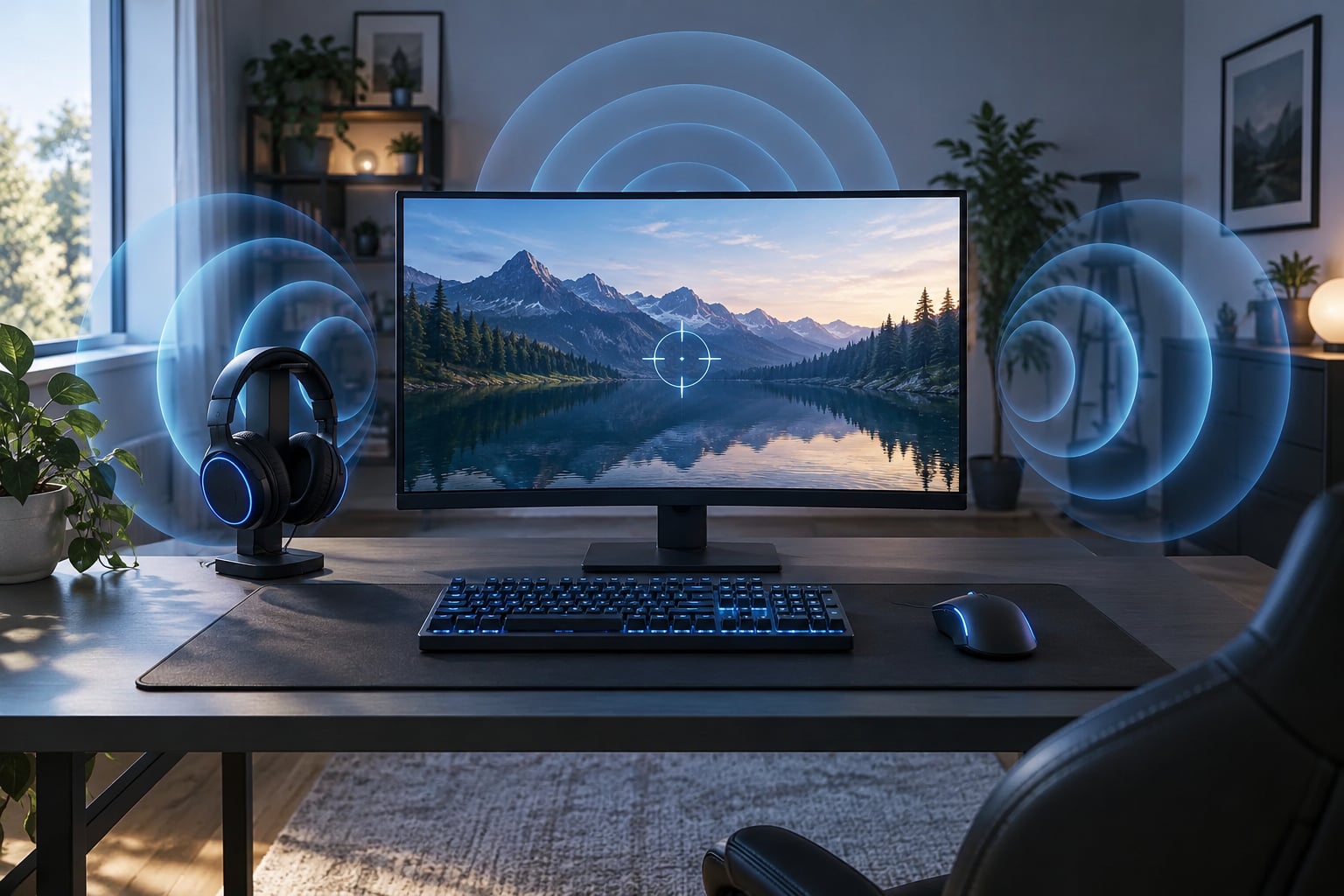
Surround sound helps in shooters because it turns audio into position information: you hear whether that footstep came from your left, your right, above you, or three rooms behind you. That one extra half-second of warning is often the difference between holding an angle and dying in it. Most of the gain comes from a good headphone first and correct settings second, not from buying an expensive processor.
This guide covers what surround sound actually does in an FPS, which audio cues you can realistically learn to read, how to set it up on PC and console, and how to test whether any of it is working for you. Menu names change between game updates, so check the wording in your own build.
Table of Contents
- 1What Is Surround Sound in Shooters?
- 2How Surround Sound Helps in Shooters
- 31. Locating an enemy before you see them
- 42. Judging distance instead of just direction
- 53. Separating combat layers
- 64. Reacting a fraction earlier
- 7Which Spatial Audio Cues Can Players Hear?
- 8Footsteps and movement
- 9Front versus back
- 10Weapon fire and reloads
- 11Ability and utility sounds
- 12Environmental and ambient sounds
- 13Vertical movement
- 14What Audio Setup Gives the Best Directional Awareness?
- 15Stereo headphones with accurate imaging
- 16Virtual surround on headphones
- 175.1 and 7.1 speaker setups
- 18Wireless headsets
- 19How Do You Configure Surround Sound for a Shooter?
- 20Step 1: Choose one Windows or console spatial mode
- 21Step 2: Match the game audio output to that mode
- 22Step 3: Disable other enhancements
- 23Step 4: Set comfortable levels
- 24How Can You Test Whether Surround Sound Works?
- 25Does Surround Sound Make You Better at Shooters?
- 26What Are the Limitations and Common Problems?
- 27Weak headphone imaging
- 28Double processing
- 29Washed-out virtual surround
- 30Masking from loud effects
- 31Bad speaker placement
- 32Wrong Windows channel configuration
- 33Vertical cues are game-dependent
- 34Frequently Asked Questions
- 35Is surround sound better than stereo for FPS games?
- 36Do surround-sound headphones give enemies a fair advantage in competitive shooters?
- 37Is 7.1 surround sound worth it for playing shooters?
- 38What are the best Windows sound settings for shooter audio?
- 39Can surround sound help you hear enemies behind you?
- 40Should I use surround sound or headphones for competitive gaming?
- 41Conclusion
What Is Surround Sound in Shooters?
Surround sound in a shooter is any system that tells you where a sound came from, not just how loud it is. Your monitor shows you a 90-degree slice of the world. Sound covers the full 360 degrees around you, and that is the part a shooter leans on.
Three things get mixed up constantly, so here is the clean version:
- Stereo is two channels, left ear and right ear. A sound can be hard left, hard right, or in the middle. It cannot natively express “behind me”.
- Binaural audio is stereo rendered for headphones as if two speakers were placed inside your skull. It is recorded or computed, not just played back.
- Virtual surround is a processor taking a game’s multichannel or object-based mix and re-rendering it into two headphone channels using a head-related transfer function.
A head-related transfer function, usually shortened to HRTF, is a measurement of how your ear shape, head and torso change a sound on its way in. Because everyone has slightly different ears, no single generic HRTF is perfect, which is the source of most complaints you will read about virtual surround sounding odd.
Real surround means separate speakers physically placed around you, such as a 5.1 or 7.1 gaming setup. It gives genuinely different arrival paths to each ear, which is why dedicated surround systems still sound convincing. It also takes up desk space and leaks sound into the room, which is why most competitive players end up on headphones.
Shooters depend on this information more than other genres because combat information arrives before visual information. In a shooter, knowing an enemy is behind you and two steps to the right changes what you do next. In a racing game, the same information is mostly flavour.
How Surround Sound Helps in Shooters
Here is the short answer that search engines and AI answers keep pulling from: surround sound helps in shooters by adding directional cues that let you locate an enemy faster, judge how far away they are, and separate useful sounds from the noise of your own gunfire and abilities.
In practice that breaks into four wins.
1. Locating an enemy before you see them
Most players who quit a game say the same sentence: “he was already behind me”. A usable rear cue removes that whole failure mode. You may still lose the fight, but you lose it facing the right way, which is a completely different round.
2. Judging distance instead of just direction
Direction alone tells you a wall. Distance tells you whether that enemy is worth pushing. Combatants that model distance give quieter, duller, more reverberant versions of a sound the further away it is, and a good setup lets you tell a stairwell from a corridor.
3. Separating combat layers
When a full teamfight breaks out, footsteps compete with gunfire, abilities, and voice chat. Directional processing lets you pull one layer forward in your head, the way people naturally focus on a conversation in a noisy room.
4. Reacting a fraction earlier
Reaction advantage is measured in fractions of a second. Half a second of earlier awareness, repeated across a match, is worth more than most aim settings you will ever change.
| Approach | Direction left and right | Front versus back | Distance judgement | Best for |
|---|---|---|---|---|
| Stereo headphones | Good | Weak | Poor | Single-player immersion and players who already know their maps |
| Virtual surround on headphones | Good to excellent | Good, depends on the HRTF | Fair to good | Competitive FPS on a desk in a shared room |
| Windows Sonic, Atmos, DTS Headphone:X | Very good | Very good with modern games | Good to very good | Titles built with object-based audio or a modern sound engine |
| True 5.1 or 7.1 speakers | Excellent | Excellent | Good | Immersive play in a dedicated room |
Which Spatial Audio Cues Can Players Hear?
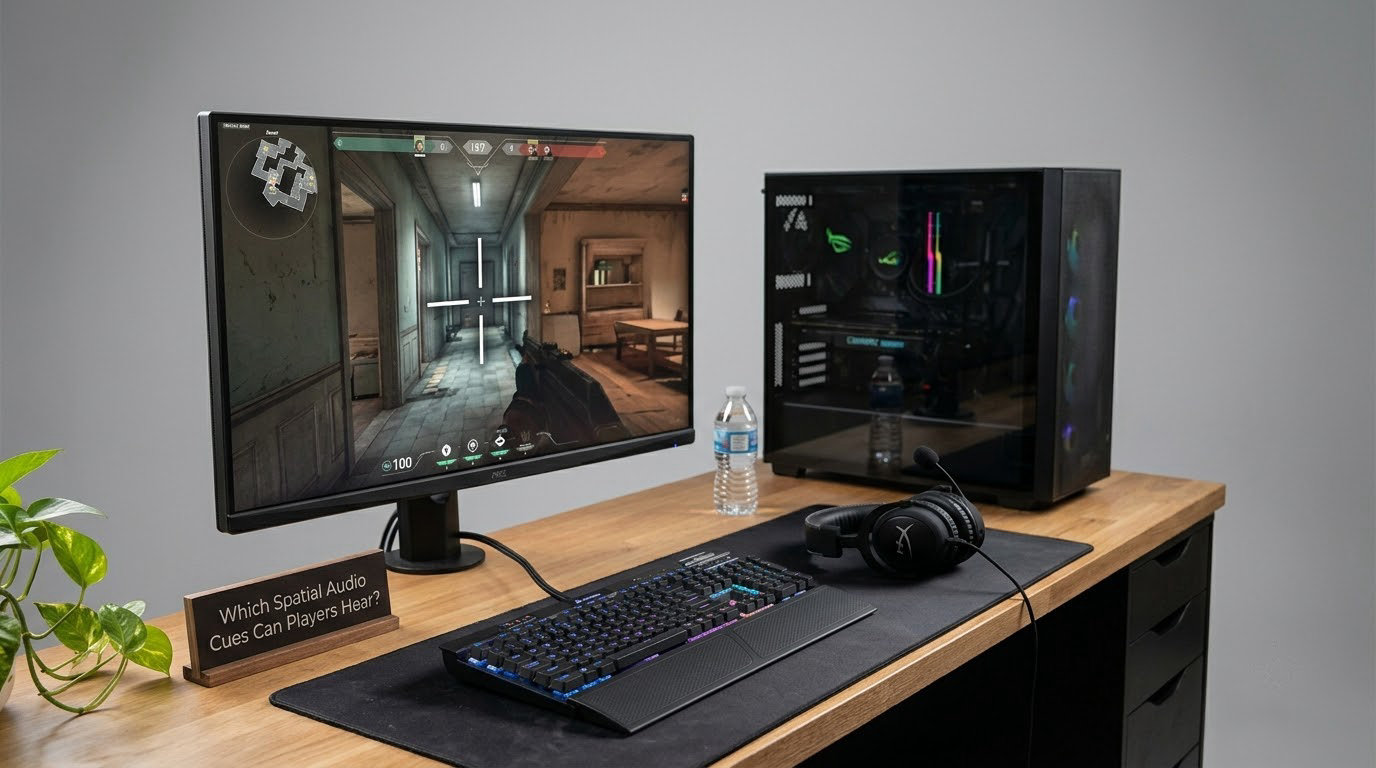
Knowing the theory only pays off if you know what to listen for. These are the cue types that carry usable information.
Footsteps and movement
The highest-value cue in any shooter. Surface material changes the sound, so concrete, metal grating, gravel and grass each have a signature. Learning those signatures tells you what kind of area an enemy is crossing, not just that they exist.
Front versus back
This is where binaural processing earns its keep. Your ears are shaped differently in front and behind, so real or simulated front-back cues come from filtering differences, not just volume. This is the one thing plain stereo does badly.
Weapon fire and reloads
Reload sounds travel less far than footsteps in most competitive titles, which makes them a useful confirmation cue. A direction change on a reload usually means the enemy heard you too.
Ability and utility sounds
Grenades, smokes, deployables, and ultimate activation each have their own audio signature. Because they are placed by the game engine rather than by a character, they are often among the cleanest positional cues you will get.
Environmental and ambient sounds
Doors, elevators, glass, wind, and water. Ambience gives you a mental map, and an unexpected change in ambience tells you a space has opened or closed around you.
Vertical movement
Footsteps above and below you are the hardest cue in the genre. Some games handle this well, some barely handle it at all, and it depends more on the sound engine than on your hardware. Players who regularly fight across floors will notice this gap first.
What Audio Setup Gives the Best Directional Awareness?
Ranked by imaging accuracy rather than by price, headphones win for competitive shooters and speakers win for immersion. Here is the honest trade-off.
Stereo headphones with accurate imaging
A pair of open-back headphones with a neutral tuning and precise imaging can beat a cheap headset running virtual surround. Community discussion on audio forums keeps rediscovering this: a well-behaved stereo driver pair, placed correctly, localises surprisingly well because the soundstage is not being processed.
Open-back designs give the widest, most natural soundstage and the least colouration, which is why many competitive players prefer them despite the leakage. Closed-back designs block more noise and leak less, which matters in a noisy room or on a shared call, at the cost of a slightly narrower and bassier stage.
Virtual surround on headphones
The standard competitive answer, and usually the right one. Processing is done by the operating system, the game, or a dongle bundled with the headset, and the quality gap between implementations is wide. Forum users regularly report that some built-in headset 7.1 modes add reverb artefacts and make everything sound washed out, while others notice a real improvement in footsteps.
5.1 and 7.1 speaker setups
Genuinely better spatial separation because each channel arrives from its own direction. They also reveal room problems instantly: a desk against a wall, a bed, or curtains will kill the rear channels. They are popular in battle royale and vehicle games, where ambient audio matters as much as footsteps.
Wireless headsets
Convenient and comfortable, with battery life and connection stability as the deciding factors rather than imaging. For audio-critical play, plug in a low-latency cable or use the lowest-latency wireless mode your display and headset support.
How Do You Configure Surround Sound for a Shooter?
Use one spatial processor at a time. Running a Windows spatial effect and the same effect inside the game is the single most common cause of muddy audio, and it is worth fixing before you blame your headset.
Step 1: Choose one Windows or console spatial mode
On Windows 11 or 10, open Settings, go to System, then Sound, and find your output device under Choose a device to play sound audio through. Open Device properties, move to the Spatial sound tab, and pick either Windows Sonic or Dolby Atmos for Headphones, not both. On PlayStation, the option sits in the console’s Sound settings; on Xbox it is under Speaker options and audio output. Menu wording shifts between OS versions, so look for the spatial audio tab rather than an exact label.
Step 2: Match the game audio output to that mode
If Windows is set to 7.1 output but spatial sound is enabled on top, the audio is being processed twice and positional cues get smeared. Set the game to stereo output when a spatial processor is handling the work, and set the game to 7.1 with spatial sound off when you want native multichannel.
Step 3: Disable other enhancements
Turn off third-party enhancers, boost, and loudness normalisation in your headset software while testing. A bass boost setting on a gaming headset is a reasonable sound preference and a terrible localisation tool, because low frequencies do not tell you direction well.
Step 4: Set comfortable levels
Lower master volume so nothing clips, then raise individual game sliders for footsteps if the game exposes them. Aim to hear quiet movement at a normal listening level rather than cranking everything, since clipping smears transients and destroys the tiny timing differences your ears use for localisation.
Per-game settings vary with every patch, so treat this table as a starting point and adjust after testing.
| Game | Key audio settings to look for | Notes |
|---|---|---|
| Counter-Strike 2 | Sound quality, voice chat volume, developer commentary off | Uses a stereo mix designed for headphones; many players test both stereo and Windows Sonic |
| Valorant | Audio quality, voice and SFX volume, ability audio cues | Predictable directional cues; a good place to learn front-back detection |
| Call of Duty titles | Dynamic range preset, surround sound setting, music and speech sliders | Uses a modern sound engine; speaker setups shine here |
| Battlefield | Headphone or speaker mode, dynamic range | Vehicle and ambient audio reward a real surround layout |
| Escape from Tarkov | Headphones mode, mono, dynamic range, voice volume | Players report the clearest vertical cue differences in this title across floors |
| Rainbow Six Siege | Dynamic range, mono option, HRTF and surround toggle | Letting the engine handle HRTF is generally preferred over forcing a second processor |
How Can You Test Whether Surround Sound Works?
Guessing does not work, and neither does a ten-minute vibe check. The community consensus on this one is simple: test with a second person at positions you both know, then A/B the modes back to back.
- Left and right check. Have a friend stand about two metres away and swap sides while you keep your eyes closed. Call out which side each time. Repeat ten times per side.
- Front and back check. Same drill, but the friend moves between directly ahead and directly behind you. This is the test that tells you whether your front-back cues are actually working.
- Distance check. Friend walks from close to far along a straight line in steps. Try to call the distance in coarse bands. If your answers cluster in one band, your distance cues are weak and you should test another mode.
- Elevation check. Friend stands on a chair or a low platform to your right. You should hear a change in brightness and elevation, not just louder volume.
- A/B comparison. Run the full routine once per mode, about thirty minutes each, and compare the score, not the vibe. Switch modes between sessions so you do not just learn a new routine.
Two more practical checks: a known video with in-game footage can confirm your left-right mapping is not inverted, and any game with a training range lets you place known sounds without a second person. A custom map with a friend is still the most honest test, and it takes ten minutes.
Does Surround Sound Make You Better at Shooters?
It makes you better only when it changes what information reaches you, and only when you practised reading it. Hardware changes nothing on its own.
Players who gain the most fall into a few groups. Support players and off-angles rely on hearing an enemy reposition before they have line of sight. Anyone playing on maps with vertical levels benefits most when the game models elevation properly. Lower-skill players often gain something different and just as valuable: hearing footsteps earlier reduces the number of deaths that feel random.
What audio cannot do is replace map knowledge, crosshair placement, or aim. An early warning that you panic into is worse than no warning at all. In my experience the players who improve with better audio are the ones who already know where people usually come from.
Realistic expectation: a setup change is worth maybe a few percent of reaction time in your best conditions, and nothing at all in the first three matches while your brain relearns the cues.
What Are the Limitations and Common Problems?
Every approach has failure modes, and recognising them saves a lot of wasted tweaking.
Weak headphone imaging
Thin, bright, or bass-heavy tunings blur localisation, no matter which processor you enable. This is the most common hardware problem, and no software setting fixes it.
Double processing
A spatial effect at the OS level plus the same effect in-game smears cues and adds latency you cannot hear but can feel in aim. Pick one layer.
Washed-out virtual surround
Some implementations add reverb and lower dynamic range, making footsteps louder but less directional. That is the “louder but not more precise” complaint players describe most often.
Masking from loud effects
Explosions, abilities, and music at full volume bury footsteps. Cut music and effects sliders instead of raising everything.
Bad speaker placement
Rear speakers behind a desk edge, or against a wall, lose their channel identity. If your surround setup feels flat, move the speakers before you change settings.
Wrong Windows channel configuration
A game outputting 7.1 into a stereo-configured device gets folded unpredictably. Check the channel count in the device properties and in the game’s audio menu and make them agree.
Vertical cues are game-dependent
No setup fixes a game that does not model height. Check whether the title has a height-based audio option, and if it does, read the patch notes for audio changes.
Frequently Asked Questions
Is surround sound better than stereo for FPS games?
Usually yes for competitive shooters, because stereo handles left and right well but barely handles front versus back. Virtual surround adds the rear cue that catches flankers. The exception is a very good stereo headphone with accurate imaging, which many players match or beat against cheap surround implementations. Test both with the left and right drill for ten minutes before deciding.
Do surround-sound headphones give enemies a fair advantage in competitive shooters?
Only in the sense that everyone who buys them gets the same information. Titles built for competitive fairness normalise step volume and reduce audio ranges so that strong setups cannot hear across the map. What differs between players is skill at reading cues, not the processor. Practise the cues and you gain more than the hardware does.
Is 7.1 surround sound worth it for playing shooters?
For headphones, 7.1 is usually a software label rather than seven physical channels, so the real question is how well that software renders direction. Windows Sonic, Dolby Atmos for Headphones, and DTS Headphone:X all cost little or nothing on PC and are worth testing. A true 5.1 or 7.1 speaker layout is worth more for immersion, and only if your room allows correct placement.
What are the best Windows sound settings for shooter audio?
Turn on one spatial mode only, either Windows Sonic or Dolby Atmos for Headphones, in the output device properties. Keep the channel count matched to what the game sends, usually stereo when a spatial processor is running. Disable third-party enhancers, keep your master volume low enough to avoid clipping, and raise in-game footstep sliders if the title exposes them.
Can surround sound help you hear enemies behind you?
Yes, and that is the main reason it is worth enabling. Your ears filter sound differently for sources in front and behind, and binaural processing models that difference, so a good setup makes a rear footstep identifiable without looking. It depends on the game modelling the cue properly and on your headphones imaging accurately, which is why the front-back drill is the most useful test you can run.
Should I use surround sound or headphones for competitive gaming?
Headphones, almost every time. They isolate you from room noise, keep setup simple, and let spatial software do the spatial work. Speakers pull in reflections from your walls and desk that blur direction, and they leak sound into shared spaces. Pick headphones with accurate imaging first, then add a spatial mode, and skip any extra DSP that colours the sound.
Conclusion
Surround sound helps in shooters when it delivers the two cues stereo handles badly: what is behind me, and roughly how far away that is. The gains come from the sound engine in the game and from accurate headphone imaging, not from the surround label.
Start with three things: pick headphones that image cleanly, turn on exactly one spatial mode, then run the ten-minute cue tests before and after. Whatever survives both tests is your baseline, and it is worth re-checking whenever you change headsets or get a new shooter.