Looking for Group (LFG) tools are matchmaking systems, built into games, built into Discord, or offered as standalone apps and websites, that let you post or browse requests for teammates instead of relying on random quick matchmaking. You pick the game and activity, set filters like role, party size, region and mic requirement, write a short description of the session you want, then join a group or pick from the people who answered. This guide walks through the whole flow, platform by platform, and takes about ten minutes to set up properly.
Standard matchmaking sorts by skill and hands you no say in who you get. That is fine sometimes. It is frustrating the night you need two more bodies for one specific run and every queue fills with people who mute, rush, or leave after one match.
Table of Contents
- 1What You Need
- 2Step-by-Step
- 3Step 1: Choose the right LFG tool
- 4Step 2: Set the game mode, region, and schedule
- 5Step 3: Write a clear group request
- 6Step 4: Evaluate responses before inviting
- 7Step 5: Start with a low-pressure trial
- 8Step 6: Keep the group organized and leave safely
- 9Common Mistakes
- 10Frequently Asked Questions
- 11Does Xbox still have an LFG feature?
- 12Where can I find an LFG outside the game?
- 13What does LFG stand for, and what do the common abbreviations mean?
- 14How do I find a beginner-friendly group instead of expert-checkpoint listings?
- 15Is it safe to use looking for group tools with strangers?
- 16Why is my LFG queue empty?
- 17Conclusion
What You Need
You need four things before you start browsing, and honestly the fourth one matters most.
An account on the right platform. Consoles and PC storefronts each have their own community layer. On Xbox that is the built-in LFG feature inside the guide and party menus. On PlayStation it is the activities and groups panel plus PlayStation Network friends. On PC it is usually the Steam community, the game’s own Discord, or a third-party site. Menus move around between seasons and game versions, so treat the labels below as directions rather than exact coordinates.
A microphone that works. Nearly every serious group filter is a mic filter. If your mic sounds bad, that is the reason you get skipped, not your skill.
A specific session in mind. Two beginner-friendly dungeon runs on Thursday nights, a ranked climb with three people who have Diamond or better, a first-time clear where nobody expects you to know the routes. Vague goals produce vague replies.
Your filters written down. Most tools let you narrow by role, party size, item or gear level, language, region, crossplay, and whether a mic is required. Decide these before you search, because fiddling with them mid-queue is how people end up waiting three hours for a group that does not exist.
Player communities are the other half of the setup. Official Discord servers, the developer forum, and the game’s subreddit all carry different crowds: the Discord tends to be fastest at filling a group, the forum tends to have the most organized and long-lived teams, and the subreddit is where beginners get stuck behind stat gates.
Step-by-Step
Step 1: Choose the right LFG tool
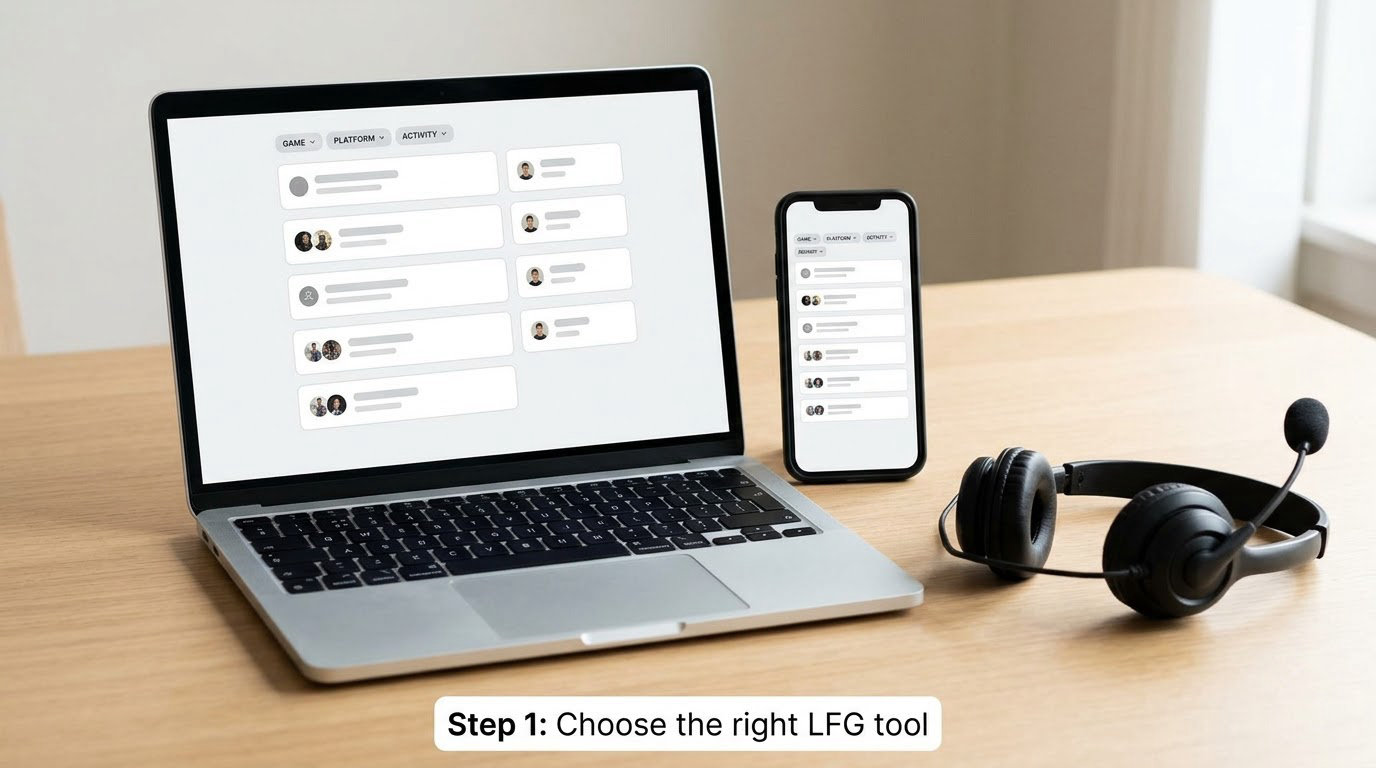
Start with the tool that matches what you are playing and how much structure you want.
The built-in in-game system is the first place to look. Open the pause menu, social, or party screen and look for a group finder, dungeon finder, or matchmaking entry labelled with your activity. It is already synced to your friends list and your platform, so invites land without any handoff. The downside is that it only knows about the game it lives in.
Discord is the second option, and it is where most organized teams actually form. Open the game’s official server and find the LFG or looking-for-group channel. Community-run channels work too. Bots post listings into the channel and push them to members who match your role and region, which saves you refreshing a page every four minutes.
Third-party LFG sites and mobile apps are worth it when you play across several games and want one inbox for all of them. The good ones let you create a lobby, choose language and party size, and hand off through a voice channel invite rather than a friend code. Treat free access and a real notification system as the baseline, since a lobby page you have to babysit is just a chore with extra steps.
Forums and subreddit posts still work for endgame and slow-burn content. If you want a static roster that meets the same night for months, a recruitment thread in an official forum is a better fit than a queue.
Step 2: Set the game mode, region, and schedule
Set these once and stop touching them.
Pick the exact activity, not the general category. Choosing the specific activity rather than a broad dungeon finder is the single biggest filter, because it removes every listing aimed at a different run.
Then set region and crossplay. Region mismatches cost you ping and cause people to leave mid-fight. If you are playing on a console and the group is on PC, crossplay has to be enabled on both sides or the invite will simply fail.
Party size is the filter people forget. If you are alone, set it to a group that fills to your limit. If you already have two friends, set the remaining slots, because a listing for a full group of five will not show you at all.
Role and item level come next. Ask for the role your group is short on, not the role you personally enjoy, and give a range rather than an exact number. “Around 600 item level, 580 is fine” gets replies; “601 minimum” gets silence.
Add your time window in the description rather than as a filter, since most tools do not have a schedule filter. Two hours on Thursday and Saturday evening tells people more than a skill requirement ever will.
Mic requirement is the one flag worth being strict about. If you are happy playing quietly, say you have no mic and do not filter for one. If communication matters to you, tick the mic filter and skip every listing that does not.
A note on over-filtering: every field you set narrows the pool, and language plus region plus exact item level plus crossplay off is a pool of zero. If your results are empty, the fix is almost always loosening one of the two filters you care about least.
Step 3: Write a clear group request
This is where most posts fail. A listing that says “need group for raid, be good” tells applicants nothing, so nobody replies.
A weak post reads: “LFG dungeon. Need decent players. Have mic.”
A strong post reads: “First clear of the Sunken Vault, Tuesday 8pm GMT, about 90 minutes. Two of us, looking for two more. Learning the routes ourselves so no experience needed, but we do want comms on. Healer or ranged damage preferred. Crossplay fine, EU or US East.”
The strong version names the activity, the time with a timezone, how long it runs, how many are already in, what skill level is expected, and what communication looks like. That is the whole template.
Copy this and fill in the blanks: “First clear of [activity], [day and time with timezone], about [length]. [Number] of us, looking for [number] more. [Experience level]. [Mic or comms expectation]. [Role preference]. [Crossplay and region].”
Step 4: Evaluate responses before inviting
Do not invite the first person who types “yes.” Five quick checks take under a minute each.
Recent activity. A profile that has not logged in for months is not going to show up. On most platforms you can see when the account was last active.
Age and account history. Check the account creation date and any visible history. A brand-new account asking to jump straight into a high-skill listing is a reason to pass, not a reason to be polite about it.
Specific answers. Reply to their message and ask one concrete question, like what they are bringing or when they can play. Someone who answers clearly is usually someone who will turn up. Someone who deflects is telling you something.
Availability that matches yours. Timezone and schedule problems kill more groups than bad players do.
Tone in the first message. Blame, pressure, or passive-aggressive jabs before you have even played together are a fair reason to move on.
Keep this proportionate. You are not running a background check on a stranger, and you should never ask for personal details, passwords, codes, or anything tied to your account. If a player asks you for a credential or a gift, that is the end of the conversation.
Step 5: Start with a low-pressure trial
Do not commit to a four-hour endgame night with strangers. Run one short session first, roughly twenty to forty minutes, on content that does not matter if it goes badly.
Say that you are doing a trial run before you start. Most players respect it, and it takes the pressure off both sides.
In the first ten minutes, check three things: do they use the mic or type clearly, do they do what they said they would do, and does anyone have to carry them. After the run, confirm the next session in chat before anyone logs off. That single habit is what turns a random clear into a regular crew.
Send a friend request before you disconnect. It costs nothing and it means the next session needs no re-interview.
Step 6: Keep the group organized and leave safely
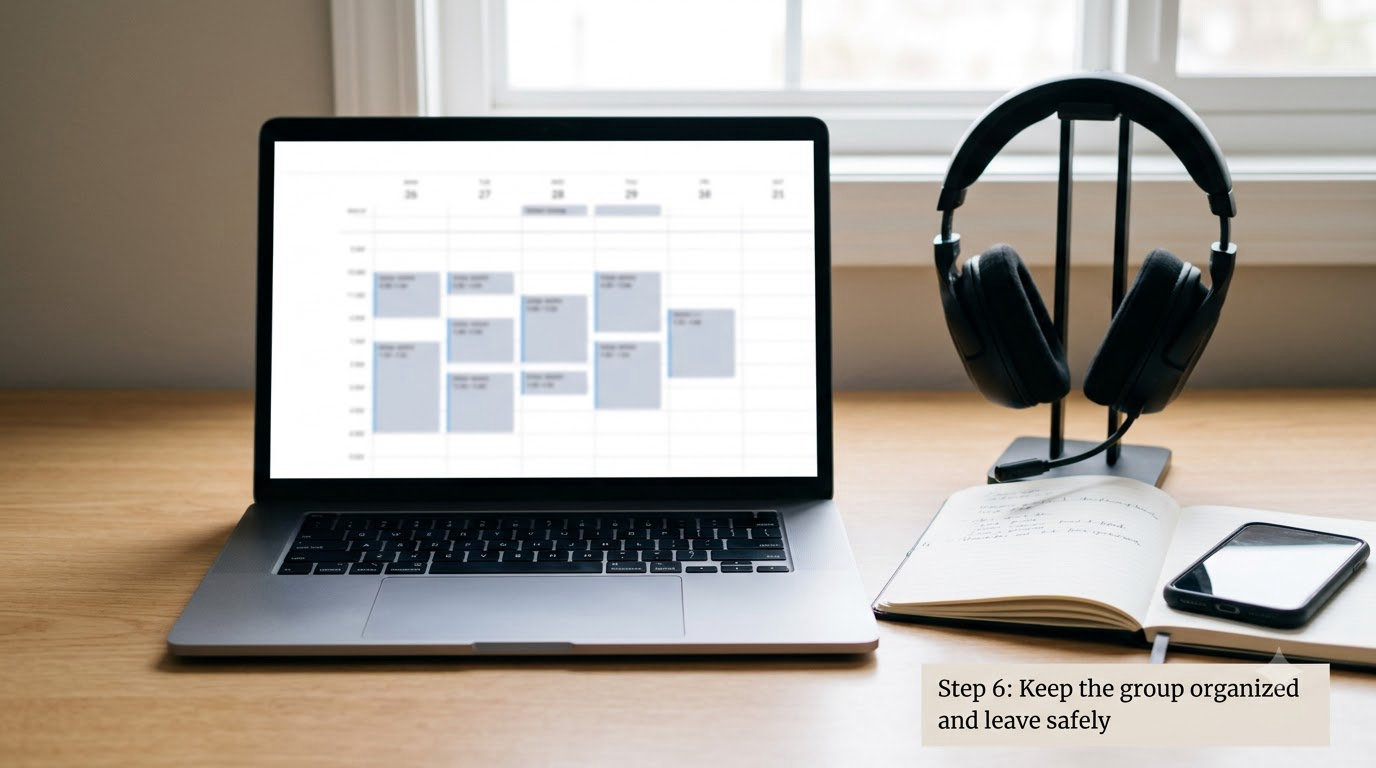
Groups fall apart in the boring parts: the calendar, the voice channel, and the no-shows.
Pick one recurring slot and hold it. A weekly evening that never moves is worth more than a rotating one-off, because people plan their real life around the first kind. Put the slot in a shared channel or a group calendar entry so nobody has to remember.
Set up the voice channel early. Most Discord servers have a persistent channel per team, and hopping there before the game starts removes the fifteen minutes of “can everyone hear me” that eats every session.
Have a backup plan for absences. Tell people early if you cannot make it, and agree that silence means drop back to a backup slot rather than waiting an hour in an empty lobby.
Expectations are easier to set early than to enforce late. Say whether you want a relaxed night or a focused push, and whether anyone can call a break. Groups that agree this in the first session rarely need a group leader policing anything.
Leaving is fine when you do it plainly. Something like “I am stepping back from this group, thanks for the runs, hope it goes well” is enough. No apology tour and no passive-aggressive post about it in the channel. For anything worse than a bad fit, use the platform’s block and report tools rather than a public callout.
Common Mistakes
Vague posts. “Need players” gets nothing. Name the activity, time, timezone, group size, and communication expectation in the first two lines.
Unrealistic schedules. Posting at midnight for a weekday-morning session, or asking for a four-hour block on a weekend night, is why your listing sits unread.
Over-filtering. Every extra filter shrinks the pool. If results are empty, loosen the filter you care about least before you assume the game has no players.
Ignoring platform requirements. Crossplay, region, and platform-only listings are non-negotiable. A group that will not mix platforms needs to say so in the title.
Oversharing. Never send account codes, passwords, recovery details, or personal contact information to someone you met in a queue. Keep voice and chat inside the platform.
Not setting expectations. Tell people whether you want a chill night or a serious run. Ambiguity is where most bad-group stories start.
Reading stat gates as skill gates. Listings demanding hundreds of clears are often recruiting for a carry, not for a learning group. Search for beginner, learning, or first-time wording instead, and expect a slower, friendlier group.
Frequently Asked Questions
Does Xbox still have an LFG feature?
Yes. Xbox keeps a built-in Looking for Group tool inside the guide and party menus, where it lists open activities and players in your friends network. The exact menu path changes between console updates and varies by game, so look for a group finder, activities, or multiplayer entry rather than a fixed button. For games without a solid in-game finder, Xbox players usually fall back to the game’s official Discord server, which fills groups faster.
Where can I find an LFG outside the game?
Outside the game, your three main options are Discord, third-party LFG websites, and mobile LFG apps. Discord is fastest for finding a group tonight, usually through the game’s official server or a community-run LFG channel. Dedicated LFG sites and apps win when you play several games and want one inbox, usually with language and party-size filters plus voice invite handoff. Forums and subreddits suit long-term recruitment for a static roster.
What does LFG stand for, and what do the common abbreviations mean?
LFG means Looking For Group. LFGMW is short for Looking For Group, Most Willing, used when any role works. LA and LI mean Looking for Adventure or Looking for Instance, terms common in games with instanced content. CM usually means Content Moderator in some games and Content Master in others, so check context. Static group means a fixed roster rather than a fresh queue each night, and a trial run is one short low-stakes match before committing.
How do I find a beginner-friendly group instead of expert-checkpoint listings?
Filter for first-time, learning, or beginner wording in your search rather than reading every listing. Post your own request and say explicitly that nobody knows the routes yet, since learning groups actively welcome applicants who state that. Avoid listings that demand hundreds of clears or perfect attendance; those are usually recruitment posts for experienced carry players. Joining a community Discord server also works better than a public queue, because beginners get filtered out of competitive listings first.
Is it safe to use looking for group tools with strangers?
Mostly, if you keep the basics straight. Never share passwords, account or recovery codes, gift cards, or personal contact details with anyone you meet in a queue. Stay inside the platform’s own chat and voice, and keep your profile settings so strangers cannot message you directly. Check account age and recent activity before inviting, use the platform’s block and report tools for anything aggressive, and remember no legitimate group needs anything from you beyond showing up.
Why is my LFG queue empty?
An empty queue is almost always over-filtering. Role, exact item level, region, language, party size, and crossplay settings stack, and every one of them shrinks the pool. Loosen the two filters you care about least and search again. Posting during peak evening hours in your region also helps a lot, since most players browse at the same time you do. If listings exist but nobody applies, your post is usually missing the time, timezone, or group size.
Conclusion
Start with the part most people skip: decide the exact session you need, then pick the tool that already knows your game and platform. Set your filters once, keep the mic rule honest, and write the post with the activity, time, timezone, group size, and communication expectation all in the first two lines. Most of the bad-group horror stories come from a rushed invite, not a bad player, so run one short trial session before you commit to a whole night.