Learning how to communicate in voice chat without being annoying comes down to four habits: short callouts, a clean microphone, push-to-talk discipline, and knowing when to say nothing. Strip out the background noise and the rambling, and the same teammate who muted you starts asking you to queue again.
This guide is for anyone playing team-based multiplayer games on Discord or in-game voice. It takes about ten minutes of setup and one match to test, and honestly it is the cheapest advantage you can bring into a squad.
Table of Contents
- 1What You Need
- 2Step-by-Step: How to Communicate in Voice Chat Without Being Annoying
- 31. Join the Right Voice Channel
- 42. Keep Callouts Short and Clear
- 53. Use an Active Listening Loop
- 64. Match Your Volume and Microphone Settings
- 75. Handle Disagreement Without Taking Over
- 86. Leave the Channel Better Than You Found It
- 9Common Mistakes
- 10Frequently Asked Questions
- 11Should I use push-to-talk or an open mic for gaming?
- 12Can I use voice chat without a mic?
- 13How do I call out enemies clearly without sounding annoying?
- 14What do I do when someone mutes me or says I am annoying?
- 15How do I deal with toxic players in games?
- 16How do I get over mic anxiety in games?
- 17Conclusion
What You Need
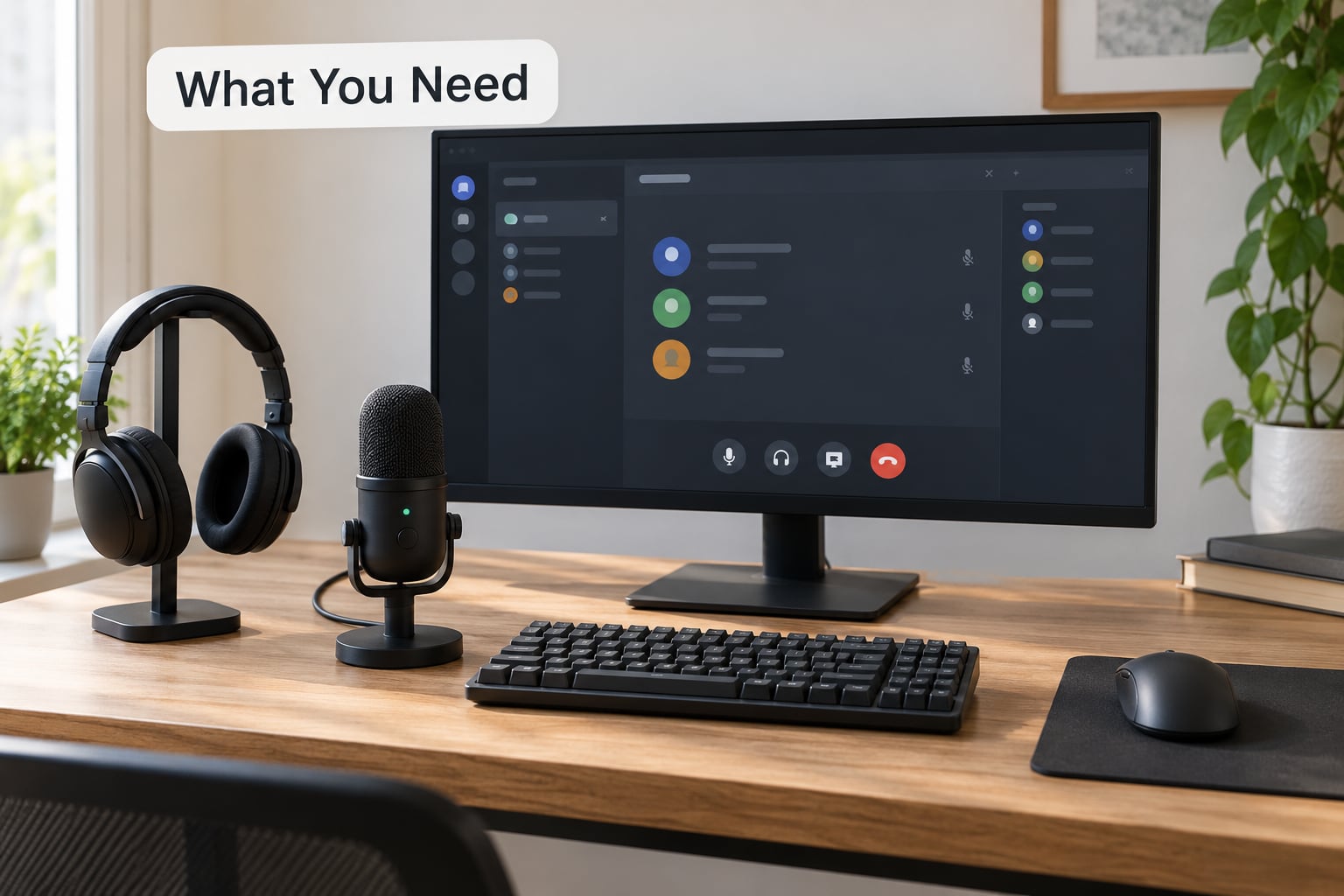
Before you join a channel, get four things in place.
A headset or microphone that other people want to hear. A cheap cardioid headset with a boom arm is enough. What matters most is that it picks up your voice and rejects the room behind you, which is what boom placement and the pickup pattern give you. Wireless over 2.4 GHz is fine; Bluetooth adds noticeable delay on PC and can cut out, so keep the dongle version if you have one.
Push-to-talk bound to a key you can hold without thinking. Most games and Discord ship with it off by default. Open mic is the single most-complained-about setting in squad play, and one r/Helldivers thread put it plainly: almost nobody runs a mic, and the one person who does usually has an open mic and unbearable background noise.
Your game’s voice settings open before you queue. Find the voice options in the settings menu, confirm your input device is the mic you expect, and check whether the game wants push-to-talk or a toggle. Games often ignore your Discord settings, so this has to be set in the game itself.
A way out for a bad channel. Every multiplayer title has mute, report, and block buttons in the pause or social menu. Know where they are before you need them at the worst moment.
One last piece of prep: a channel check. Say “mic check, can everyone hear me?” once at the start of a party. It takes four seconds and it stops five minutes of people guessing whether you are muted.
Step-by-Step: How to Communicate in Voice Chat Without Being Annoying
1. Join the Right Voice Channel
Check which channel you are actually in before you say anything. This sounds obvious, but chat mode mismatches are a genuine trap: in Apex Legends, for example, party chat and squad chat are separate, and your duo partner literally cannot hear you if you pick the wrong one. Same story in most games with pre-made parties.
Listen for a few seconds before you speak. Dropping into the middle of someone else’s call at full volume feels awful to them, even when your contribution is good. If a conversation is already running and it does not involve you, wait or use a ping.
When you do join, one short line is enough. “Hey, joining now” beats a monologue about your evening. You do not need to fill silence, and nobody is grading your introduction.
2. Keep Callouts Short and Clear
The format that works almost everywhere is enemy count, then location, then threat. Two enemies, mid bridge, one has a shotgun. That is a sentence your teammate can act on in under a second.
Say important information once, then let it go. Repeating a callout three times does not make it more likely to be heard; it makes people talk over you. If nobody responds to a call, assume they did not hear it and adjust your position rather than repeating louder.
End statements on a down tone. A callout that ends rising sounds like a question, and your squad will answer it instead of acting on it.
Learn the map’s callout names and use them exactly. “Behind blue container” is instant; “behind the thing near the, you know, the blue area” costs three seconds of confusion.
3. Use an Active Listening Loop
Listening is a skill, and it is the one nobody asks you to practice. Four moves cover it: acknowledge the call, ask one clarifying question if the instruction was unclear, wait your turn to speak, and confirm before you act on an ambiguous callout.
Talking over the designated caller is one of the most reliable ways to make enemies out of people playing with you. If a squad leader or the loudest experienced player is calling a play, add information instead of replacing it.
Confirming is cheap and it prevents the worst kind of failure, where three players go three different directions because one callout was heard three ways. A quick “copy, breaking off B” fixes that.
4. Match Your Volume and Microphone Settings
Push-to-talk should be the default for anyone who plays with strangers. Open mic sends everything, which means it sends your keyboard, your breathing, your chair creak, and the conversation happening in the room behind you. A flip-to-mute key is the sensible compromise: hold a key to transmit, tap another to silence yourself.
Turn on noise suppression if your app offers it. Discord’s Krisp-based noise suppression sits in Voice and Video settings under Voice Enhancement and removes steady background hum, fans and keyboard clicks without cutting your voice. On Windows, the built-in noise reduction lives in Sound settings under Communications and is worth enabling too.
Set your mic input volume so your normal speaking voice hits the middle of the green bar in the mic test, not the top. Clipping, where your voice distorts because the input is too hot, is worse than being quiet.
Place the mic about a fist’s width from the side of your mouth, not directly in front of it, and off to one side rather than centred. That single change kills most breath noise and puffs. If your headset has no boom, push it in until the cup nearly touches your cheek.
Balance game audio and voice so you can hear footsteps and a teammate talking at the same time. In most games this lives in the audio or sound settings menu as a voice chat volume slider, and a mid-range setting usually beats max for both. Turn your game up if your teammates sound quiet, not your mic.
Test in a real condition, not just an empty lobby. Record two minutes of yourself playing with a friend on the other end and ask one honest question: did any point make me wince?
5. Handle Disagreement Without Taking Over
Disagreement is fine. Taking over is the problem. Keep the language flat and about the game, and keep it short.
“I think rotating B is better here” is a disagreement. “Why did you do that” is a challenge, and it always sounds like one under pressure.
When someone is tilted after a lost round, acknowledge and move on. “Rough one, reset, let’s go next” costs two seconds and defuses most of it. Dwelling on mistakes is the fastest way to lose a squad you were about to enjoy.
If a conversation is genuinely heated, mute, take thirty seconds, and come back. You are allowed to leave a conversation. Nobody has to referee your squad for you.
6. Leave the Channel Better Than You Found It
Somewhere in there, thank a teammate when they make a good play. Players who use voice report better morale than teams relying on text, and encouragement over mic lands harder than a message. Two words work: nice one.
When a problem is real and repeated, escalate in order. Ask once, plainly: “can you use push to talk, your keyboard is really loud.” If it continues, mute locally for the match. If it is harassment or slurs, report and block.
If someone mutes you or tells you that you are annoying, accept it immediately without arguing. Do not try to talk your way back in. Players describe getting muted as the fastest etiquette lesson they have ever had, and the fastest way to get muted twice is to argue about it.
If your own mic is broken or noisy, say so early and briefly. “My mic is cutting out, I will ping instead” gives the team something to work with. Pushing through broken audio and pretending everything is fine wastes everyone’s round.
Common Mistakes
Talking over the caller. It fragments the whole team’s attention at the exact moment you needed it. Add your information after the call, not during it.
Constant commentary. Narrating every action is not communication; it is a second noise layer. Talk when the situation changes, then be quiet.
Open mic with a noisy room. Fix this tonight: bind push-to-talk, enable noise suppression, move the boom, and run a mic test. No other change gets you more goodwill.
Unsolicited coaching mid-round. Telling a teammate what they did wrong while they are still playing the round helps nobody. Save the analysis for the pause or the after-round chat.
Up-tone and speed. Speaking fast and ending on a rising note makes a callout sound uncertain, so teammates treat it as a suggestion. Slow down a fraction and land the last word flat.
Filler openers. Starting every sentence with “so” or “um” or “okay just” adds latency. In a firefight, the wasted second is the whole problem.
Repeating until answered. If a callout has not landed, change your behaviour rather than raising the volume. Nine times out of ten the problem was ambiguity, not volume.
Asking “anyone got a mic?” and then going silent. A recurring complaint in console shooter lobbies. Say what you need once, then either commit or stay off the mic entirely so people can adjust their plans.
A few closing tips worth stealing: agree on callout vocabulary before a ranked match starts; keep a phrase bank of four or five short phrases and nothing more; and remember that a squad which pre-agrees callouts is genuinely the least annoying one to play with.
And if talking is not for you, that is fine. Most players are completely comfortable with a teammate who pings and types instead. Ask at the start whether the team wants voice or pings, then match it.
Frequently Asked Questions
Should I use push-to-talk or an open mic for gaming?
Use push-to-talk unless you are playing with people you know and your room is genuinely silent. An open mic transmits keyboard clicks, breathing, chair creaks and everything happening behind you, and background noise is the most-cited voice chat complaint from players. If you prefer talking without holding a key, flip-to-mute or voice activity with noise suppression enabled is a reasonable middle ground.
Can I use voice chat without a mic?
Yes, and plenty of players do. Say at the start of the match that you are on pings and text, use the ping wheel or quick-chat system for enemy positions, and you will still contribute usefully. What frustrates teammates is not a silent teammate; it is someone who claims no mic and then ignores callouts or leaves voice on but muted.
How do I call out enemies clearly without sounding annoying?
Use enemy count, location, then threat, in that order: two enemies, mid bridge, one is a sniper. Keep it to one sentence, end on a down tone, and say it once. Clear callouts are short, specific and actionable in under a second, which is what separates useful comms from commentary.
What do I do when someone mutes me or says I am annoying?
Accept it right away without arguing. Muting is a local action, not a verdict, and arguing makes it worse. Ask once, plainly and privately, what specifically was too much, then change that one thing. If it continues, mute locally and move on rather than trying to talk your way back in.
How do I deal with toxic players in games?
Escalate in order: name the behaviour once, mute locally for the match, then report and block if it is harassment or slurs. Keep the call short and unemotional, because an argument gives the toxic player an audience. Leaving the channel early is a legitimate option and costs nothing but one match.
How do I get over mic anxiety in games?
Start with pings and text and add voice gradually. Speak in situations with low stakes, such as between rounds, instead of firing fights. Watch professional player comms to see how short and prioritised good callouts sound, and remind yourself that most of your squad is not paying attention to your voice at all.
Conclusion
Start with three things tomorrow: bind push-to-talk and turn on noise suppression, listen for five seconds before you speak, and make exactly one clear callout per situation. That is the whole habit. Strategic silence does the rest, and your queue invitations will tell you it worked.