A one-handed gaming setup puts movement, aiming and every action button on a control surface one hand can cover, then uses software to map each control to what the game expects. It works through thumbsticks, programmable buttons and remapping layers rather than through special hardware alone. Understanding how that mapping actually happens is the whole game.
Most people arrive at this question for one of two reasons: a physical constraint like an injury, a limb difference or a condition that limits one hand, or plain comfort after years of wrist pain from a mouse-and-keyboard position. The mechanics are the same either way.
Table of Contents
- 1What Is a One-Handed Gaming Setup?
- 2How One-Handed Gaming Setups Work
- 3How Do One-Handed Controls Map Game Actions?
- 4Keyboard, Mouse, and Controller Options
- 5Which Games Work Best With One-Handed Setups?
- 6How to Build a Comfortable One-Handed Setup
- 7What Are the Main Benefits and Drawbacks?
- 8Frequently Asked Questions
- 9How do people with one hand play video games?
- 10Is there a controller made for one-handed gaming?
- 11What is a good gaming mouse for a one-handed setup?
- 12Can you use a controller with one hand on PC?
- 13How long does it take to get used to a one-handed setup?
- 14What equipment do I need for a one-handed gaming setup?
- 15Start With a Simple Control Layout
What Is a One-Handed Gaming Setup?
Put simply, it is a hardware and software combination where every game input travels through one arm. On a standard setup, your left hand covers WASD and your right hand covers the mouse plus hotkeys, and games assume that division. A one-handed setup removes the assumption.
Three things have to be true for one-handed play to work. Movement needs an analog input, usually a thumbstick, because digital keys only give you eight directions and most modern games demand smooth camera control. Aiming needs either a mouse sensor or a second stick. Everything else lands on buttons placed directly under your fingertips, in reach without moving the hand.
Software does the last mile. A keypad with twelve keys cannot know what game is running, so a profile layer tells it that key four means crouch in one game and heal in another. That indirection is the core idea behind how one-handed gaming setups work, and it is why the same device feels dead in a game with no remapping support and brilliant in one that supports full rebinding.
How One-Handed Gaming Setups Work
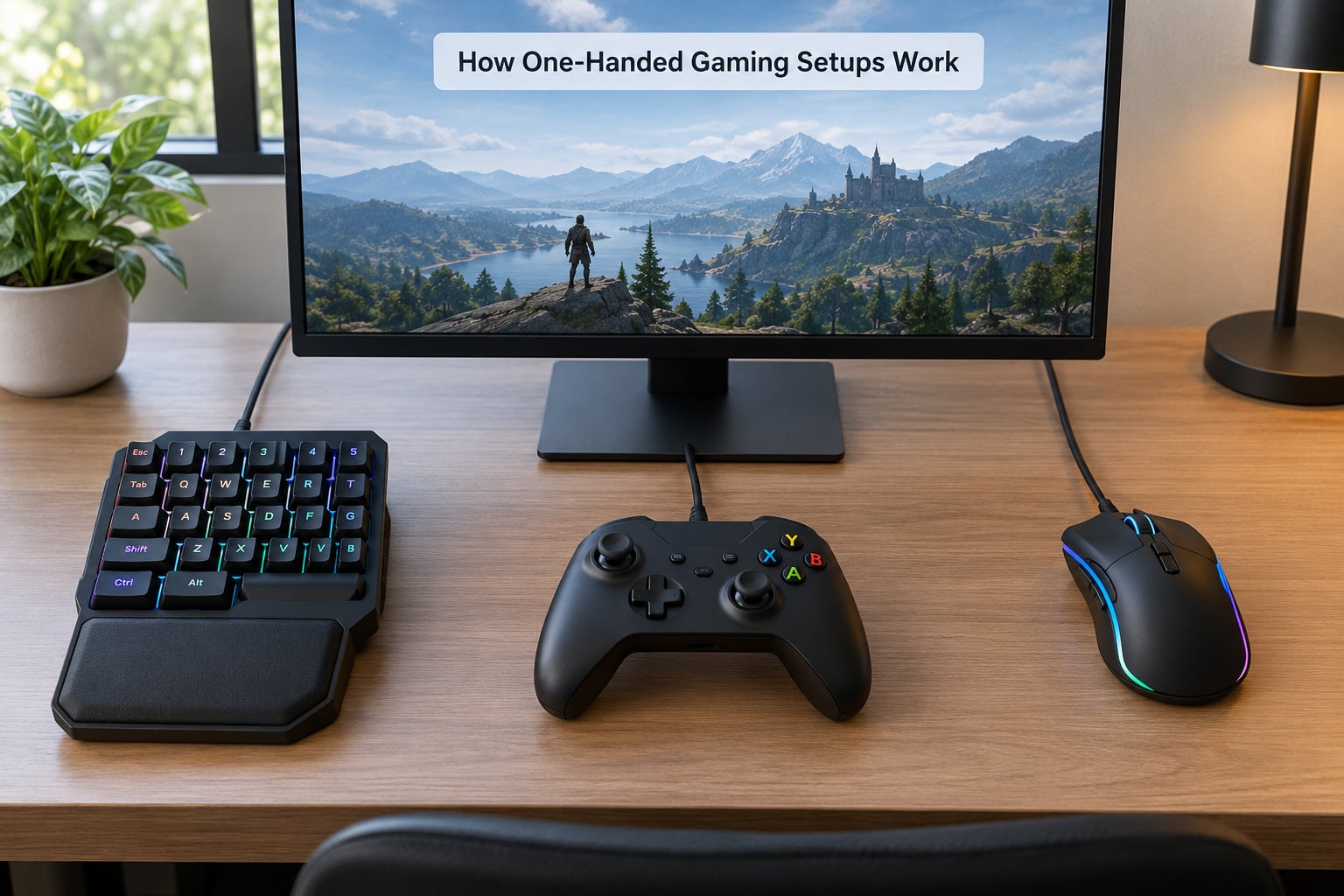
Think of it as three jobs, assigned to three different kinds of control. Movement and camera go to an analog thumbstick under your thumb. Aiming goes to a mouse optical sensor, a trackball, or a second stick if your device has one. Actions go to buttons under your index, middle, ring and little fingers.
The hard part is simultaneous input. Most action games want move, aim, fire and a modifier like crouch or sprint in the same 200 milliseconds. One hand only has four fingers and a thumb, so something has to give. Common answers are toggle logic, where tapping a button latches crouch on until you tap it again, and layer switching, where a thumb press swaps the whole button set.
Macro and debounce settings smooth over the rest. A debounce delay stops one press from registering twice when a mechanical switch bounces. Macros chain several inputs from one button, which is how players execute a combo on a surface with too few keys for it.
On PC, one more trick matters: a controller and a mouse are treated as separate input types, so games often refuse to accept both at once. Software bridges like Joy2Key translate mouse movement into virtual stick input, while reWASD remaps a physical controller at the driver level. Steam Input does the same thing per-game, which is why it works even on titles with no built-in remapping.
How Do One-Handed Controls Map Game Actions?
Every genre asks for a different priority order, so the mapping changes even when the hardware does not. Start from what the game punishes you hardest for missing.
| Game function | Typical one-handed assignment | Why |
|---|---|---|
| Movement and camera | Analog thumbstick | Analog input is the only way to get smooth, variable speed |
| Aim | Mouse sensor or second stick | Fine control without displacing the whole hand |
| Fire or primary action | Index finger button | The strongest finger gets the highest-frequency action |
| Aim down sights or scope | Thumb button or toggled modifier | Needs to be pressable while aiming is active |
| Reload, heal, ability | Middle and ring finger buttons | Less frequent, so lower-priority fingers suit them |
| Crouch, sprint, walk | Toggle button or macro | Held inputs cannot be bound to a finger already busy |
| Inventory, map, menu | Little finger or layer switch | Rare presses make this a safe parking spot |
| Text chat | On-screen keyboard | Typing is the one task that genuinely needs a second hand |
Note the recurring sacrifice. Every one-handed layout gives up something, usually a held modifier. Players who write their own layout usually land on the same compromise: hold less, toggle more, and accept a slightly slower stance change in exchange for keeping aim and fire under the same hand.
Keyboard, Mouse, and Controller Options
The hardware question is really a question about how much your hand can hold and which fingers still move well. These are the main families.
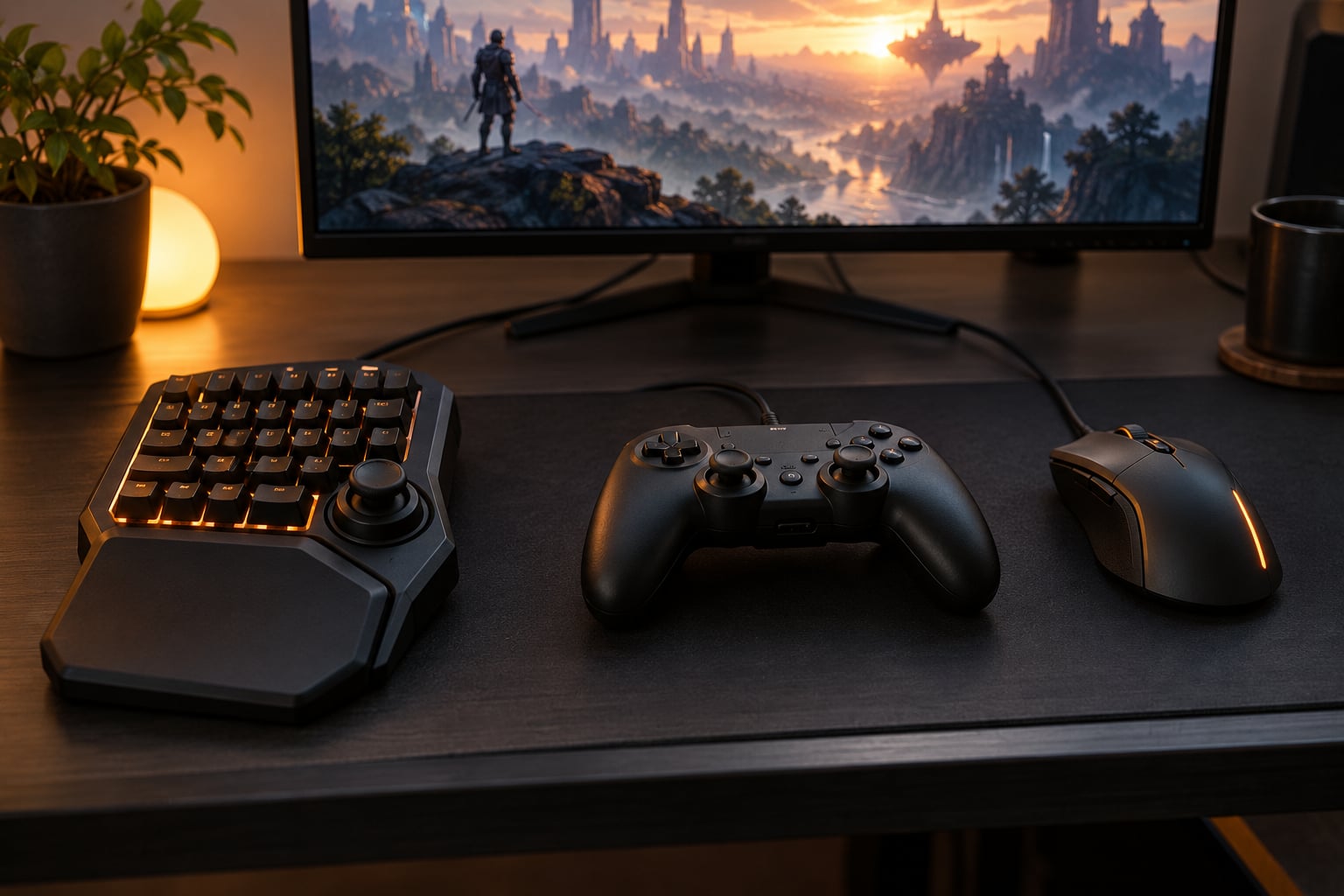
- One-handed keypad. A compact grid of keys plus a thumbstick, like the Azeron Cyro or the Razer Tartarus, with anywhere from a handful of mappable keys up to twenty-two on the higher-end models. Pairs well with a mouse for aiming.
- Thumb-button mouse. A mouse with a grid of buttons under the thumb, like the Razer Naga. Map movement keys to the thumb and keep aiming on the sensor, which flips the usual left-hand movement arrangement.
- Trackball. A ball that stays put while your fingers roll it. No arm movement to repeat, and it fits setups with very little desk space or limited shoulder mobility.
- Hybrid mouse and keypad. One of the better documented hybrids is the Azeron Cyro: a mouse sensor and twenty-two mappable keys plus a 360-degree thumbstick in one body. One device replaces both halves of a normal setup.
- Modified gamepad. A standard controller with buttons relocated, often a printed or 3D-printed faceplate, plus a rail or grip. Cheap and quick to iterate on.
- Adaptive controller and switches. The Xbox Adaptive Controller accepts up to nineteen external inputs, so large buttons, foot pedals and sip-and-puff tubes can stand in for anything the hands cannot.
- Foot pedals. A Delcom USB foot switch or similar handles jump, sprint and melee, taking repetitive inputs off the hand entirely.
On PC, the keypad-plus-mouse combination is the route most guides take, and it is where most of the setup advice online sits. Consoles have their own path: the PlayStation Access Controller and the Hori Flex bring adaptive control to PS5 and Switch, while the Xbox Adaptive Controller covers Xbox and PC. None of them are universal, and cross-platform support is still the biggest gap.
Which Games Work Best With One-Handed Setups?
Genre matters less than control scheme. A game with full rebinding is playable one-handed even in a heavy shooter, because you can reassign everything. A game with a hardcoded layout can be unplayable on one hand no matter how good the hardware is.
Smooth games suit one-handed play well: action RPGs, racing titles, platformers with remappable jumps, city builders, strategy games and most arcade-style games on a single stick. MOBAs work when the camera can be handled by a stick rather than the cursor. Shooters are possible but demanding, since they reward independent aim and movement held at once.
MMOs and raid games fight back hardest, because dozens of hotkeys are expected in rotation. Community profiles for these games usually solve it with macros that chain whole ability sequences onto two or three buttons, at the cost of fine per-cast control.
The honest limit is text. Chat, searching and inventory management still want a second hand, which is why on-screen keyboards and voice chat get set up in the same week as the controller.
How to Build a Comfortable One-Handed Setup
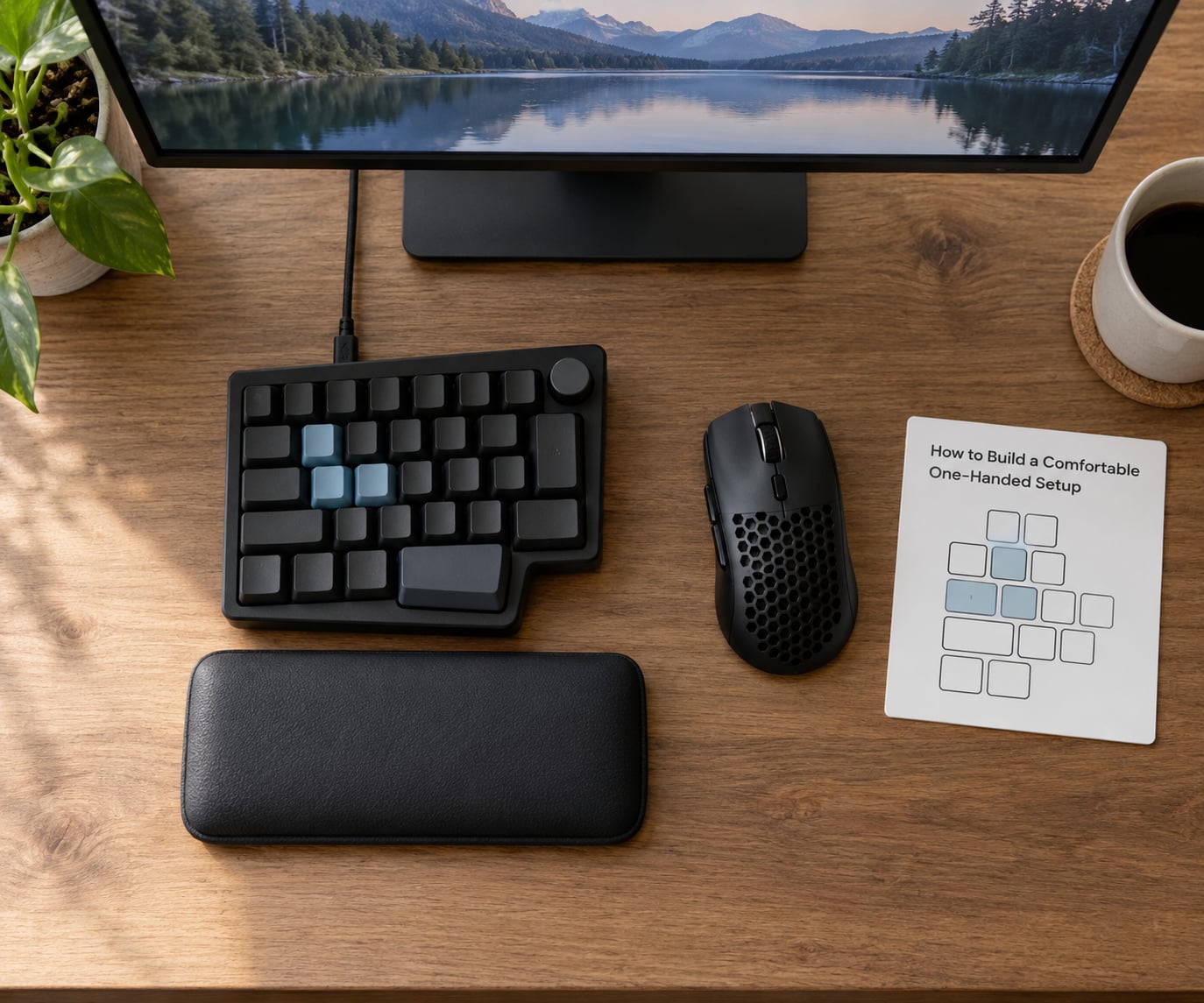
Building this is mostly an inventory exercise followed by an hour of remapping. Work through it in this order and you will avoid the classic mistake of buying first and mapping later.
1. List what your hand can do. Note which fingers move freely, roughly how far they reach and whether the wrist rotates. A hand with limited range does better with a wide, shallow button grid than with a tall keypad, because reaching costs energy you cannot spare.
2. Count the inputs the game actually needs. Open the controls menu and count what you use in a normal session, not what exists. Most people need six to ten actions. Anything more can go on a layer or a macro.
3. Pick the device that matches the count. Fewer than eight actions suits a keypad plus mouse. Ten or more, or any analog aiming requirement, points to a hybrid or an adaptive controller with switches.
4. Put the highest-frequency action under the strongest finger. Fire or primary interaction goes to the index finger. Everything you press rarely goes to the little finger.
5. Map the held inputs to toggles. Walk, crouch and sprint rarely survive as hold inputs on one hand. Bind them as toggles and test that the toggle timing feels right in a training range.
6. Set sensitivity and deadzone before anything else. A thumbstick that overshoots turns a mapping problem into a skill problem. Start slightly lower than you think you need and raise it until small corrections feel instant.
7. Lock in position. Wrist rest under the heel of the hand, forearm roughly parallel to the desk edge, device close enough that the elbow does not travel. Ergonomic forums describe pain relief from this part alone, independent of any device.
8. Save profiles per game and back them up. Games that remap unpredictably between launches will undo hours of work. Export or screenshot each profile before an update.
What Are the Main Benefits and Drawbacks?
The wins are real. One-handed play removes the constant reach between keyboard and mouse, which is where a lot of wrist and shoulder discomfort comes from, and it frees up desk space. It also opens competitive genres to people who were previously locked out of them entirely, and the accessibility hardware designed for this has improved console support year over year.
The costs are just as real. You give up simultaneous inputs, which means a slow moment when a game demands two modifiers plus aim plus fire. The learning curve runs one to two weeks for most people, and it is worse if you are learning a new genre at the same time. Remapping support varies wildly, so the same setup that feels excellent in one game may be unusable in another. Profiles sometimes stop persisting after a patch.
Then there is platform fragmentation. The Xbox Adaptive Controller works on Xbox and PC, the PlayStation Access Controller on PS5 and PC, the Hori Flex on Switch and PC. Buying for one console and switching later means re-learning layouts. Forum threads about cross-platform accessibility hardware come up repeatedly, and that is the gap hardware makers have been slowest to close.
Frequently Asked Questions
How do people with one hand play video games?
They use a control surface where one hand covers everything: an analog thumbstick for movement and camera, a mouse sensor or second stick for aiming, and buttons under each finger for actions. Software profiles map those controls to the game’s keys, and held inputs like crouch or sprint usually become toggles. Optional extras such as foot pedals or sip-and-puff tubes take over anything the hand cannot reach.
Is there a controller made for one-handed gaming?
Yes. The Xbox Adaptive Controller accepts up to nineteen external inputs and pairs with large buttons, foot pedals and joystick modules. The PlayStation Access Controller and the Hori Flex serve PS5 and Switch respectively, both usable with a single hand. Many PC players skip consoles entirely and use a one-handed keypad or a hybrid mouse and keypad instead, since those give more buttons per hand.
What is a good gaming mouse for a one-handed setup?
A mouse with a grid of buttons under the thumb, such as the Razer Naga, works well because it puts movement keys under your thumb while the sensor handles aiming. If shoulder or wrist movement is the problem rather than finger count, a trackball is quieter and needs no arm sweep. Neither removes the need for a modifier button, so pair either with a keypad or foot pedal for crouch, sprint and reload.
Can you use a controller with one hand on PC?
Yes, and most PC players do. The catch is that games treat controller and mouse as separate input types and often ignore one of them. Bridging software such as Joy2Key converts mouse movement into virtual stick input, reWASD remaps a controller at the driver level, and Steam Input applies a layout per game. A game with full rebinding options works best, since those are applied inside the game itself.
How long does it take to get used to a one-handed setup?
Expect one to two weeks of adjustment, longer if you are learning a new genre at the same time. The first few days feel clumsy because familiar muscle memory is being rebuilt around a different button layout. Practise in a training range or a low-pressure game, change one part of the layout at a time, and keep a written reference card next to the screen until the positions stop needing conscious thought.
What equipment do I need for a one-handed gaming setup?
You need movement, aiming and six to ten action inputs within one hand’s reach. The simplest PC version is a one-handed keypad plus a gaming mouse. For consoles, an adaptive controller with two or three plug-in buttons covers it. A trackball or foot pedal can absorb movement and repetitive actions, and software such as Steam Input or the manufacturer’s own app handles the mapping layer on top.
Start With a Simple Control Layout
Pick the device that matches the number of inputs you genuinely use, map your most frequent action to your strongest finger, turn held modifiers into toggles, and test it in a training range before touching anything else. Refine one layer at a time. Once the basics feel automatic, the rest of how one-handed gaming setups work stops being a puzzle and starts being second nature.