When your main gets nerfed, the move that matters is not a panic reroll. If you are searching for how to adapt when your main gets nerfed without wasting a season on a reaction, the sequence is simple: read the patch diff, find the parts of the character that survived, rebuild your plan around those strengths, and test one controlled change before you decide anything. Most players keep roughly the same value after a mid-sized nerf; they just have to relearn the timings and stop forcing the old pattern. This guide is the exact sequence I would follow, and it takes a week of ordinary play sessions to run properly.
A nerf is not usually a character being deleted. It is one or two numbers or mechanics moved back toward the rest of the roster, and the rest of the kit almost always still works as intended. The player who understands which piece moved is in far better shape than the player who simply quits, and understanding that piece is the first step below.
Last updated for the 2026 patch cycle. Examples across competitive shooters, MOBAs, hero shooters and fighting games age quickly, so re-check the specific values before you act on any of them.
Table of Contents
- 1What You Need
- 2Step-by-Step
- 31. Confirm What Actually Changed
- 42. Diagnose the Main’s Current Weakness
- 53. Rebuild Around the Nerfed Main
- 64. Add a Flexible Secondary Role
- 75. Practice the Smallest Possible Change
- 86. Keep a Backup Plan
- 9Common Mistakes
- 10Frequently Asked Questions
- 11Should I abandon my main character after it gets nerfed?
- 12How long does it take to adapt to a main-character nerf?
- 13Is it better to keep adapting my main or switch characters?
- 14What should I do if a nerf removed my character’s main role?
- 15How do I know whether my rebuilt main is performing better?
- 16Conclusion
What You Need
You need five things before you change anything, and gathering them takes about an hour.
- The exact patch text. Screenshot or copy the line that mentions your character, including the old value and the new one. Screenshots of the full note help when the change sits in a footnote.
- The current ability numbers. Damage, cooldown, range, duration, cost, frame data or projectile speed, depending on which genre you play. A wiki page or the in-game training mode will do.
- Ten recent matches of your own play. Screenshots of your match history, scoreboard lines and death locations are more useful than a general feeling about how the character is playing.
- Your available upgrade and loadout options. The stat blocks, ability rows, weapons, talents or items you can still spend on, and which ones you have not unlocked yet.
- Two or three hours of repeatable practice content. Something you can play identically twice so the only variable is your change. Training mode, a fixed bot match or a repeatable endgame activity all work.
Also worth writing down: which role you queue for and which roles your queue can flex into. That single line decides how much trouble a role-removal nerf actually causes you.
Step-by-Step
These six steps work in order, and the order matters more than the speed. Skipping to step four with a broken diagnosis is how players end up relearning a character that was fine. If you want the short version of how to adapt when your main gets nerfed, it is: confirm, diagnose, rebuild, flex, test, and keep a backup.
1. Confirm What Actually Changed
Find the line in the patch notes that names your character and isolate the single change it describes. Nerfs rarely arrive alone, so check whether your character was touched anywhere else in the same patch, including balance changes buried in a different section.
Then ask a blunt question: does the change actually affect the way you play? A cooldown increase barely registers if you already treated that ability as a once-per-fight button. Several players in a League of Legends thread asking what to do when a main gets nerfed hard reported that the numbers sounded brutal and their rank barely shifted, because the part they depended on was never the part that moved.
Write your verdict in one sentence with a number in it. “My dash cooldown went from 12 to 15 seconds” is useful. “They nerfed my main” tells you nothing you can act on.
2. Diagnose the Main’s Current Weakness
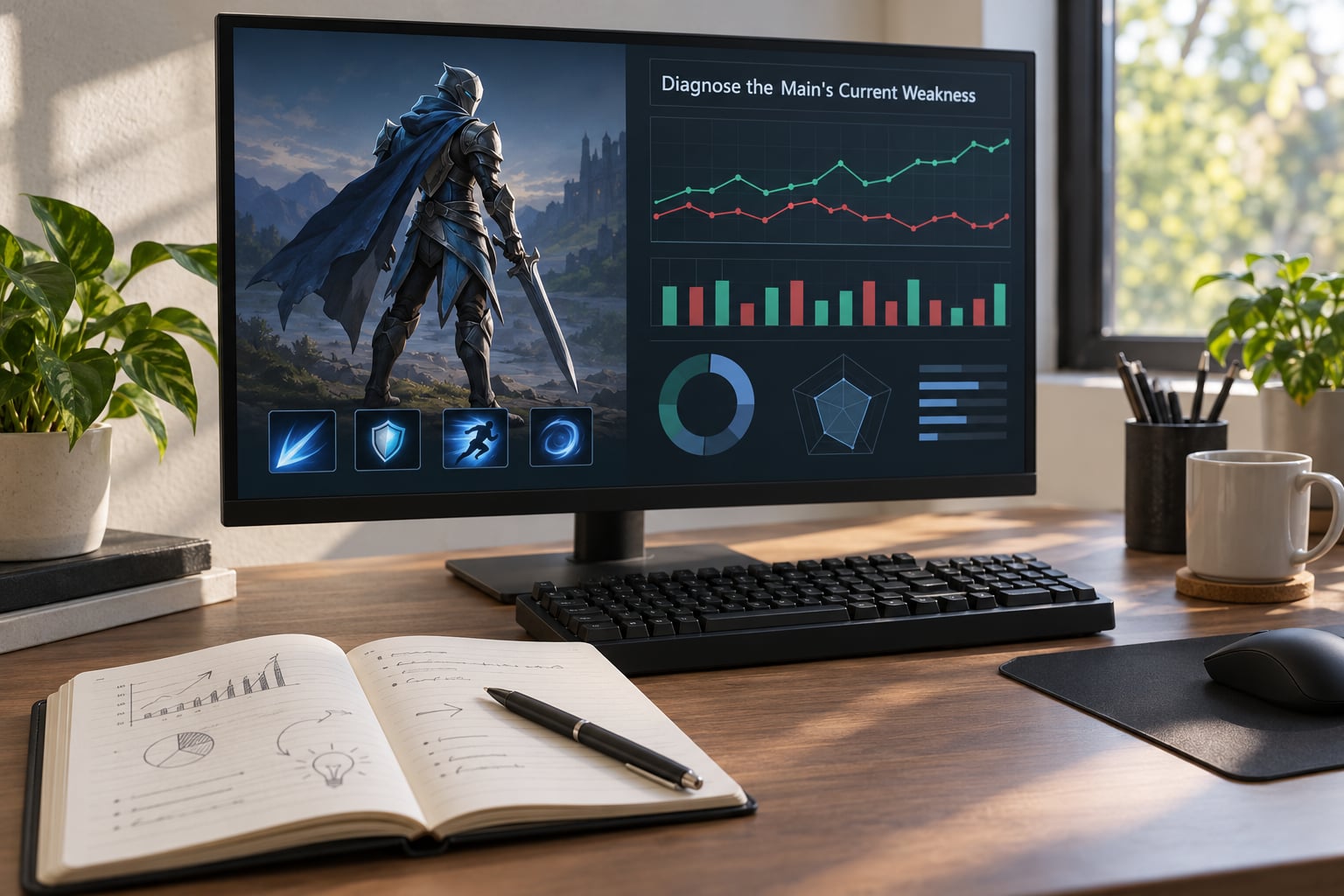
Before blaming the patch, rule out the cheaper explanations: a wrong build, the wrong item order, poor team composition, a rough matchmaking stretch, or simply playing badly after a break.
Check the four in this order. Build first, because it is free to verify and it ruins more games than people admit. Team composition next, since a damage carry surrounded by three junglers has a problem the patch note cannot fix. Matchmaking third, because a three-game losing streak at your usual time slot means little. Only after those three come up clean should you treat the nerf as the main cause of your losses.
Be honest about what the character still does well. Every kit keeps something the numbers did not touch, and that surviving strength is the foundation you rebuild on in the next step.
3. Rebuild Around the Nerfed Main
Preserve the character’s identity by changing the parts the nerf did not touch. The move most players miss is that a nerf to one ability quietly makes the other abilities more valuable, not less.
Match your response to the type of change you confirmed in step one. Different nerf types need different work, and mixing up the response wastes days.
| Nerf type | What actually happened | What you change |
|---|---|---|
| Damage cut | Raw output per hit dropped | Hit more often, add sustained damage or utility items, and stop saving the ability for a single big moment |
| Cooldown increase | The ability is available less often | Bank it for the decisive moment instead of using it on cooldown, and carry a backup answer for the gap |
| Range or mobility cut | You can no longer reach or escape as easily | Change positioning, engage earlier, and bring a gap-closing tool or a defensive cooldown |
| Mechanic change | The ability works differently now | Rewrite the combo route and relearn the timing from the new frame data |
| Full rework | The kit is a different design | Treat it as a new character with the same name, and relearn from zero rather than patching old habits |
For a hero shooter, this usually means leaning harder on your teamplay tools. For a MOBA, it usually means a different itemization curve and safer positioning. For a fighting game, a frame-data change is a timing problem, and only drilling the new frame advantage fixes it.
4. Add a Flexible Secondary Role
Learn one adjacent function: support, control, survival or a secondary damage role that complements your main. One extra role is enough, and a role that pairs with your main is worth more than three unrelated picks.
This is the step that keeps you useful when the draft or the queue pushes back. It also removes the worst outcome, which is queuing with a character you have no plan for while your main sits in reserve. The forums keep describing flex picks and role swapping as the real insurance against the next patch, and they are right.
Give the new role a fair trial. Two weeks of real matches at your normal rank tells you far more than a handful of games with no plan.
5. Practice the Smallest Possible Change
Run a controlled test loop: change one variable, play the same repeatable content, record the result, then keep or revert based on the evidence.
Keep the loop tight. Change one item, one ability order or one habit, nothing else. Complete three to five runs of the same encounter. Write down what happened in one line each time. Compare the numbers against your pre-patch baseline rather than against your memory of how it used to feel, because memory of a strong version is not a measurement.
Most players find that the first instinct, change everything, is what makes adaptation slow. One variable at a time means you always know which change actually helped, and you keep the ones that work.
6. Keep a Backup Plan
Maintain three things so no future nerf can force you into an impulsive reroll: an alternate build for your main, a second character at a playable level, and a loadout you rotate instead of one you never change.
A backup main you have actually played in the last month is real insurance. A backup you unlocked once and never touched is decoration. Keep it warm with a session every few weeks, even if it is short.
The point of a backup is not to leave your main. It is to remove the pressure of having to choose under stress, which is when most players quit something they still enjoy.
Common Mistakes
Almost every painful response to a nerf comes from one of seven mistakes. Each has a straightforward correction.
Quitting after one bad session. The first few games after a patch are the worst games you will play on that character all cycle. Correction: give yourself a fixed trial of ten matches before you decide anything, and judge the average rather than the highlight.
Changing several things at once. Swap the build, the items and the positioning in one sitting and you will never learn which one fixed the problem. Correction: one variable per test block.
Copying a high-ranked player exactly. Their account has unlocks, knowledge and team around a build yours does not have. A thread on Blizzard’s Overwatch forums titled “Everytime I main a hero they get nerfed” keeps circling back to the same point: a build that works at their level may not fit yours. Correction: copy the principle, not the numbers.
Ignoring what your team needs. A strong pick that leaves your team without a role loses more games than a slightly weaker pick in the right slot. Correction: read the roles present before you lock in.
Chasing yesterday’s meta. Guides written the day a patch drops describe a meta that has often already shifted by the time you read them. Correction: check dates, and prefer data that has a week of matches behind it.
Treating matchmaking as evidence. A rough night at peak hours tells you nothing about the build. Correction: compare across several sessions at different times before drawing a conclusion.
Confusing lost win rate with lost skill. A character at 48 percent is still a character you know better than anyone you would have to switch to. Correction: measure your own results inside the new numbers instead of comparing to a version that no longer exists.
A few habits protect your progress through all of this. Screenshot your results the same way every session so comparisons are fair. Write down what you changed before you change it. And check the patch notes for your character again a week later, because balance teams frequently follow up a nerf with a correction when the first pass overshoots.
Frequently Asked Questions
Should I abandon my main character after it gets nerfed?
Usually not. The underlying kit is rarely worse than it feels in the first week, and your mechanical knowledge of the character is the part a patch cannot touch. Give the character ten matches under a rebuilt plan, keep an alternate build ready, and decide on evidence rather than on the first rough session. Players who adapt first and pivot second usually lose far less progress than players who quit on patch day.
How long does it take to adapt to a main-character nerf?
Most players get functional again within three to five sessions, and comfortably back to their usual results inside two weeks. A cooldown increase takes days because the timings are familiar. A mechanic change or a frame-data adjustment takes longer, usually a couple of weeks of focused practice. A full rework is effectively a new character and can take a month before it stops feeling slow.
Is it better to keep adapting my main or switch characters?
Keep adapting if you already know the character’s mechanics and the change was a numbers adjustment, because relearning is cheaper than starting over. Switch when the rework changed how the ability kit fundamentally works, or when the role your team lost is the role you enjoy most. If you want a structured way to work this out, how to adapt when your main gets nerfed comes down to three tests: can you still contribute, do you enjoy the new plan, and is the character fun to keep learning.
What should I do if a nerf removed my character’s main role?
Decide whether you want the character or the role, because you can only reliably keep one. If the role matters more, move it to your backup and pick up a new main for that role. If the character matters more, rebuild around the secondary role the nerf left intact. Write down your preferred role before you queue, and use it as the rule for every pick you make this season.
How do I know whether my rebuilt main is performing better?
Compare like with like. Screenshot your results across at least ten matches before and after the rebuild, using the same content, the same rough time slot and the same role, then compare your averages rather than your best game. Track one number that reflects your plan working, such as an objective you contribute to or damage you land in the opening minute. A change that lifts the average across ten matches is real.
Conclusion
Start with the patch line, not with your character select screen. Confirm the exact number or mechanic that changed, list what the character still does better than anything else in your pool, then make one adjustment and test it across ten repeatable matches.
Most mains survive a nerf. The ones that do not survive are usually the ones that were leaning entirely on the part the developers cut, and those players were always one patch away from a bad week anyway. Keep a backup main warm, keep your measurements honest, and check the notes again a week later in case the balance team corrects itself.