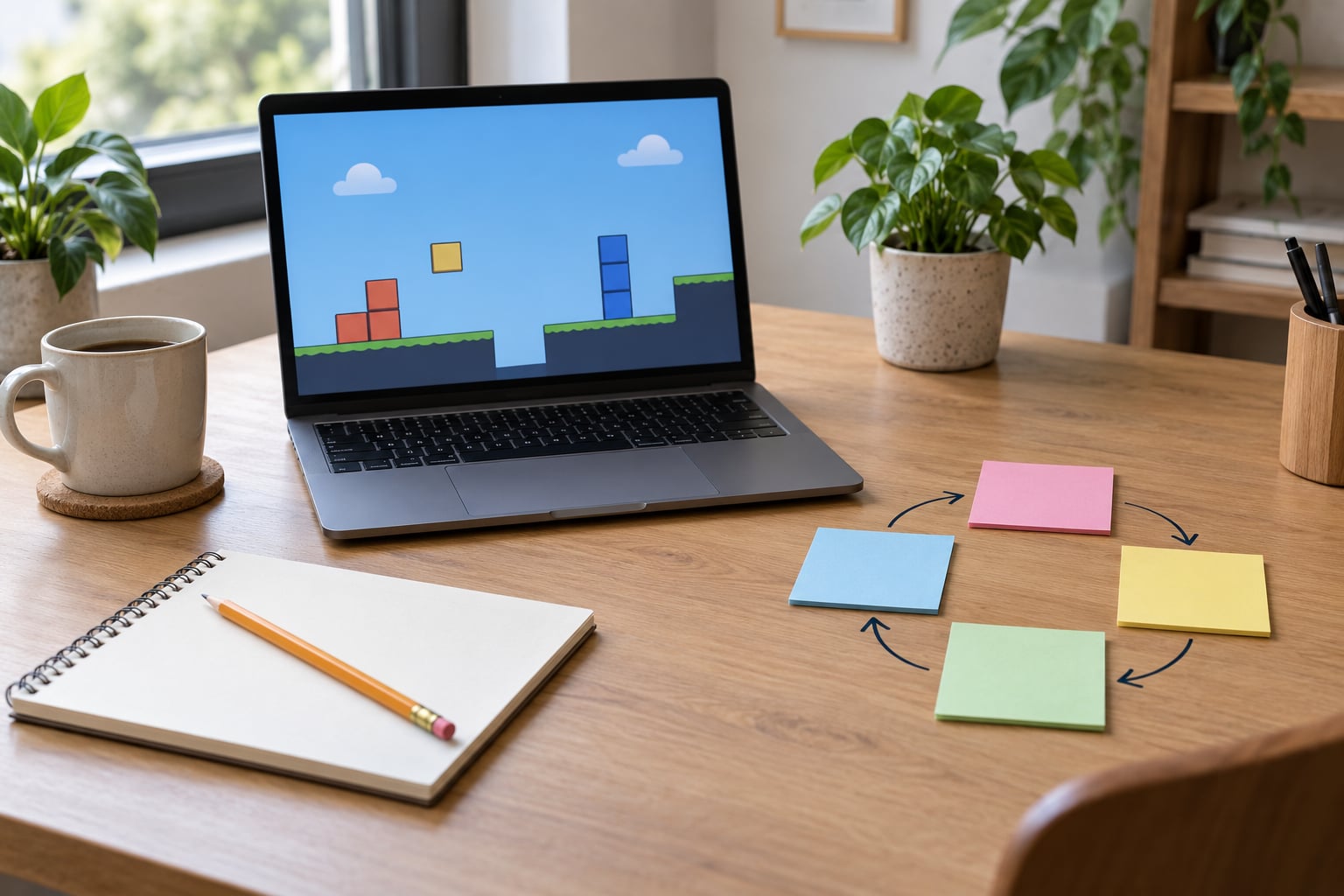
If you want to know how to start making a simple game, the fastest route is a finished one: pick a free engine, write the idea in a single sentence, and build one complete loop of coloured rectangles before you touch real art. Most beginners can have something playable in 10 to 30 focused hours. No advanced coding, no expensive hardware, no art degree.
The most repeated advice on r/gamedev is to finish one small, complete game before starting the dream project. A Pong clone that actually runs teaches you movement, collision, scoring, exporting and playtesting in one pass. A grand RPG abandoned in month three teaches you none of that.
People who follow that path usually start a second project within a week, mostly because finishing one removes the fear that was actually holding them back. The tool list below is current as of 2026, and engine interfaces move quickly, so read the exact menu names against the version you install rather than trusting a screenshot.
Table of Contents
What You Need
Four things, and only one of them is software you have to choose carefully.
A computer. Any machine that runs a browser and a 2D editor will do. A five-year-old laptop handles Breakout. You do not need a discrete GPU, a fast SSD or a second monitor. The heaviest thing Godot asks of your machine is a spare hour for the first import.
A free game engine. Godot, GDevelop, GameMaker, Construct, Scratch and Microsoft MakeCode Arcade all have free tiers or are free outright. For 2D beginners with no coding at all, GDevelop or Construct let you wire up behaviour with visual events. For 2D with a little code, Godot is the community favourite and its scripting language, GDScript, reads almost like Python.
A concept you can say out loud. If it takes more than one sentence, it is too big for a first project. More on that below.
Placeholder art and audio. Use coloured rectangles. Most engines ship with a default square, a default sprite sheet and a beep sound for exactly this reason. Free asset packs exist from Kenney, OpenGameArt and itch.io creators who publish CC0 work, but build the whole game with shapes first and drop in art only when the mechanics already work.
Time. A Pong or Breakout clone runs 10 to 30 hours for most beginners. Your first original game, where every mechanic is new to you, lands closer to 50 to 150. Budget in short sessions rather than one heroic weekend, because the bug you cannot see at 1am is the one that eats the project.
Step-by-Step: How to Start Making a Simple Game
1. Turn the Idea into One Sentence
Write one sentence with four parts: the player, the action, the goal, and the obstacle. A player collects coloured tiles before time runs out. That sentence contains everything you need and nothing you do not.
Sample sentences that work: a paddle bounces a ball back at a wall, and misses lose a life. A square dodges falling blocks for thirty seconds. A ship collects dots while drifting asteroids push it toward the edge. Notice that none of them mention a story, a world, upgrades, or a second level type. Those come later, if they come at all.
How you know it worked: you can read the sentence to someone else and they can play the game in their head. If they ask a follow-up question about mechanics, your sentence was hiding an extra system.
2. Choose the Right Game Engine
Pick one tool and stay in it until your first game ships. Switching engines mid-project is the single most reliable way to abandon a first game.
| Engine | Language | Cost | Best for | Learning curve | Exports to |
|---|---|---|---|---|---|
| Godot | GDScript | Free, open source | 2D beginners who want to learn real scripting | Moderate | Desktop, web, mobile |
| GDevelop | Visual events, JavaScript optional | Free tier | No-code 2D and browser games | Low | Web, desktop, mobile |
| GameMaker | GML | Free tier | 2D beginners with no code experience | Low to moderate | Desktop, web, consoles on paid tiers |
| Construct | Visual events, JavaScript | Free tier with limits | Browser games, fast 2D iteration | Low | Web, desktop, mobile |
| Unity | C# | Free tier | Learning a widely used professional workflow | Steep for a first project | Desktop, web, mobile, consoles |
| Scratch / MakeCode Arcade | Block-based | Free | Kids, classrooms, first coding steps | Very low | Web, some consoles and hardware |
Two caveats worth knowing. First, engine menus move between versions: Godot’s export dialog and GDevelop’s event sheet have both changed labels more than once, so follow the current documentation for the release you downloaded. Second, every engine’s learning curve is overstated in its own marketing and understated by people who already know the vocabulary. Expect your first week to be slow, not broken.
How you know it worked: export an empty project before you build anything. In Godot that is Project > Export and picking a desktop template, then running the produced executable. In GDevelop it is the Preview button and then a web build. If the exported file opens and shows a blank window, your toolchain works and every later problem is your code, not your setup.
3. Design One Playable Loop
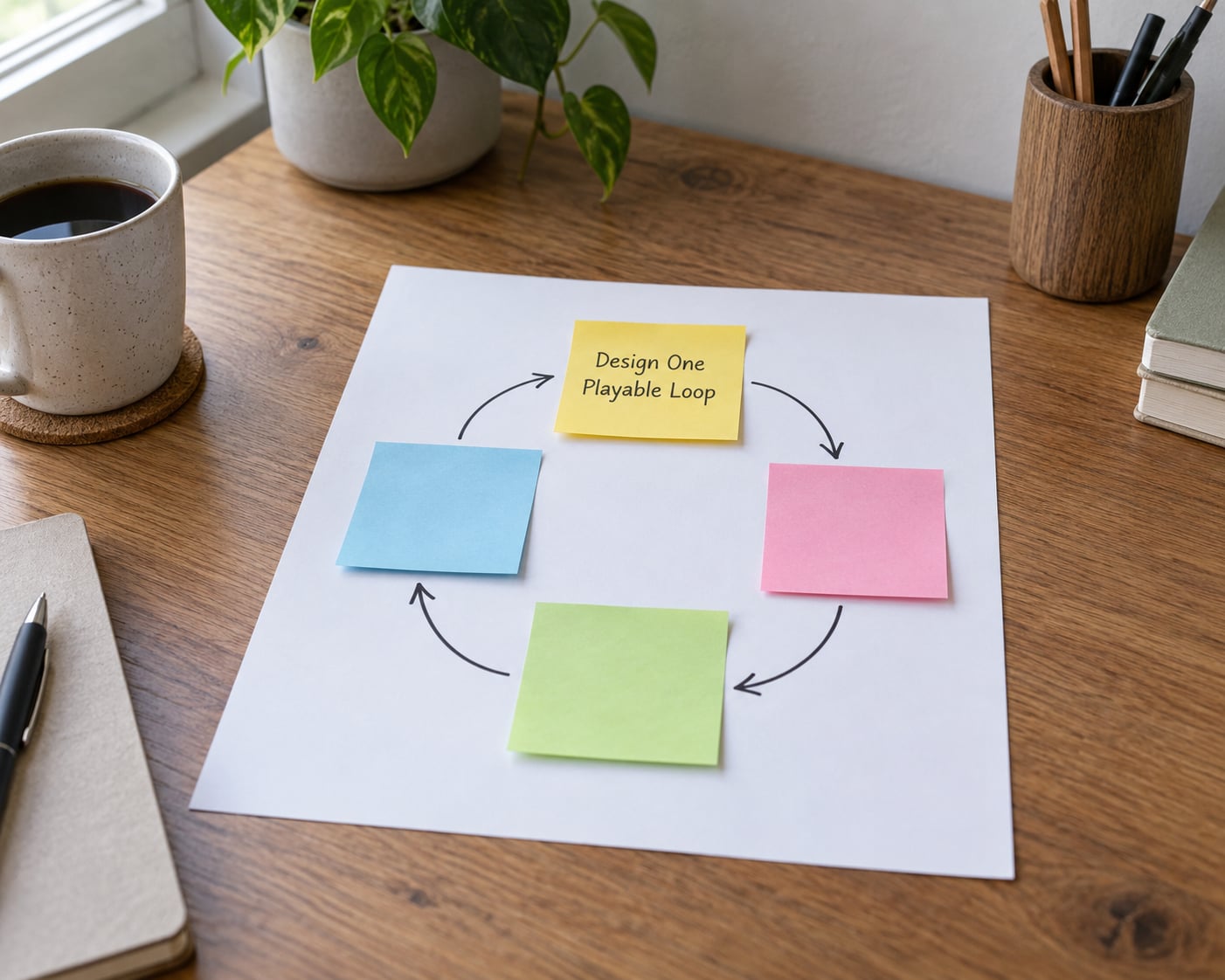
A loop is a sequence the player repeats. Move, collect, score, reset. Write yours on paper before you open the editor, and keep it to four beats.
For version one, hold everything else back: one scene, one player character, one win or lose condition. No menu, no inventory, no second level. A menu is easy to add on day two and impossible to skip on day one, because it gives you something to click when the game logic breaks.
How you know it worked: you can describe the loop in one breath and draw it on paper. If your diagram needs arrows that cross or a box labelled systems, it is too complicated for a first game.
4. Build a Tiny Vertical Slice
This is the part that actually teaches you how to start making a simple game. Build the loop end to end with the ugliest possible art. In Godot, add a CharacterBody2D as the player, a collision shape, and a script that reads input and moves it. The shape of that script is the same in almost every language:
func _physics_process(delta):
    var direction = Input.get_vector("left", "right", "up", "down")
    velocity = direction * SPEED
    move_and_slide()
Change the shape, not the idea: Python uses pygame.sprite.spritecollide(), JavaScript with Phaser uses overlap checks between sprites. The logic is identical, which is why the concept transfers between engines even when the syntax does not.
From there add the smallest working set: collision detection between the player and a target, a score variable that increases on a hit, a timer or lives counter, and a game-over state that freezes input and shows a restart prompt. That is the whole slice.
How you know it worked: a stranger can start it, lose, and get back to a fresh attempt in under three minutes without you explaining anything.
5. Add Juice Without Expanding Scope
Feel matters more than content, and most of it costs nothing but a few lines. A short beep on every hit, a particle puff where something breaks, a screen shake or a brief flash when the player takes damage, and a simple squash-and-stretch on the player sprite all make the same mechanics read as finished.
Two habits carry most of the effect: give every important action immediate feedback, and tell the player what to do without a manual. A single line of on-screen text saying arrow keys to move, space to jump saves more confusion than any tutorial.
Keep the feature list frozen. Polish means the same content with better feedback, never more content.
How you know it worked: you can point at any action the player takes and name something that visibly or audibly responds. If an action has no response, it feels broken even when it works.
6. Test the Game with Fresh Eyes
Run this checklist before you change a line: do the controls respond on first press, does the player get stuck in walls, does the score increase correctly, does game over actually trigger, does restart fully reset state, can you read the screen without sound, and is the difficulty fair for someone who has never seen it.
Then hand it to a person who does not know the rules and watch them without helping. The instinct to explain is the enemy here. Where they pause, where they press the wrong key, and where they assume a control that does not exist tells you more than twenty questions will.
If nobody nearby will play it, the beginner communities do: r/gamedev and r/SoloDev both host regular feedback threads, and game jams always need testers. A browser build is ideal for this, since it needs no install.
How you know it worked: a new player reaches the first screen, understands the goal, and finishes the loop with little or no help from you.
7. Export, Publish, and Get Feedback
Save a clean copy before you export, and name builds by version and date, like pong_v1.0_03oct. Keep one backup of the project folder somewhere separate, because exporting and editing in the same folder is how people lose a working build.
Export to desktop first, since it is the easiest thing to test on a second machine. Run the exported file, not the editor preview, because things like input focus and audio only show up in the real build. Then export to web if you want a link you can hand around.
Where it goes depends on your goal. itch.io is the default first home: free, instant, and browser-playable. Newgrounds, Game Jolt and the browser portals such as CrazyGames or Poki suit instant-play audiences. Game jams give you a deadline and an audience already waiting. Steam comes much later, after you know your build process works end to end.
When you post, include a one-line description, the controls, and one specific question. Asking what confused them beats asking whether they like it, because everybody says yes and nobody explains why.
How you know it worked: someone who has never seen your computer can play the exported build and tell you what confused them.
Common Mistakes
Feature creep. The fix is a written feature list before you start, and a rule that nothing gets added until the loop is finished. The 80/20 version of this: a core loop, input, one obstacle and a score produce most of the fun, and the rest can wait indefinitely.
Choosing an engine by popularity. Pick on your project and your experience, not on forum thread volume. Unity is a fine engine and a poor first project; Godot is a fine engine and a good one. Read a few beginner threads and the recurring theme is the same: the beginner’s problem is almost never the tool.
Using finished art too early. Nice sprites hide broken mechanics, because they make the game feel further along than it is. Build in rectangles, then swap art once, at the end.
Skipping playtests. The person who built it cannot see it clearly. Give the build to someone else before you call it done, and let them hit the walls.
Programming before planning. Writing the loop down on paper costs five minutes and saves the afternoon you lose to a design that cannot work.
Exporting only at the end. If your first export happens after the final feature, you will discover a broken build pipeline at the worst possible moment. Export a blank project in the first hour.
Three habits help more than any of the fixes above. Set a hard scope limit and write it where you will see it, keep sessions to 90 minutes so you stop while you still understand the code, and call the project done the moment the first playable version runs, before you start imagining improvements.
Frequently Asked Questions
Do I need to know how to program to make a simple game?
No. GDevelop, Construct, Scratch and MakeCode Arcade build games from visual events and drag-and-drop, so you can finish a playable game without writing code. The trade-off is real: you learn the shape of game logic but not the language itself. If you already know some programming, Godot or GameMaker will teach you more per hour spent.
What is a good first game idea for a complete beginner?
A Pong or Breakout clone is the standard answer. It needs a moving rectangle, a paddle, collision detection, a score and a game-over state, which together cover most of what any game does. Snake and a Flappy Bird clone add a little more: grid movement, spawning and timed input. Avoid anything with levels, menus or a story.
Is Godot, Unity, or GameMaker better for a first game?
Godot for 2D if you want to learn real scripting in a free professional workflow. GameMaker if you know no code and want a gentle 2D start with GML. Unity only if you specifically want C# and a larger ecosystem, since its interface adds work that a first game does not need. Switching later is possible; most people stay on the engine they learned.
How long does it take to finish a very simple game?
A Pong or Breakout clone in a beginner-friendly engine usually takes 10 to 30 hours, spread over several sessions rather than one weekend. Your first original game, where the mechanics are new to you as well, is closer to 50 to 150 hours. Beginners who budget for a month of evenings finish far more often than those planning a single marathon.
Can I make and publish a simple game in a browser?
Yes, and it is the easiest platform to share. GDevelop, Construct and Godot all export to web as a build you can host anywhere free, including itch.io, which lets people play in a browser with no install. Browser builds are also the easiest to hand to playtesters, so many beginners ship the web version first and the desktop version second.
What Should You Do First?
Write the one-sentence idea, choose one engine, and build the smallest complete loop before touching anything else. Colored shapes, one scene, one fail condition, one restart.
That is the whole answer to how to start making a simple game, and it is deliberately boring. The beginners who get something playable in a month are not the ones with more talent, they are the ones who finished something small. Finish it, let someone else play it, then start the second one.