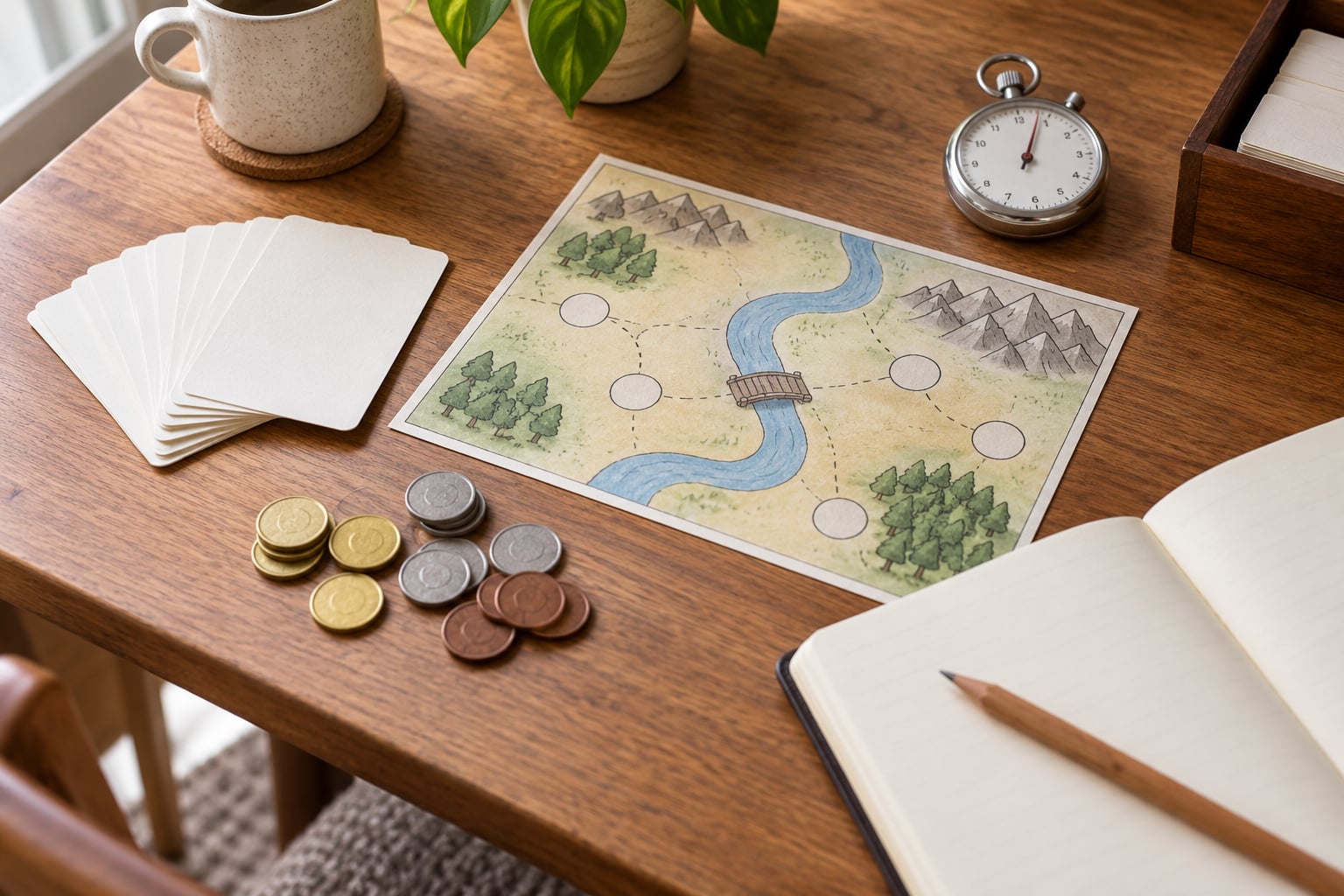
Yes, you can learn game design without coding, and the way most people learn it is by taking a game apart, rebuilding one small piece on paper, and watching another person try to play it. Programming is one way to implement a design decision, not the act of making the decision. If that sounds like the path you want, this guide walks through nine steps that move from studying the building blocks of games to sharing a finished, tested design, and none of them require you to write a line of code.
The honest part first: you will not get hired for what you know. You will get hired for what you shipped. In a thread on r/GameDevelopment, one designer who could lay out levels in Unreal wrote that recruiters kept passing over the profile because there was no finished game attached to it, and the advice that came back was consistent — stop building a world and start building three small things that actually end.
So here is the plan in plain order. Follow it top to bottom and you will finish with a tested game concept, a paper prototype someone else has played, and a short document explaining what you changed and why.
Table of Contents
- What You Need
- Step-by-Step: How to Learn Game Design Without Coding
- 1. Learn the Building Blocks of Games
- 2. Choose a Game Genre and Audience
- 3. Study Games as Systems
- 4. Design the Core Player Experience
- 5. Create Paper and Digital Prototypes
- 6. Playtest and Ask Focused Questions
- 7. Balance Rules and Game Systems
- 8. Build a Small Complete Experience
- 9. Share, Review, and Improve Your Design
- Common Mistakes
- Frequently Asked Questions
- Do I need to learn programming to become a game designer?
- What is the best way to learn game design with no experience?
- Can I make a game without coding, and which tools should I use?
- How do I build a game design portfolio without programming skills?
- Should I study one game genre or learn several different genres?
- Can someone become a professional game designer without a computer science degree?
- Conclusion
What You Need
Everything required to start is cheap, and most of it is already sitting in a drawer.
- A notebook. Paper catches what a screen loses. Use one page per design idea, dated, so you can see your own progression later.
- Index cards. Cards are your best prototyping material. A mechanic fits on one card; a whole game does not.
- Playing cards, coins or any small tokens. Ordinary objects with printed numbers work as resources, currency and damage.
- Simple drawing software. Figma for UI wireframes, Tiled for tilemaps, or a paint program such as Aseprite for placeholder art. Placeholder art only; it exists to be replaced.
- Access to games you already play. You do not need a library. Five games you have finished is a better study set than fifty you have never seen the end of.
- Two to four willing playtesters. Family, friends, a games club, a local board game night. Tell them you are testing, not pitching.
- A spreadsheet and a stopwatch. These two do more for balance work than any piece of design software.
Keep everything else optional until you need it. A tool you install and never open teaches you nothing, and forum threads are full of beginners who spent a month comparing engines instead of building.
Step-by-Step: How to Learn Game Design Without Coding
Work through these nine steps in order. Each one produces something small that the next step depends on, and skipping ahead usually means rebuilding later with more wasted work.
1. Learn the Building Blocks of Games
Every game is assembled from a small set of parts, and you can name all of them in an afternoon.
The parts are goals (what the player is trying to achieve), rules (the constraints that decide what is allowed), mechanics (the actions the player takes), feedback (what the game shows in return), progression (how things get harder or more interesting over time) and motivation (the reason a player picks the game back up). A core loop is the small cycle those parts form, repeated until the player decides to stop.
Your first exercise: take a game you know well and write those six labels on a page beside it. Fill each one in with a specific example rather than a definition. For the loop, write it as a cycle in plain words — gather, spend, resolve — and if you cannot, that game is a good one to study slowly.
A mechanic is an action a player performs, like rolling, jumping or bluffing. A rule is the boundary around it, like a limit on how many rolls a turn allows. Mixing the two up is the most common confusion in beginner writing, and separating them makes every later decision cleaner.
2. Choose a Game Genre and Audience
Pick one genre and one kind of player before you design anything else, because a design that appeals to everyone appeals to no one in particular.
Compare three genres on what they demand from a designer. A puzzle game lives or dies on clarity and a clean idea per level. A roguelike lives on run-to-run balance and variety. A narrative game lives on writing, pacing and player choice. Notice how different the skill sets are — that is the point of choosing deliberately.
Then write a single design promise: for this audience, this experience, because of this hook. “A five-minute deck-building puzzle for players who like short sessions, where every card you discard reshuffles your next hand.” If the promise takes a paragraph, it is not sharp yet.
Genre also sets your tool later. Twine and Ren’Py serve narrative work, Construct 3 and GDevelop handle 2D, and visual scripting inside Unreal or Unity covers 3D without typing code.
3. Study Games as Systems
Stop reviewing games on graphics and story alone. Review them on structure, the way you would inspect a machine you intend to repair.
For each game you analyse, write down five things: the choices a player faces, the resources those choices consume or produce, the goals the player is given, the feedback loops that reward progress, and the consequences of a bad decision. Games differ far more in these five areas than in art style.
The payoff is that you start seeing borrowed structure. A survival game gives a warning before a bad outcome. A card game makes every resource both spendable and spend-worthy. A stealth game makes information the real currency. Once you notice those patterns, you can use them in your own design — with a different shape, your own framing, and a reason a player cares.
Write one page per game, 400 words maximum. Short analysis gets finished; long analysis becomes a reading list.
4. Design the Core Player Experience
Turn a broad idea into one activity a player would happily repeat for twenty minutes.
Narrow your promise down to a single repeated act. Then define it with four parts: the action the player performs, the goal inside that action, the obstacle that makes it interesting, and the reward that makes it worth repeating. If the reward is unclear, players will feel busy without feeling progress.
Test the loop on paper in one sentence before drawing anything. “Pick a card, commit it, resolve the board, rebuild my hand.” If you cannot say it in one sentence, the loop is probably doing two jobs that should be split.
Design feedback here too. The reward needs to be visible and immediate — a number moving, a sound, a board state change. Delayed reward feels like a bug to a new player.
5. Create Paper and Digital Prototypes
A paper prototype answers one question cheaply: is the intended interaction understandable? Build for that question and nothing else.
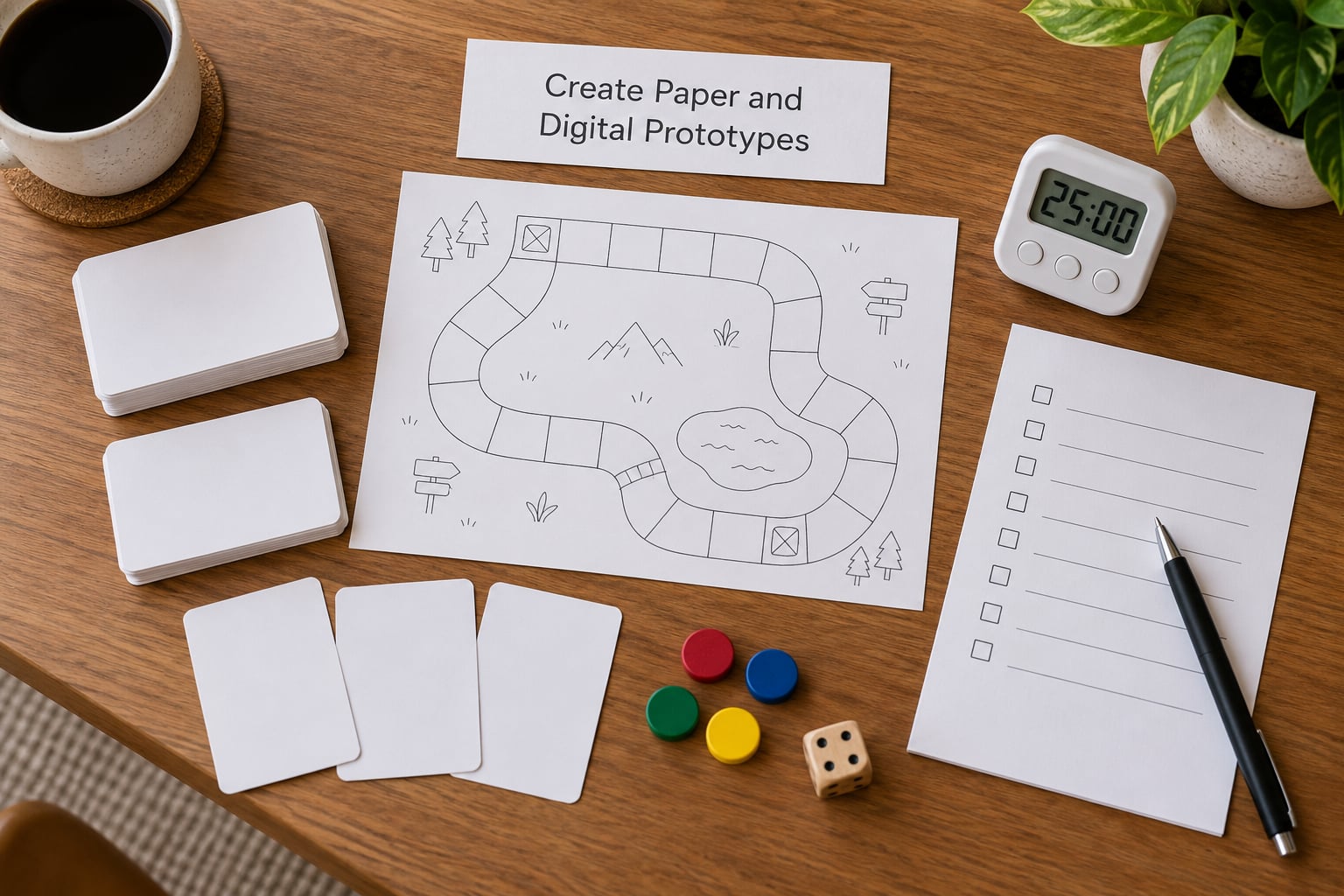
Cards work well because you can hold the whole design in two hands. Draw the state on each card, write the action on the back, and shuffle. If a turn takes longer than two minutes to understand from the cards alone, the design is too complicated for a first test.
When paper stops being enough, move to a tool that matches the job rather than the trend. Here is a practical shortlist.
| Tool | Best for | Learning curve | Runs on |
|---|---|---|---|
| Twine | Interactive fiction and branching narrative | Very low, plain text passages and links | Any browser |
| Bitsy | Tiny puzzle and adventure games | Low, tile-based and small in scope | Any browser |
| Construct 3 | 2D games of almost any genre | Moderate, event sheets and behaviours | Browser, exports to desktop and mobile |
| GDevelop | 2D and light 2.5D with no code at all | Low to moderate, events and conditions | Browser, exports to desktop and mobile |
| GameMaker | 2D action games with room for depth | Moderate, drag-and-drop plus optional GML | Desktop, mobile and console exports |
| RPG Maker | Turn-based RPGs and top-down adventures | Low, database-driven with event commands | Desktop and web |
| Unreal Engine Blueprints | 3D games and level work | Steep, but the visual graph teaches real logic | Desktop, console and mobile |
| Unity Visual Scripting | 2D and 3D projects in a large ecosystem | Steep, node graphs plus the Unity editor | Desktop, console, mobile and web |
Twine, Ren’Py and Bitsy are not full engines; they are narrative and puzzle builders. That is a feature, not a limitation, because a finished 20-minute story teaches more about structure than an unfinished 3D sandbox.
Write a short design document before building. One page is enough: the promise, the core loop sentence, the win and lose conditions, and a list of what is deliberately out of scope. That last list prevents the scope creep that eats small projects alive.
6. Playtest and Ask Focused Questions
Playtesting is a repeatable routine, and it is the single skill that separates designers from people who design in their head.
Explain the goal in one sentence, then stop talking. Coaching during a test destroys the data you are trying to collect. Watch what the player does, not what they say they will do — people describe an intended strategy and then execute a completely different one. Write down every hesitation and every question they asked out loud, because those moments mark exactly where your design is unclear.
After each round, ask: what did you think would happen, and what actually happened? What did you expect to get from that action? Where did you stop and think about what to do next? Those answers separate a design problem from a rules problem, which is a distinction worth learning early.
Keep sessions short, 15 to 20 minutes, and change one thing between tests. Three testers will find more than ten if you record what each of them actually did.
7. Balance Rules and Game Systems
Balance is guesswork turned into arithmetic, and a spreadsheet is enough to do it well.
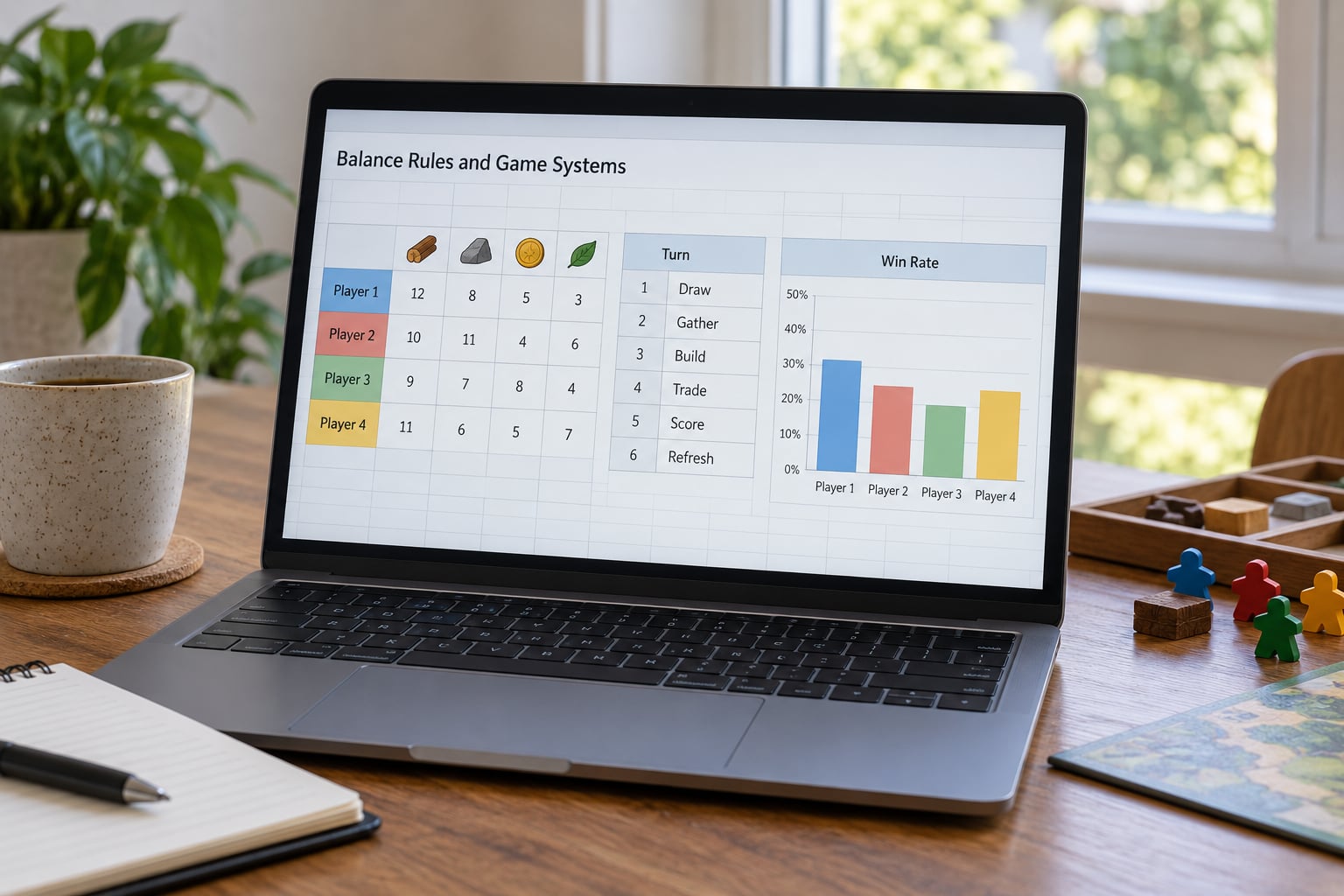
Start with resource limits. If a resource has no cost, players accumulate it without pressure; if it costs too much, every choice becomes the same choice. List every resource, its cost, what it buys and what it saves, then look for a resource that is never useful — that is dead weight, and it is usually the cause of a dull mid-game.
Test turn structure next. Play twenty turns of a paper version and note what a strong turn looks like. If only one move is ever correct, there is no decision, and no decision means no interest.
Then look for degenerate strategies, the single action that wins regardless of what the opponent does. Sketch the situation on paper and ask what beats it. Add a cost, a limit or a counter-play. Finally, plot difficulty against attempt number to see whether the curve rises the way you intended.
8. Build a Small Complete Experience
One finished short game teaches more than five unfinished systems, because completion is what lets you judge pacing.
Scope a project with a clear beginning, one rising challenge, a climax and an ending, and put a hard cap on features. A 15-minute puzzle game, a 20-minute narrative or a single-level action challenge all count. Write down the cap before you build, and honour it even when an idea is more exciting than the one you promised yourself.
Pacing is the skill this stage teaches. Where does the player’s attention dip? Does the difficulty spike arrive before the player has learned the basic verb? You cannot see any of that in an unfinished build, because an unfinished build never gives anyone the payoff that a pacing problem hides behind.
Publish it. A browser link, an itch.io page or a build you send to three people is enough. Shipping is a skill with its own bad habits, and you only fix those by finishing.
9. Share, Review, and Improve Your Design
Every finished version should produce a version two, and the review that produces it should be structured rather than emotional.
Write a short post-mortem the day you finish: what you set out to do, what you built, what surprised you, and the single change you would make first. Include the number of playtesters and how long each session ran. That last habit is what separates design writing from fan commentary, and it is the detail reviewers notice.
Collect feedback in three columns — what confused people, what delighted them, what they ignored. Confusing items are usually clarity problems, delightful items tell you what to expand, ignored items are your strongest signal that something you built has no reason to exist.
Then pick the one highest-impact problem, fix only that, and retest. Change one variable at a time, because two changes at once produce a result you cannot read. Share the new build with the same people who tested the first one, since they can tell you whether your fix actually worked.
Designers in r/gamedesign repeatedly say the same thing about getting started: what persuades them is being able to explain a decision out loud and defend it. Keeping a post-mortem for every build is how you learn to do that without bluffing.
Common Mistakes
Almost every beginner trap has a cheap fix, and you will usually recognise one from the moment you read it.
Overdesign
The cure is a written scope cap. List the features your project needs to be complete, mark everything else as a later idea, and refuse to add to the list until the current version has been played by someone else.
Copying an existing game
Borrowing structure is fine; copying an identity is not. Take the pattern that works — a resource that doubles as a liability, a boss that punishes the same trick twice — and give it a different framing so the result is your own design.
Confusing features with fun
A longer game with more options is not automatically a better one. Ask whether each feature changes a decision a player has to make; if it only adds content to watch, it is length, not depth.
Explaining instead of testing
You cannot debug a design by talking about it. Write your design down, hand it to someone who has never seen it, and let them fail without rescue.
Changing too many variables at once
Fixing the difficulty curve, the tutorial and the art in one pass gives you an unreadable result. Change one thing per test, and keep a short note of what changed and what happened.
Designing for imagined players
You are not your audience. If your playtesters keep misreading an obvious instruction, your assumption was wrong, not them — and you will never find that out without handing the design over.
Polishing before the core loop is proven
Art passes come last. Confirm the loop is fun with placeholder shapes, because a beautifully art-directed game with a dull loop is the more expensive disappointment.
Career tips that take weeks, not years
You need no programming to enter the field, but you do need evidence. Ship three projects at rising complexity — a paper prototype, a Twine or Construct browser game, and one polished itch.io build — and write a short analysis for each.
Learn enough programming literacy to read a script and ask a good question, which is a different skill from writing one. Names worth recognising: loops, variables, conditions, events, state and collision detection. On a team you will be asked about all six.
Take part in a game jam. Short deadlines and strangers force iteration, which is the skill most lacking in hobby projects and the one studios test for in interviews. Then pair with a programmer rather than trying to replace one; in the self-taught world, you bring the design and they bring the code, and that division works well.
Frequently Asked Questions
Do I need to learn programming to become a game designer?
No. Programming is one way to implement a design decision, not the decision itself. Level, narrative, systems, UI and game art roles are defined by design judgment rather than syntax. Learning to read a script and ask a precise question helps you on a team, but shipping projects matters far more than typing code.
What is the best way to learn game design with no experience?
Analyse a game you already know, then rebuild one of its mechanics on paper and test it with another person. That loop, study, rebuild, test, analyse, teaches more than any engine tutorial. Once you have done it twice, open a tool like Twine, Construct or GDevelop and build a short game that actually ends.
Can I make a game without coding, and which tools should I use?
Yes. Twine and Ren’Py handle narrative and interactive fiction, Construct 3 and GDevelop cover most 2D genres with event sheets and visual logic, GameMaker suits 2D action, and RPG Maker covers turn-based adventures. Unreal Blueprints and Unity Visual Scripting build 3D visually. Match the tool to the genre you chose, not the one that is trending.
How do I build a game design portfolio without programming skills?
Ship three projects at rising complexity and write about each one. A paper prototype with test notes, a browser-based Twine or Construct game, and a polished itch.io build show range. Add a short analysis of another game you studied well. Recruiters screen for finished work and defended decisions, not for tool lists.
Should I study one game genre or learn several different genres?
Start with one genre and go deep for three or four months, because a single genre teaches a complete skill set. Once you can build and test a small game in it, branch out deliberately by studying how one or two other genres structure their loops. Shallow knowledge across five genres tends to leave you unable to finish anything.
Can someone become a professional game designer without a computer science degree?
Yes. Studios hire on demonstrated design ability and shipped work far more often than on credentials. A degree gives structure, contacts and studio placement, which is genuinely useful, but a portfolio of three finished games with written design rationale covers the same ground. Age matters far less than whether you have something playable to show.
Conclusion
Do one thing this week: choose a game you already love, write down its core loop in a single sentence, and build a paper version of one turn of it. Then hand it to one other person, say nothing, and watch what they do.
That single session covers most of what this guide describes. You will learn how to learn game design without coding faster than any course, because the loop you repeat from here — study, prototype, playtest, revise, finish, ship — is the whole job. Once your second test is better than your first, you have something most beginners never get: evidence that you can design.